
Slide Voiceovers
Turn Your Deck Into a Narrated Video
Upload a PowerPoint, Keynote, or PDF slide deck and Jellypod adds an AI voiceover, turning your presentation into a narrated video with a script and voice synced to every slide.
- PPTX
- KEY
From a Static Deck to a Narrated Video
Upload a slide deck and Jellypod writes the script, adds an AI voiceover in your host's voice, and times every slide to the narration. No recording, no editing timeline to assemble by hand.
How to add a voiceover to your slides
Slide Voiceovers turn a slide deck into a narrated video. Upload a PowerPoint, Keynote, or PDF presentation, pick one of your hosts as the narrator, and Jellypod writes a script from your slides, generates the narration in that voice, and assembles a video where each slide is timed to the words spoken over it. There is nothing to record and no editing timeline to assemble by hand.
Because Jellypod reads the whole deck at once, the script flows as one continuous narration across slide boundaries instead of a set of disconnected per-slide blurbs. The finished video opens as a normal episode, so you get the full script and timeline editors to rewrite the narration, regenerate audio, adjust slide timing, and download the MP4 when it is ready.
Start from your own deck
Upload a PowerPoint, Keynote, or PDF presentation. Jellypod reads every slide, no rebuilding required.
Narrated in a real voice
Pick any of your hosts and Jellypod writes a script and generates the narration in that voice.
Synced to every slide
Each slide stays on screen while it is being talked about, timed to the narration automatically.
Editable like any episode
Open the result in the full script and timeline editors to adjust the narration, audio, and timing before you download.
Every feature works together
Jellypod is a complete end-to-end workflow, from source to published episodes on every platform. Here are a few other features that pair naturally:
Magic Video
Add synchronized visuals to any episode: AI-generated images, slides, captions, and audiograms, with no editing required.
Learn more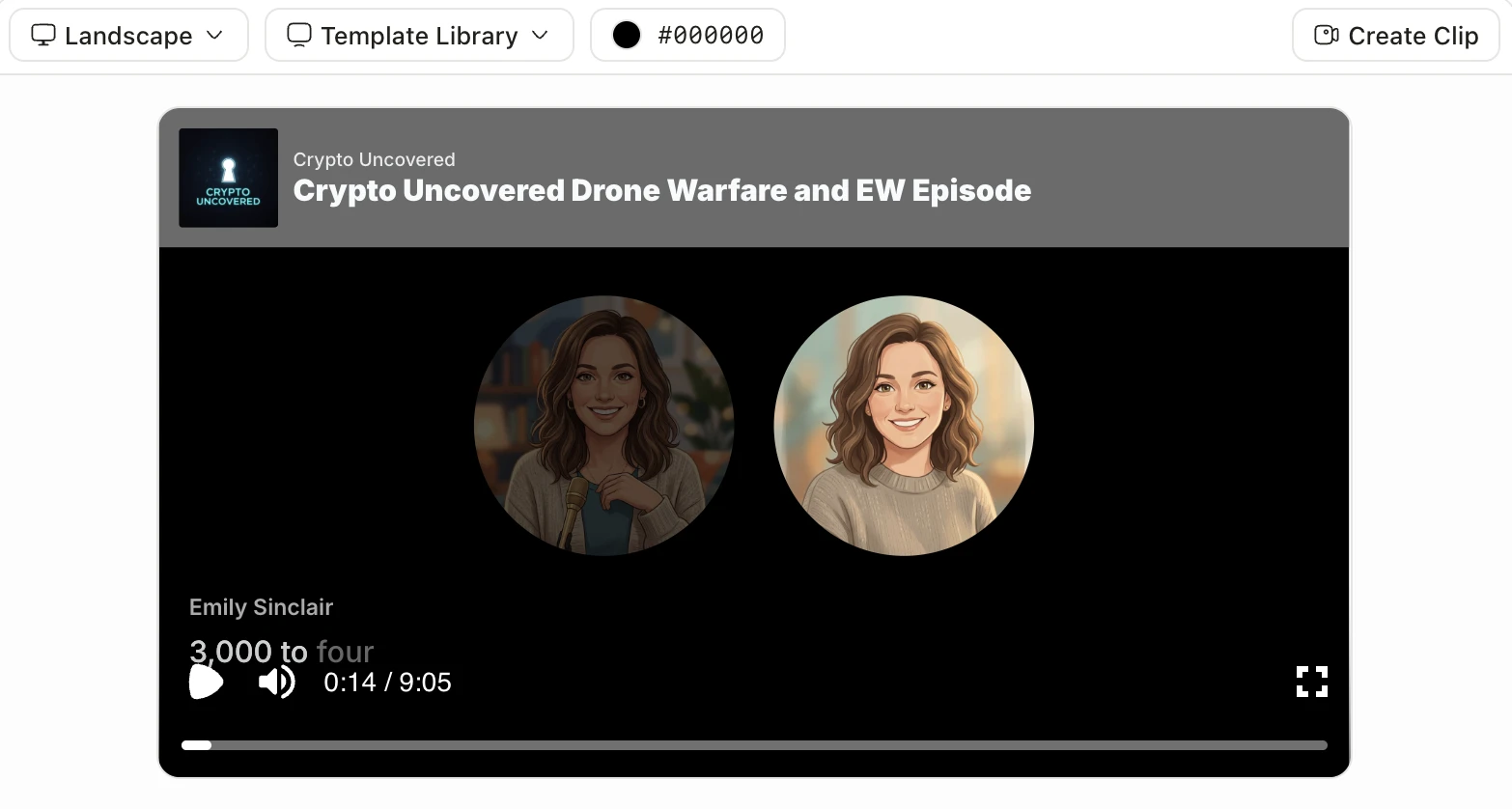
Social Clips
Turn the best moments of any episode into platform-ready clips for TikTok, Reels, Shorts, and email.
Learn moreCreate Clip
Sources & File Uploads
Drop in PDFs, slides, newsletters, or a YouTube link and generate a realistic, conversational episode grounded in your knowledge.
Learn moreAdd Sources
Drag & drop PDFs, docs, slides, audio, and more
Stories from our customers
See how real-world educators, clinicians, and teams across every field leverage Jellypod to transform their work.

How Busylike turns its marketing blog into two branded podcasts and a B2B lead channel.
Read story
How an Ohio State MBA professor turns dense lectures into episodes his students actually finish.
Read story
How Kaishan USA turns technical product knowledge into SEO optimized podcasts.
Read story
How KU Leuven turns peer-reviewed medical research into podcasts clinicians actually hear.
Read story
How Johns Hopkins alumni relations scaled one expert voice without hiring a producer.
Read story
How a practicing psychiatrist reached thousands of patients hungry for real mental health answers.
Read story
How a psychology professor turned her research into a published show in minutes.
Read story
How the Covation Center gave its artists a branded podcast with full creative control.
Read story
How Advancer's founder ships more content in less time without a studio or editor.
Read story
How 3 Rivers Energy launched a company podcast without standing up a media team.
Read storyFrequently asked questions
Your questions answered.
Ready to create your podcast?
Go from idea to published episode in minutes. No recording, editing, or experience required.