


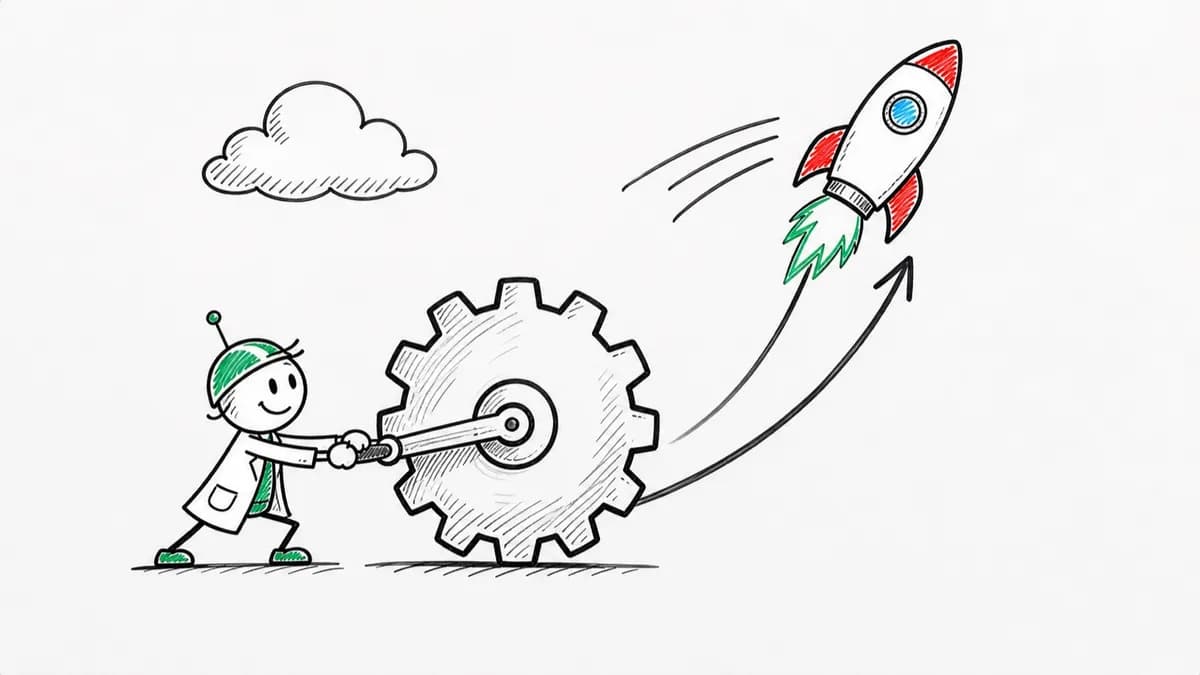
Whiteboard Explainer
Dry-erase marker scenes that draw in stroke by stroke, like a teacher sketching while talking.
See whiteboard explainer videos


Trusted by 100K+ creators
Turn a PDF, deck, link, or prompt into a narrated, illustrated explainer with word-synced captions. 16 styles, 3 to 25 minutes.
Start free with 500 credits. No credit card required. Paid plans include a 7-day free trial.
4.6out of 5 on G2












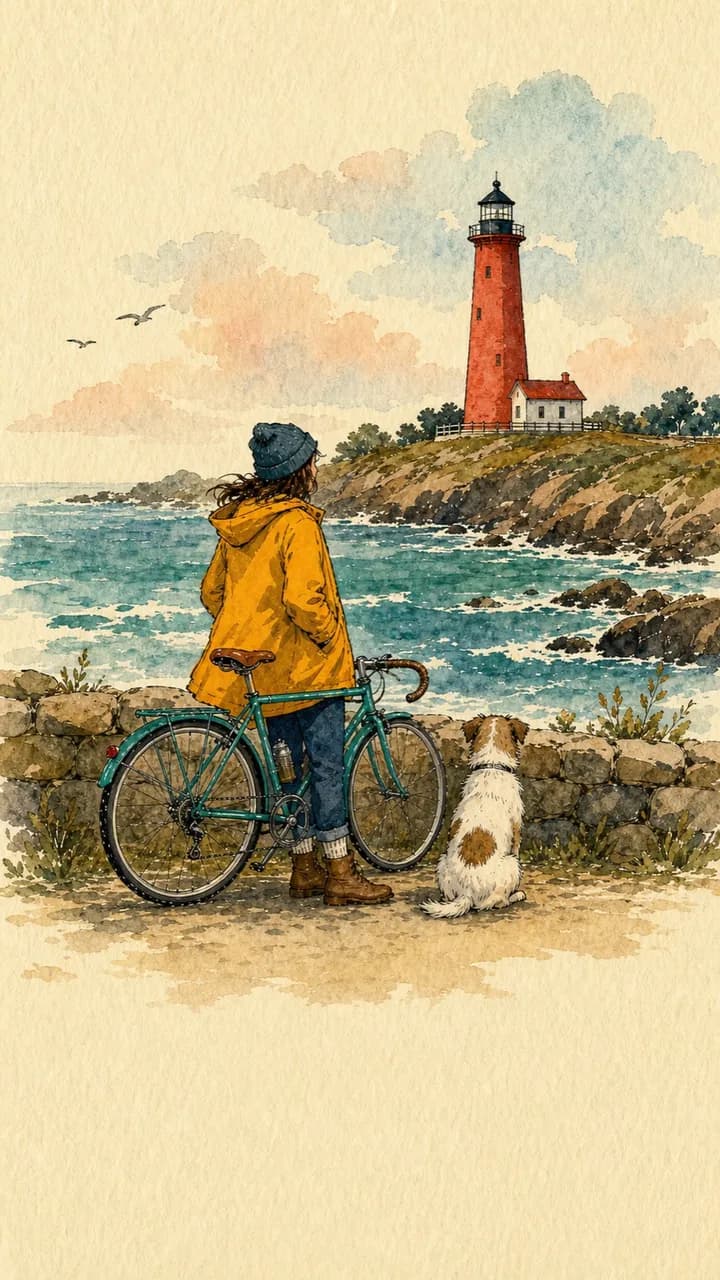

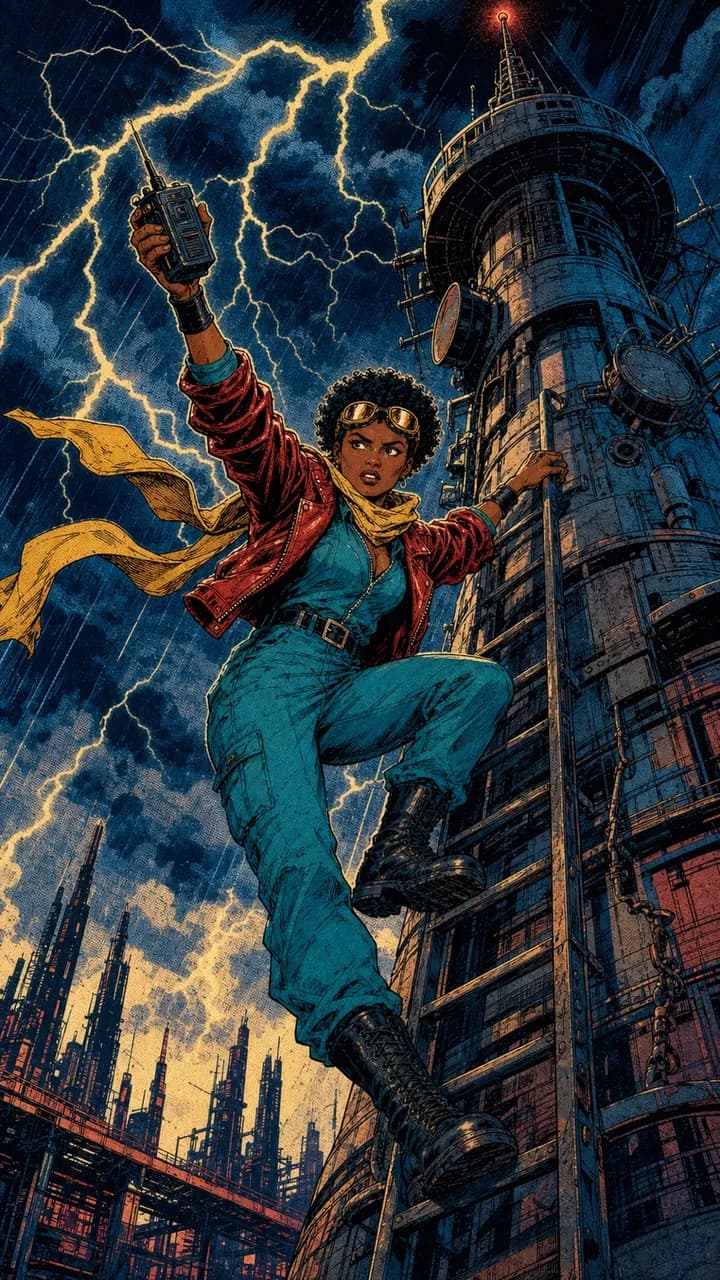



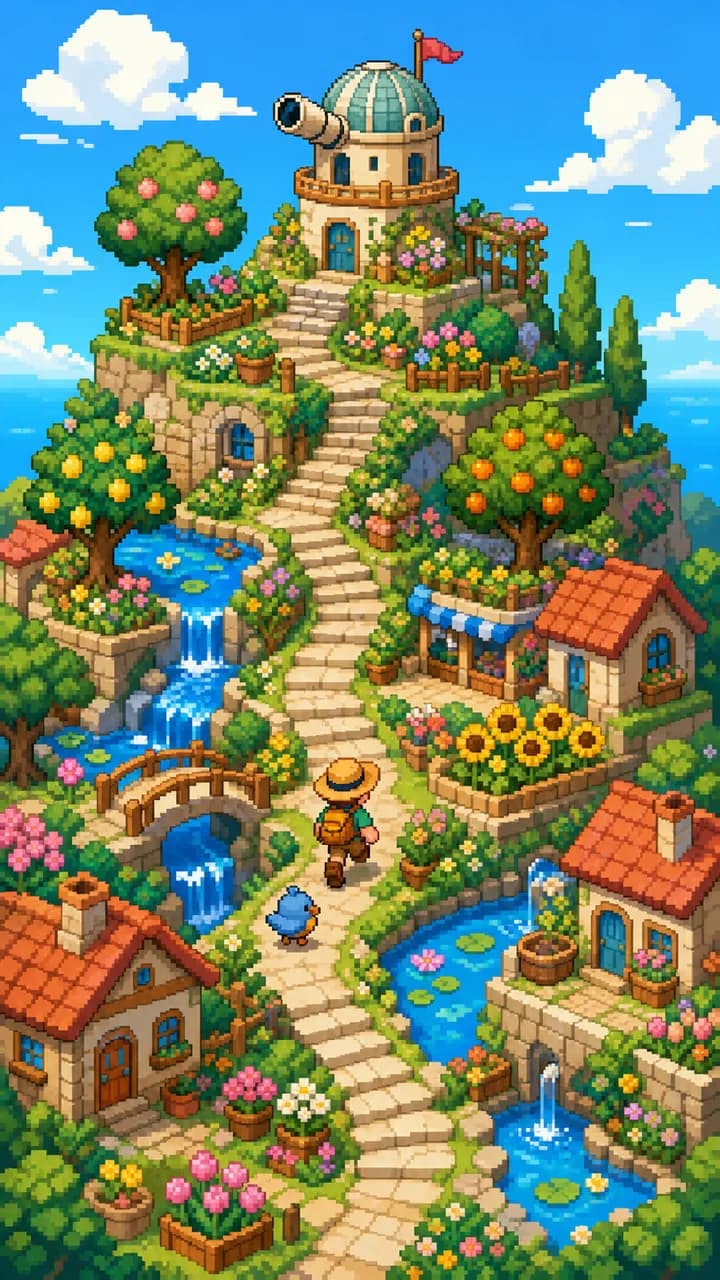


Jellypod reads your source, writes the narration, and draws a scene for each beat. Sales teams send it as a leave-behind. Educators assign it as a lesson. L&D teams replace a written SOP with it.
Want your own pages on screen? Use voiceovers. Vertical and under a minute? Make a short.
Step 01
Step 02
Step 03
Learn more

Jellypod draws each scene for the line being spoken, in styles from whiteboard marker to claymation, and animates up to 10 of them. Apply a brand kit to keep colors and logo on brand, or preview every style below.
Cast one narrator for a lesson, or up to four characters for a conversation, in any of 121 languages. Use a library voice or your own voice clone.
Captions track every spoken word, in a caption look you choose, so the video works on mute. Change a line and only that audio regenerates. Redo one visual with a note, or swap in your own. Starting from something else? Try script to video or URL to video.
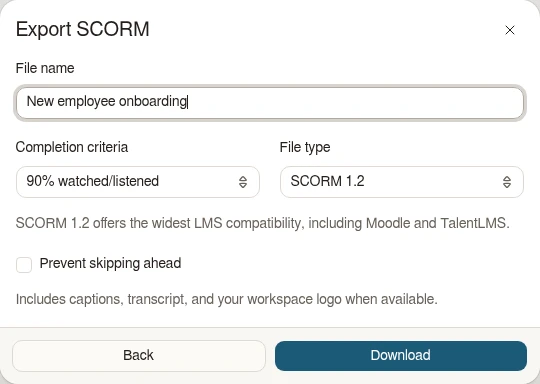
On Business and Enterprise, export your training video as a SCORM 1.2 or SCORM 2004 4th Edition ZIP. Upload it to your LMS to track playback completion and let learners resume where they left off. See SCORM export for settings and LMS version guidance.
It's not about replacing lectures. It's about reinforcing the arc of learning in the moments students actually have.
 Steve DeNunzioMBA ProfessorThe Ohio State University
If you are already investing in content marketing, Jellypod is a must-have to integrate into your strategy.
 Vadi EfeFounderBusylike
It's a digital version of myself and a way to amplify [my voice] without having to hire another employee.
 Boi CarpenterVP Alumni RelationsJohns Hopkins University
It enables us to make podcasts of peer-reviewed medical papers that nobody, until now, was going to read.
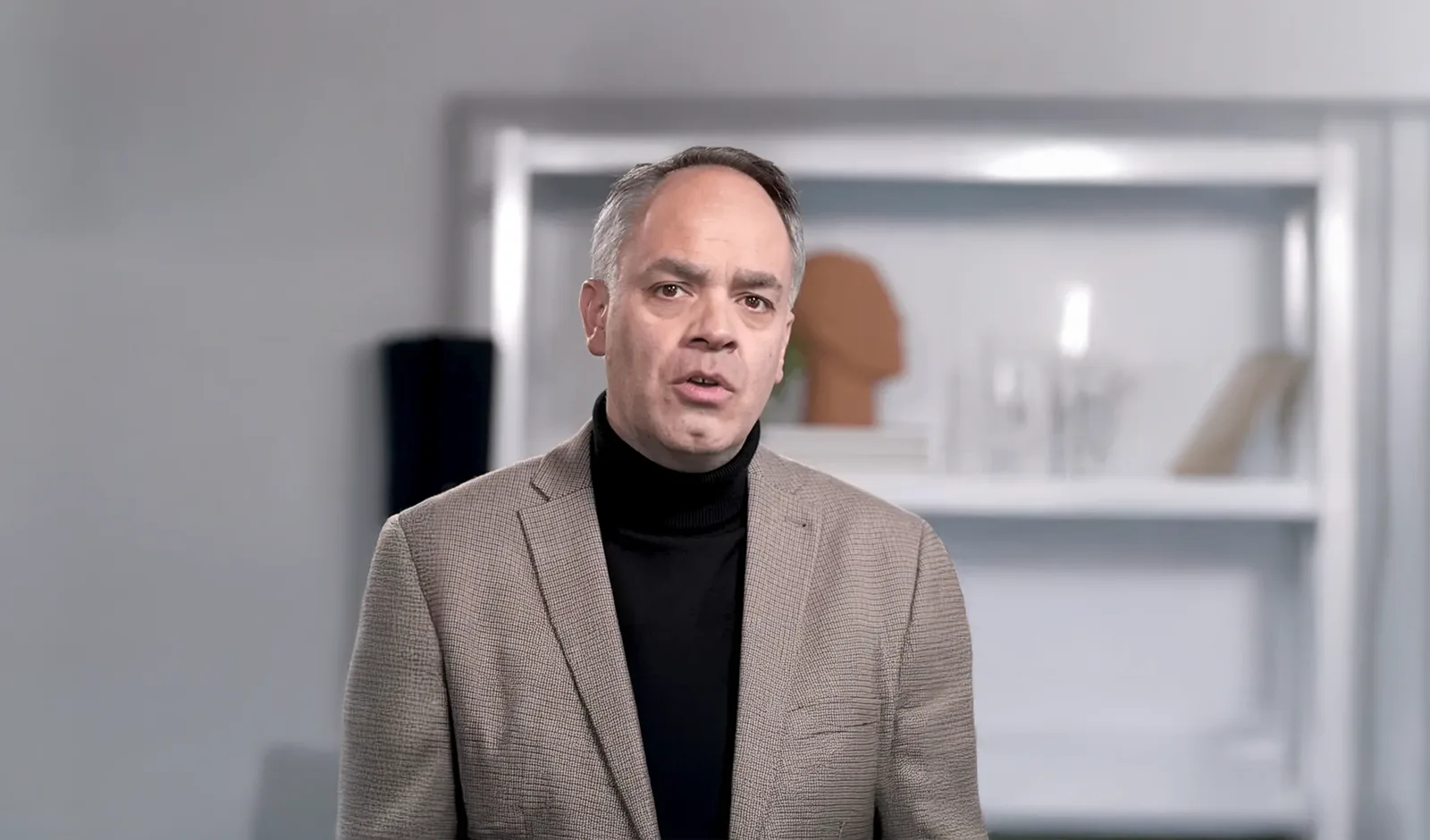 Kris VanhaechtProfessor of MedicineKU Leuven
Hover a style to watch a real render. Open it for a full example.
Dry-erase marker scenes that draw in stroke by stroke, like a teacher sketching while talking.
See whiteboard explainer videos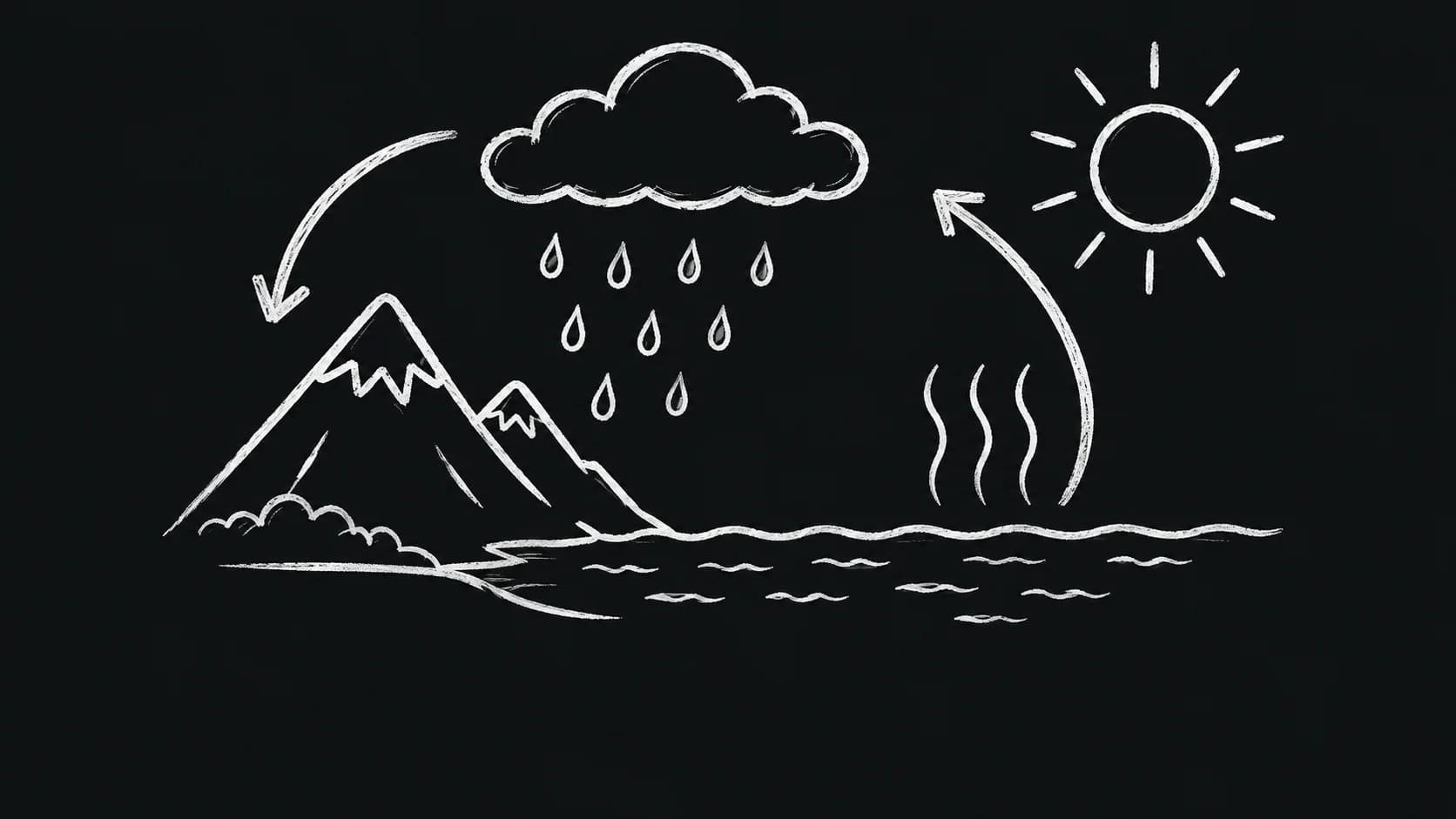
White chalk drawings on near-black, with subtle stroke texture and handwritten captions.
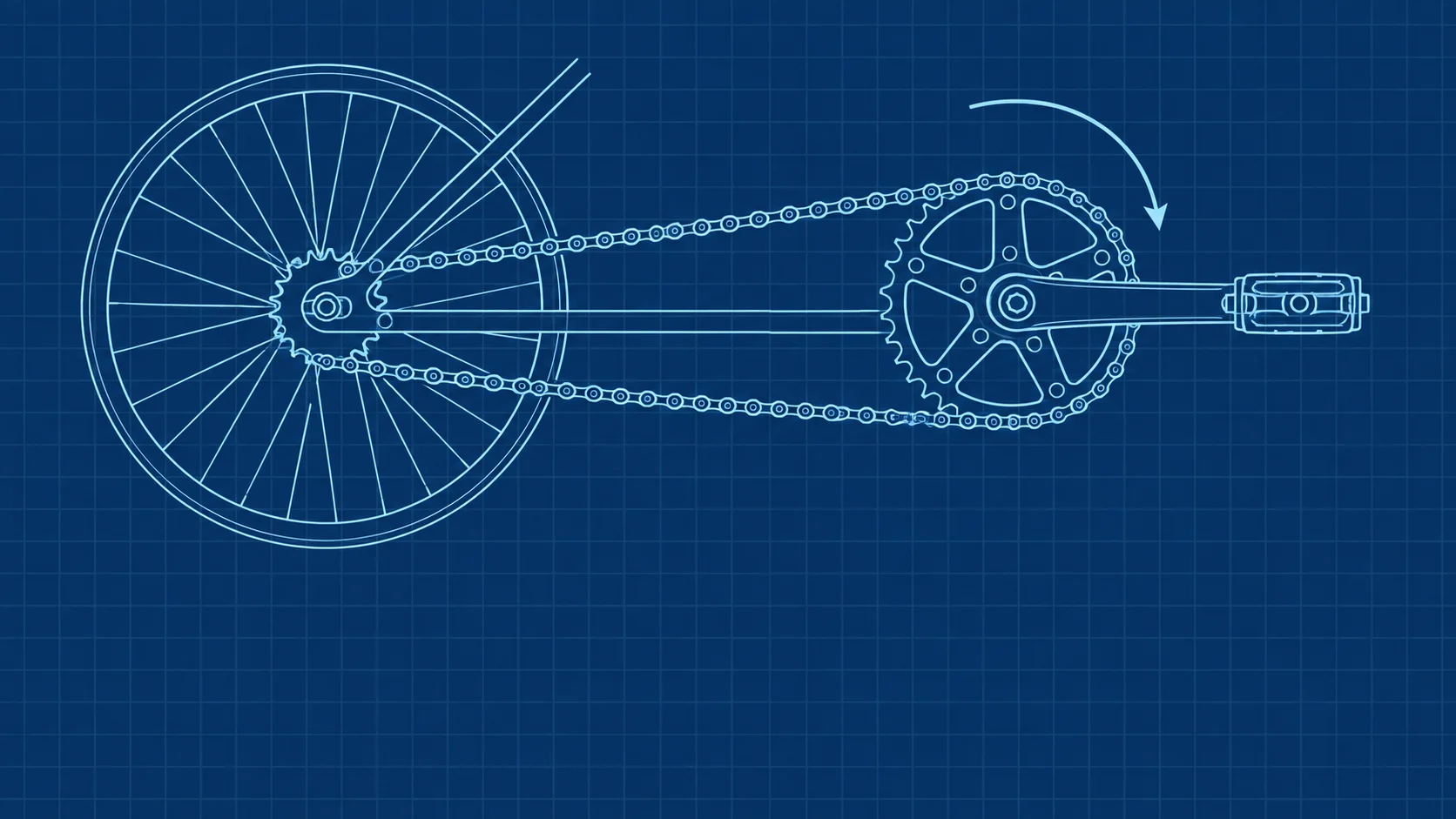
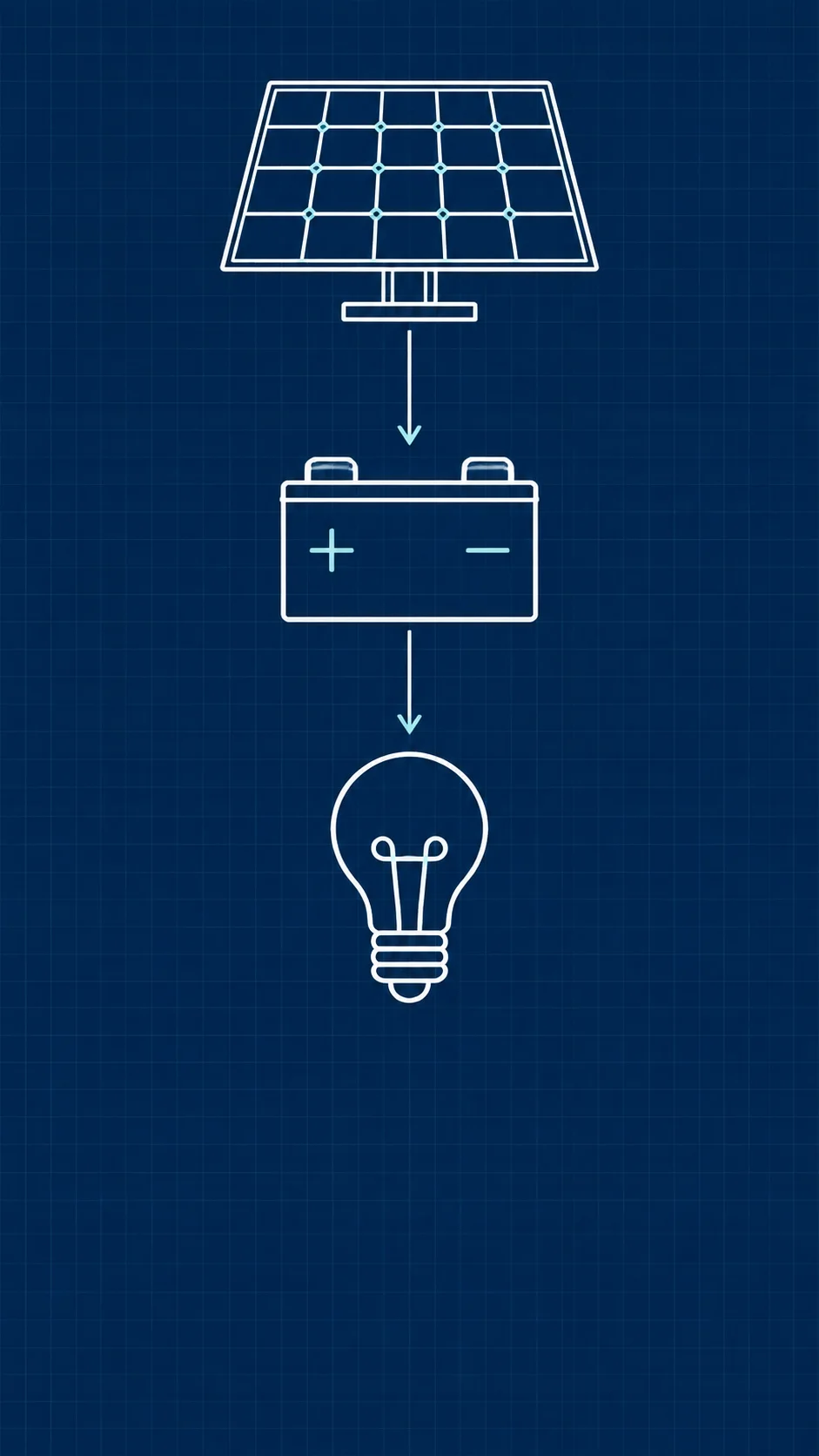
White and cyan schematic drawings on deep blue with a subtle stationary grid.
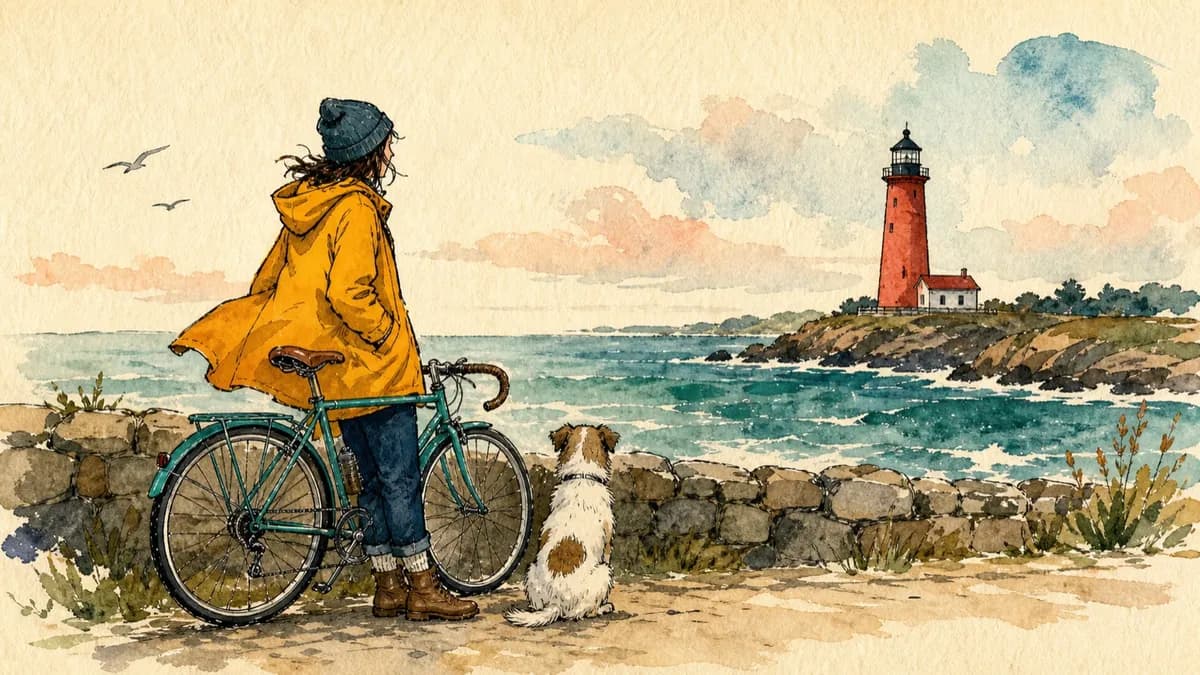
Bold editorial illustrations with thick ink outlines and loose watercolor fills on warm paper.
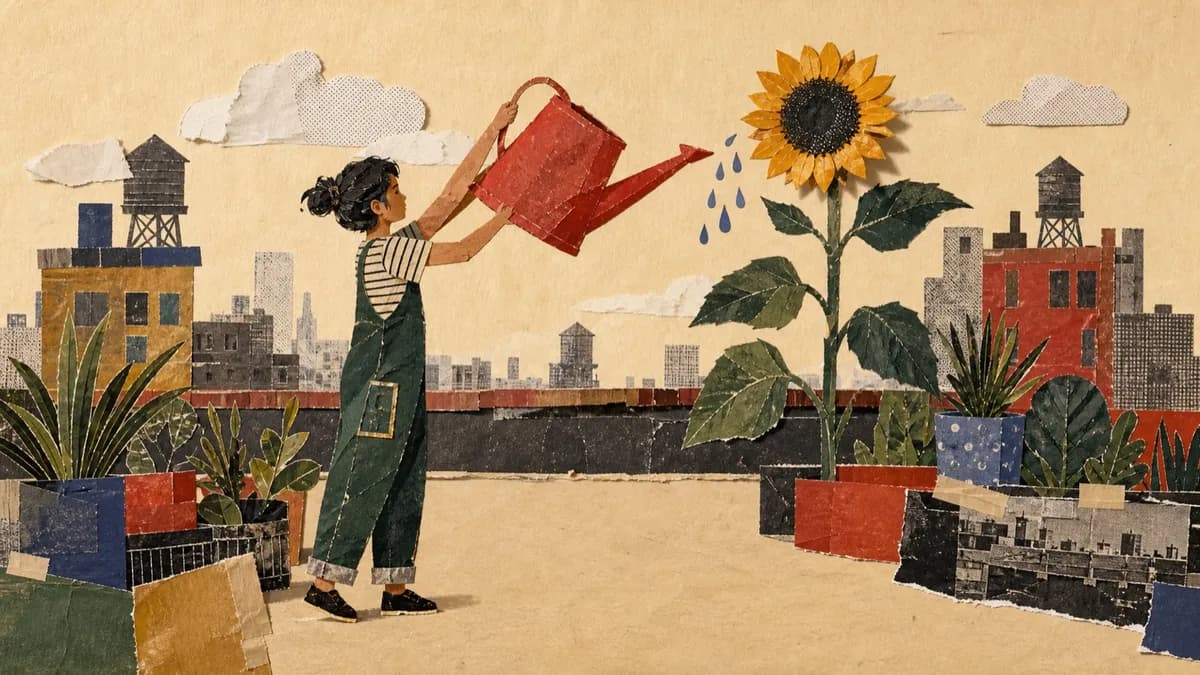
Layered cut-paper collages with archival photographs, screen-printed textures, and torn edges.
See paper cutout explainers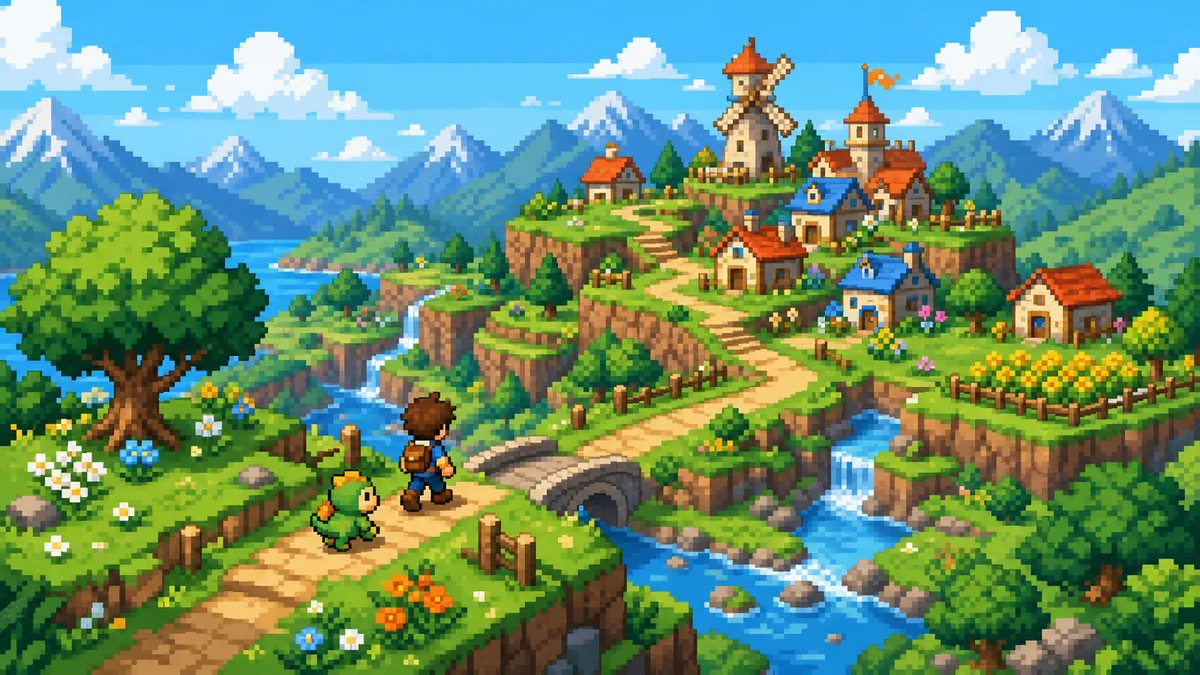
Bright adventure dioramas on a crisp square-pixel grid with short stepped character actions.
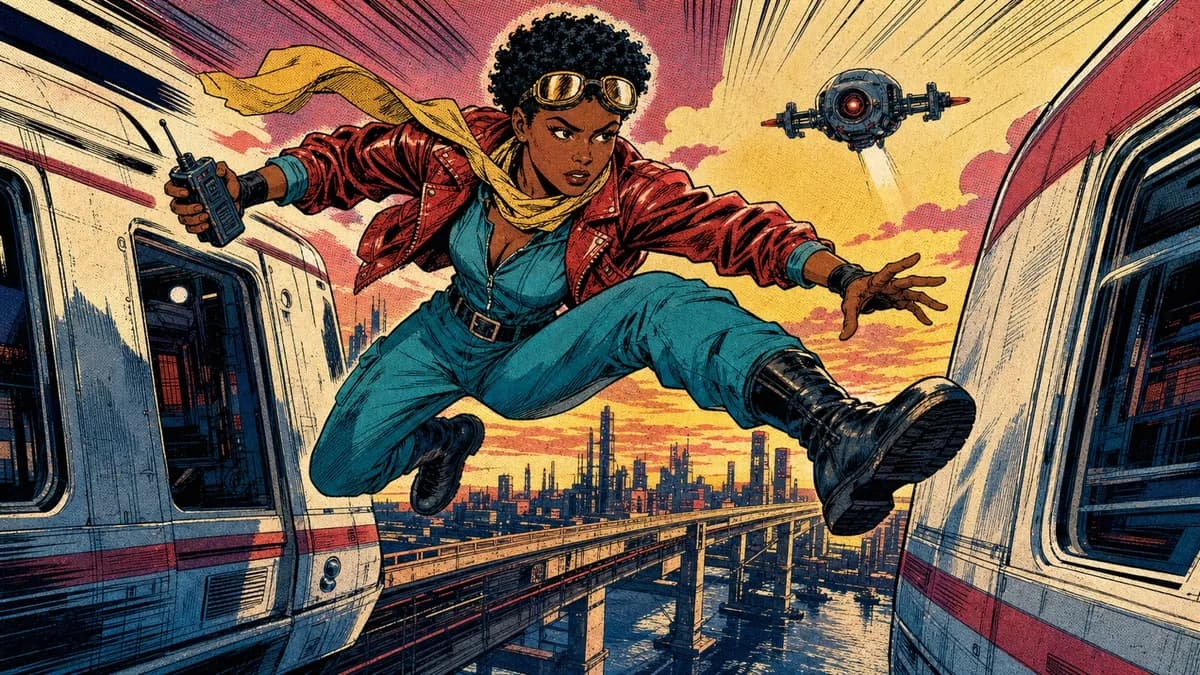
1980s newsstand panels with heavy black ink, flat CMYK color, and Ben-Day dots.
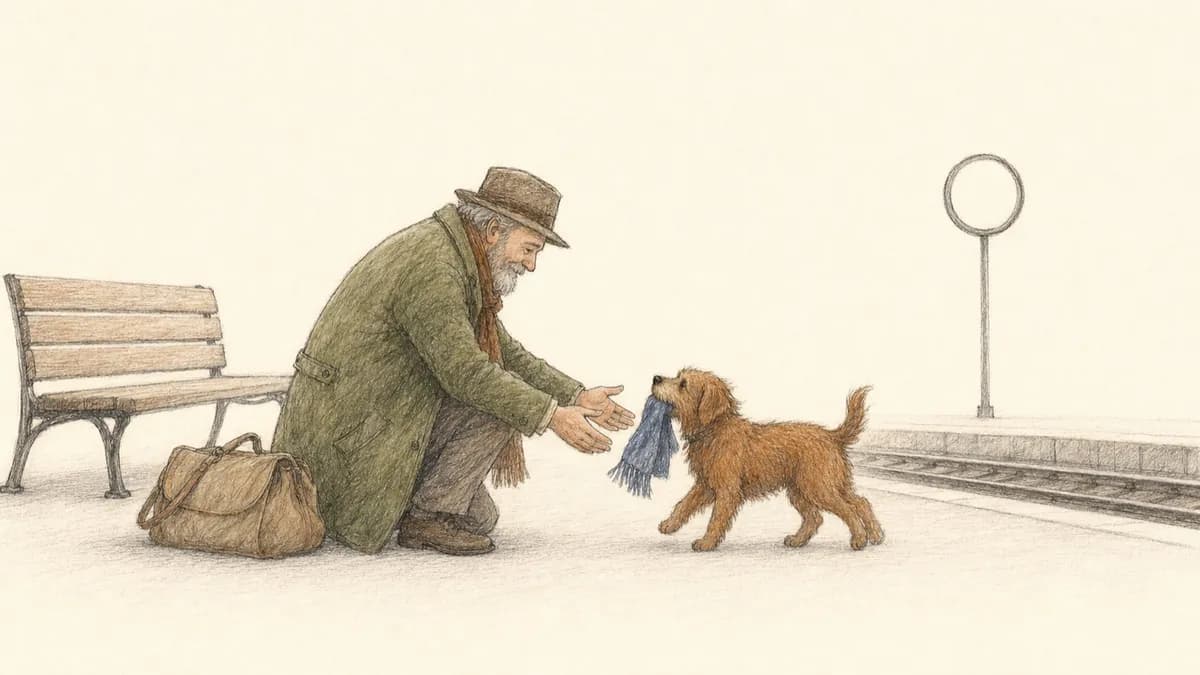
Quiet storybook scenes in fine pen and graphite with sparse colored-pencil fills.
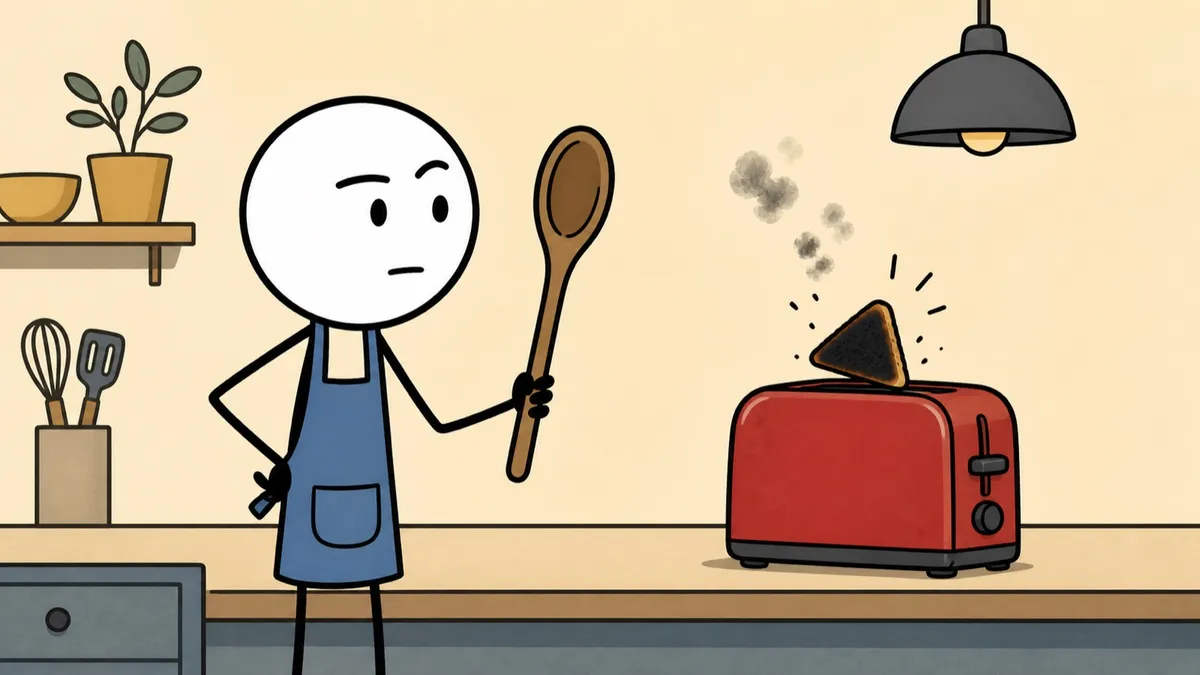
Deadpan stick-figure cartoons with thick black outlines and flat muted color.
See stickman animation videos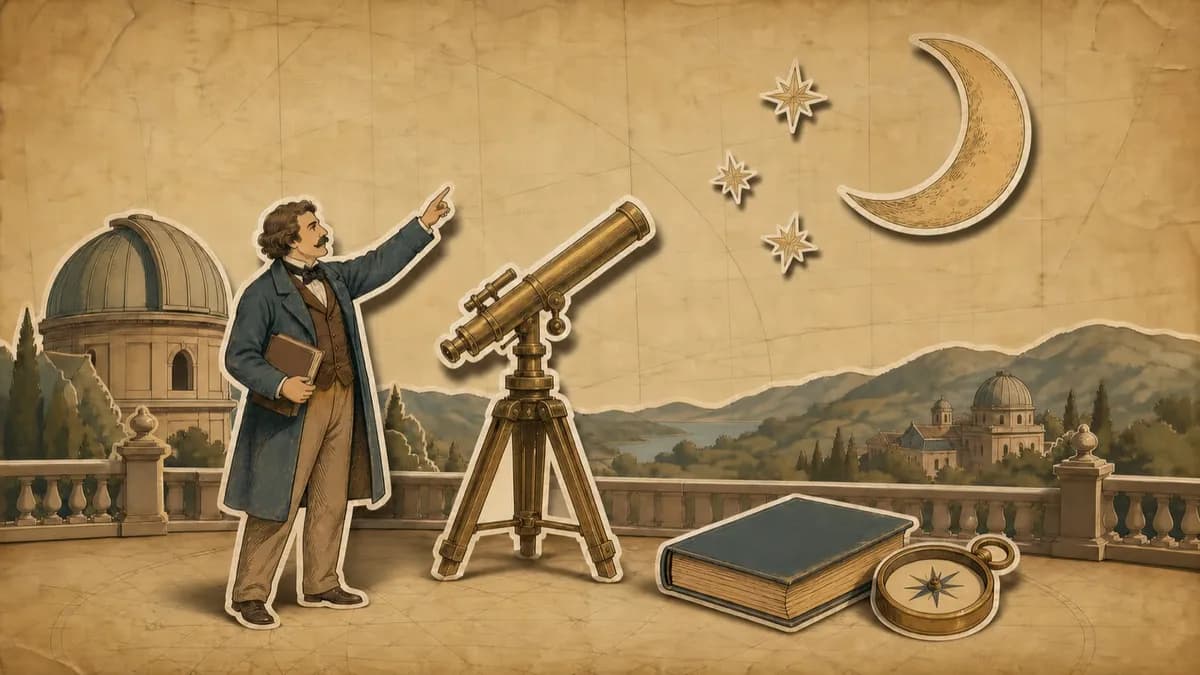
Hand-drawn paper cutouts on aged parchment with an earthy, documentary-style palette.
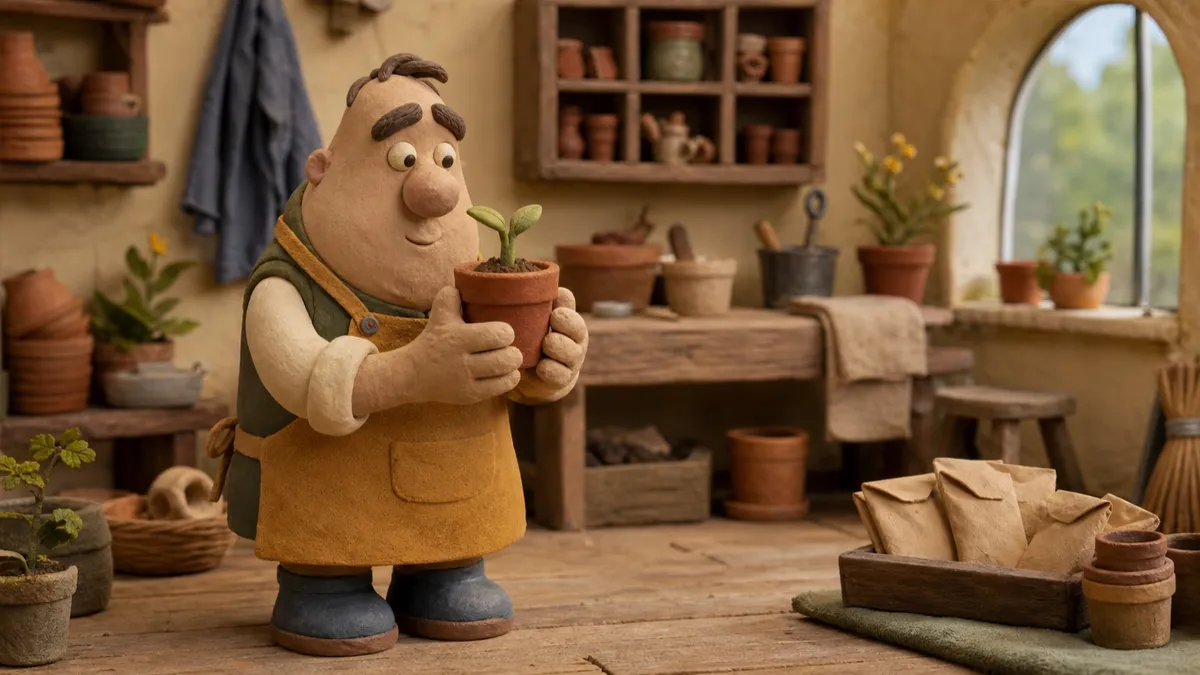
Plasticine caricatures performing in miniature sets with a stepped stop-motion cadence.
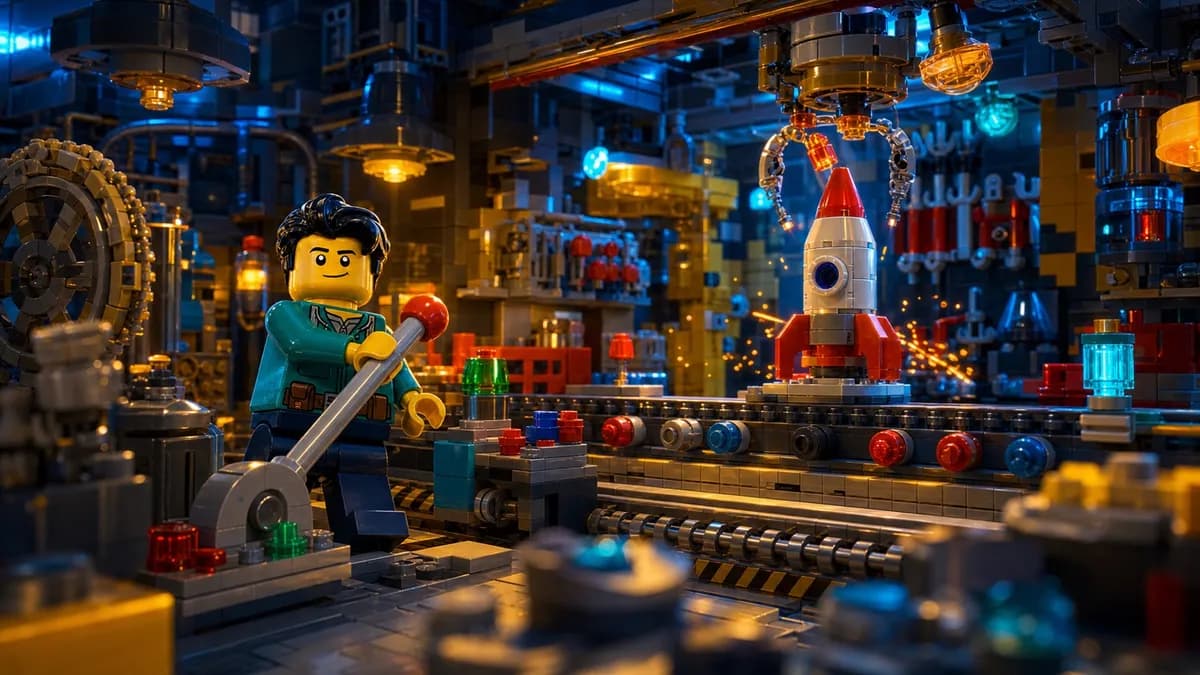
Cinematic dioramas built from interlocking toy bricks with feature-film lighting.
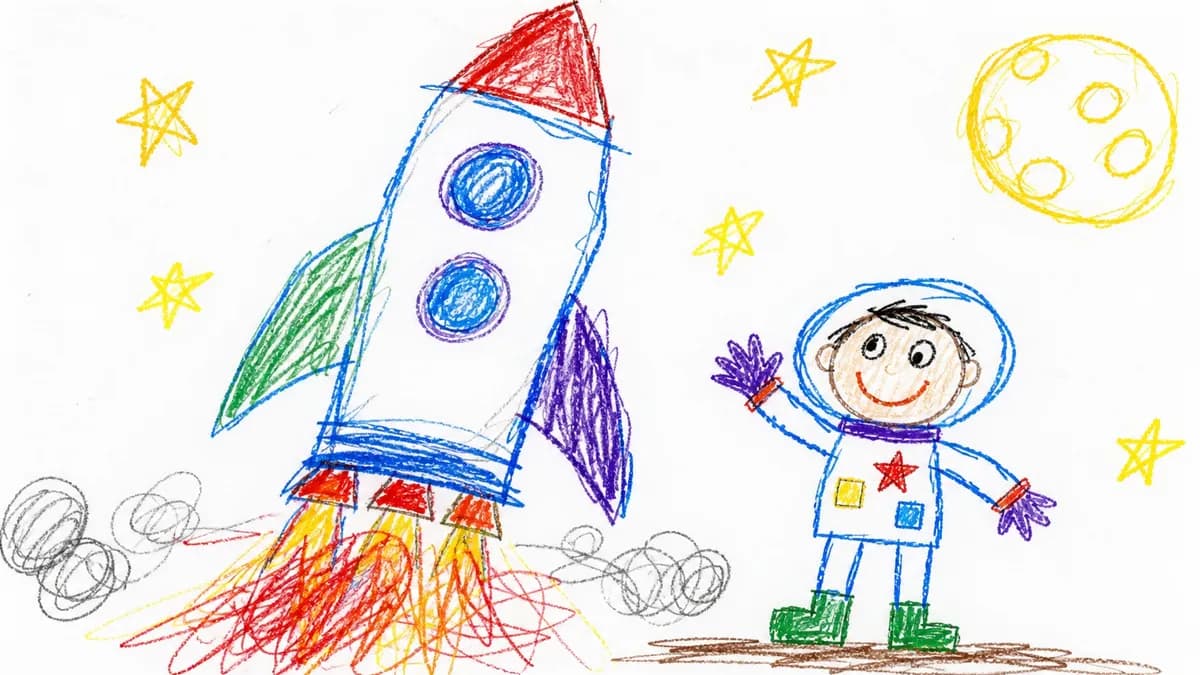
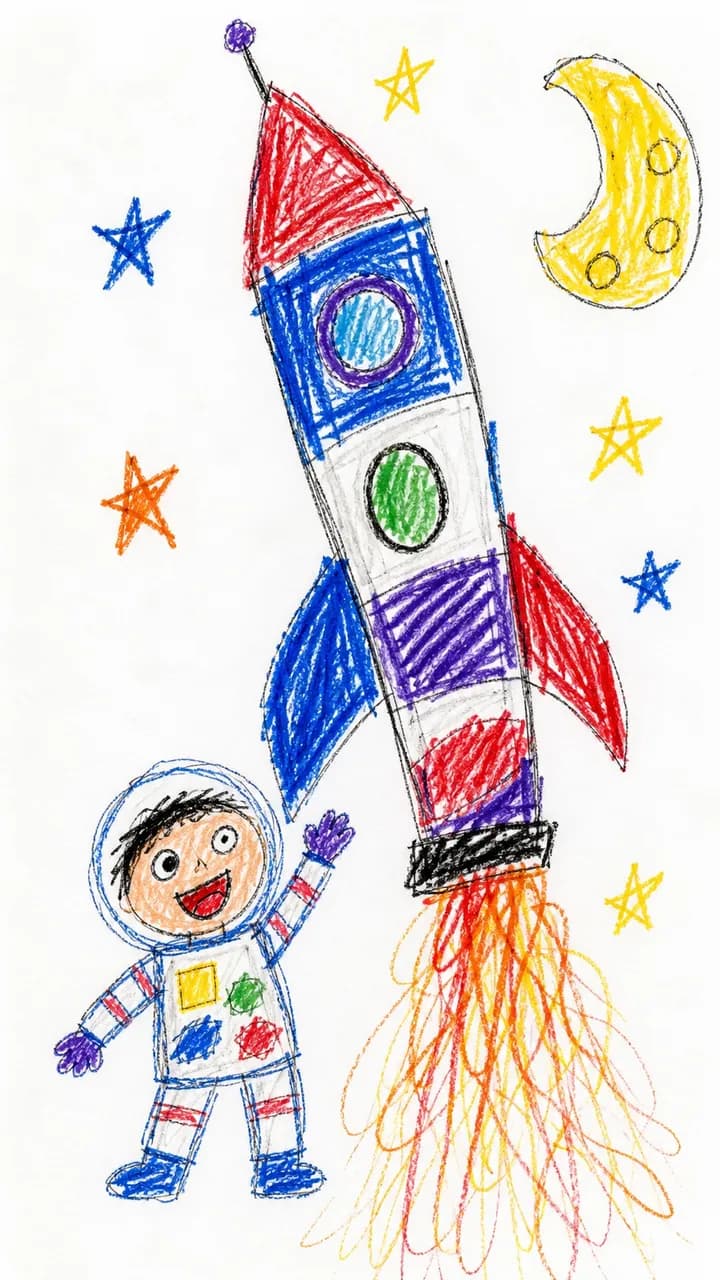
Deliberately clumsy child-drawn crayon pictures with wobbly lines and messy color.
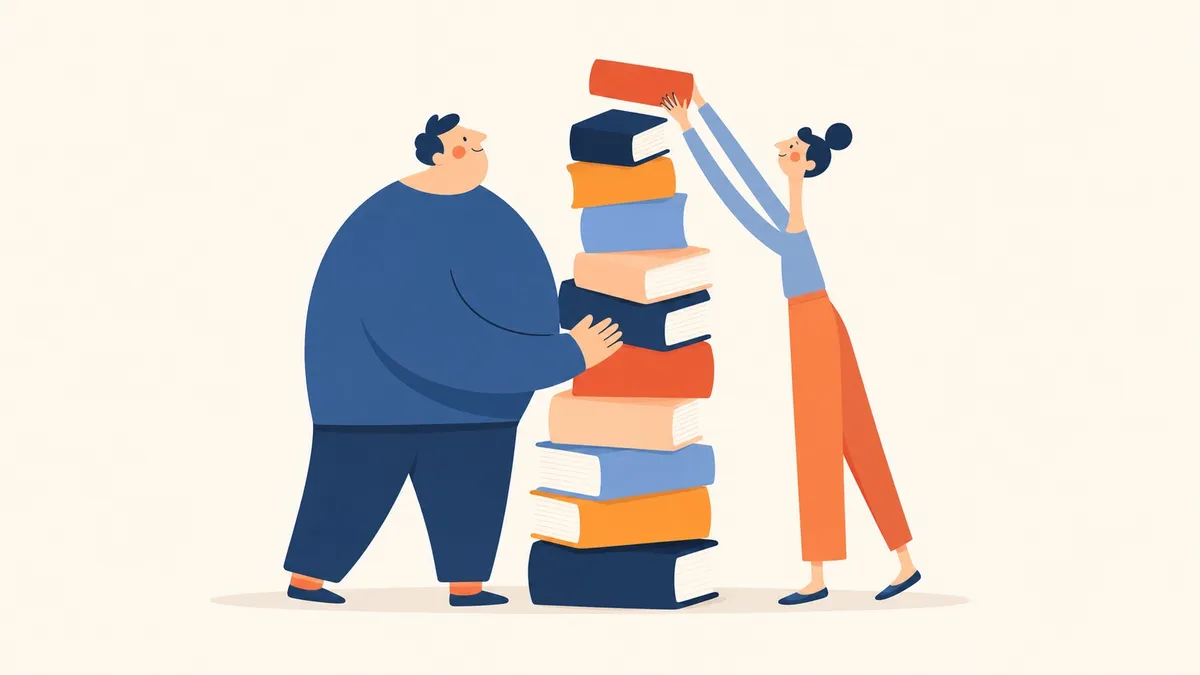
Warm picture-book scenes in bold rounded geometry with a navy, coral, and orange palette.
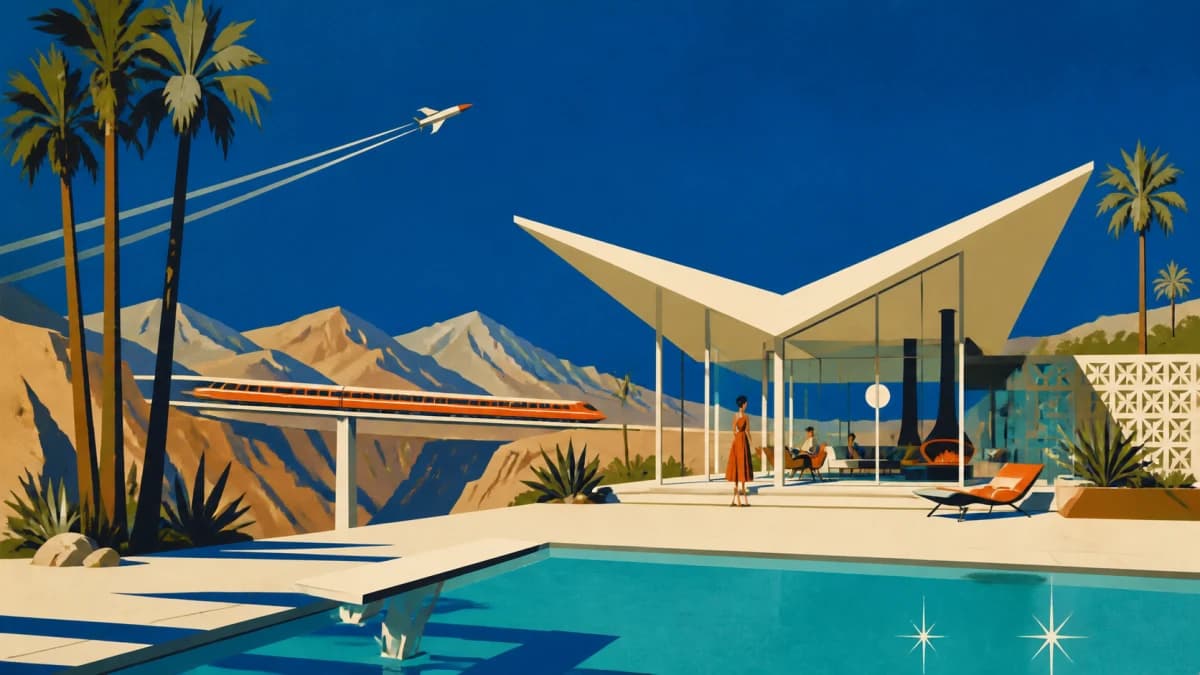
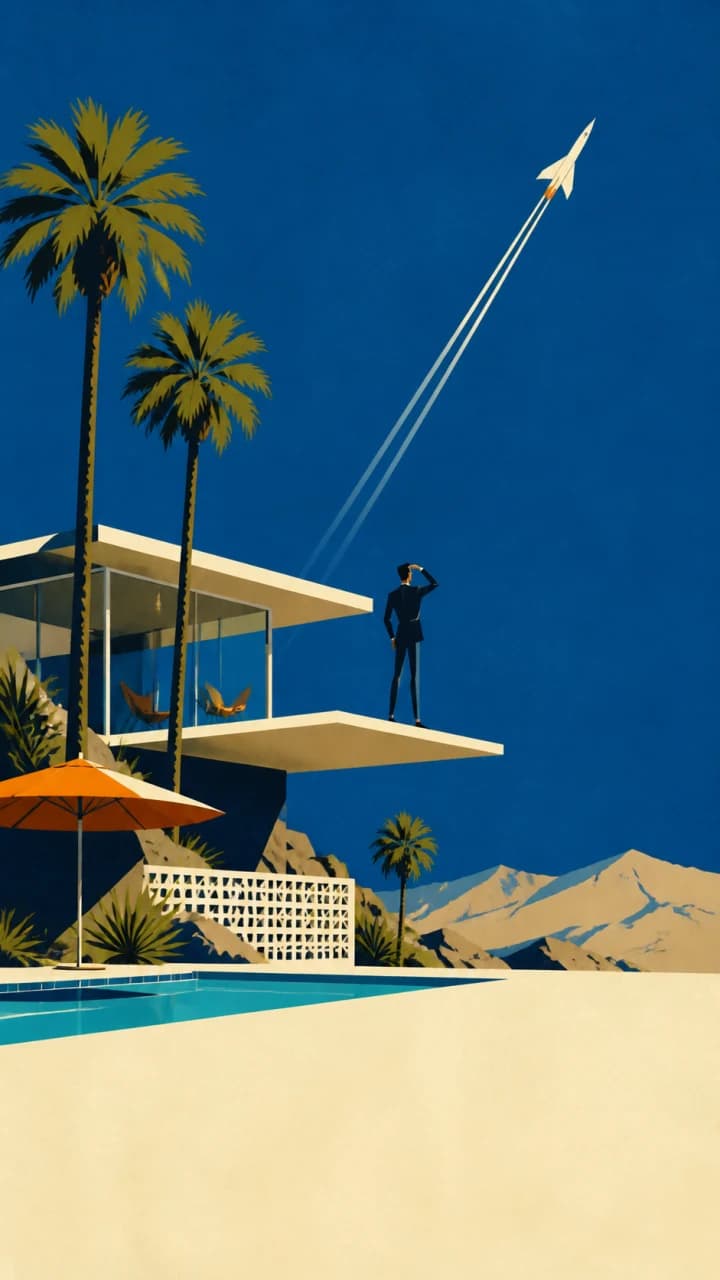
Flat mid-century scenes with cobalt skies, warm bone modernist forms, and burnt-orange accents.

Soft matte painted scenes with chunky brushwork, cool blues and teals, and warm cream light.

Find the replacement that fixes why you are leaving: the avatar, the stock footage, or the price. Prices checked on each vendor's own page.
Read more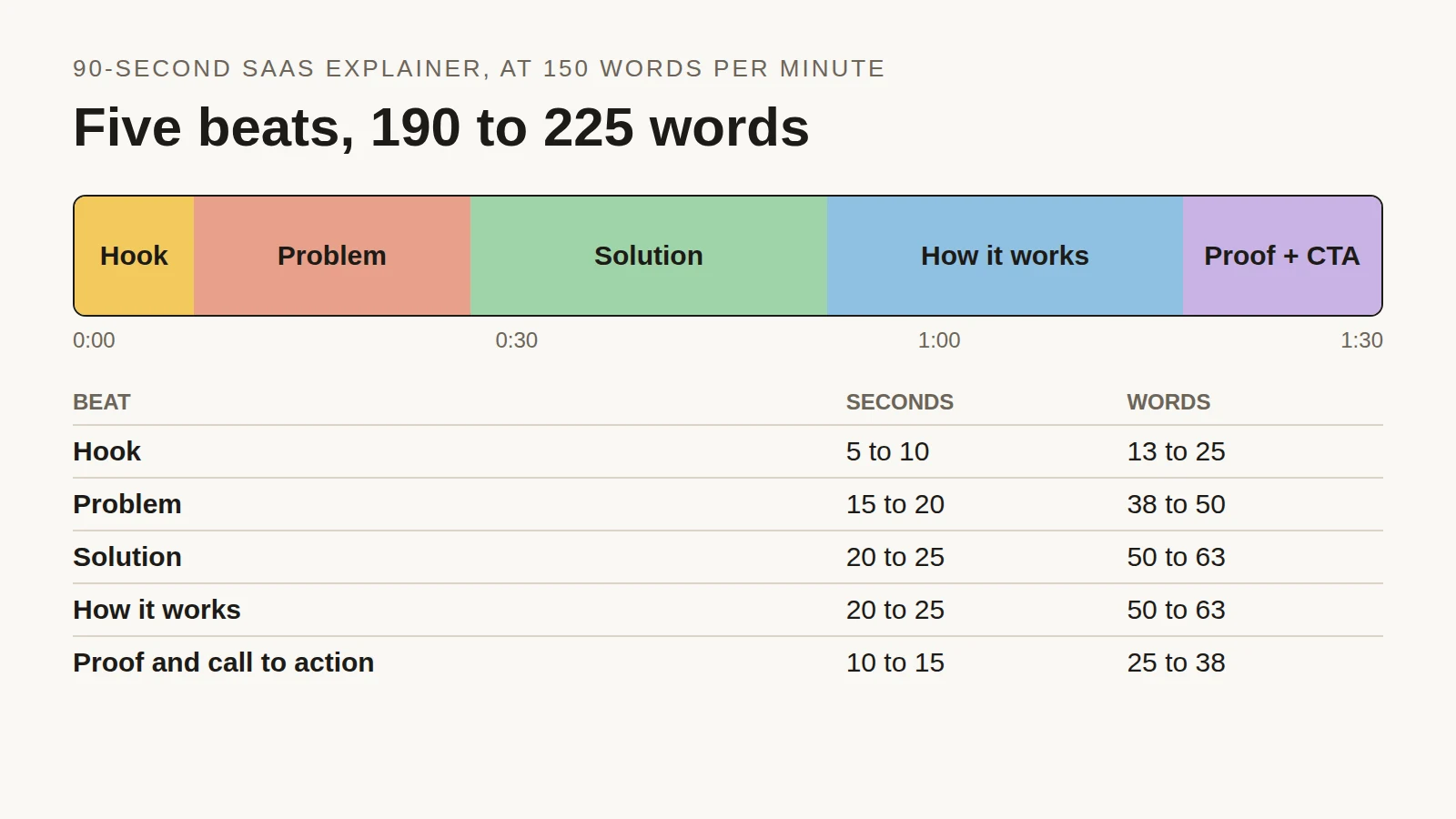
Time each beat of a 90-second SaaS explainer, see the script length people actually choose across 2,000+ Jellypod videos, and copy a finished example.
Read more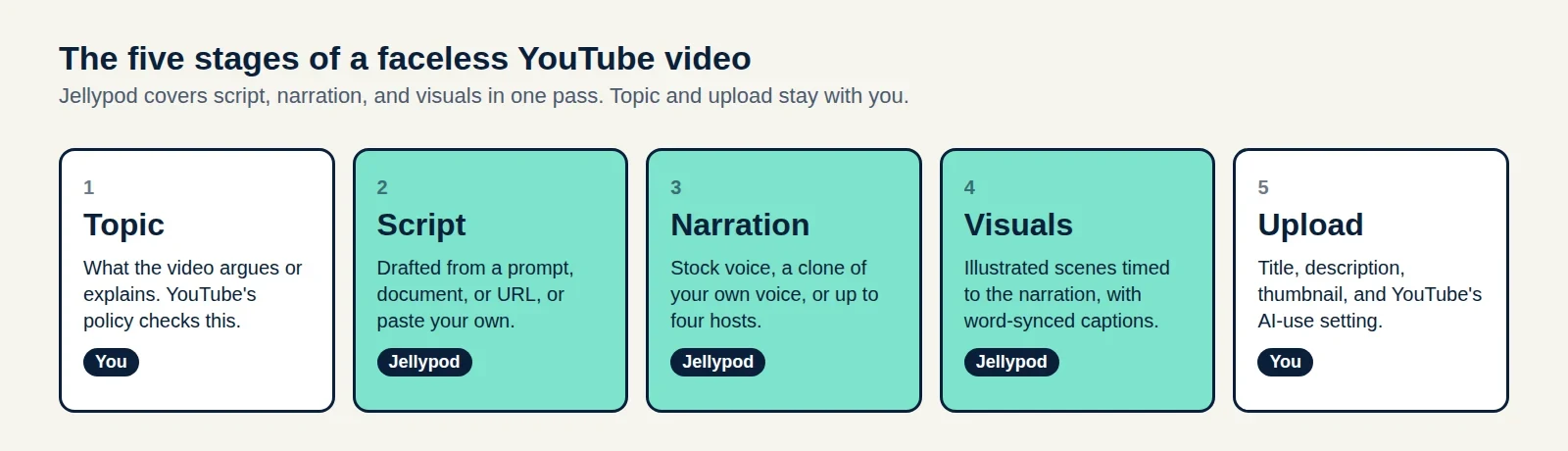
A five-stage production plan, the watch-hour math for 2027, and a three-case test for whether your AI voice needs a YouTube label.
Read moreStart free with 500 credits. No credit card required. Paid plans include a 7-day free trial.
The same studio makes AI podcasts, shorts, and voiceovers. Your characters and voices carry across all four.