
Trusted by 100K+ creators
Publish a new podcast episode every week, automatically
Write the prompt once, pick a schedule or an email trigger, and Jellypod makes each new episode, video, or short.
Set up an automationStart free with 500 credits. No credit card required. Paid plans include a 7-day free trial.

4.6out of 5 on G2












Podcast automation: a show that makes itself
Write the prompt once and pick an episode, a video, or a short. Each run drafts it on your schedule or when an email arrives, and you can pause or edit it any time.
How to use Podcast Automation
Step 01
Write the prompt
Pick episode, video, or short, and write the prompt.Step 02
Choose a trigger
Use a daily or weekly schedule, or an email address.Step 03
Review or auto-publish
Review a draft, or auto-publish episodes.
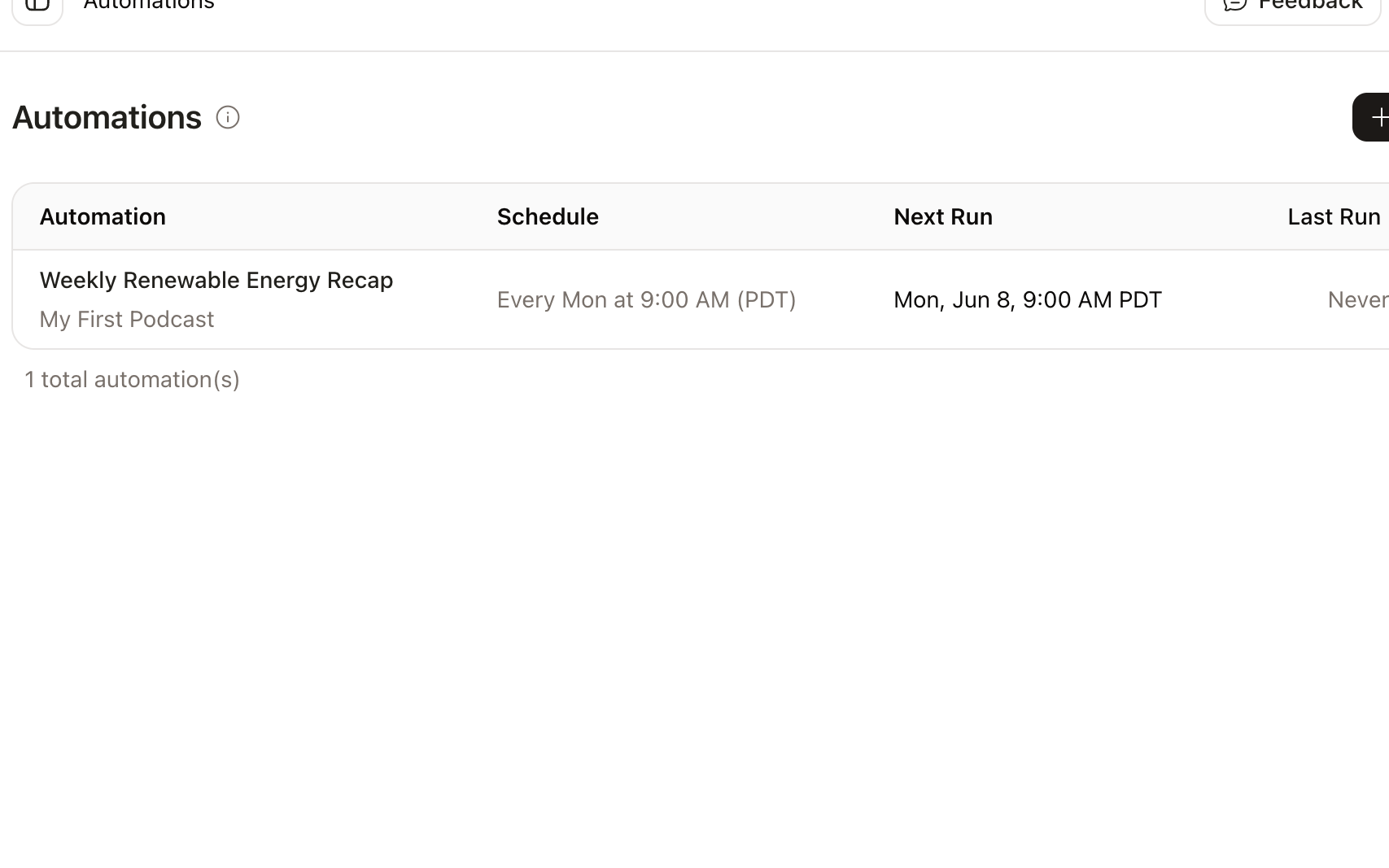
Set the schedule once
Pick the days, time, and timezone, and preview the next runs.

Runs
This week

 The Morning AI BriefEpisode · Mon, 7:00 AMPublished
 Three launches to knowShort · Mon, 8:00 AMSaved
 The week in AI researchVideo · Mon, 9:00 AMGenerating
Trigger a run by email
Every automation gets an email address. Forward a newsletter or a report and it becomes the next episode, video, or short.

Review first, or auto-publish
Save each episode as a draft, or auto-publish it to your feed.

A fresh explainer every week
A new training video can arrive every Monday, and it stays in your library until you share it. Faceless YouTube channel guide.
Make an 8-minute video for new nurses on patient handoff, using this week’s policy notes. Start fresh.

A weekly briefing your team can trust
A Monday briefing can draft itself from the last week of news, and it waits for you to check names and figures. Episode scheduling.
Cover the last seven days, with source links in the show notes. Save it as a draft.

Start the draft from Zapier or n8n
A spreadsheet row or a form can start the next draft, on every paid plan. Zapier setup. Read the help guide.
When a calendar row is added, create an unpublished draft.
Stories from Ohio State, Busylike, and Johns Hopkins
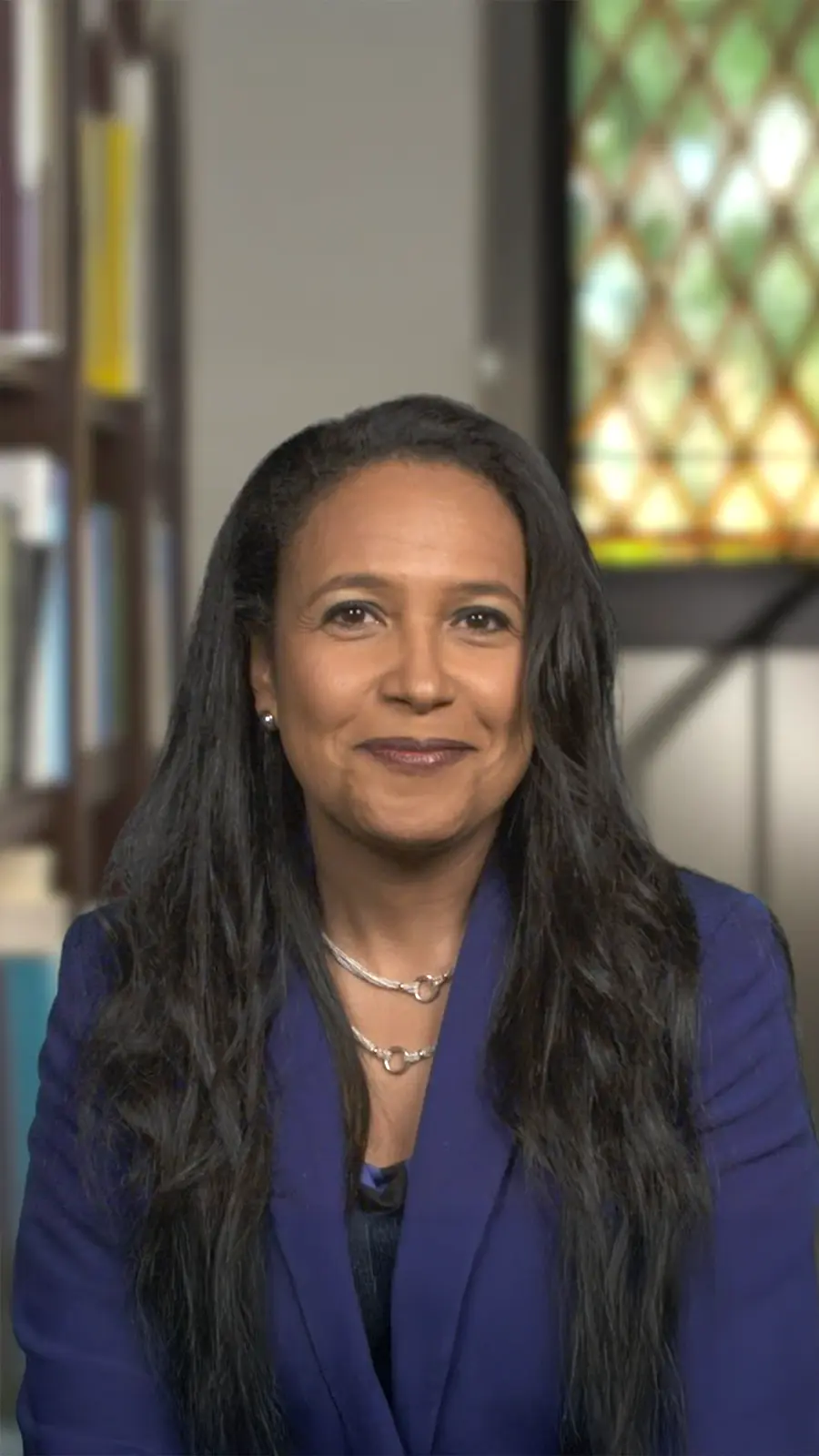
It's not about replacing lectures. It's about reinforcing the arc of learning in the moments students actually have.
 Steve DeNunzioMBA ProfessorThe Ohio State University
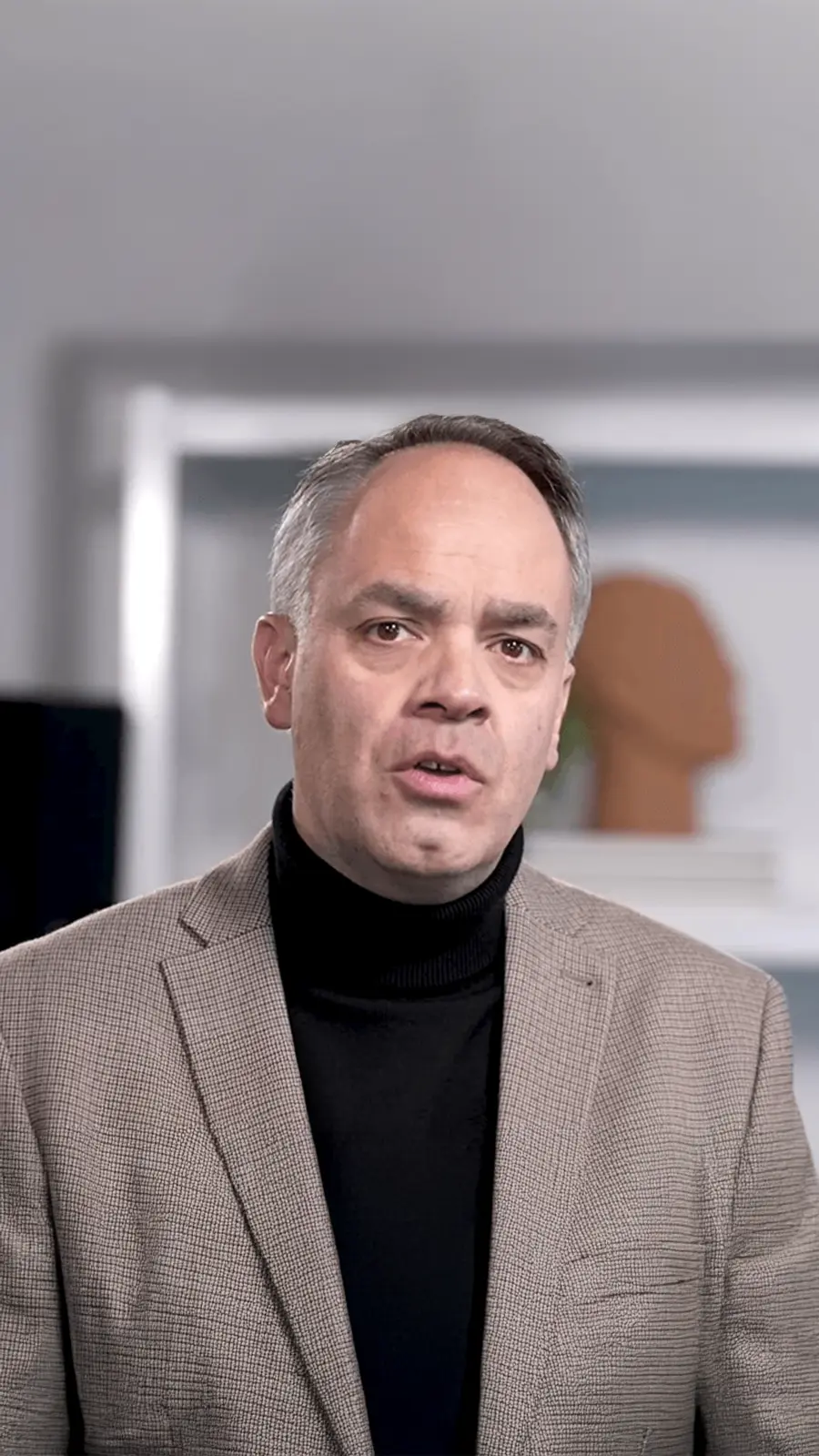
If you are already investing in content marketing, Jellypod is a must-have to integrate into your strategy.
 Vadi EfeFounderBusylike
It's a digital version of myself and a way to amplify [my voice] without having to hire another employee.
 Boi CarpenterVP Alumni RelationsJohns Hopkins University
You just dump in your information and structure your podcast. It was the easiest thing I've ever done.
 Dr. Louise LambertAssociate Professor, Psychologist
FAQ
What are automations?
What can an automation create?
Will episodes publish automatically?
What happens if a run fails?
Does it use current information?
Do video automations publish on their own?
Discover more about Podcast Automation
Explore related
More from Jellypod
Create Podcasts from Email Newsletters
Give an automation its own email address and send your newsletter to it. Every issue you publish becomes a podcast conversation for subscribers who would rather listen.
Read more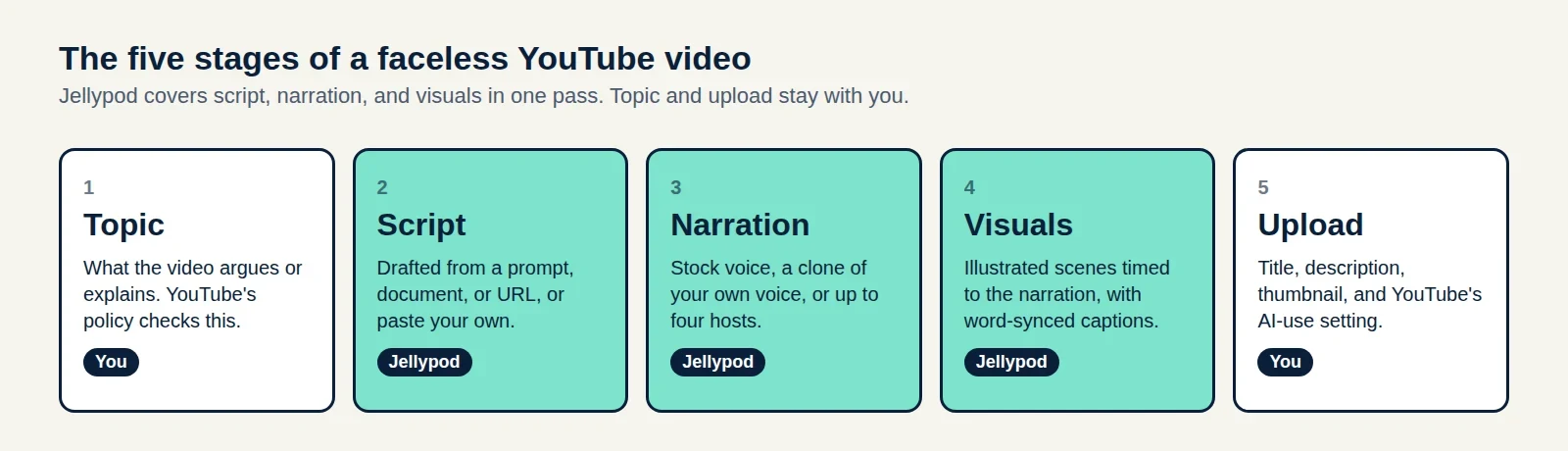
How to Make a Faceless YouTube Channel and Get Paid
A five-stage production plan, the watch-hour math for 2027, and a three-case test for whether your AI voice needs a YouTube label.
Read more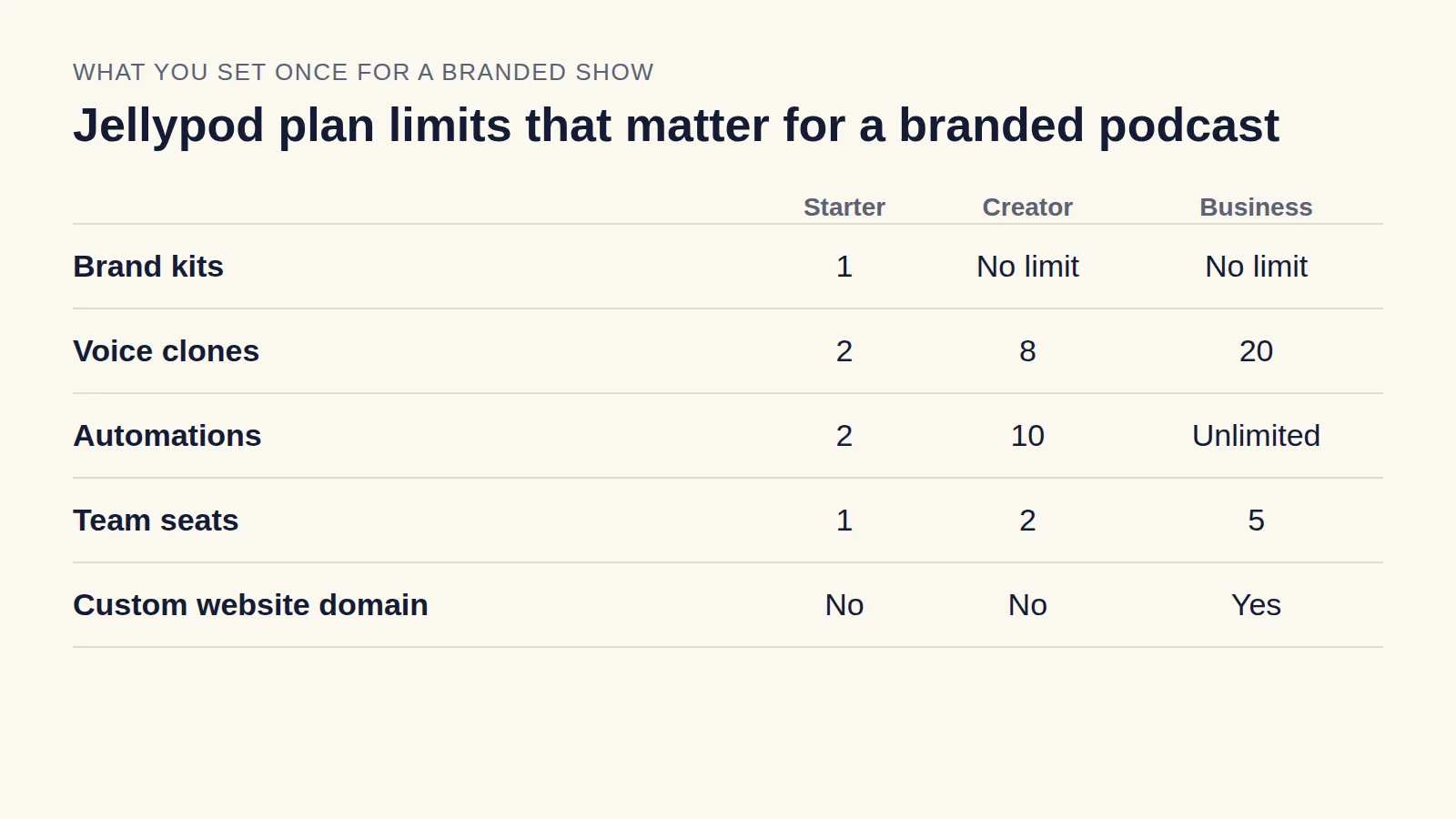
Branded Podcast: How to Launch One That Stays on Brand
Pick a show your buyers would subscribe to, keep the voice and look consistent across episodes, and publish on a schedule your team can sustain.
Read more

Put your show on autopilot
Start free with 500 credits. No credit card required. Paid plans include a 7-day free trial.

Automations use your whole studio
Episodes use your characters, website, and feed. Videos and shorts wait in your library.