Free AI Podcast Cover Art Generator
Your cover art will appear here
4.6out of 5 on G2












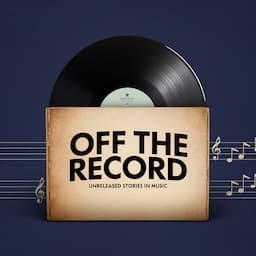
Podcast cover art examples



One sentence in, original cover art out
Enter your show title and a sentence about it, and this free AI generator paints original square cover art at 3000x3000 px, the size Apple Podcasts and Spotify recommend. No signup needed.
An L&D team can give a new training feed a cover that looks like its own show instead of a stock template.
How to create podcast cover art
Step 01
Describe your show
Enter your podcast title and a short description of the theme and tone, or the brand colors you already use.Step 02
Generate original artwork
The AI paints an original square cover at 3000x3000 px. Regenerate until the design fits your brand.Step 03
Download and publish
Download the full-resolution image and upload it to Apple Podcasts, Spotify, or your Jellypod show.
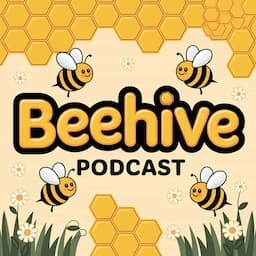
What makes good podcast cover art?
Good podcast cover art commits to one visual idea, uses high-contrast color, and keeps the show name readable as a tiny thumbnail. It is the square image that represents your show everywhere it is listed, from Apple Podcasts and Spotify to your own hosted website, and listeners scroll past a cluttered one.
Our podcast cover art guide covers sizing, layout, and common mistakes.
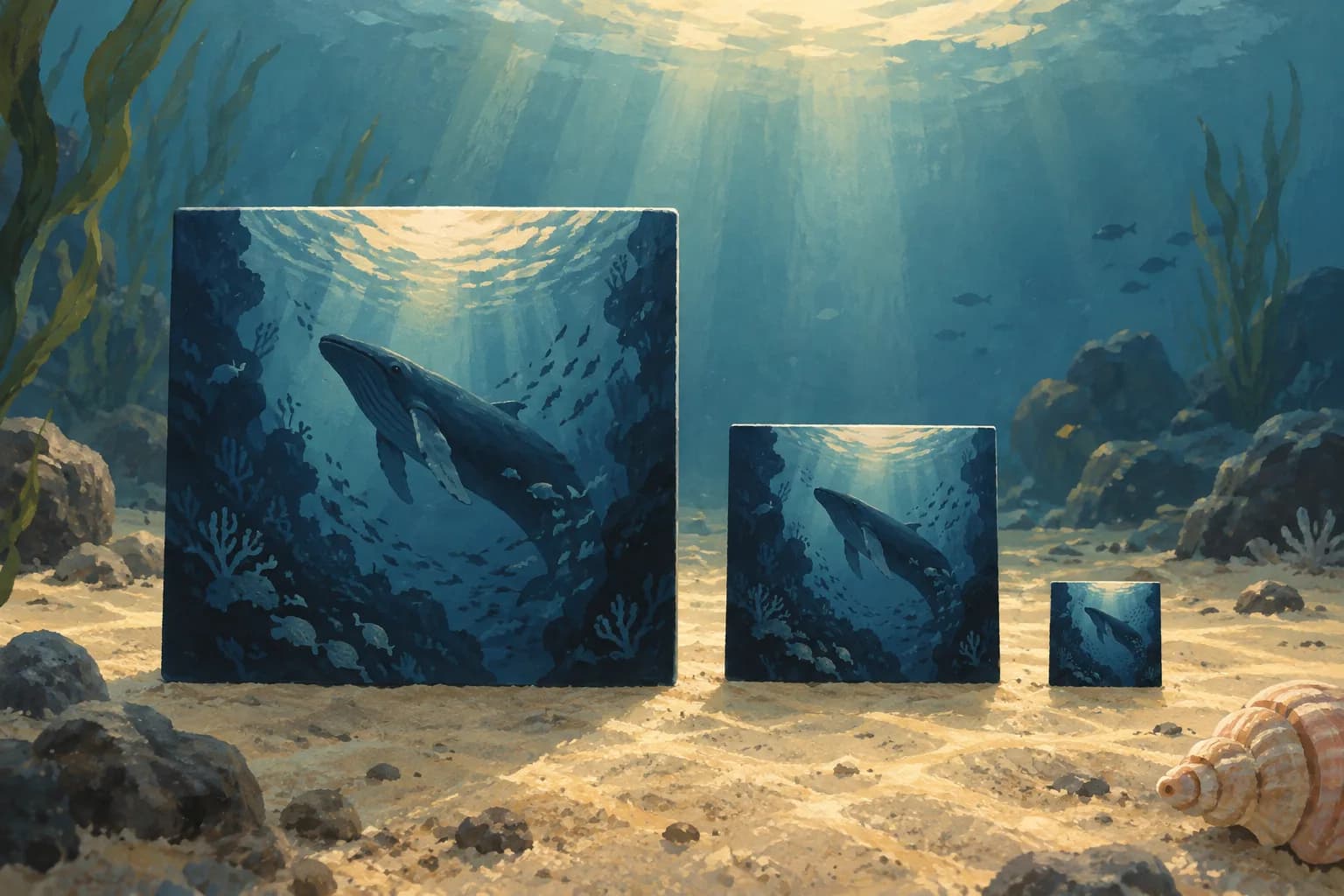
Know the specs before you generate
A podcast cover must be a square between 1400x1400 px and 3000x3000 px. 3000x3000 px stays sharp on every screen. Save it as a JPG or PNG in RGB at 72 dpi, and keep the file under roughly 512 KB for Apple Podcasts. Most listeners first see your cover as a tiny thumbnail, so keep the title large and lean on one focal image.

Original art, not a template
A Canva template gives you a layout other shows already use. Enter the title and describe the tone here, and the AI paints original directory-ready art. Pair the cover with a name that reads at thumbnail size using the podcast name generator, then create the episode with the AI podcast generator or notes to podcast.
Cover art for courses, training, and brand shows
Course series
Give a lecture or study feed one readable thumbnail so students can find the next unit in a directory, not a folder of random images.Training feeds
Brand onboarding and enablement episodes so the series looks like one program when it lands in Spotify or a company library.Marketing and product shows
Generate a cover that matches the campaign, then make episode-specific art that still reads as the same show.
FAQ
How do I make podcast cover art for free?
What size and file format should podcast cover art be?
How can I make my podcast cover stand out?
Can each podcast episode have its own cover art?
Is this an AI cover generator or a Canva template library?
Discover more
Explore related tools
More from Jellypod
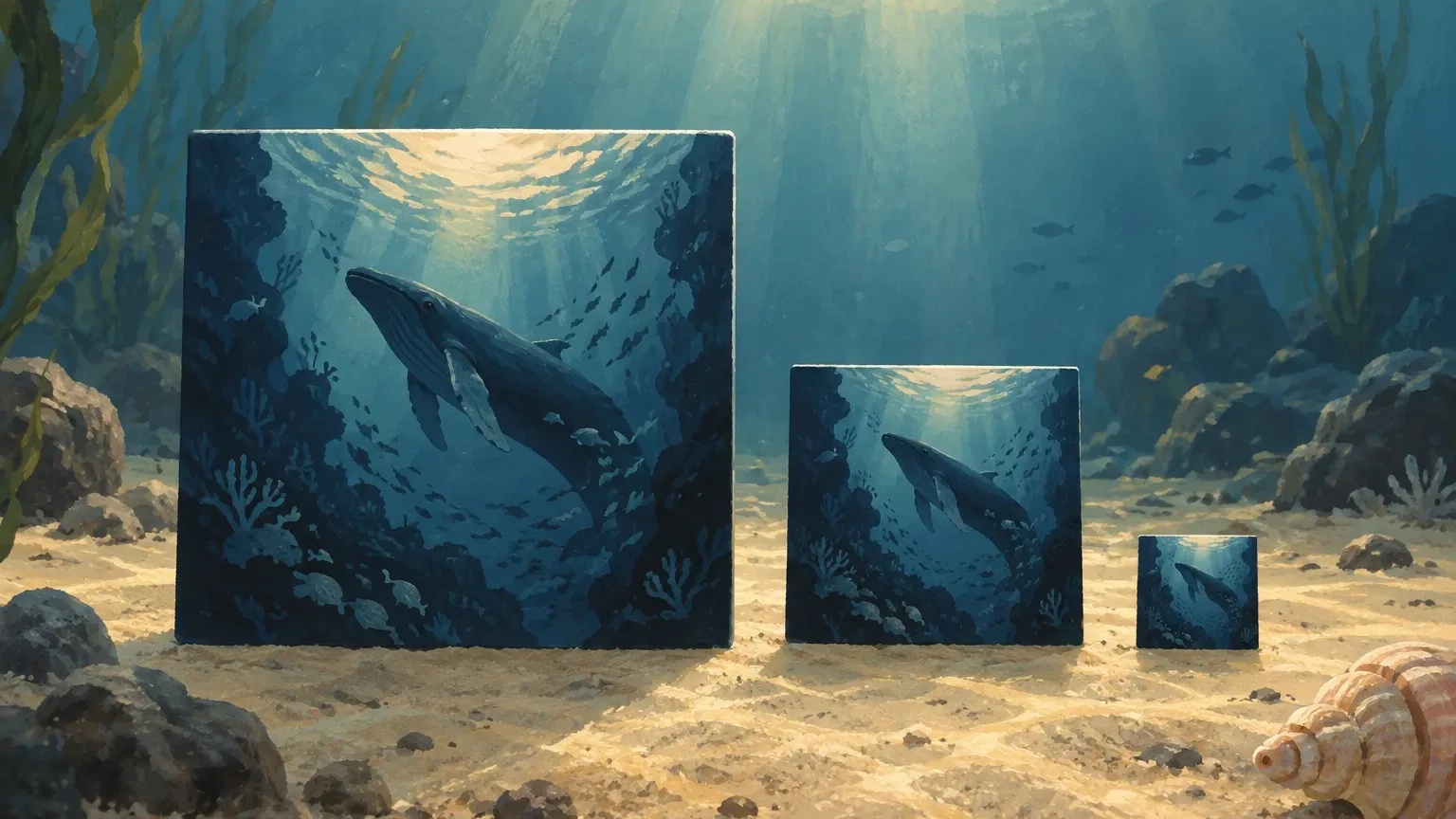
Podcast Cover Art Size: Apple and Spotify Specs, Plus the Thumbnail Test
Export one file that clears both directories, then check it at thumbnail size before you upload. Includes the rules Jellypod's own cover generator follows.
Read more
AI Audiobook Generator for a Chapter or Short Book
Turn a book chapter or short book into an AI-narrated audiobook and download the MP3.
Read more
Best Whiteboard Animation Software in 2026
Pick a hand-built whiteboard editor or an AI generator that starts from a prompt or a document. Prices checked October 17, 2026.
Read more
Put the cover on a finished show
No account needed for this tool
Free tools from an AI content platform
When the show needs episodes, Jellypod turns notes or a document into a script you can edit, voices it in 121 languages, and publishes to Spotify, Apple Podcasts, and YouTube with hosting included.
For video episodes, grab a free podcast background or make a video with generated scenes in AI Video. Jellypod hosts the show and distributes the cover with it.