




Trusted by 100K+ creators
AI Character Creator
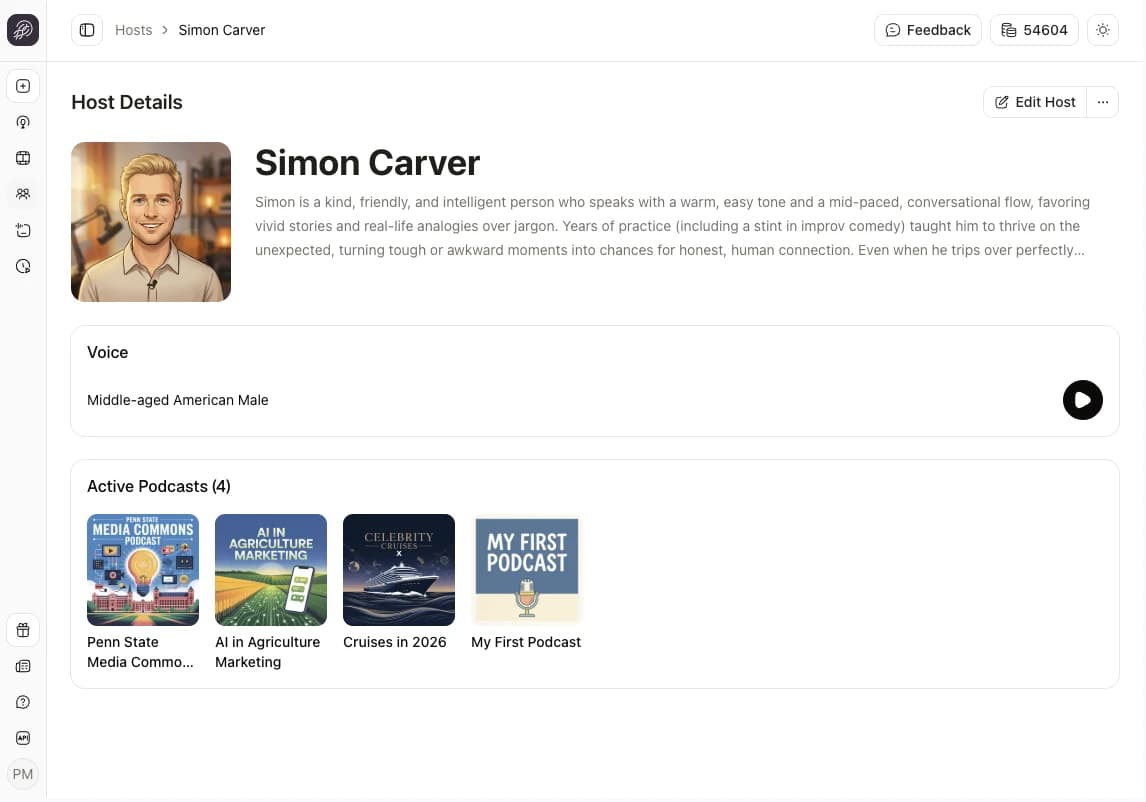
Create unique characters to cast across your entire content library. Pick from 3,300+ voices and accents, design their backstories, and iterate until perfect.
Create a character7-day free trial. Cancel anytime.
4.6out of 5 on G2












A character is more than a voice
A character has a name, a backstory, a personality, and a voice. Jellypod writes their lines to fit that personality, so your host in episode 40 sounds like the same person from episode 1.
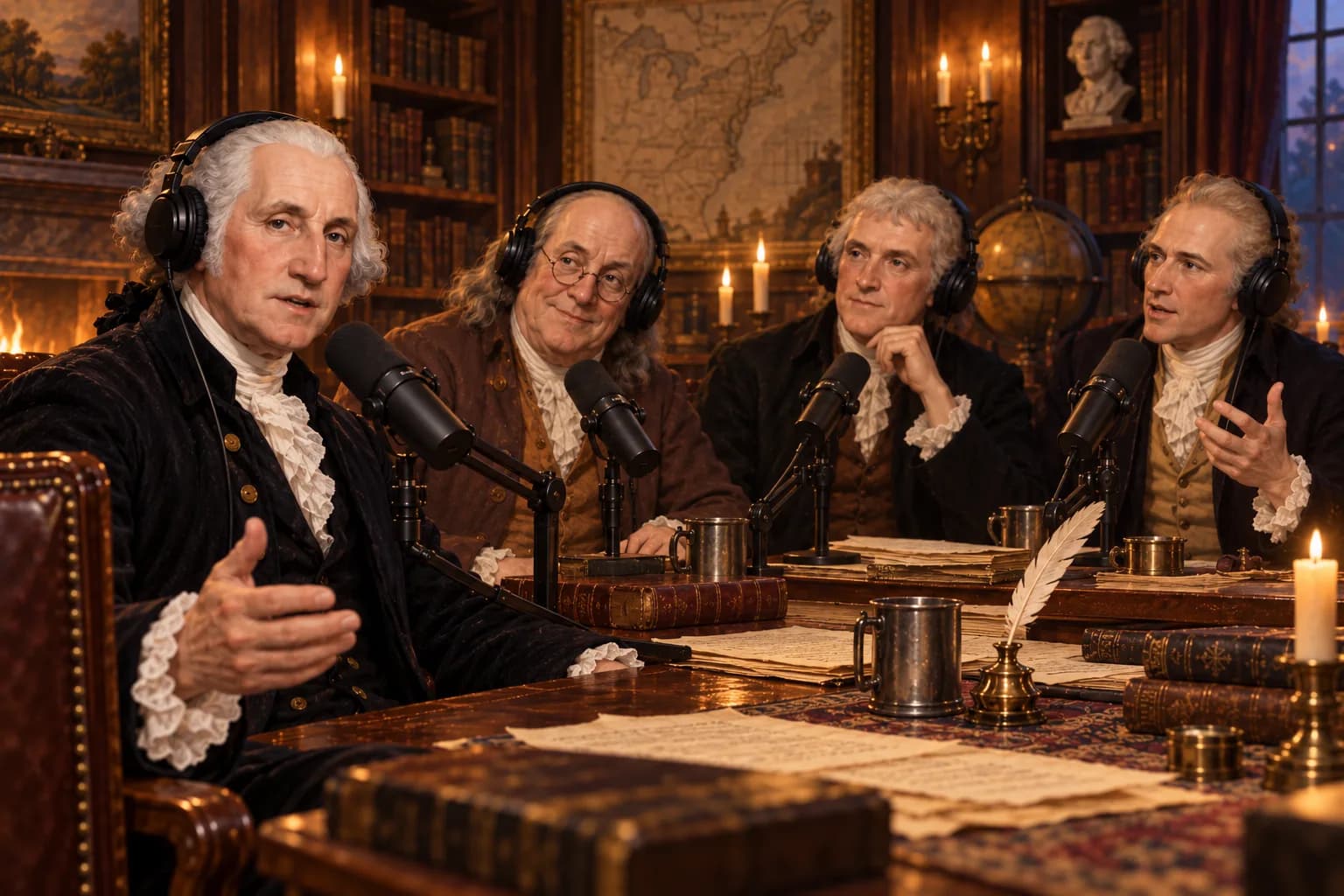
A character can be anyone: a founding father, a stick figure, or a version of you. Describe one in a sentence and AI fills in the rest in about a minute, or build it field by field.
How to use AI Character Creator
Step 01
Create the character
Describe the character and let AI write it, or fill in name, backstory, and personality yourself.Step 02
Give it a voice
Pick a library voice, design one from a description, or use your clone.Step 03
Cast it anywhere
Choose the character in any podcast, video, short, or voiceover.
Stay in character
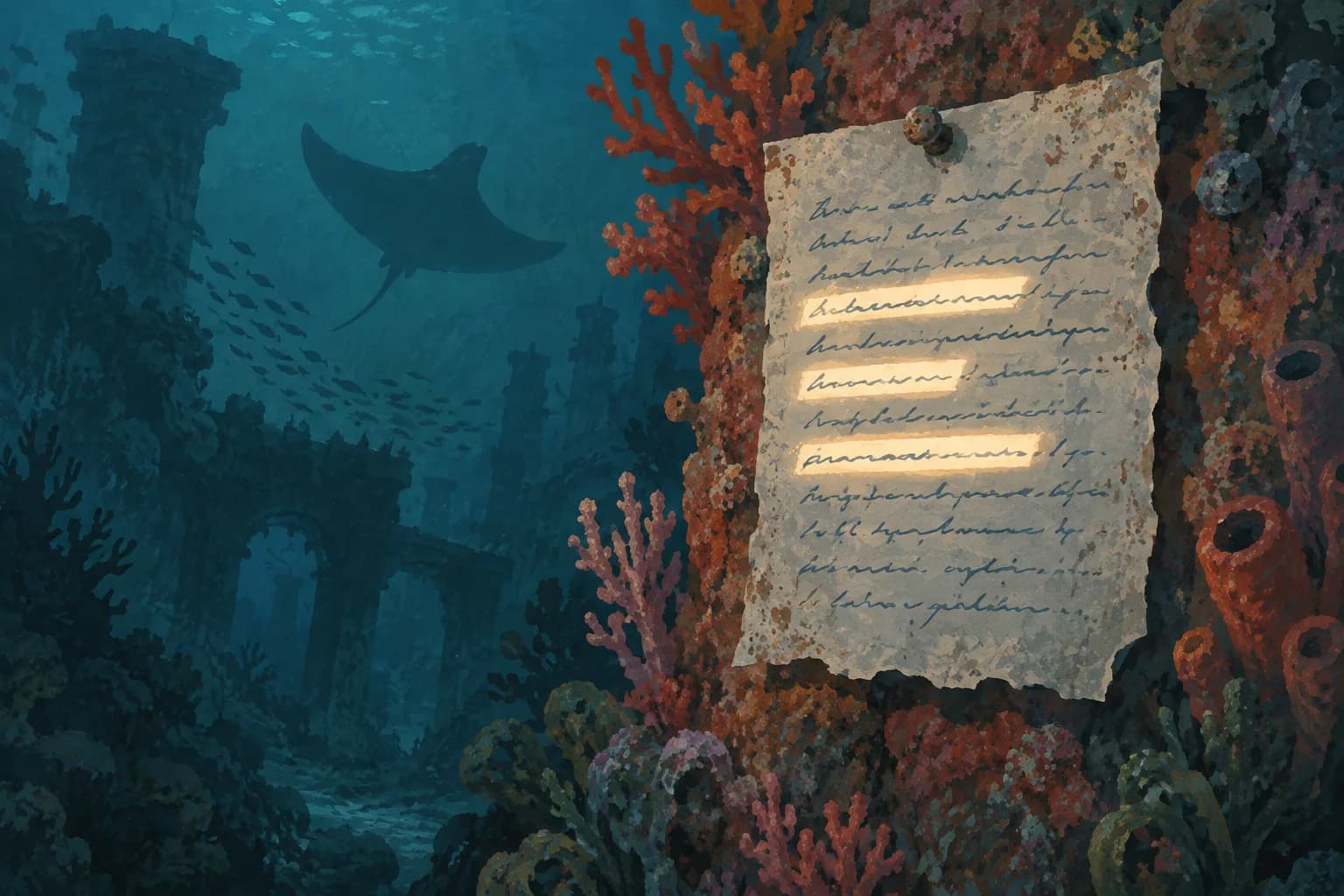
Write a backstory and personality, then attach up to 10 reference sources, like blog posts or transcripts. Jellypod matches their tone in every script.
 Spanish
 German
 Hindi
Hindi Korean
 Italian
 Australian
A voice for every language
Pick from 3,300+ library voices across 121 languages, each tuned to one language and accent. Or design a voice from a description, or clone your own. Swap the voice later and the personality stays.
Cast anyone, real or imagined
Seat the founding fathers at one podcast table, give a cartoon mascot its own show, or let an alien explain Earth to the folks back home. Cast up to four in one episode or video, and each gets a part in the conversation. Read the help guide.
Stories from Ohio State, Busylike, and Johns Hopkins
It's not about replacing lectures. It's about reinforcing the arc of learning in the moments students actually have.
 Steve DeNunzioMBA ProfessorThe Ohio State University
If you are already investing in content marketing, Jellypod is a must-have to integrate into your strategy.
 Vadi EfeFounderBusylike
It's a digital version of myself and a way to amplify [my voice] without having to hire another employee.
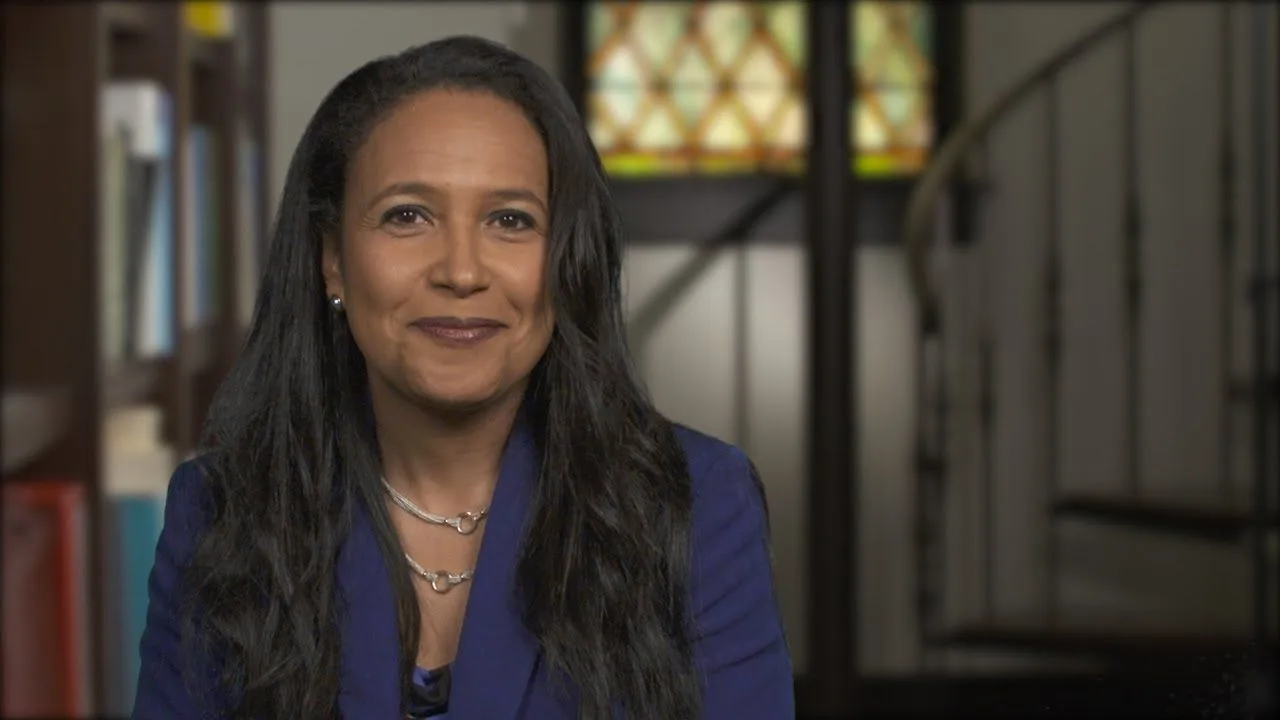 Boi CarpenterVP Alumni RelationsJohns Hopkins University
You just dump in your information and structure your podcast. It was the easiest thing I've ever done.
 Dr. Louise LambertAssociate Professor, Psychologist
FAQ
What is a character?
How many characters can be in one episode or video?
Can a character use my own voice?
Which voices can a character use?
How many characters can I keep?
Can AI create the character for me?
Discover more about AI Character Creator
More from Jellypod
Host Personality
Customize your hosts personality with source materials such as blog posts, essays, podcasts, or videos.
Read moreAdd up to Four Podcast Hosts
You can now add up to four hosts in your podcast, perfect for dynamic conversations and roundtables.
Read moreSearch and Filter Your Characters
Find any character in My Characters by name, backstory, or voice, then narrow the list by language, accent, gender, and voice type.
Read more


Build a cast once and use it everywhere
7-day free trial. Cancel anytime.
 Marcus Hayes
 Stick FigureDevi
 Clay Gardener
 Audrey
 Comic Hero
 Theo Ashworth
 Brick Explorer
 Yui
YuiOne character across every format
Your podcast host can narrate its companion video and shorts, so your audience hears one familiar voice in every format.