AI stickman video generator
Explain It With Stick Figures
Jellypod turns a topic into a narrated stick-figure video, one plain scene for each point.
4.7out of 5 on G2












- One Scene per Point
- Videos and Shorts
- Up to 25 Minutes
- 121 Languages
Take another look
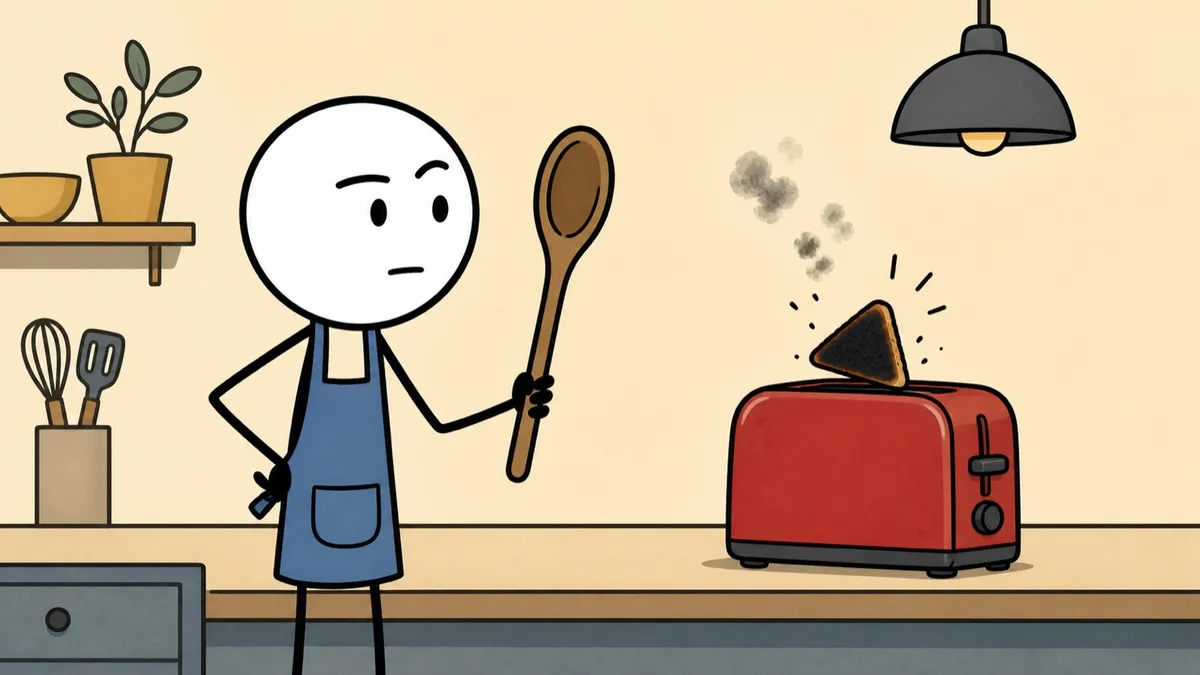
AI stickman video generator vs. a frame-by-frame animator
Stickman animation software like Pivot Animator has you pose every limb and time every move, frame by frame. It suits fight scenes and hand-timed gags.
Jellypod starts from what you want to say. It writes the narration, draws a scene for each point, and animates up to 10 of them, so the video is ready without a timeline.
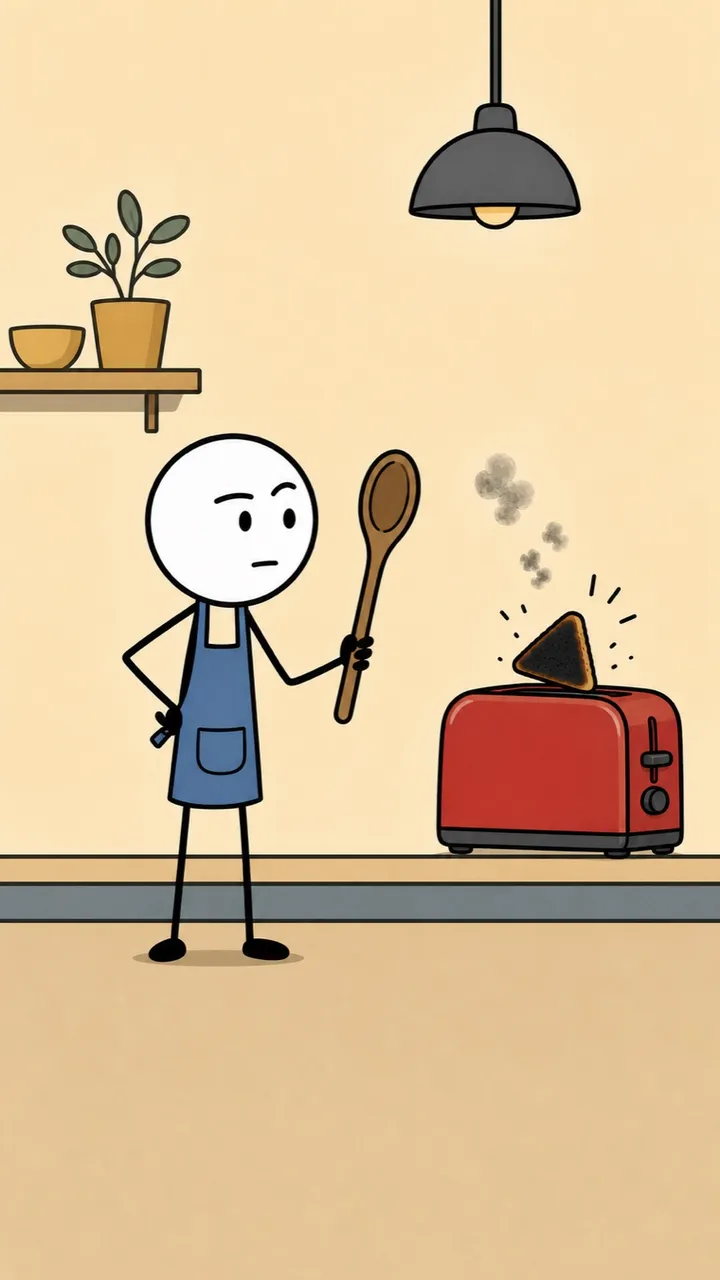
The same look in a vertical Short
Make a vertical Short up to 1 minute long, with word-synced captions.

What Jellypod does for you
Characters stay the same
A character who comes back keeps the same face and clothes in every scene.
The style is already set up
Colors, motion, and captions come ready, so you only bring the topic.
Checked before you see it
Jellypod watches the finished video and redoes any shot that breaks the style.
A new video every week
Set a schedule, and Jellypod makes the next video in the same style and voice.
What stick figures explain best
Deadpan comedy
A flat stare and one prop can carry a joke without a crowd of characters.Processes with people
Two figures and a few objects show who does what.Lesson recaps
Turn a long lesson into a quick review, one point per scene.
How to make a stickman animation
Step 01
Start from the idea
Type the topic in a sentence. Jellypod writes the narration.Step 02
Pick the Stickman style
Choose Stickman and the narrator. It works for videos and shorts.Step 03
Fix any scene, then download
Redo any scene with a note. Word-synced captions follow the narration. Download the MP4.