



Trusted by 100K+ creators
AI Shorts Generator
Turn an idea, file, or script into a drawn, narrated short of 30 or 60 seconds, with captions and music, ready for TikTok, Reels, and YouTube Shorts.
Start free with 500 credits. No credit card required. Paid plans include a 7-day free trial.
4.6out of 5 on G2












Shorts made with Jellypod
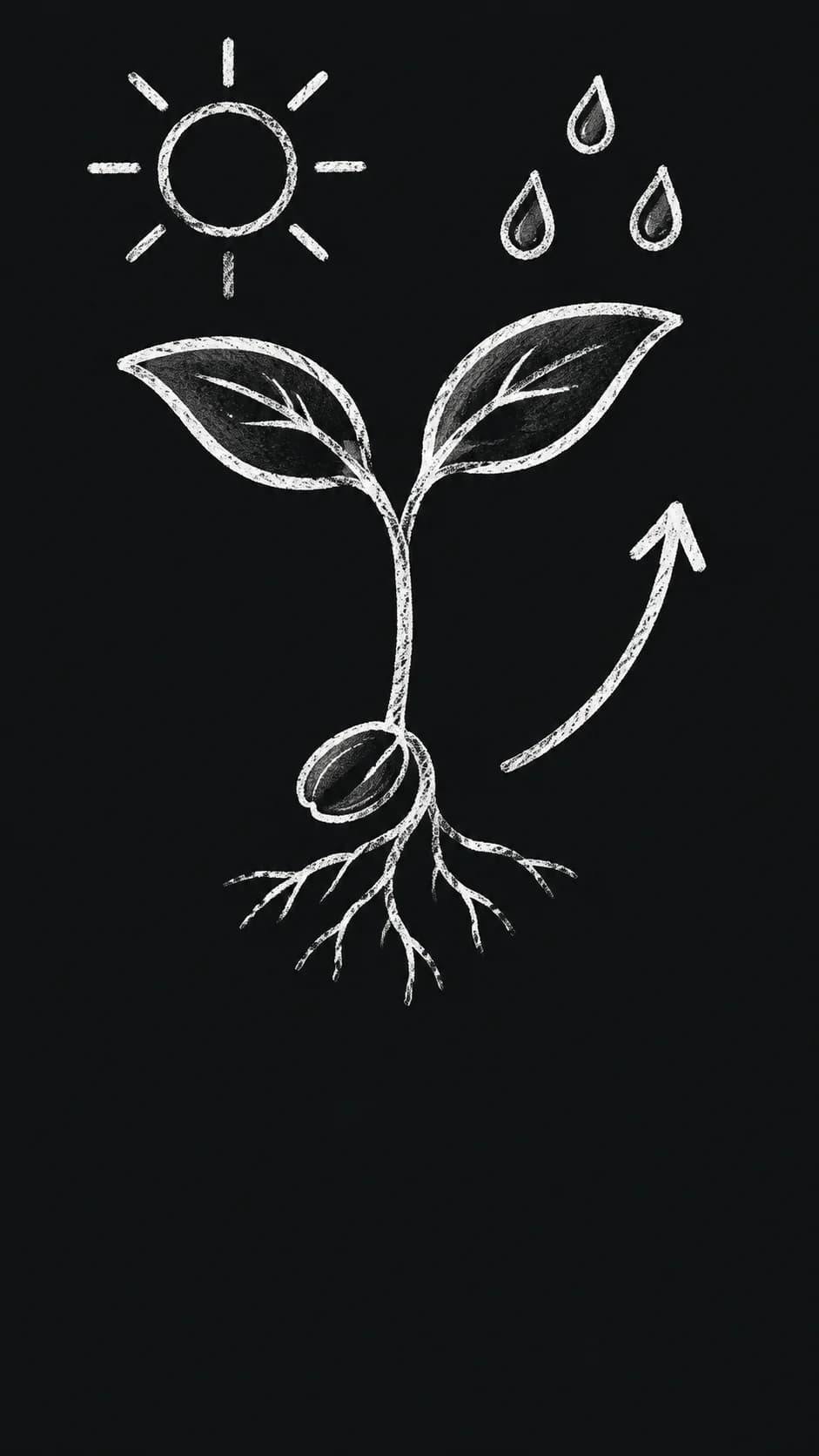
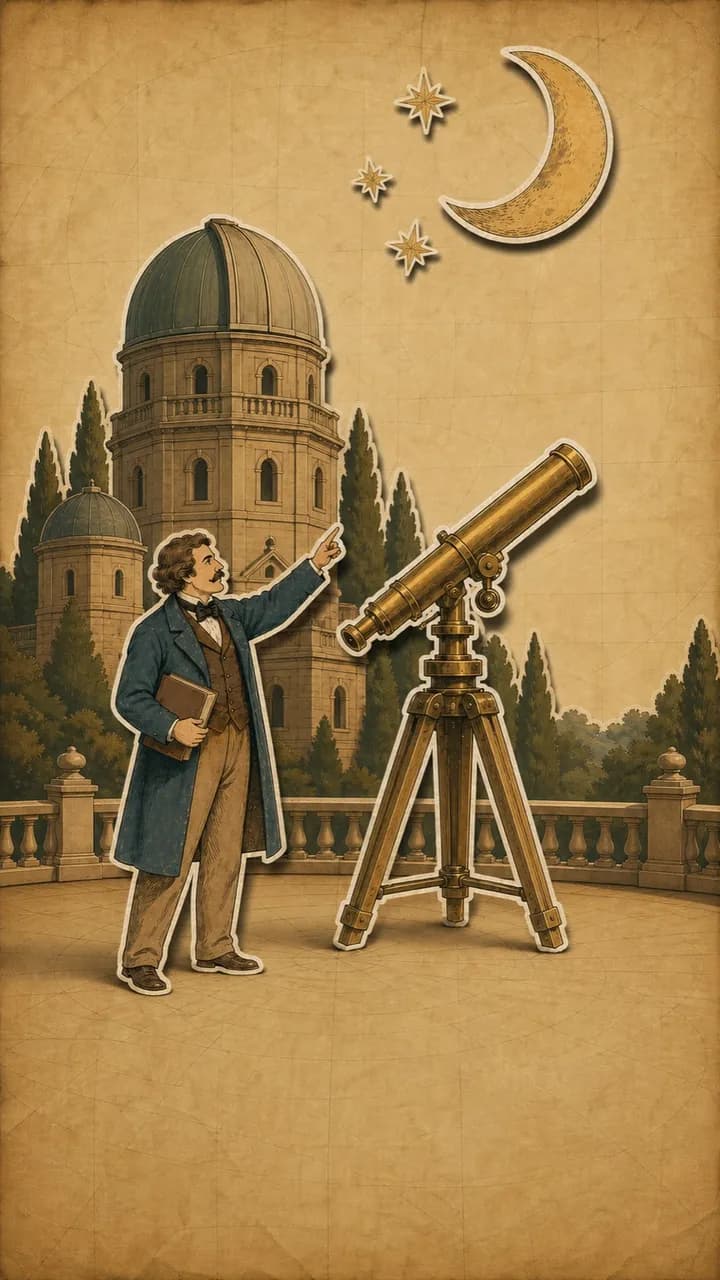







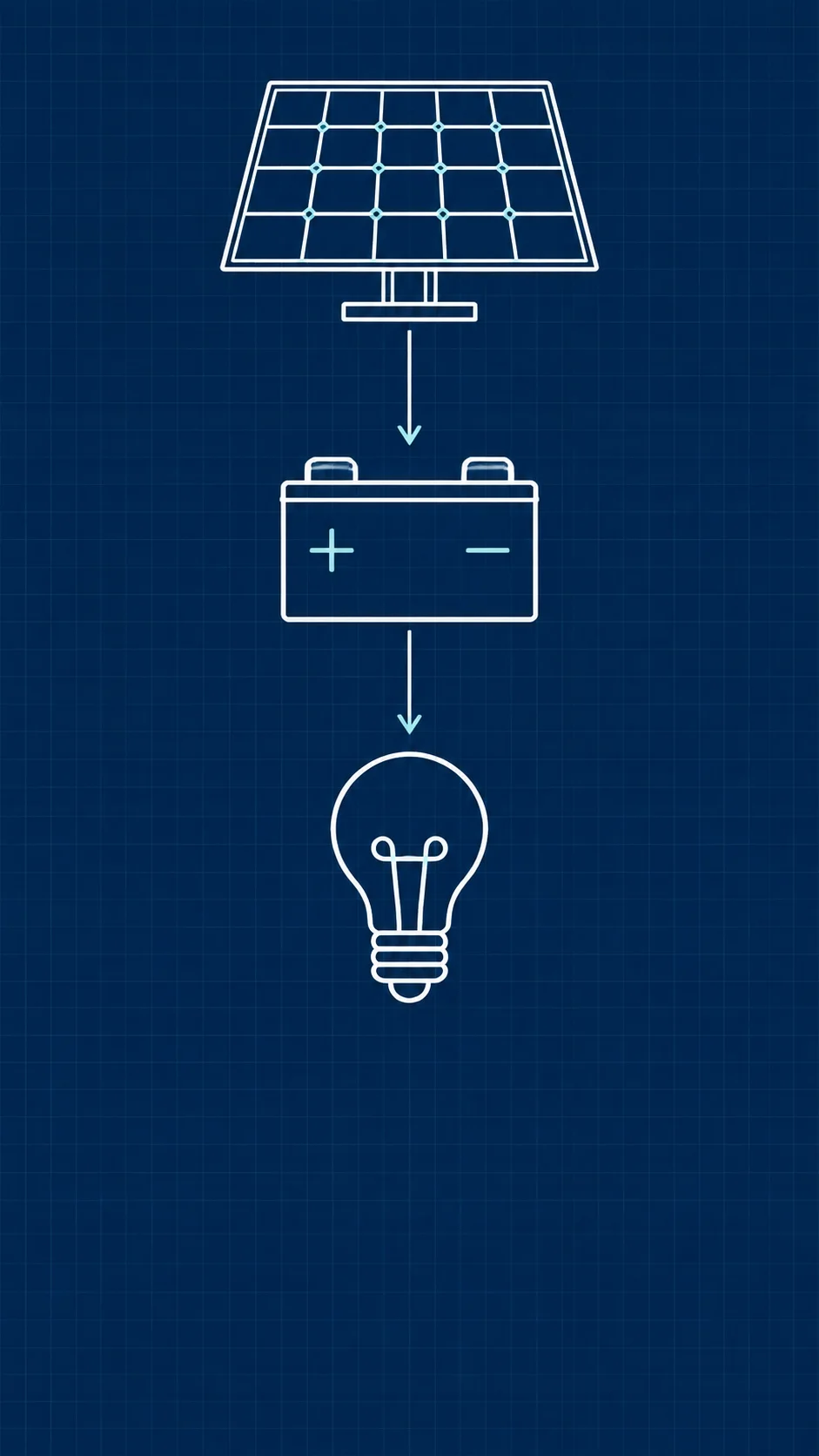

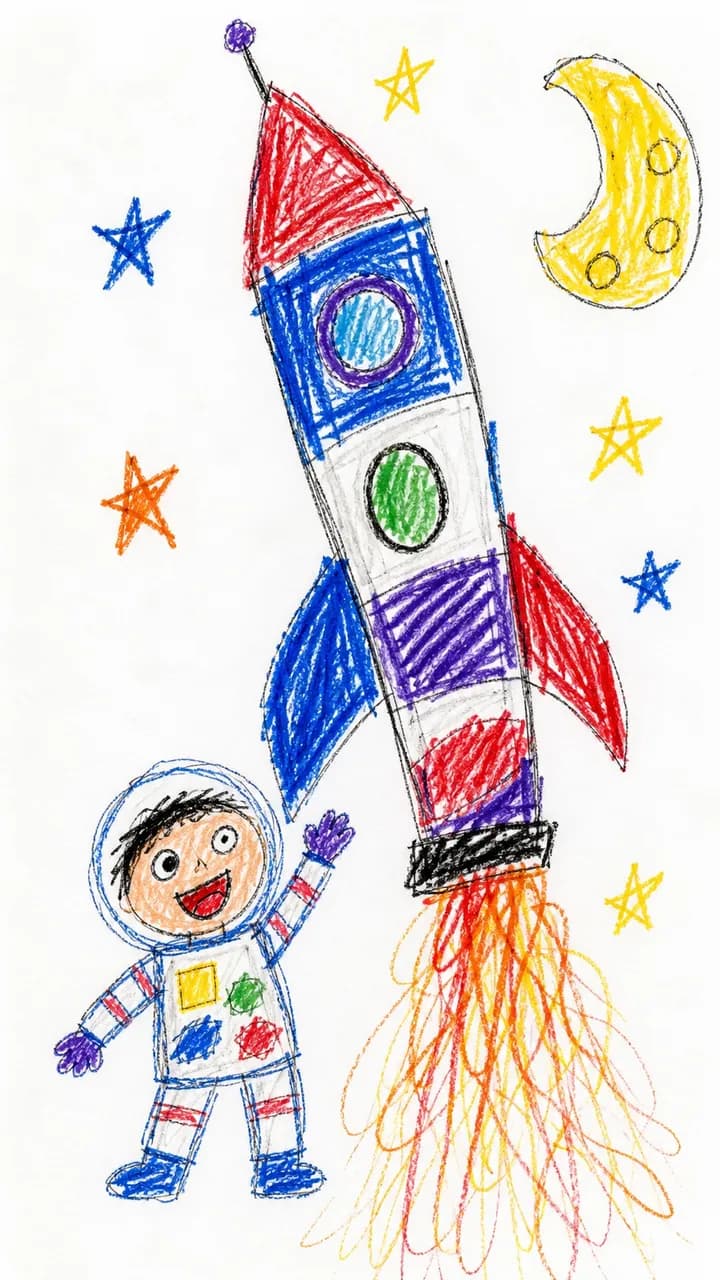
AI shorts generator: drawn and narrated, no camera
Bring a prompt or a source and Jellypod writes the narration, draws every shot to match, and adds captions and an original score. You don't need a camera or image prompts.
Need more than a minute? Make a video of up to 25 minutes in the same styles, or keep your own slides on screen with voiceovers.
How to make a short with AI
Step 01
Start from an idea or a source
Describe the short, attach a file or link, paste text, or upload a finished script.Step 02
Pick a character and a style
Choose one to four characters to narrate, one of 20 visual styles, and 30 seconds or 1 minute.Step 03
Generate, edit, download
Jellypod writes the narration and draws every shot. Edit anything, then download the MP4.

Tell one story in a minute
Marketers tell a product origin or a customer win. Trainers stage a role-play their team can replay. Educators explain one concept. Reuse the same character for a recurring narrator across a series.
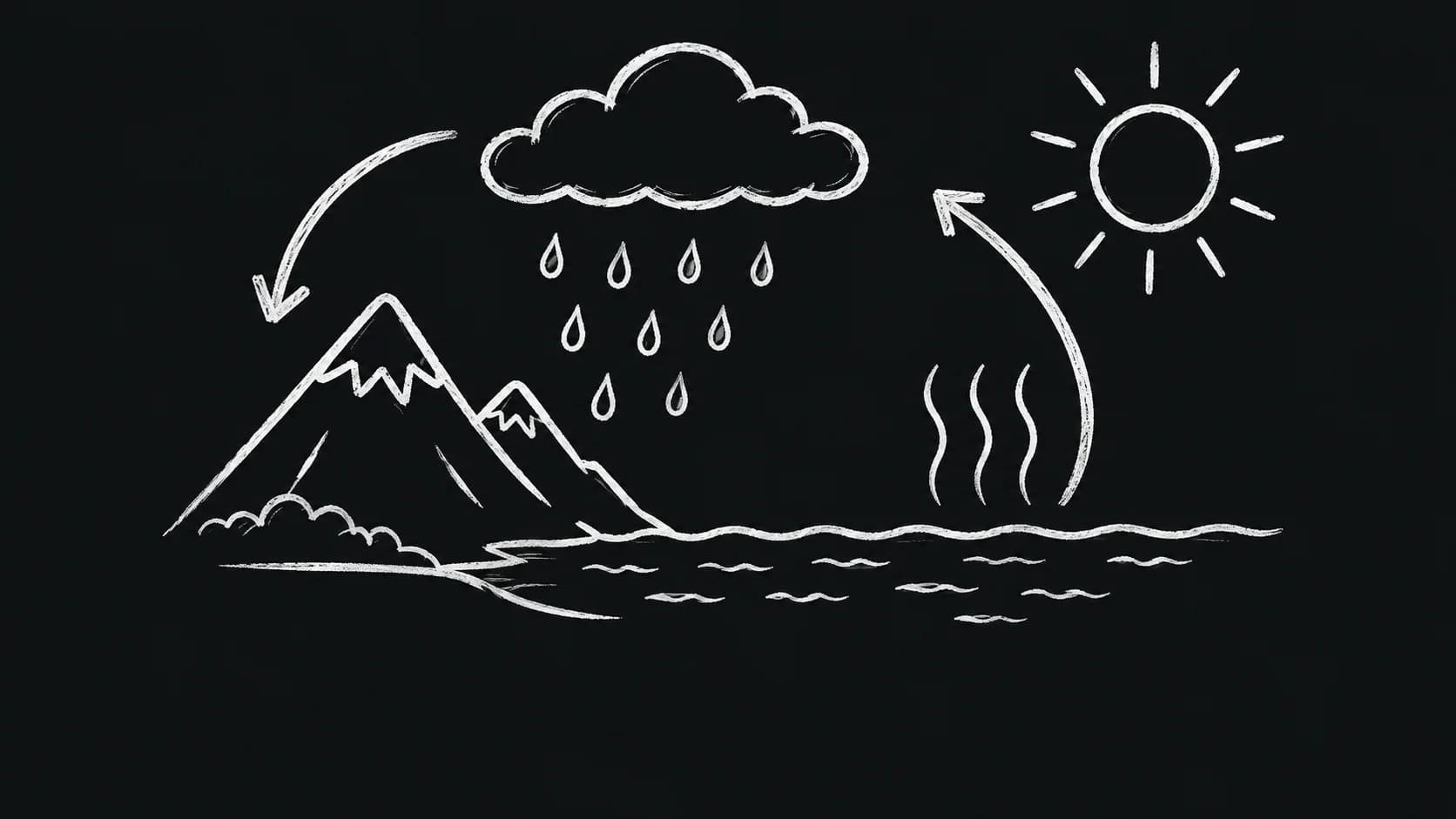


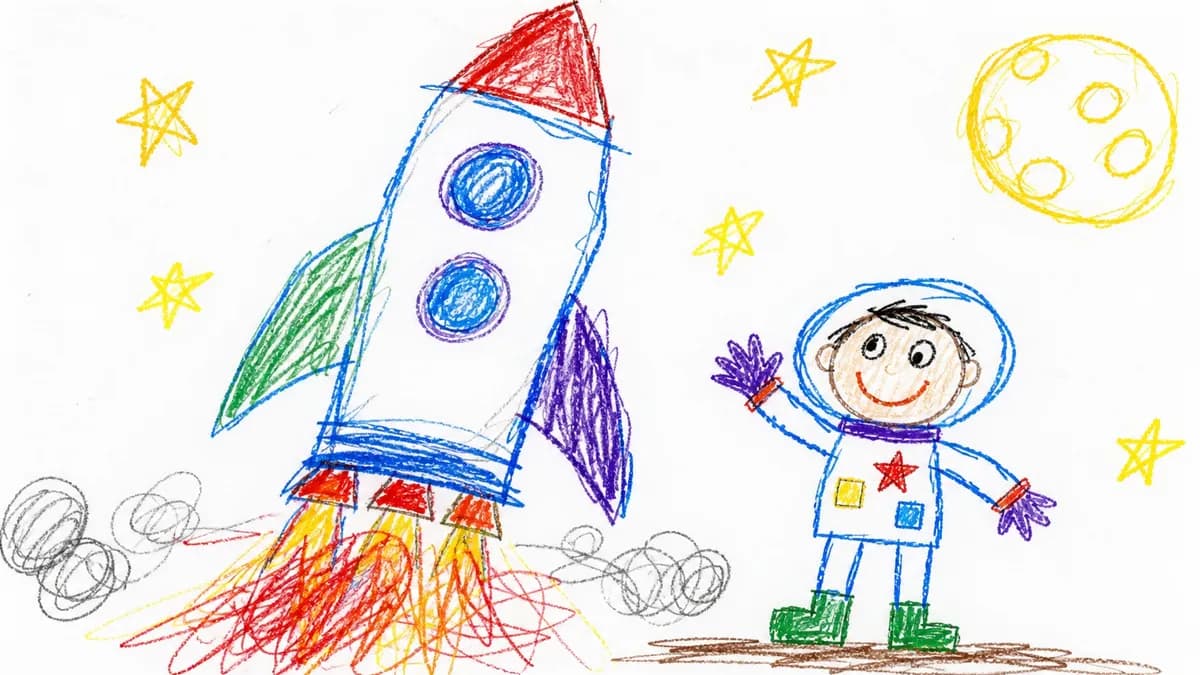
Pick from 20 visual styles
Pick a style and Jellypod sets the palette, composition, and motion, so the shots match each other. See every style on the AI video generator page.

Post it as is
Word-synced captions and an original score are on by default. Add a brand kit, or your own logo on Creator and above. Want it in your voice? Clone it and cast it as the narrator.
Trusted by Busylike, Ohio State, and Reptilium
If you are already investing in content marketing, Jellypod is a must-have to integrate into your strategy.
 Vadi EfeFounderBusylike
I've cloned my own voice with just a 60 second recording... They just work beautifully.
 Llew JurySEO Pioneer, VC, and Entrepreneur
It's not about replacing lectures. It's about reinforcing the arc of learning in the moments students actually have.
 Steve DeNunzioMBA ProfessorThe Ohio State University
People travel from all over to see these animals, and Jellypod allows me to easily share their stories and gives potential attendees a little taste of what to expect at Repticon.
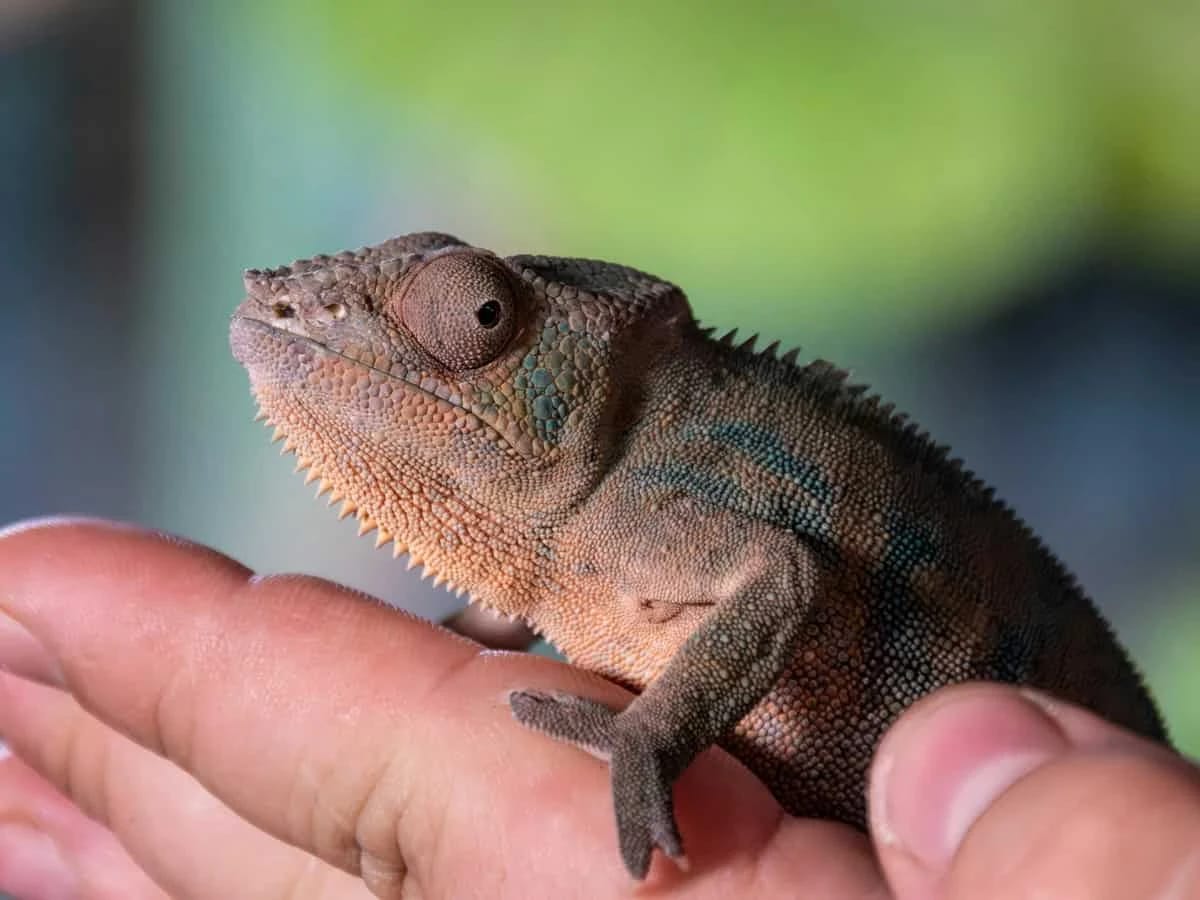 Michael HoutzagerFounderReptilium
FAQ
What is a Jellypod short?
Can I make shorts for free?
How much does a short cost?
Can I edit a short after it generates?
Can I make short dramas like ReelShort?
Discover more ways to make a short
Explore related
More from Jellypod
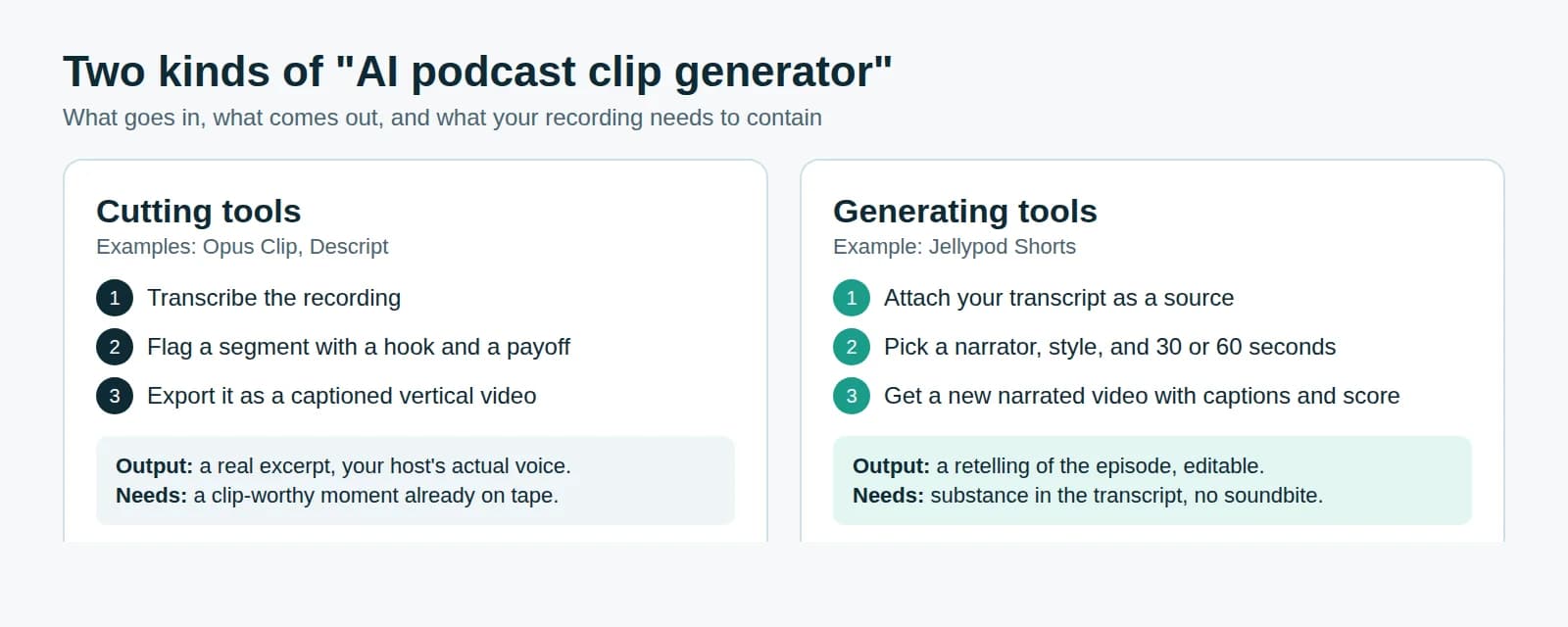
AI Podcast Clip Generator: Cut Clips or Generate New Ones?
Know which kind of clip tool your episode needs, how long the clip should run, and how to keep it eligible for reach on Reels.
Read more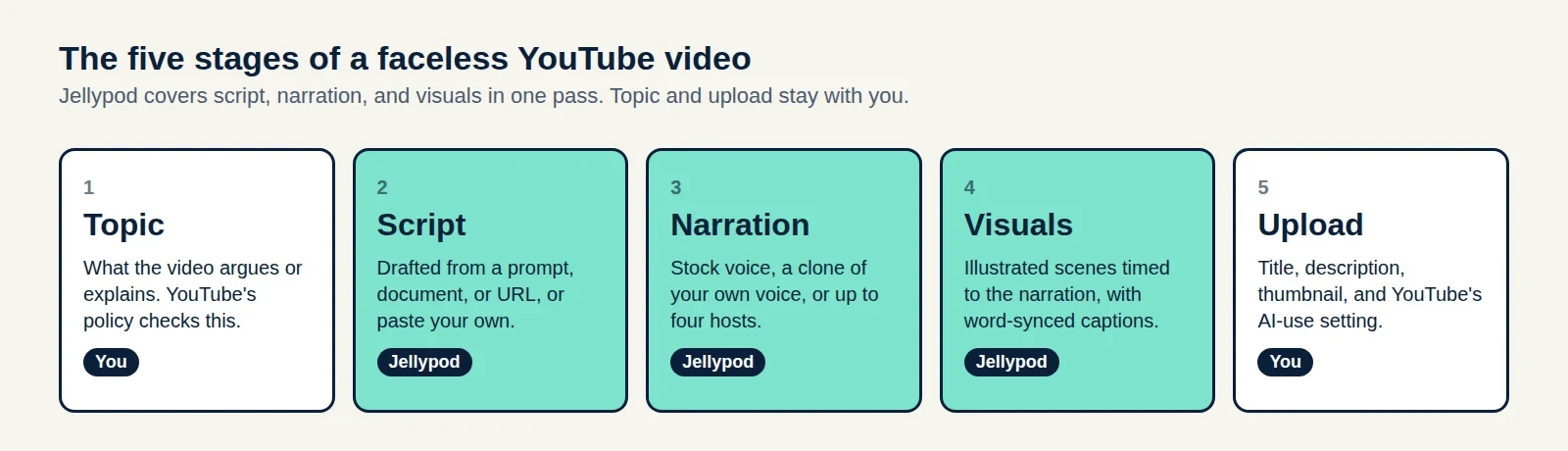
How to Make a Faceless YouTube Channel and Get Paid
A five-stage production plan, the watch-hour math for 2027, and a three-case test for whether your AI voice needs a YouTube label.
Read moreIntroducing Shorts
Turn a prompt or a source into a fully produced vertical video: narrated, animated, and scored, ready for TikTok, Reels, and YouTube Shorts.
Read more
Make your first short today
Start free with 500 credits. No credit card required. Paid plans include a 7-day free trial.
One source, a short and a full video
Shorts share characters, voices, and styles with videos, AI podcasts, and voiceovers. Turn one source into a short for social and a full video for your site.