Content repurposing
Turn one link into a podcast, a video, and a Short
Jellypod is an AI content repurposing tool. One link becomes a podcast episode, a Magic Video of that episode, and a Short, and the episode can publish on RSS.
4.6out of 5 on G2












What is AI content repurposing?
AI content repurposing turns one link into a podcast episode, a Magic Video of that episode, and a Short. The B2B content repurposing playbook helps you choose which articles are worth converting.
A page you already published becomes the episode first
Jellypod reads public articles, documentation, and company pages, then writes and voices the episode before anything is published.
The Magic Video reuses that episode's script and audio and adds new visuals. The Short is a separate piece from the same link, in portrait at 30 or 60 seconds. Listeners can subscribe through your podcast website and RSS feed.
URL to video follows the video path from a link. AI shorts covers the portrait format.
Make the episode, the Magic Video, and the Short
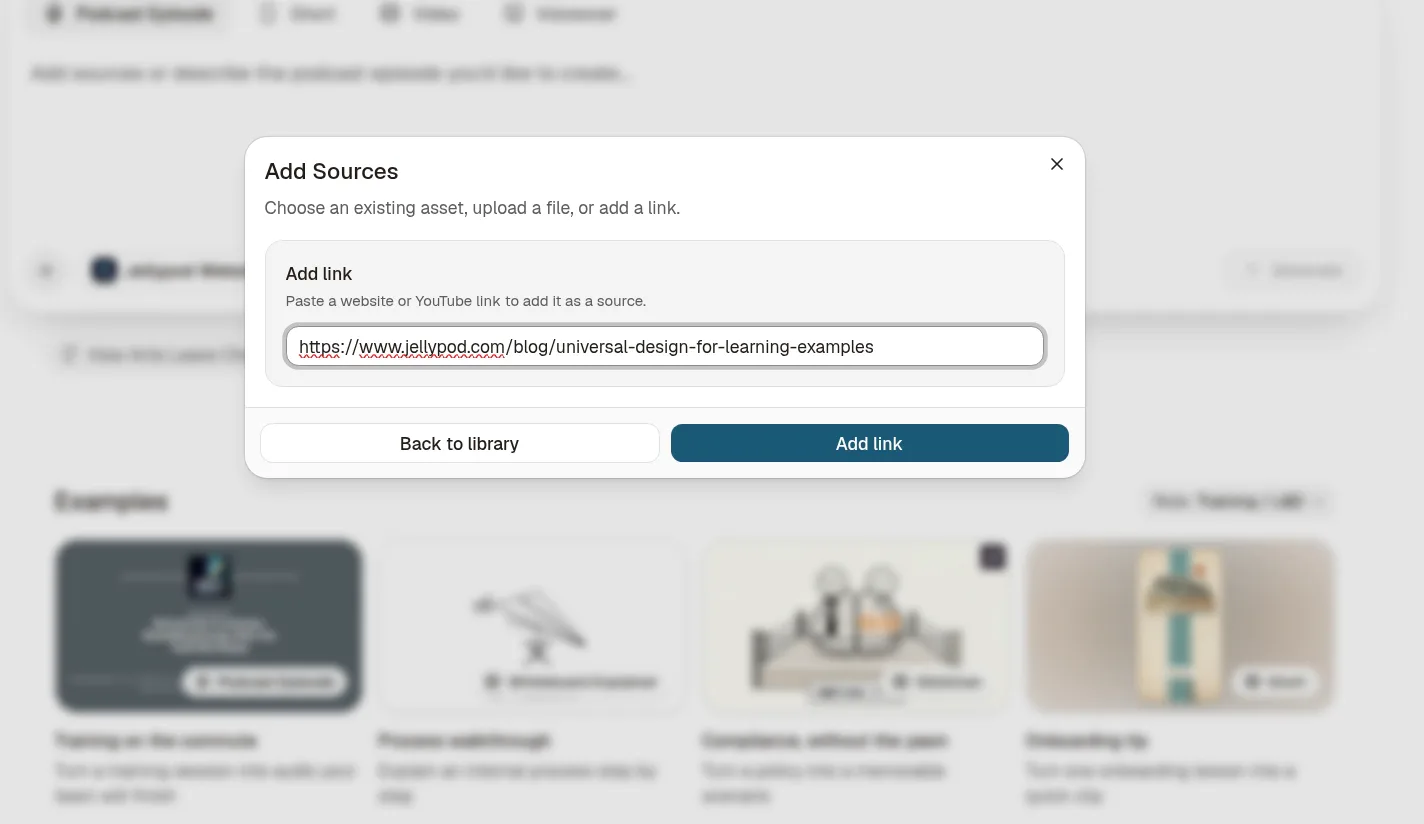
- Paste the article link and click Generate. Jellypod writes and voices a two-host episode.
- Open that episode, click Video Style, and in the Magic Video banner click Create Video. Pick a style and Generate so Jellypod keeps the episode's script and audio and adds new visuals.
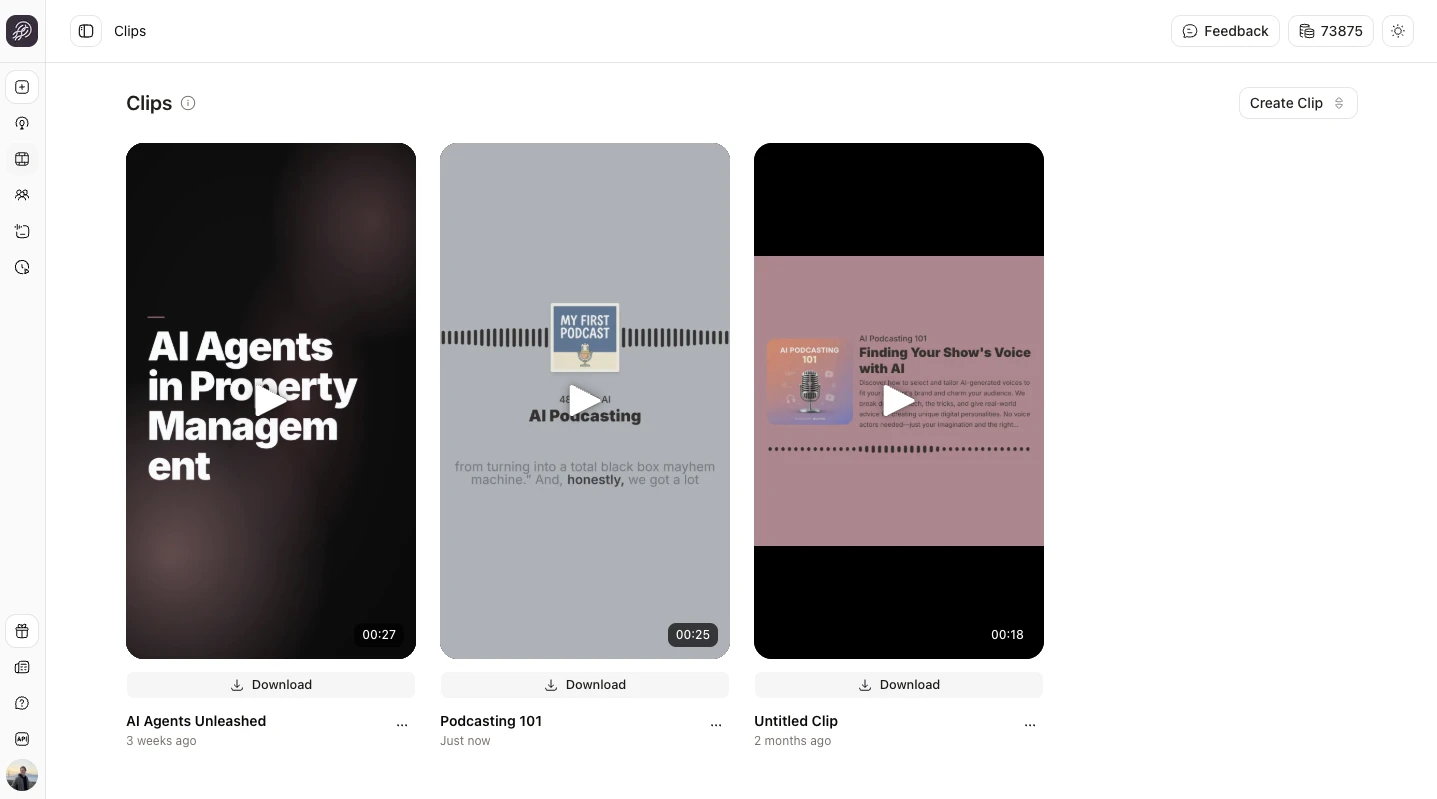
- Go Home, choose Short, pick the same link from the library, choose a style, and Generate. The Short gets its own script, and it is not cut from the episode. The Magic Video and the Short both sit in the Videos library. Click Publish Episode and confirm in the dialog to add the episode to the RSS feed of a public podcast.
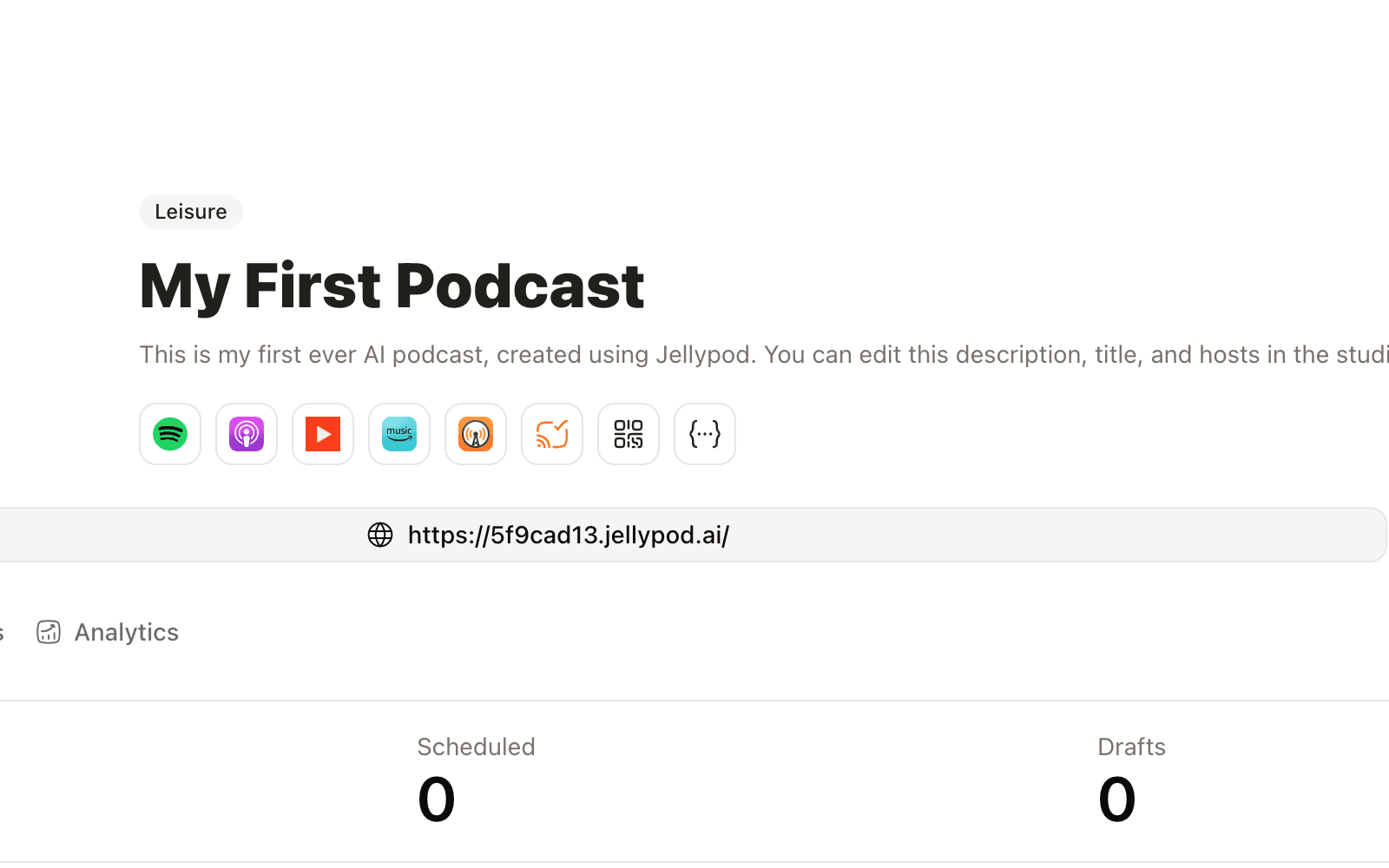
YouTube receives audio and cover art through that feed. Download the Magic Video or Short from the Videos library and upload the file if you want the picture on YouTube.

Frequently asked questions
What is AI content repurposing in Jellypod?
Can I use a blog URL as the source?
Can I publish to Spotify, Apple Podcasts, or YouTube?
Does the RSS feed include the Magic Video or the Short?
How many hosts can I use?
Start creating with Jellypod today
Turn any idea, document, or link into editable, high-quality podcasts and videos. Reach global audiences in your own voice, in 121 languages.