

Trusted by 100K+ creators
AI Voice Generator: Turn Any Text into Natural Speech
Paste a script or upload a document, pick from 3,300+ AI voices, and hear it read word for word. Fix any line without redoing the take.
Turn text into voice7-day free trial. Cancel anytime.
Play a voice in any accent
All accents- American accent
360+ voices · 17 regional accents
- British accent
180+ voices · 9 regional accents
- Australian accent
20+ voices
- Indian accent
320+ voices · 14 regional accents
4.6out of 5 on G2












What text to voice does in Jellypod
Paste a script or upload a document, pick one of 3,300+ AI voices, and Jellypod reads it word for word. Each library voice is tuned to one of 121 languages and an accent.
Have research instead of a script? Add it as a source and Jellypod writes the narration. Upload slides, PDFs, or images as a voiceover and it narrates each page in time with the visuals.
How to use Text to Voice
Step 01
Add your text
Click Upload Script and paste your text, or upload a TXT, DOCX, or PDF file. Put [Name] above each speaker’s lines when more than one voice reads.Step 02
Pick a voice and language
Choose a character with a library voice, a designed voice, or your own clone. Library voices are each tuned to one of 121 languages and an accent.Step 03
Generate, edit, and publish
Jellypod reads the text as written. Edit any line and regenerate only that line, then download the result or publish it.
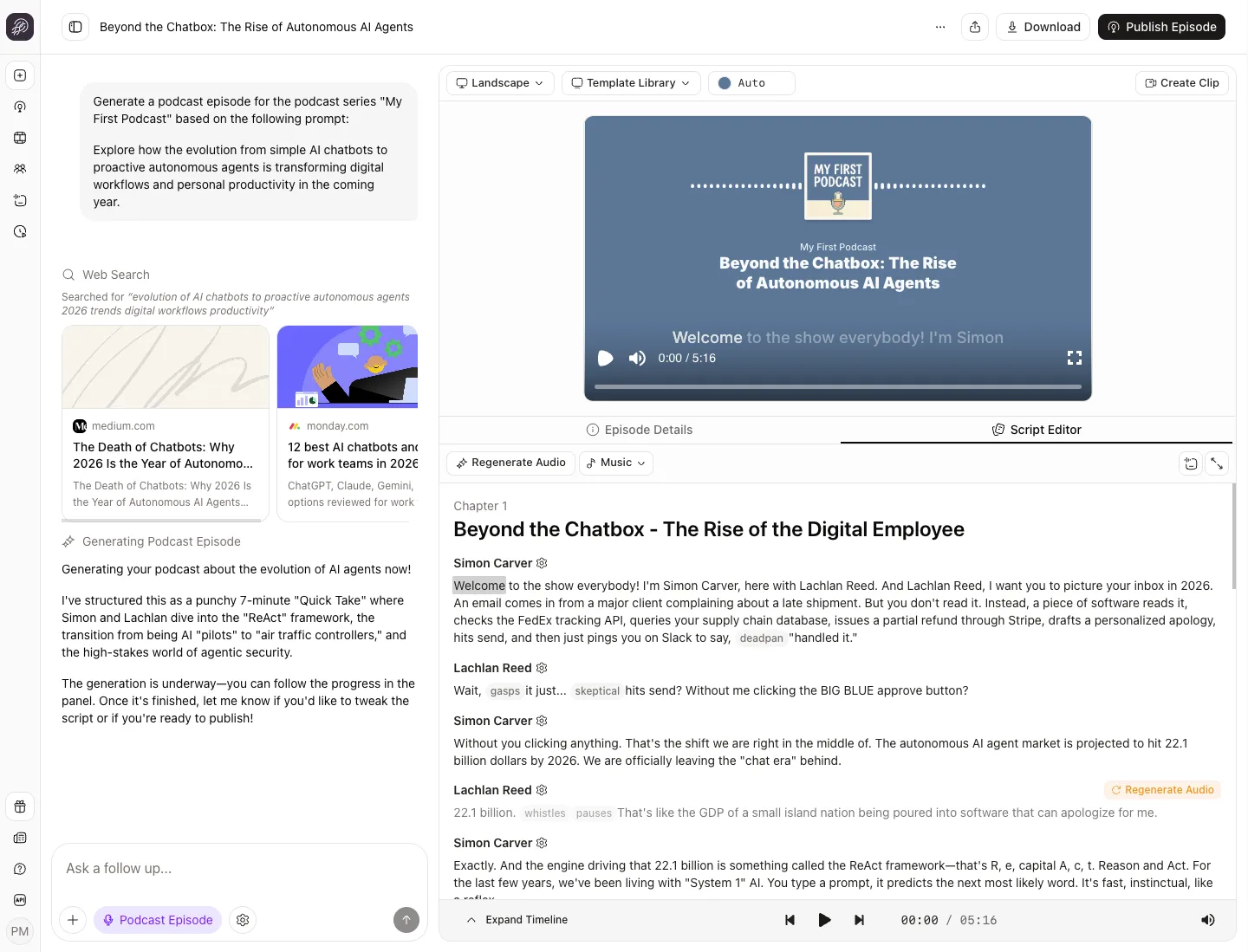
Fix one line, not the whole take
Change a word and regenerate only that segment. The rest stays as it was, and regenerating costs no credits. See the script editor.
Hosts

Marcus Hayes
Warm male voice, structured and mid-paced delivery

Claire Brooks
Sharp American female voice, firm editorial delivery
Choose between 1-4 hosts per episode.
3,300+ voices in 121 languages
Pick a library voice with a regional accent, from British and Australian English to Indian, Irish, and French, or design one from a description, or clone your own. Each library voice is tuned to one language, accent, and use case. Hear every accent.

One voice for every format
Save a voice to a character and it reads podcasts, narrates videos and shorts, and voices your slides. Label each speaker and up to four characters read their own lines. Pronunciations you set apply in every format. Narrate slides with AI voiceovers. Read the help guide.
Stories from Ohio State, Busylike, and Johns Hopkins
It's not about replacing lectures. It's about reinforcing the arc of learning in the moments students actually have.
 Steve DeNunzioMBA ProfessorThe Ohio State University
If you are already investing in content marketing, Jellypod is a must-have to integrate into your strategy.
 Vadi EfeFounderBusylike
It's a digital version of myself and a way to amplify [my voice] without having to hire another employee.
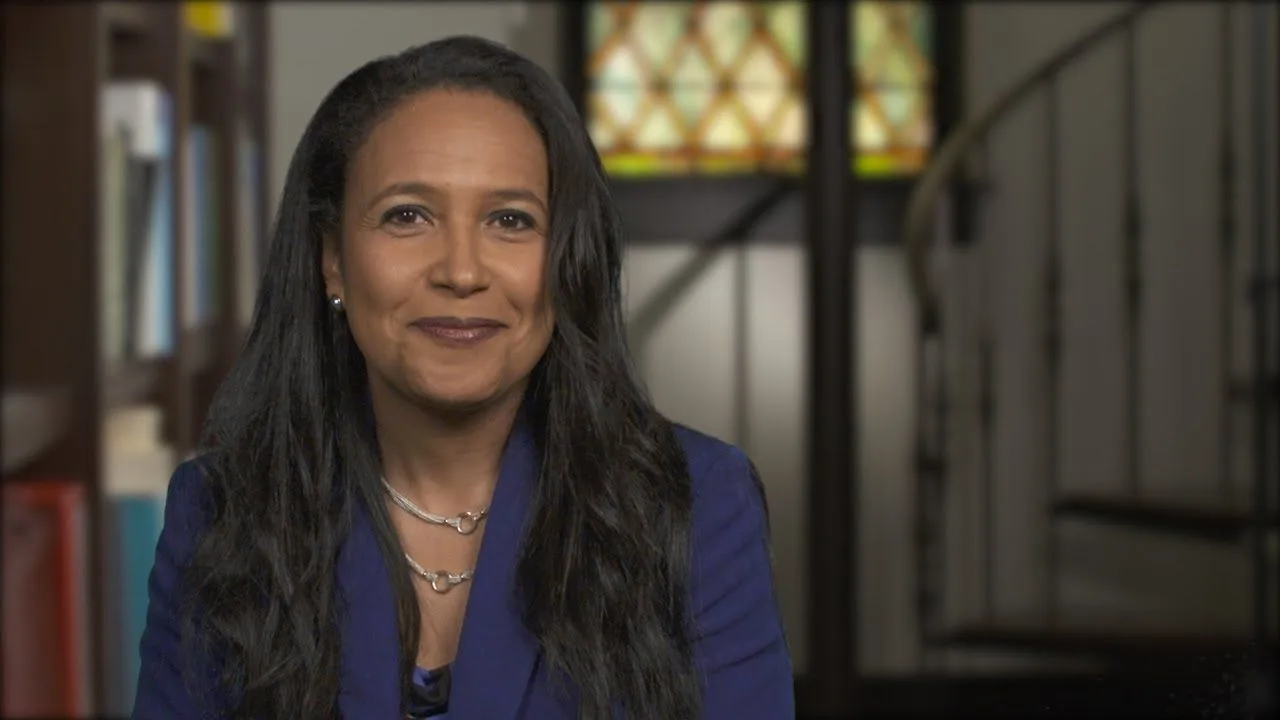 Boi CarpenterVP Alumni RelationsJohns Hopkins University
You just dump in your information and structure your podcast. It was the easiest thing I've ever done.
 Dr. Louise LambertAssociate Professor, Psychologist
FAQ
What is text to voice?
Does Jellypod read my text exactly as written?
Which files can I turn into speech?
Can I fix how a word is pronounced?
How much does text to voice cost?
Discover more about Text to Voice
Explore related
More from Jellypod

Create a Multi-Host Podcast With AI Voices
Cast two to four AI hosts with distinct jobs and voices, then fix the script and pacing before you generate the audio.
Read more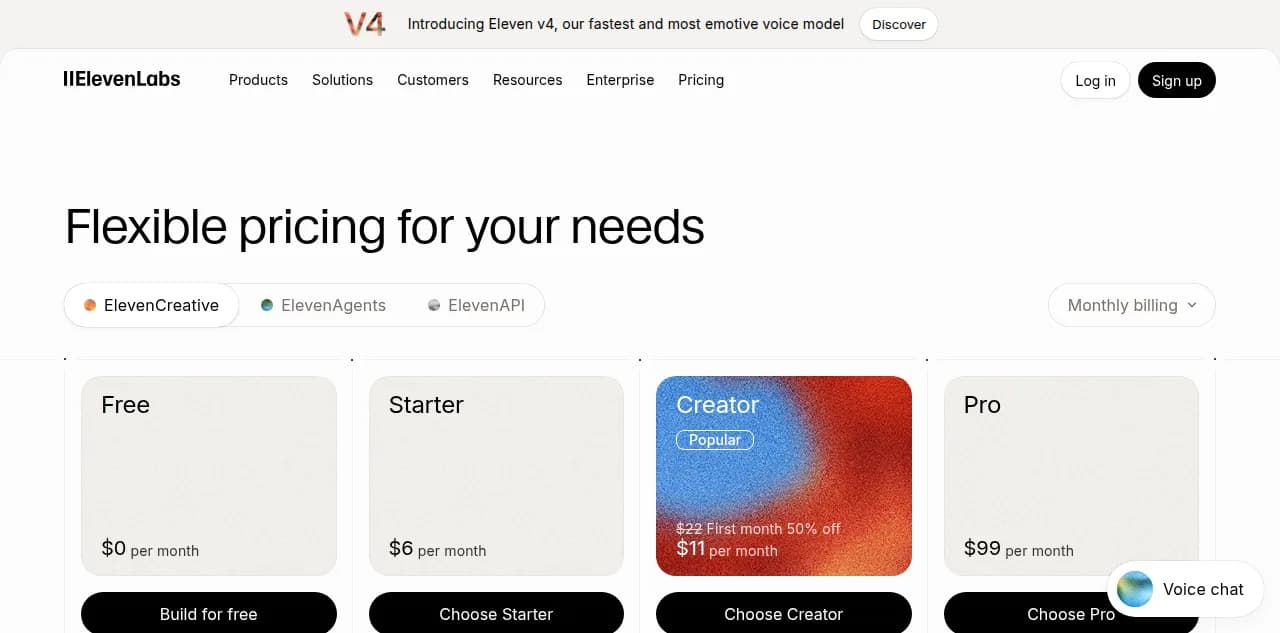
ElevenLabs Pricing in 2026: What a Finished Episode Costs
Turn ElevenLabs credits into dollars per finished two-host episode, and see how that compares with Jellypod credits, API rates, and the free tier.
Read more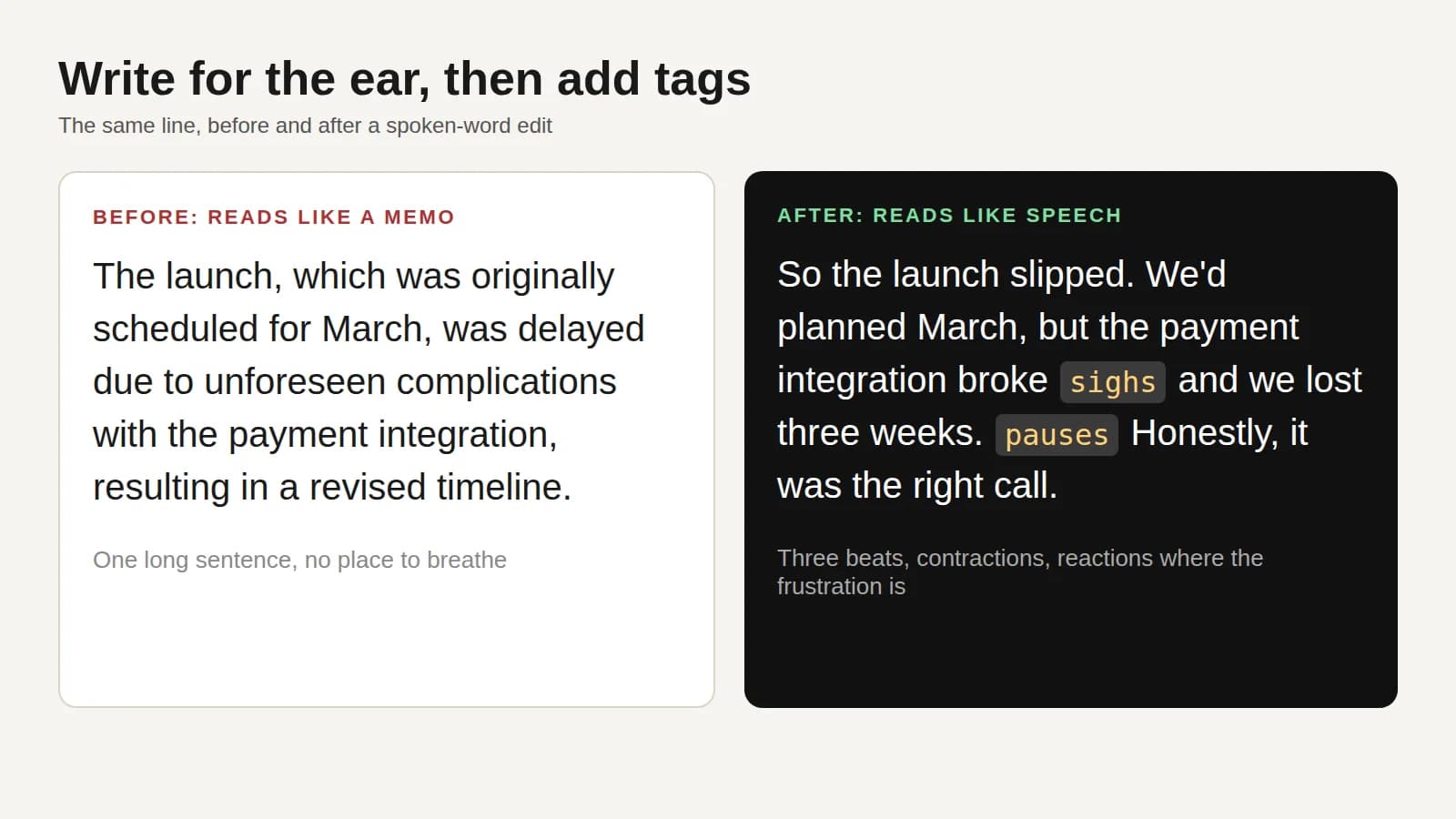
How to Make an AI Voice Sound Human, Not Robotic
Rewrite a flat script line by line, add delivery tags, and fix mispronounced names so your AI host sounds like a person talking.
Read more
Give your words a voice
7-day free trial. Cancel anytime.

One narrator for everything you make
The voice that reads your text belongs to a character, so one narrator can host your podcast, voice a short, and present your slides. Scripts use one speaker format everywhere, so a script moves between products.