


Trusted by 100K+ creators
Whiteboard Animation Maker
Type a topic or drop in a PDF, deck, or URL. Jellypod writes the narration and draws a whiteboard animation you can edit and download.
Create an explainer7-day free trial. Cancel anytime.
4.6out of 5 on G2












Whiteboard animation maker: explainers that draw themselves
Whiteboard animation suits a viewer who needs to grasp one idea. Jellypod works as a whiteboard animation generator. It draws from your narration, so the visuals follow what you say, stroke by stroke.
Comparing VideoScribe, Powtoon, Doodly, or Animaker? Type your own topic in the box above and judge the result. A teacher can type "how vaccines train the immune system" and show the video at the start of class.
How to make a whiteboard animation
Step 01
Start from a topic or a source
Type a topic, upload a PDF or slide deck, or paste a script. Say who the video is for and what they should understand.Step 02
Choose the look and voice
Pick Whiteboard, Chalkboard, Crayon, or Blueprint and choose your narrator. Jellypod writes the narration and draws each scene.Step 03
Edit, then download
Revise the narration or regenerate a visual, then download the video with captions or share a link.
Four hand-drawn looks
Whether you're creating internal HR material, visualizing complex business processes, or educating your students, each one of our hand-drawn styles will captivate your audience and boost engagement.
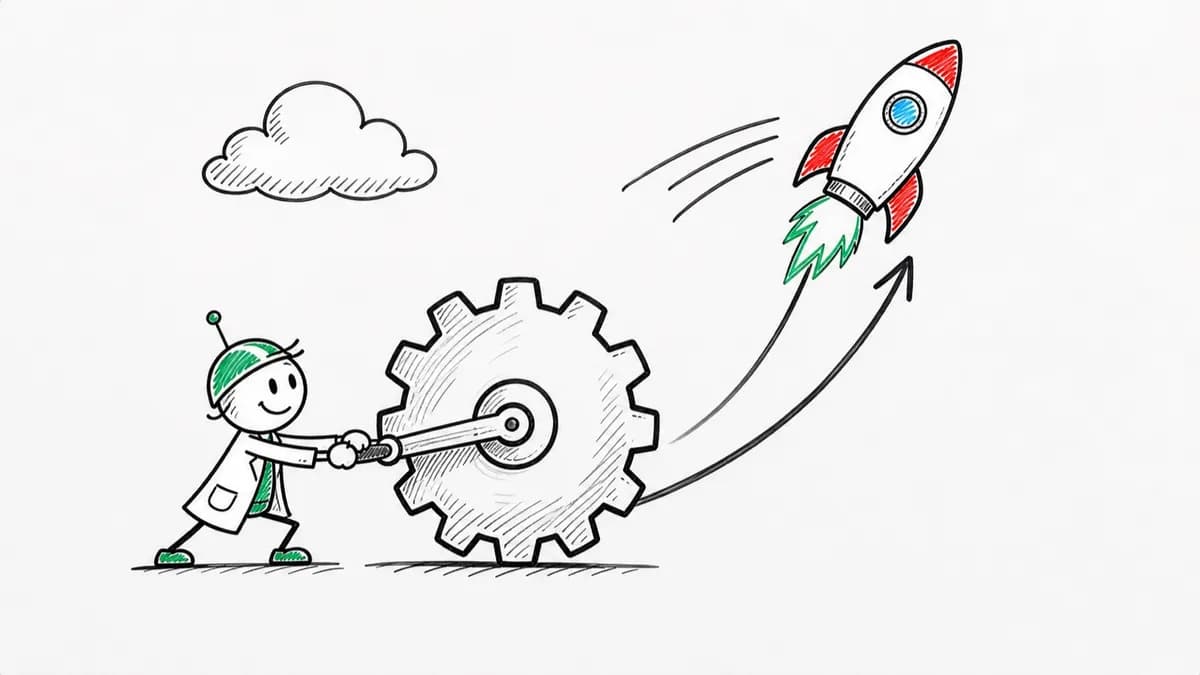
Whiteboard
Clean marker drawings, one stroke at a time.
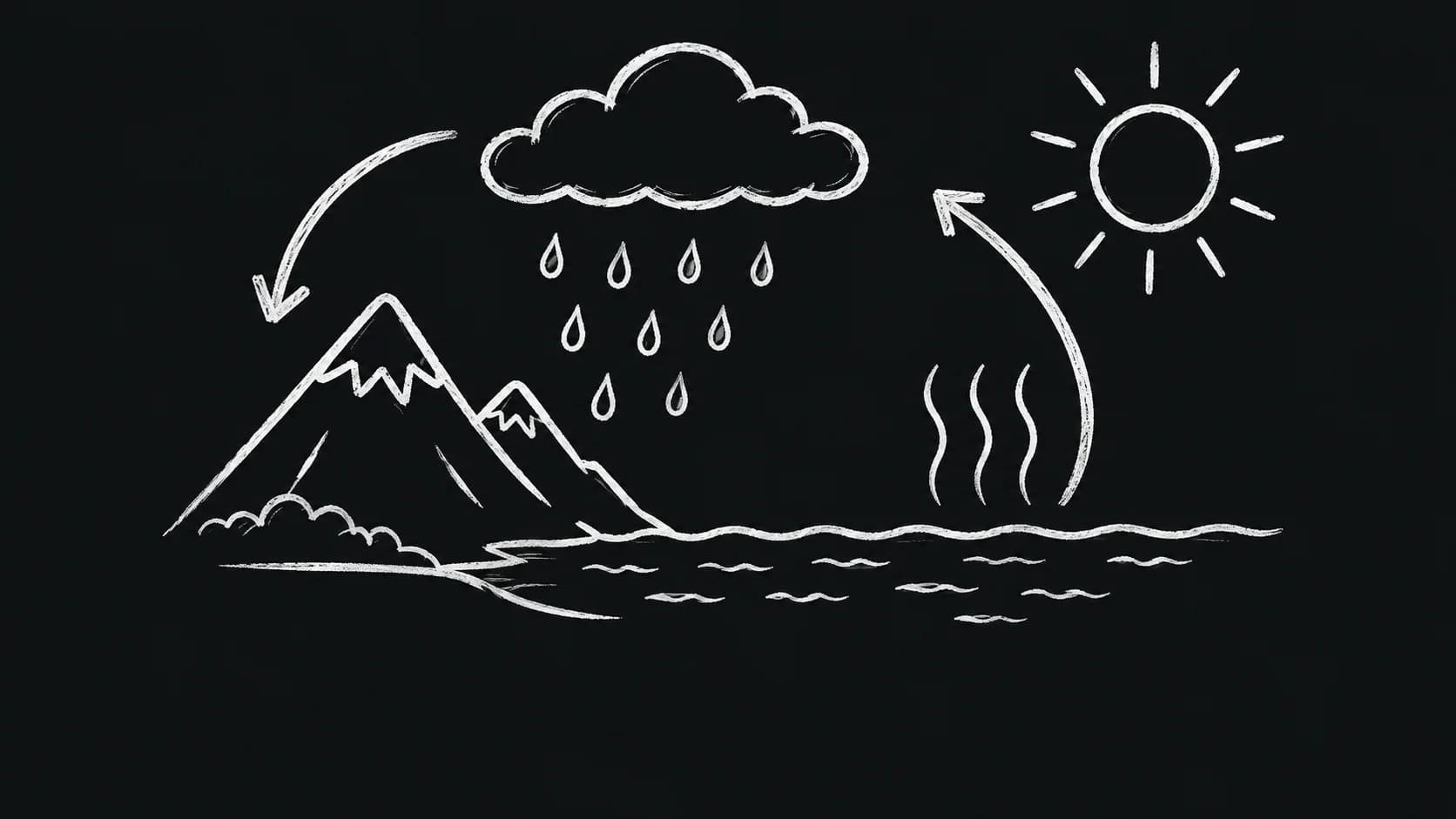
Chalkboard
Textured chalk with a classroom feel.
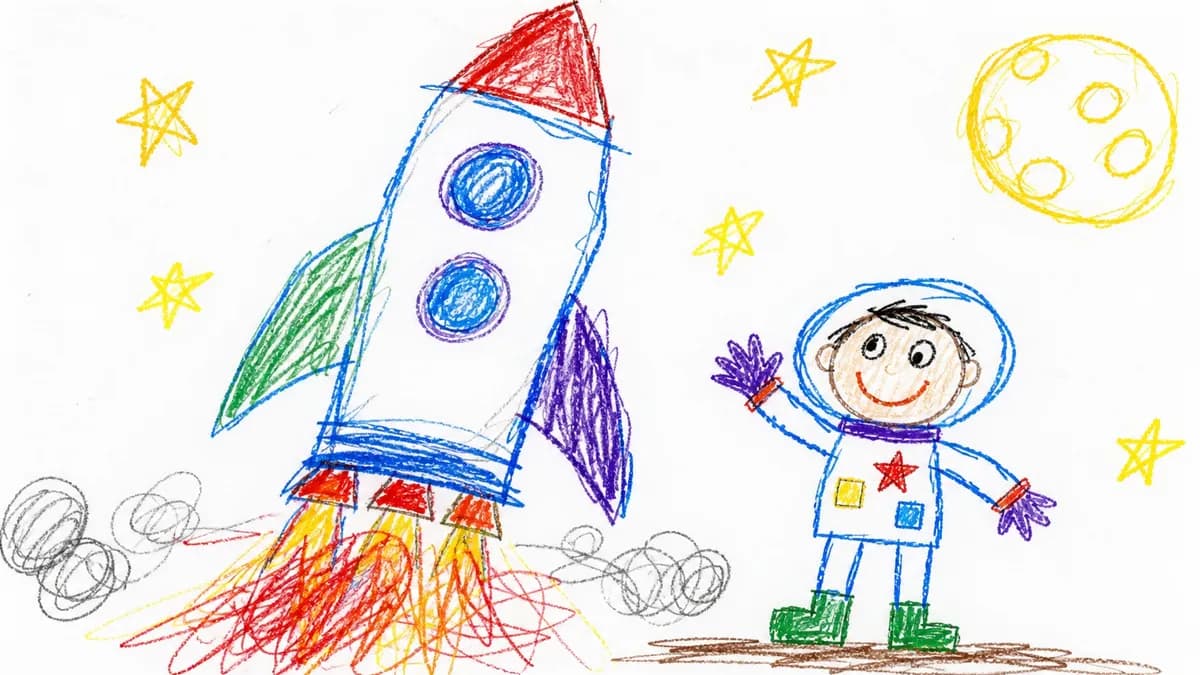
Crayon
Colorful, playful drawings with waxy texture.
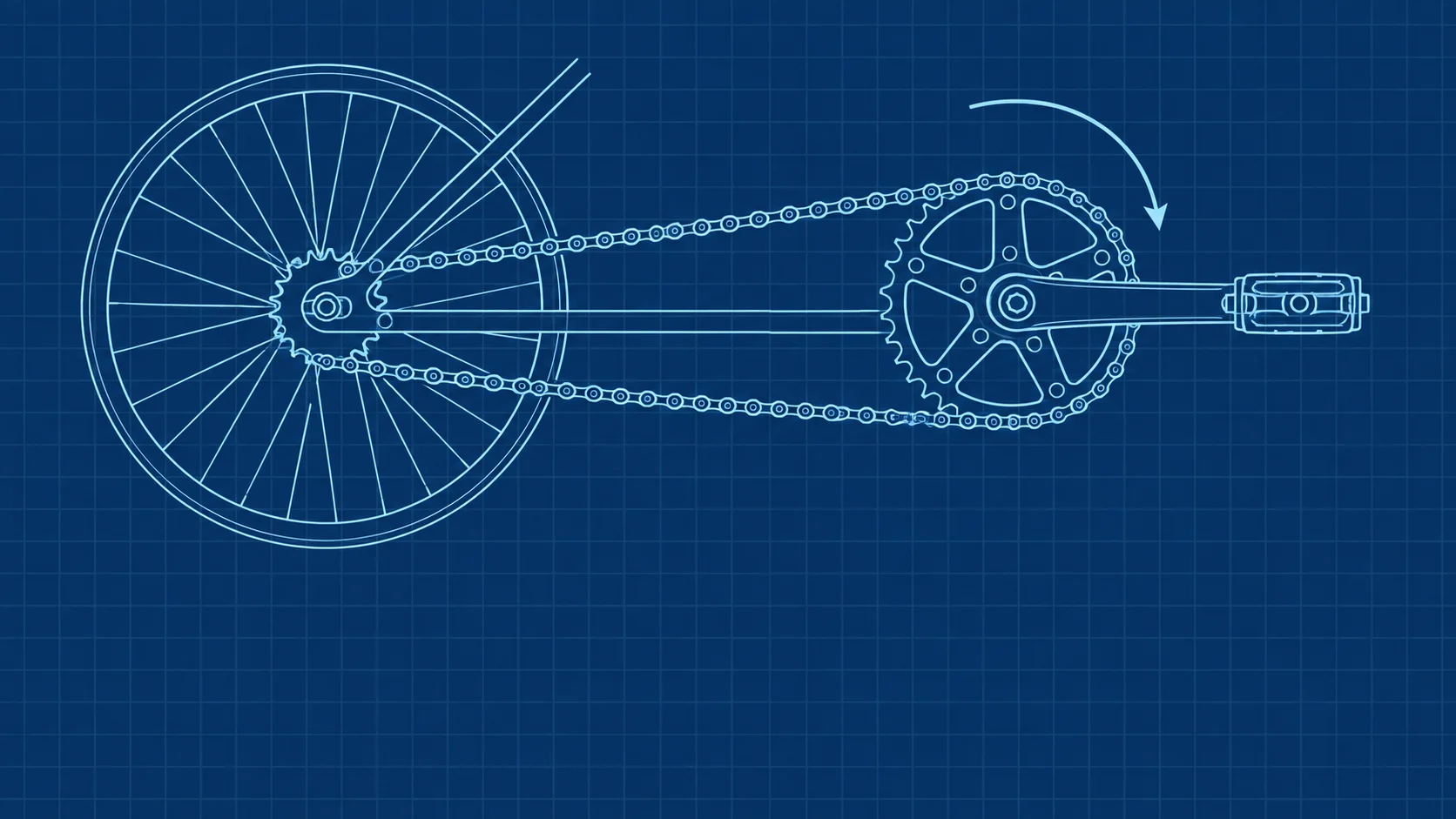
Blueprint
Crisp diagrams on a deep blue canvas.
One topic in, a drawn explainer out
A good topic is one clear idea phrased as a question or a process: how something works, why something happens, or what something means. "How compound interest grows your savings" makes a sharper video than "finance".
For how the whiteboard style compares with animated, screencast, and live-action explainers, see what an explainer video is.
Whiteboard animation software vs. a timeline editor
Traditional whiteboard animation software leaves the hard parts to you: write a script, pick clip art, drag scenes onto a timeline, and record a voiceover. Jellypod does those steps for you.
The trade is control. A timeline editor lets you place every asset by hand, which matters when you match a brand system frame by frame. A generator hands you a watchable draft from one sentence, which is often enough to explain a single idea.
Trusted at Ohio State, KU Leuven, and Kaishan USA
It's not about replacing lectures. It's about reinforcing the arc of learning in the moments students actually have.
 Steve DeNunzioMBA ProfessorThe Ohio State University
It enables us to make podcasts of peer-reviewed medical papers that nobody, until now, was going to read.
 Kris VanhaechtProfessor of MedicineKU Leuven
You just dump in your information and structure your podcast. It was the easiest thing I've ever done.
 Dr. Louise LambertAssociate Professor, Psychologist
The money is in producing fast, inexpensive content that can be transcribed and placed within blog posts to enhance findability and SEO.
 Lance BairdMarketingKaishan USA
FAQ
What is a whiteboard animation?
How do I make a whiteboard animation with AI?
Is there a free whiteboard animation maker?
How long can a whiteboard animation be?
Can I use Chalkboard, Crayon, or Blueprint instead?
Can I edit and download the video?
Discover more ways to make an explainer
Explore related
More from Jellypod
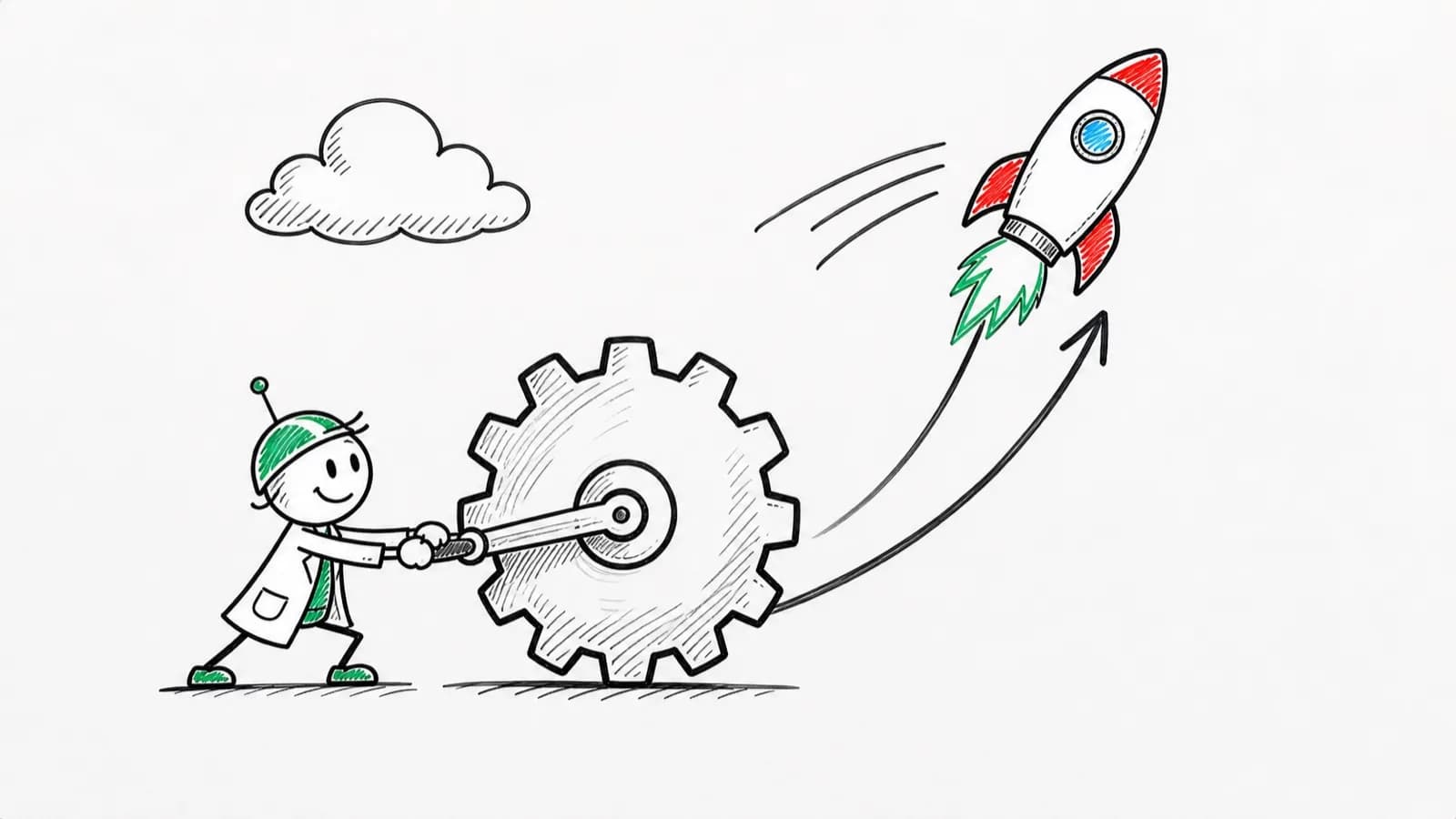
What Is an Explainer Video? Types and Ideal Lengths
Pick the explainer type and running time that fit your job, with real length data from over 1,600 videos rendered in Jellypod.
Read more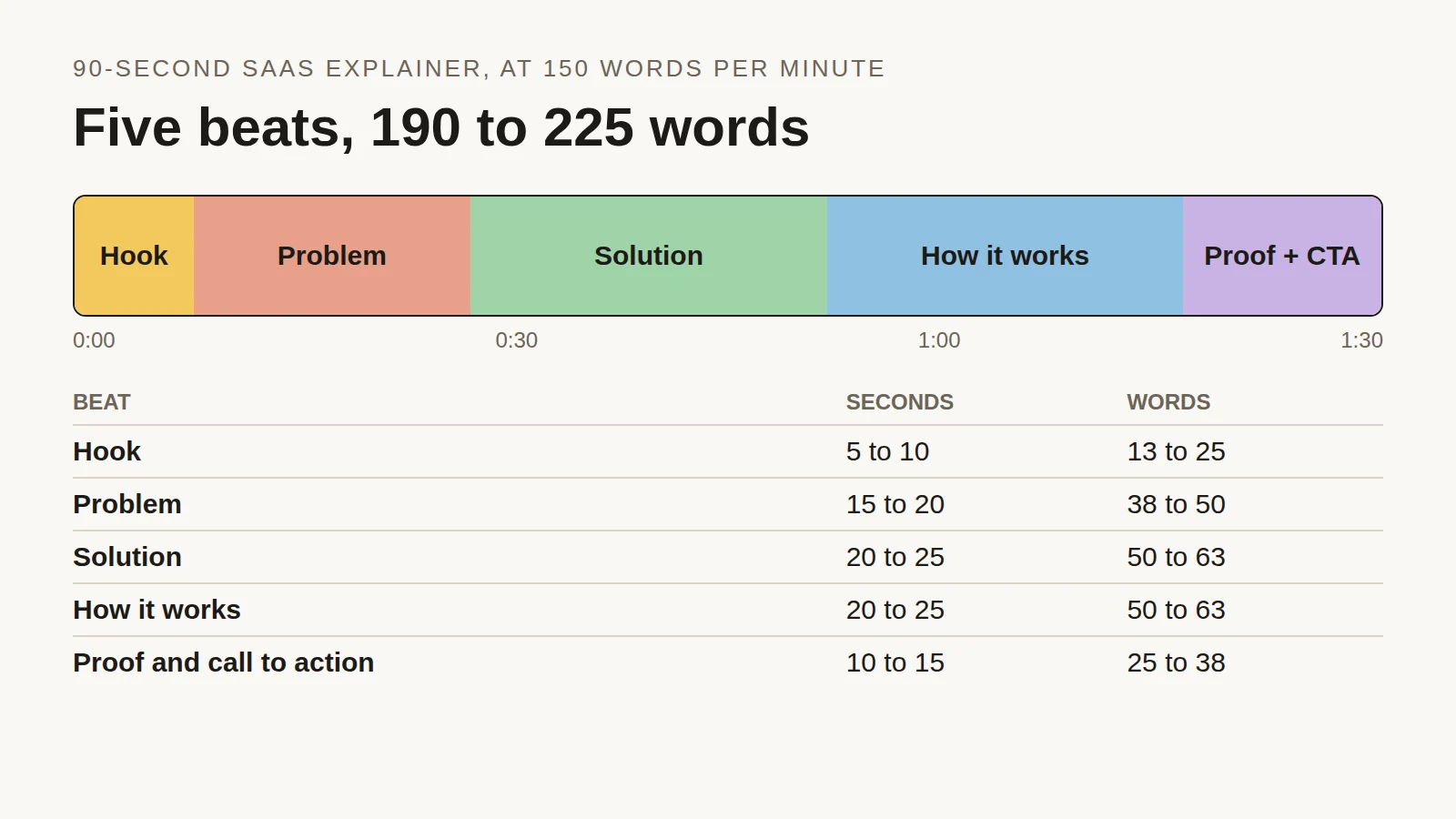
Explainer Video Script Template: Structure, Timing and a 90-Second Example
Time each beat of a 90-second SaaS explainer, see the script length people actually choose across 2,000+ Jellypod videos, and copy a finished example.
Read more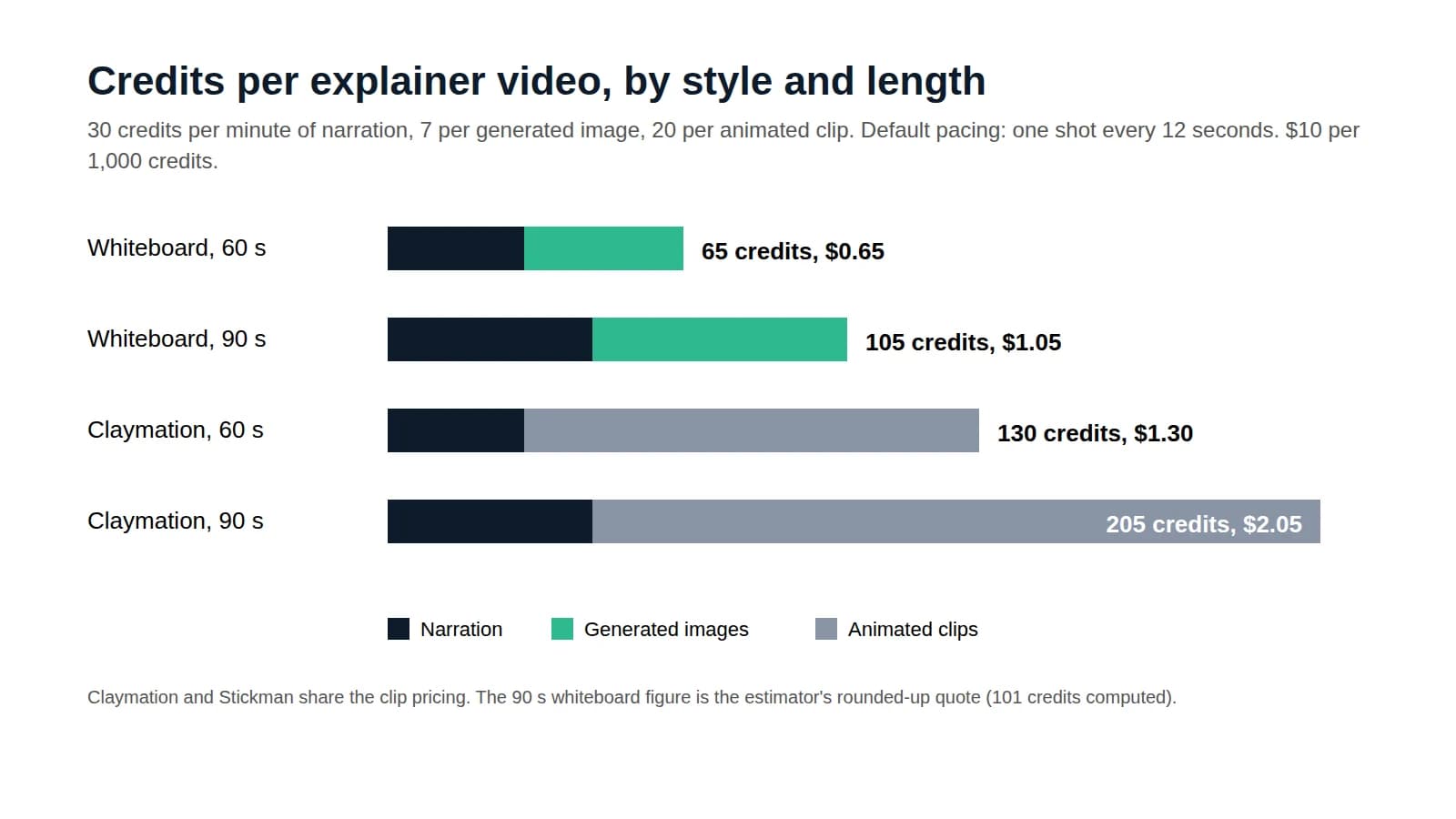
How Much Does an Explainer Video Cost?
Price a 60 to 90 second explainer by production method, then follow a credit-by-credit calculation for one made with AI.
Read more
Draw your next explainer today
7-day free trial. Cancel anytime.
One source, every format
Whiteboard is one of many styles for Jellypod videos and shorts. The same plan makes AI podcasts and voiceovers from the same sources.