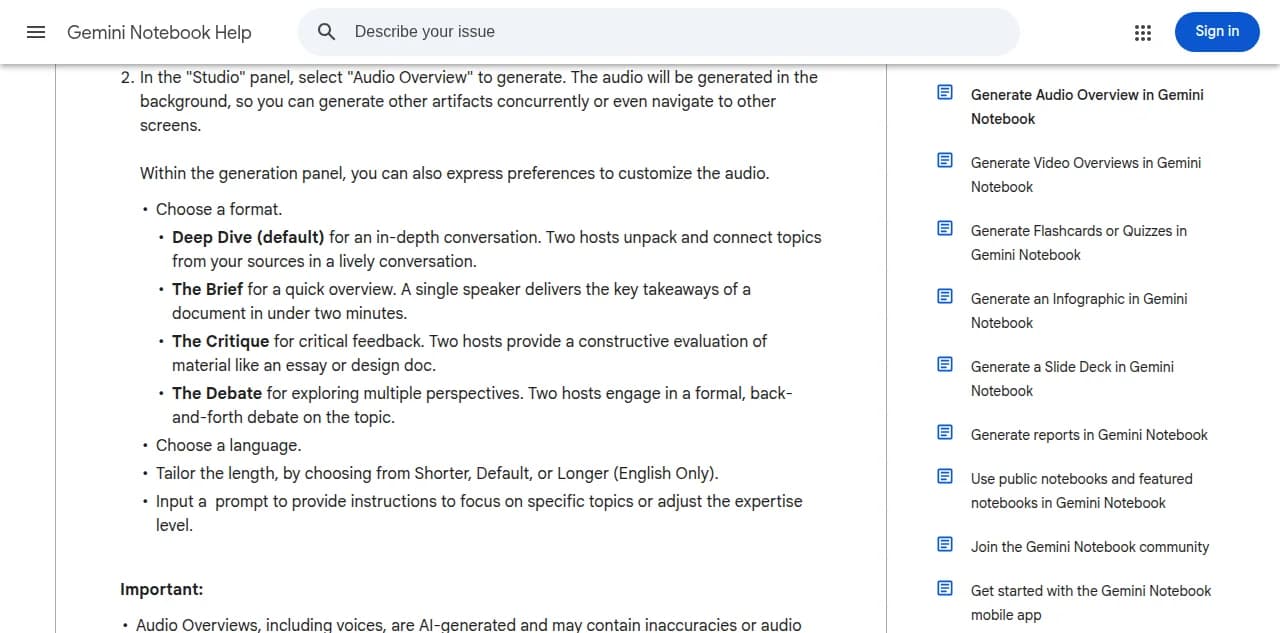
You can now import a NotebookLM audio overview into Jellypod and rebuild it as an editable episode with your own hosts.
Google renamed NotebookLM to Gemini Notebook in July 2026. It is the same product, so this import works exactly the same way.
Open a podcast, click the upload icon next to Create New Episode, and choose Import from NotebookLM. Pick the two hosts you want, drop in the audio, and Jellypod transcribes it, separates the speakers, creates a draft episode, and starts generating audio in your hosts' voices right away. You can edit the script line by line at any point. This is different from Upload Episode Audio, which publishes a recording as-is: Import from NotebookLM turns the audio back into a script you control.
It works with any audio file (NotebookLM is just the common starting point), up to 30 minutes. See Importing a NotebookLM Audio Overview for the full walkthrough.