
Trusted by 100K+ creators
Paper Cutout Explainers
Turn a PDF, deck, or topic into a narrated collage explainer with cut-paper scenes and word-synced captions.
Make a paper cutout video7-day free trial. Cancel anytime.
4.6out of 5 on G2












Paper cutout explainers: collage scenes drawn for your script
A collage explainer makes one point per scene with one bold image. By hand, that means sourcing photos, cutting textures, and animating layers. Jellypod generates each cut-paper scene from your narration.
Sales teams use it as a leave-behind, educators as a lecture students can replay, and L&D as a narrated SOP. See every look on the AI video generator page.
How to make a paper cutout explainer
Step 01
Start from a source or a topic
Upload a PDF or slide deck, paste a URL, or type a topic. Jellypod writes the narration from that source.Step 02
Pick a collage style
Step 03
Edit and download
Edit any line or scene, then download the MP4: a video of 3 to 25 minutes or a short of 30 seconds or 1 minute.
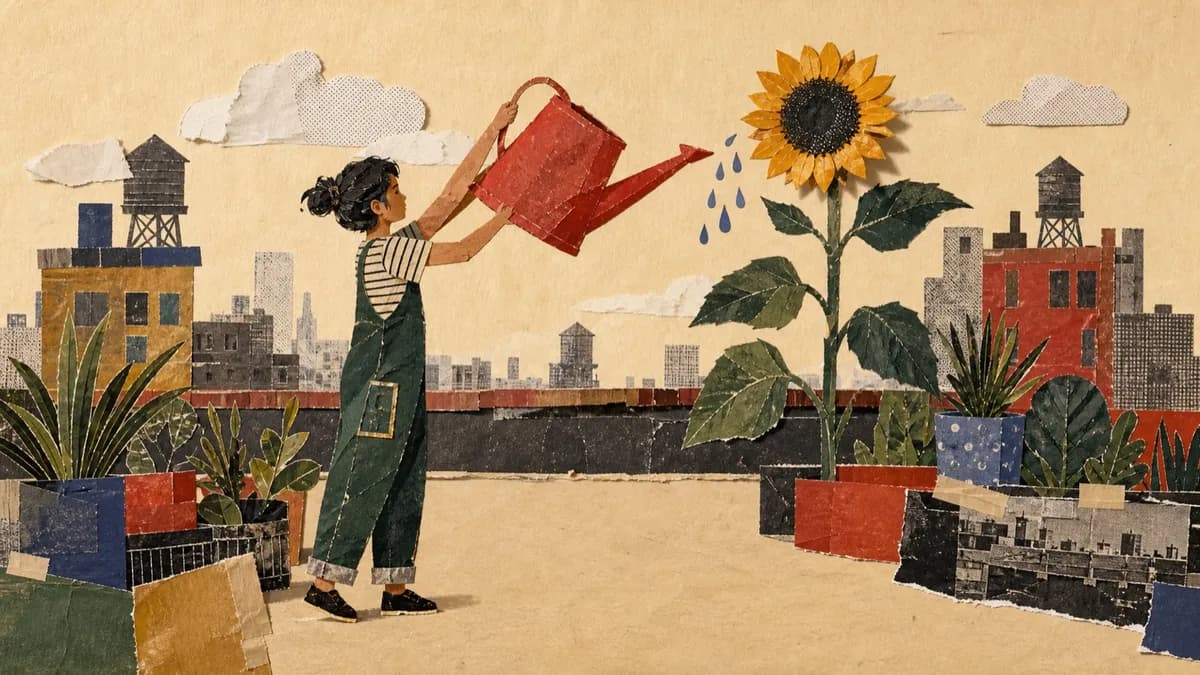
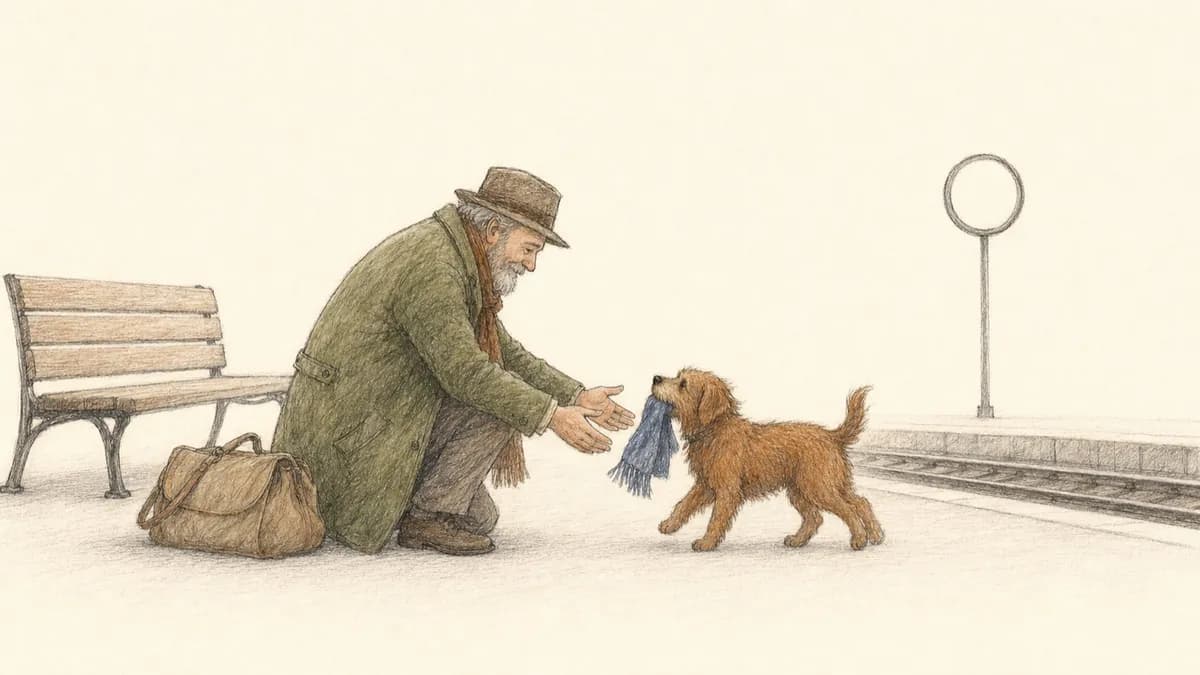

Paper Mache: layered collage with one idea per scene
Paper Mache layers cut-paper shapes, archival photographs, and screen-printed textures into one scene per idea, each with one focal point. It is the closest match to the classic collage explainer.




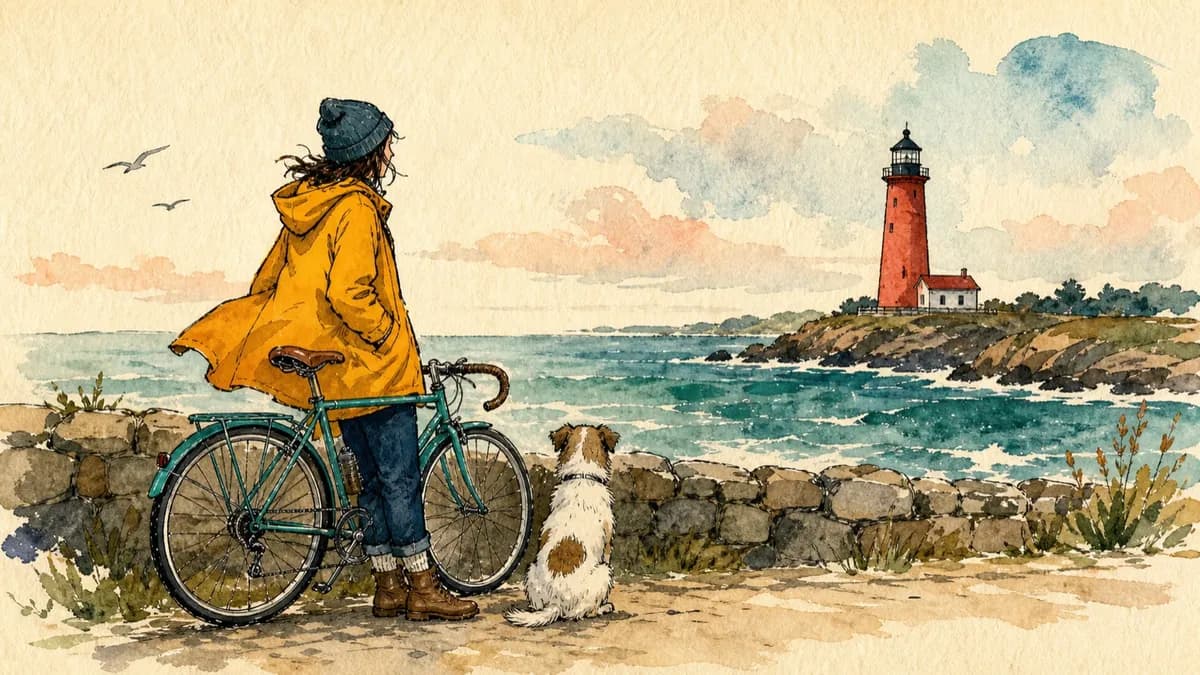
Almanac: paper cutouts on aged parchment
Almanac places hand-drawn paper cutouts with crisp edges and soft shadows on aged parchment. The earthy palette and calm pace suit history lessons, origin stories, and anything that should feel like a documentary.
The same look in a vertical short
Both styles work in shorts: a 30 second or 1 minute vertical clip with word-synced captions and an original score. Reuse the character from your full video to keep one narrator across formats.
Stories from Busylike, Ohio State, and Kaishan USA
If you are already investing in content marketing, Jellypod is a must-have to integrate into your strategy.
 Vadi EfeFounderBusylike
It's not about replacing lectures. It's about reinforcing the arc of learning in the moments students actually have.
 Steve DeNunzioMBA ProfessorThe Ohio State University
The money is in producing fast, inexpensive content that can be transcribed and placed within blog posts to enhance findability and SEO.
 Lance BairdMarketingKaishan USA
Jellypod is the complete package to create a podcast for yourself or your company.
 Kegan RiversSVP of Marketing3 Rivers Energy Partners
FAQ
What is a paper cutout explainer video?
Can I make full videos and short clips?
What is the difference between Paper Mache and Almanac?
Can I edit the scenes after they generate?
What if I want my original slides on screen?
Discover more explainer styles
Explore related
More from Jellypod
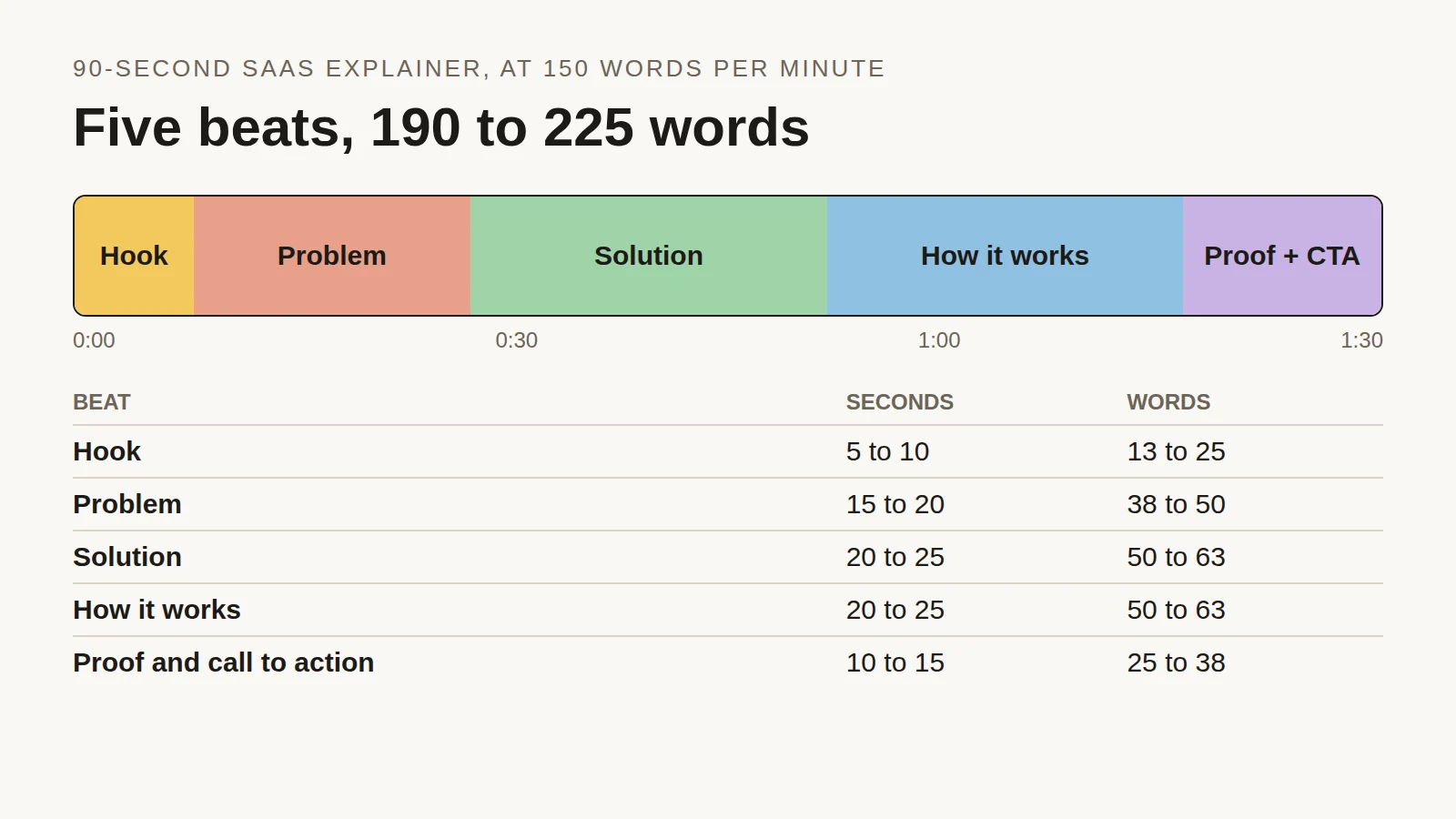
Explainer Video Script Template: Structure, Timing and a 90-Second Example
Time each beat of a 90-second SaaS explainer, see the script length people actually choose across 2,000+ Jellypod videos, and copy a finished example.
Read more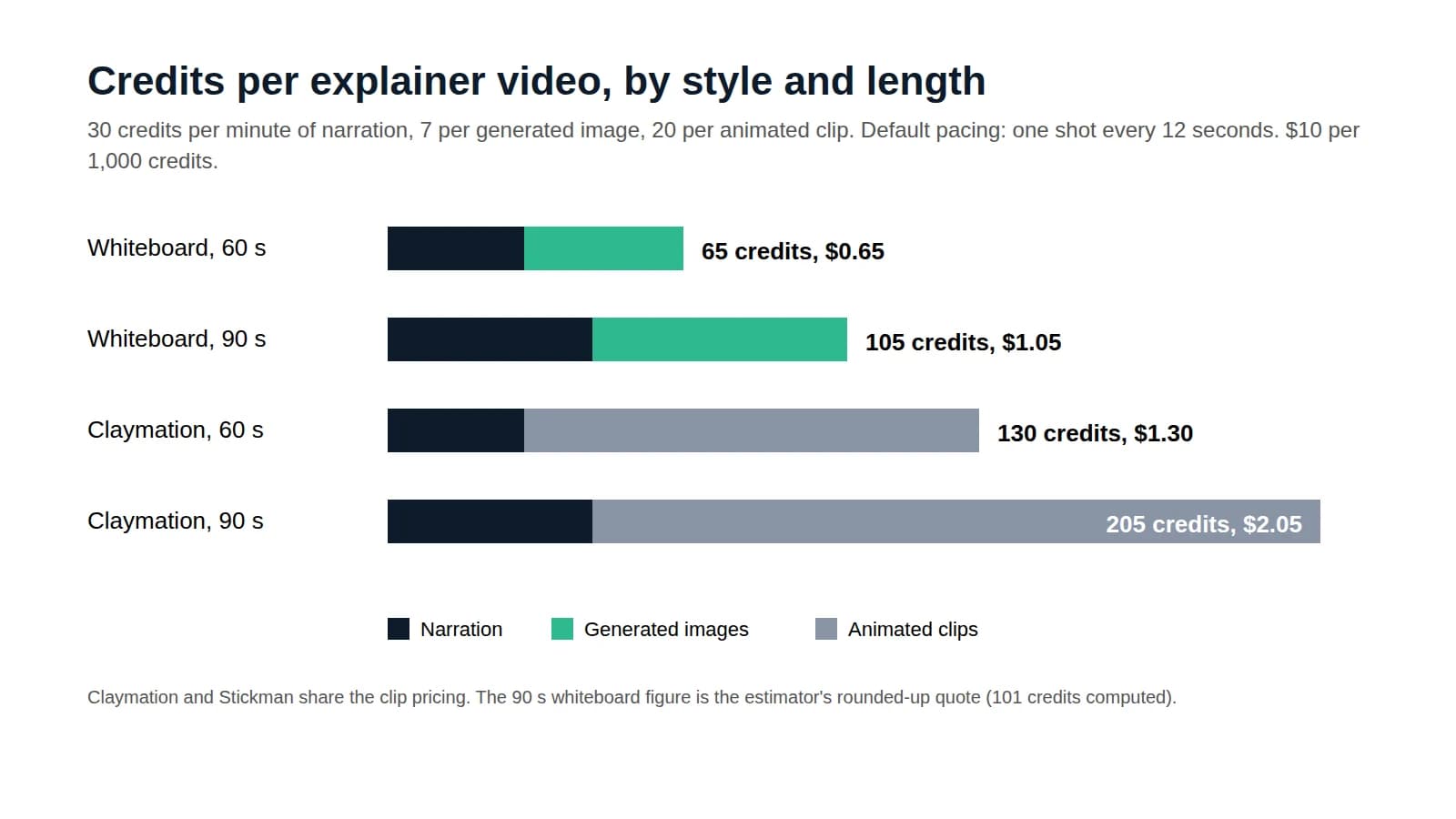
How Much Does an Explainer Video Cost?
Price a 60 to 90 second explainer by production method, then follow a credit-by-credit calculation for one made with AI.
Read more
What Is an Explainer Video? Types and Ideal Lengths
Pick the explainer type and running time that fit your job, with real length data from over 1,600 videos rendered in Jellypod.
Read more
The collage look, without the scissors
7-day free trial. Cancel anytime.
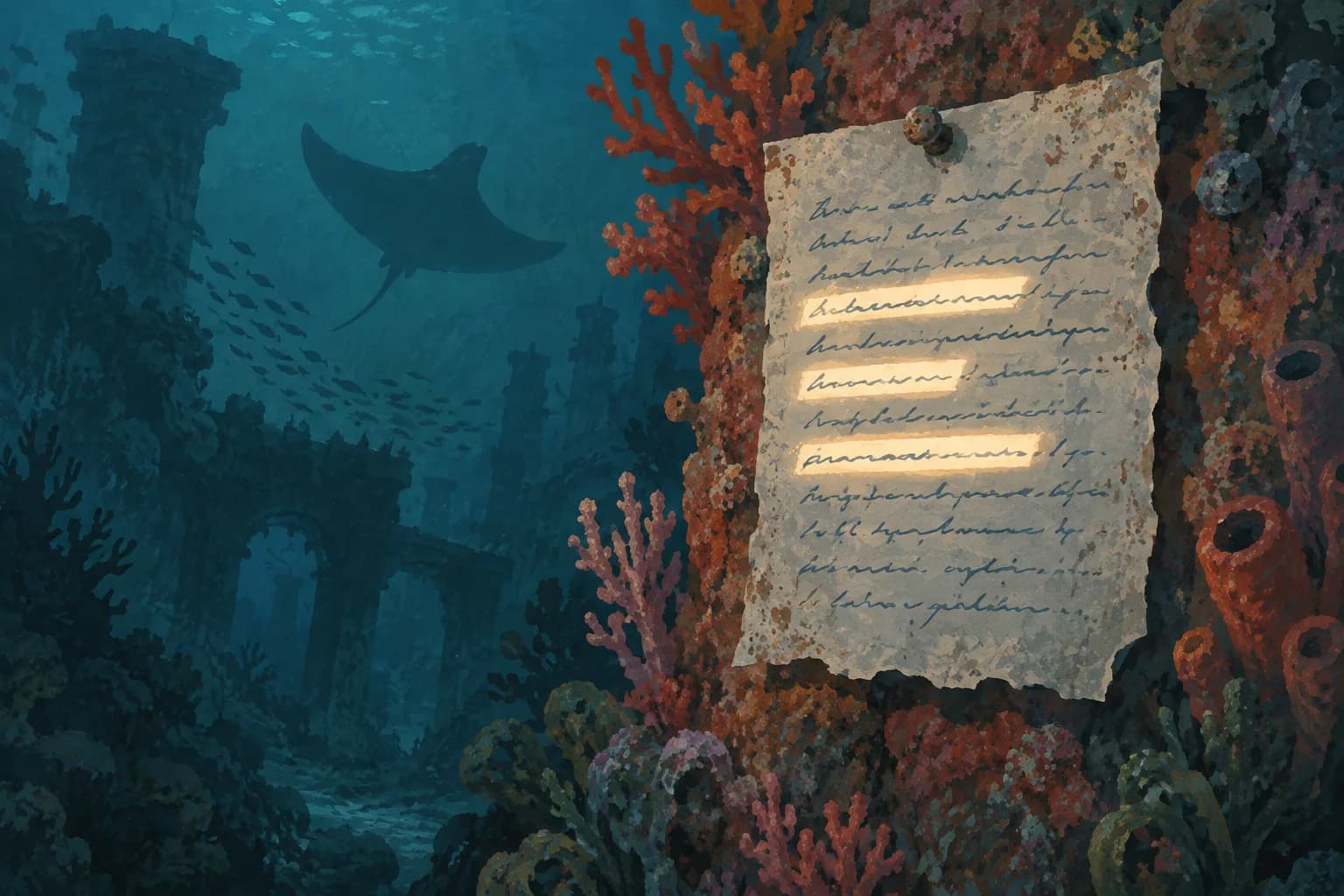
Paper cutout is one style among many
Paper Mache and Almanac are two of 16 styles in Jellypod videos and shorts. The same studio makes AI podcasts and voiceovers with the same characters.