Watercolor animation
Paint the Point in Watercolor
Jellypod turns a topic into a narrated video of ink and watercolor, one picture per point.
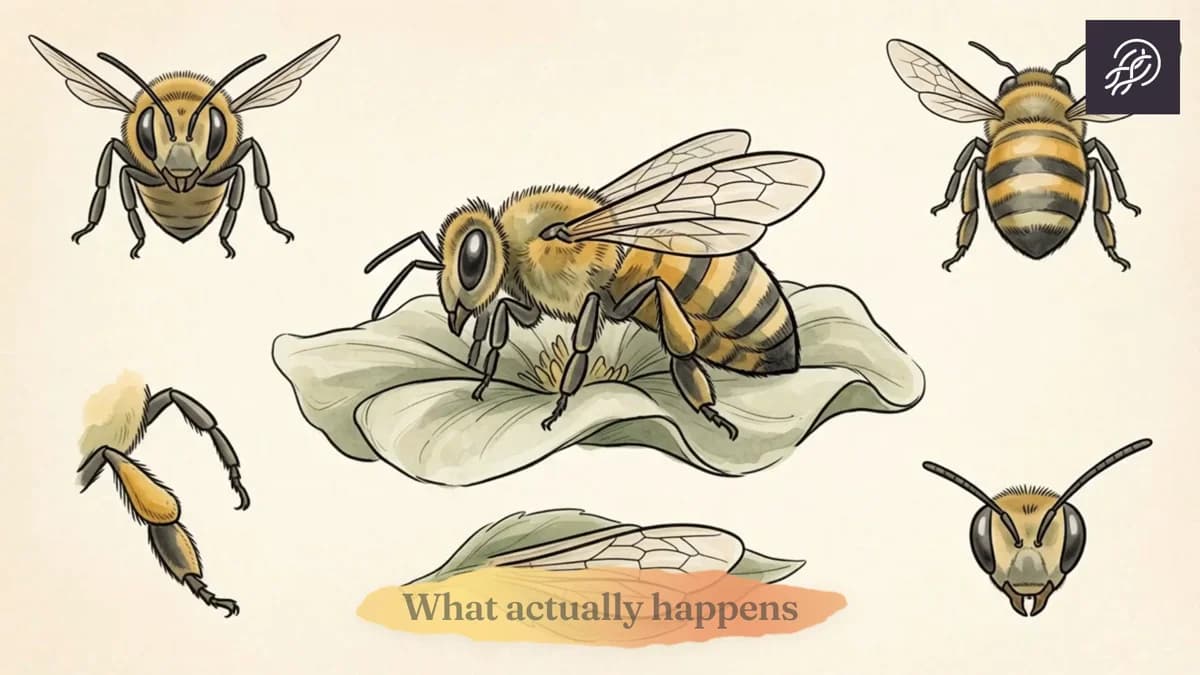
- One Painting per Point
- Videos and Shorts
- Up to 25 Minutes
- 121 Languages
Other watercolor frames
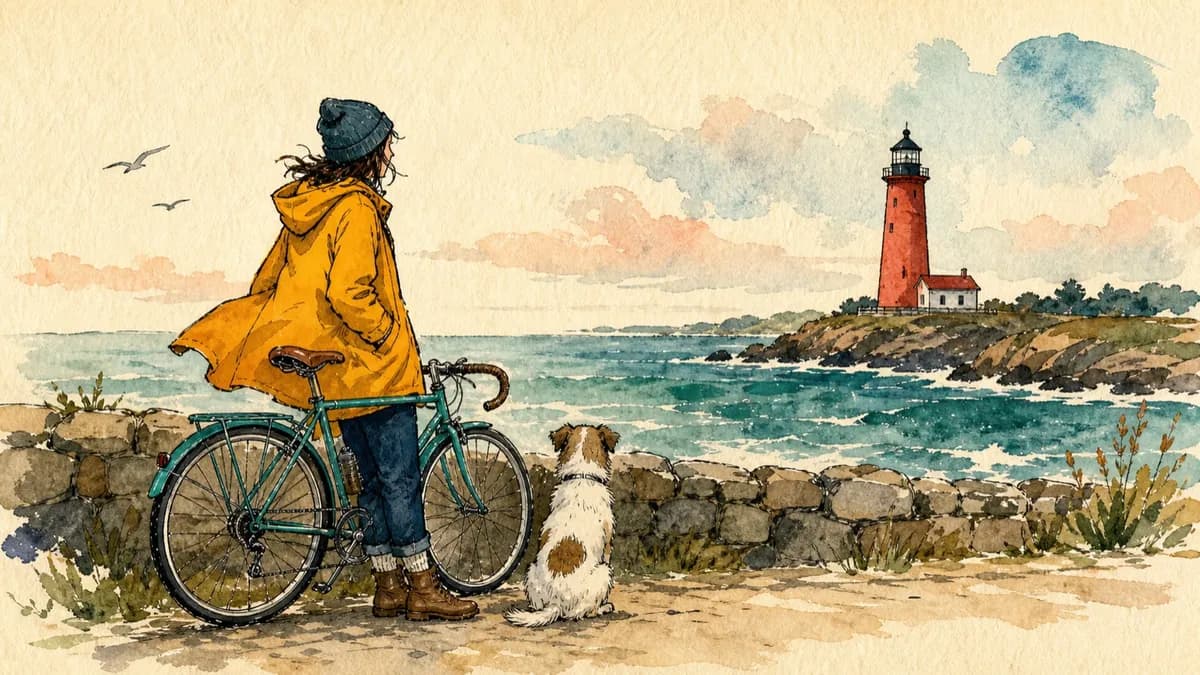
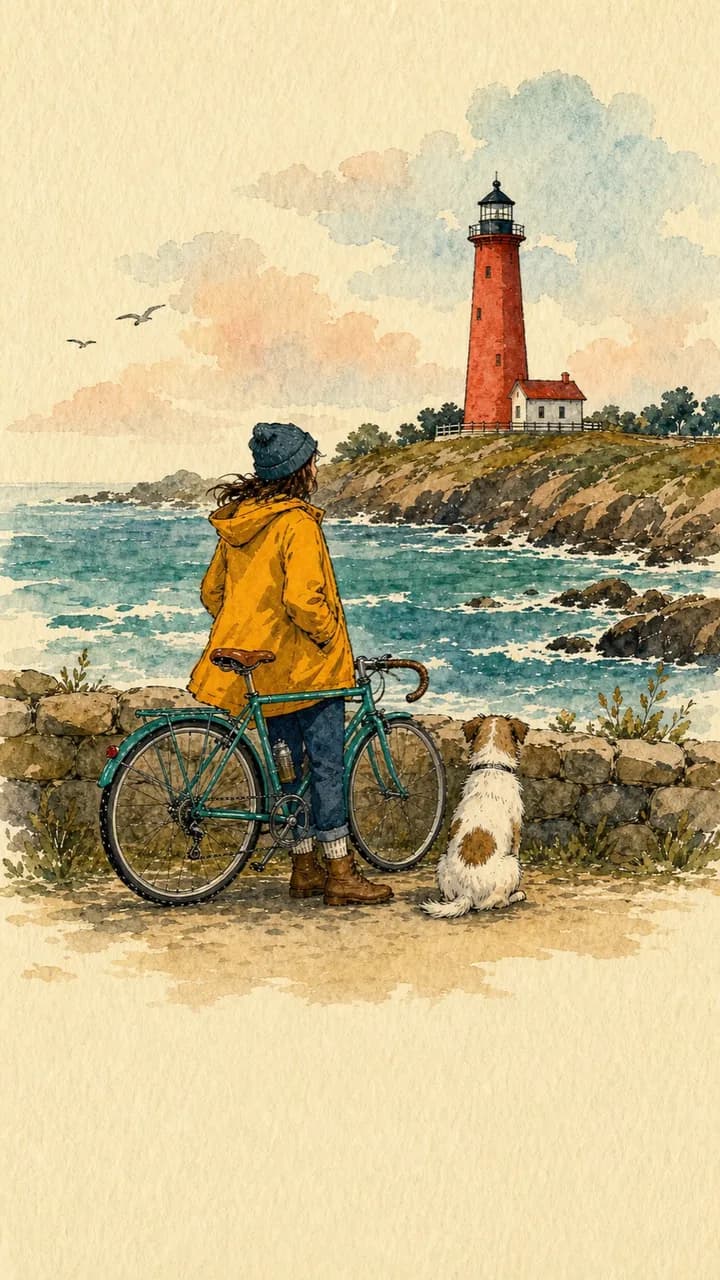
One sentence in, a painted video out
Explain how bees actually make honey.
The bee video above came from this prompt.
When paint should carry the point
A how-it-works story
A single painted subject can carry a nature explanation.A metaphor with a body
An abstract idea becomes an object someone can point at.A softer lesson
Washes and a warm paper ground keep a lesson from looking like a slide.
Each point becomes one painting
Step 01
Start from the subject
Type the subject, such as how bees make honey.Step 02
Pick Watercolor
Choose Watercolor and a narrator. Each point becomes one painting.Step 03
Repaint one scene, then export
Redo a painting with a note, then download the MP4.
Frequently asked questions
What is a watercolor animation here?
A narrated video of bold ink outlines and loose watercolor on warm paper. Each screen is one picture with a large subject.
How do the paintings move?
Motion stays local: a small movement, or a subtle draw-in, inside the painting you already see.
Can I start from a document?
Yes. Upload a PDF and pick Watercolor. Jellypod paints a scene for each point in it.
How long can a watercolor animation be?
Presets run 3, 5, 7, 10, 15, 20, or 25 minutes, up to 15 minutes on Starter and Educator, 20 on Creator, and 25 on Business and Enterprise. A short runs 30 seconds or 1 minute.
Is there a free watercolor animation?
Yes. Every new account starts on the Free plan with 500 credits. No credit card required. Paid plans include a 7-day free trial with 2,500 credits, and you can cancel anytime.