Name Your YouTube Channel
Enter a niche. Names and a reason for each show up here.
4.7out of 5 on G2












Start from the niche
A channel name has to survive a search box and a sentence. Describe who the videos are for, then keep the names that still sound like a channel when you drop the niche word.
Last updated November 2026
How to pick a good name
Step 01
Say the welcome
Read "Welcome to [name]" out loud. If you trip on it, viewers will too.Step 02
Search it
Type the finalists into YouTube and check the .com. A name can belong to a channel you have never watched.Step 03
Fit the profile photo
Two or three words stay readable beside a small avatar. A long name gets cut off in search.Step 04
Match the videos you will post
A joke name on a serious topic makes the first upload feel like the wrong channel. The name and the videos should agree.
Keep one clear name and one distinct name
Clear names get found. Distinct names get remembered. Keep one of each on the shortlist, then say both out loud.
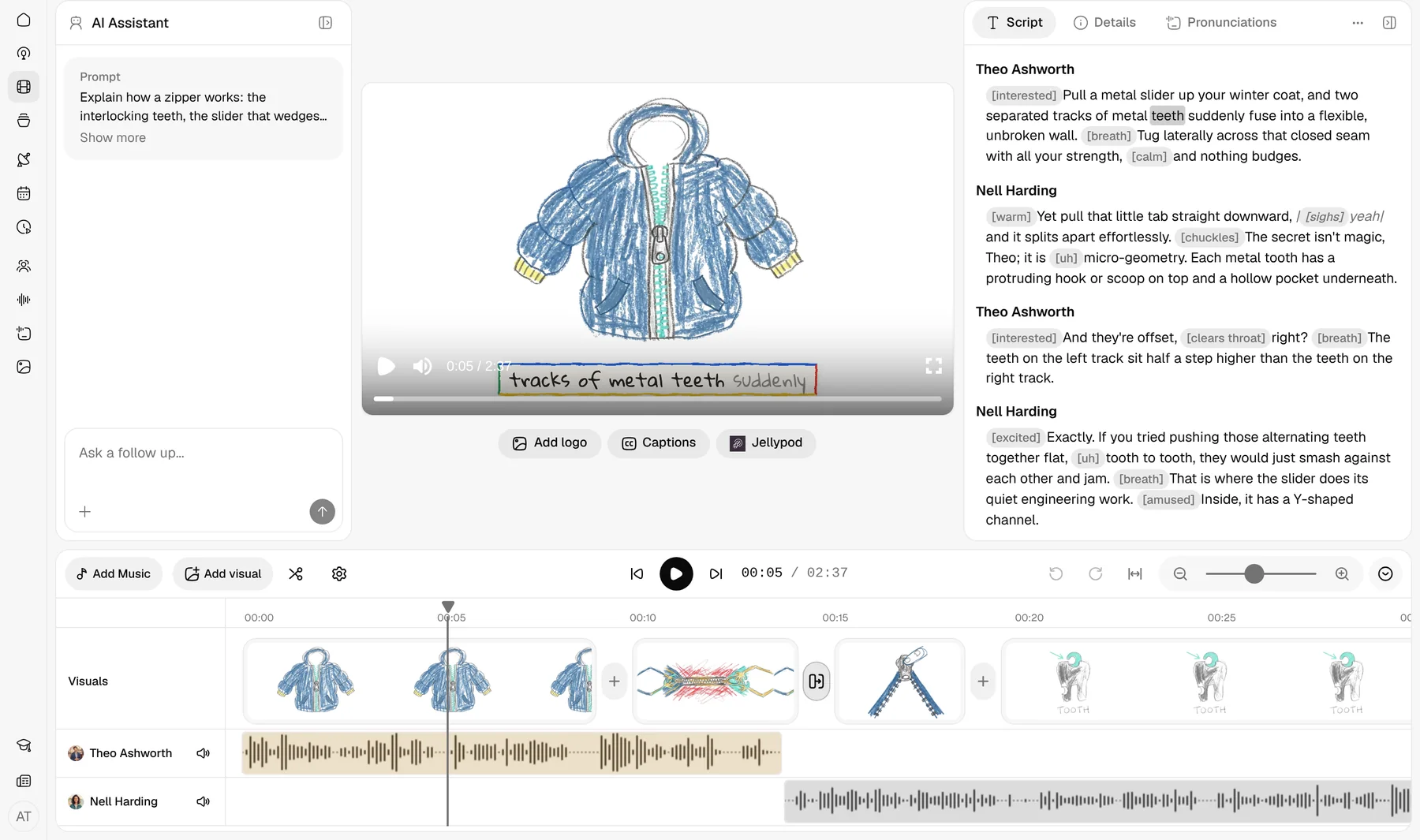
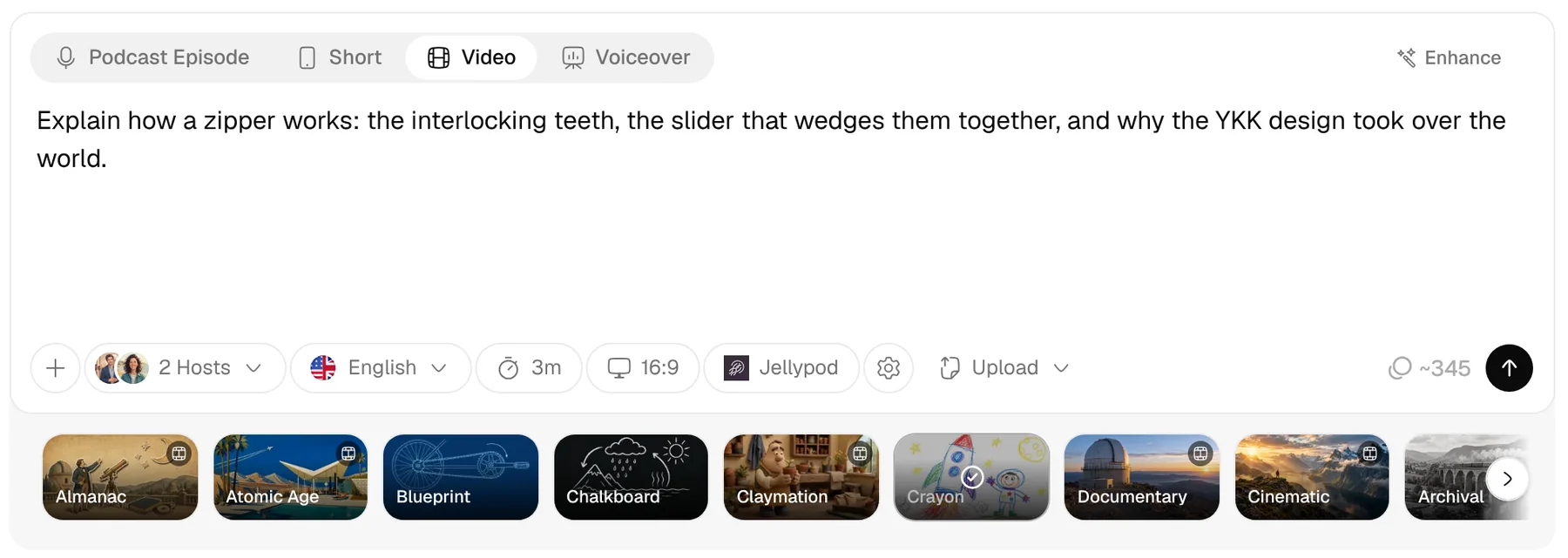
Take the name into the first video
Pick a name and open Studio with that name and topic in the prompt. The faceless video generator makes the first upload without a camera.
FAQ
How does the YouTube channel name generator work?
What makes a good YouTube channel name?
Is the YouTube channel name generator free?
Should the channel name include the niche?
How do I check if a YouTube name is taken?
Related
- Faceless Videos
- Podcast Name Generator
- AI Podcast Generator
- Podcast Name Checker
- Podcast Cover Art Generator
- Podcast Intro Generator
- Notes to Podcast
- Blog to Podcast
- PDF to Podcast
- Whiteboard Animation Maker
- URL to Video
- Audio to Video
- PowerPoint to Video
- AI Video Generator
- AI Shorts Generator
- Micro Dramas
- AI Voiceovers
- AI Voice Library
- Voice Cloning
- Built-in Hosting
- Free for Educators
- What Is a Content Factory?
- How to Add Voiceover to PowerPoint
- 10 Faceless YouTube Channel Ideas With Samples
Make the first video
Start for free. No card required.
One style, ready in 1080p
AI Video draws every scene in one of 30 styles with word-synced captions. Voiceovers keep your own slides or pages on screen.
Faceless video in Jellypod needs no camera. Start from the name you picked.