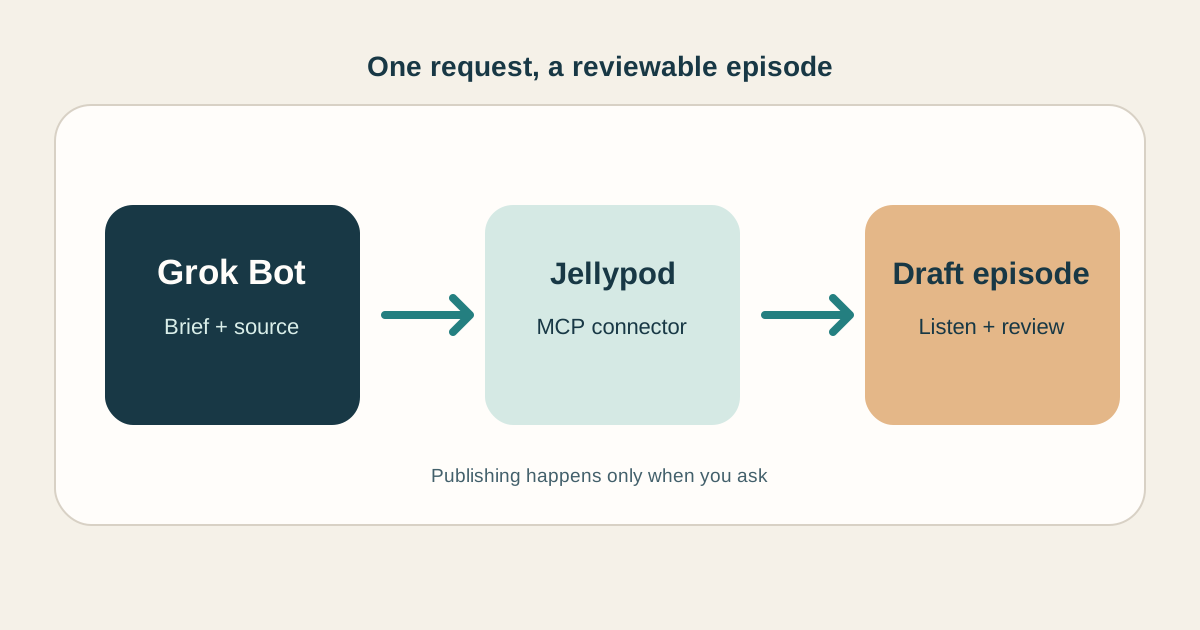
You can hand Grok Bot a podcast brief and get back audio you can review, rather than a script you still have to produce. The connection is Jellypod's remote MCP server: the Bot makes the request, and Jellypod creates the episode in your account.
Start with one public article or a short block of text. Ask the Bot to make a draft, wait for generation, and give you the Listen and Studio links. Review the result before you ask it to publish. Jellypod's connector handles the hosts, audio, and episode library; Grok Bot supports remote HTTPS MCP servers. The steps below use that documented connection path. We have not verified a complete Grok Bot episode run in a live Bot account, so treat the client-specific screens as a setup guide and check the result in Jellypod Studio.
How do you connect Grok Bot to Jellypod?
In Grok Bot, open Marketplace and add a custom remote MCP plugin. Use https://mcp.jellypod.com/mcp as the HTTPS server URL. Complete the Jellypod sign-in if Grok Bot offers OAuth, then attach the connector to your Bot's conversation. Grok Bot's app guide describes Marketplace plugins and attaching one with @; its Team Bot guide documents remote HTTPS MCP plugins and OAuth sign-in. The exact labels in your client may differ.
Jellypod OAuth works on every plan. If your client cannot finish that sign-in, it can use a Jellypod API key as a bearer token; API keys require the Creator plan or higher. The MCP Connector guide has the current server and authentication details. Keep the key in the client's credential field, not in a Bot message.
For a team Bot, ask your admin to allow the server if a connector policy blocks it. xAI says team connectors are managed through the team's Marketplace policy.
What should you ask Grok Bot to make?
Give the Bot a source, an audience, a length, and a clear publication boundary. Here is a first request you can adapt:
Use Jellypod to make a two-host, eight-minute draft episode for our weekly team update. Base it on this public article: [URL]. One host should explain the change; the other should ask the questions a new employee would ask. Create the episode, wait until the audio is ready, and return its Listen and Studio links. Leave it as a draft. Do not publish it.
If the Bot cannot find your existing podcast, ask it to list your podcasts first and use the correct one. It can create a new podcast if you ask. Jellypod's MCP tools can also find saved characters and built-in voices, so you can name a recurring host in the prompt instead of starting over each week.
The connector accepts public webpage and YouTube URLs, or plain text the Bot already holds. It does not upload a PDF attachment or local file to Jellypod. If the original document matters, upload it in Studio or use the public API. A Bot may be able to read an attachment and pass extracted text, but that is different from sending the original file.
What happens after the Bot starts the episode?
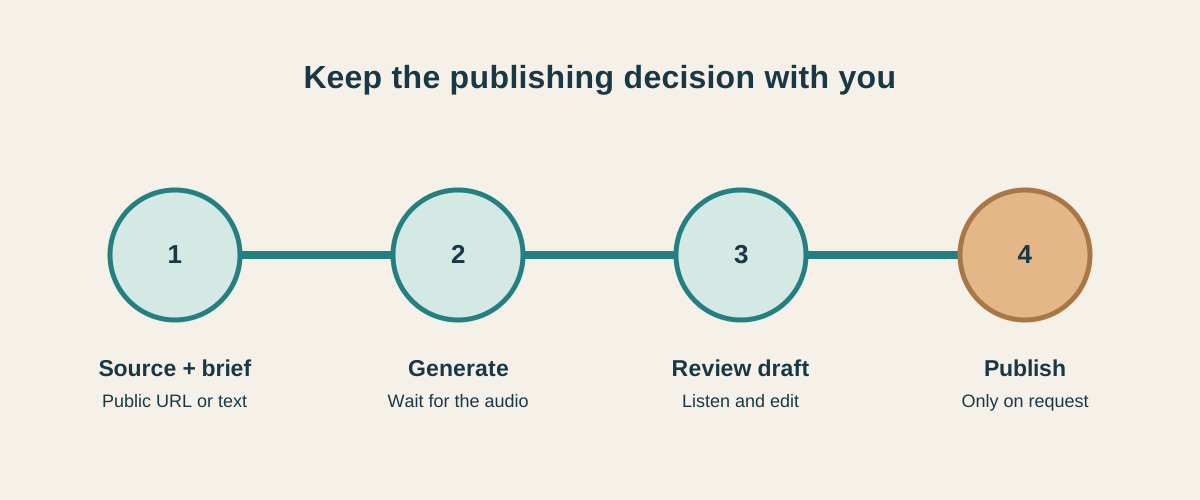
Jellypod returns a content ID and progress state when generation starts. The Bot should check that ID with get_content, wait for the suggested polling interval, and repeat until an output is ready. Ask for the Listen and Studio links when it finishes. The MCP generation guide describes the same flow for every compatible client.
Open the draft in Studio. Listen for factual errors, names, pronunciation, and whether each host has a useful role. You can edit the script and production there. When it is ready, tell the Bot to publish that episode, or publish it yourself in Studio. Episodes created through the connector start as drafts unless you explicitly request auto-publishing. Publishing an episode does not make a private podcast public.
Narration uses 30 credits per minute, so an eight-minute audio episode is about 240 credits. Jellypod reserves credits when generation begins and settles the charge against the actual length. Publishing and downloading do not add a credit charge. If generation fails, ask before starting another attempt, because a new attempt is a new credit-bearing episode.
Can Muse or Instinct make the same podcast?
The Jellypod part of the workflow is portable: an agent needs to connect to a remote MCP server, authenticate, call the generation tool, and poll for the result. Client support is the part to verify.
Meta announced Muse connectors, and Jellypod has submitted its connector for review. We have not verified Jellypod sign-in, tool discovery, or episode playback in the personal Muse agent. Instinct describes a personal assistant that acts across services, but we have not found a public custom MCP setup path for it. Until those paths are tested, ask either agent to prepare the brief and sources, then make the episode in Jellypod Studio. We will add client-specific steps once we can confirm them end to end.
What is the quickest way to try it?
Connect Jellypod's MCP server, use one public source, and request a short draft with the example prompt above. The draft gives you a concrete thing to judge: the audio, the script, and the publishing boundary. If you use Claude or ChatGPT instead, the AI tools guide covers their setup.