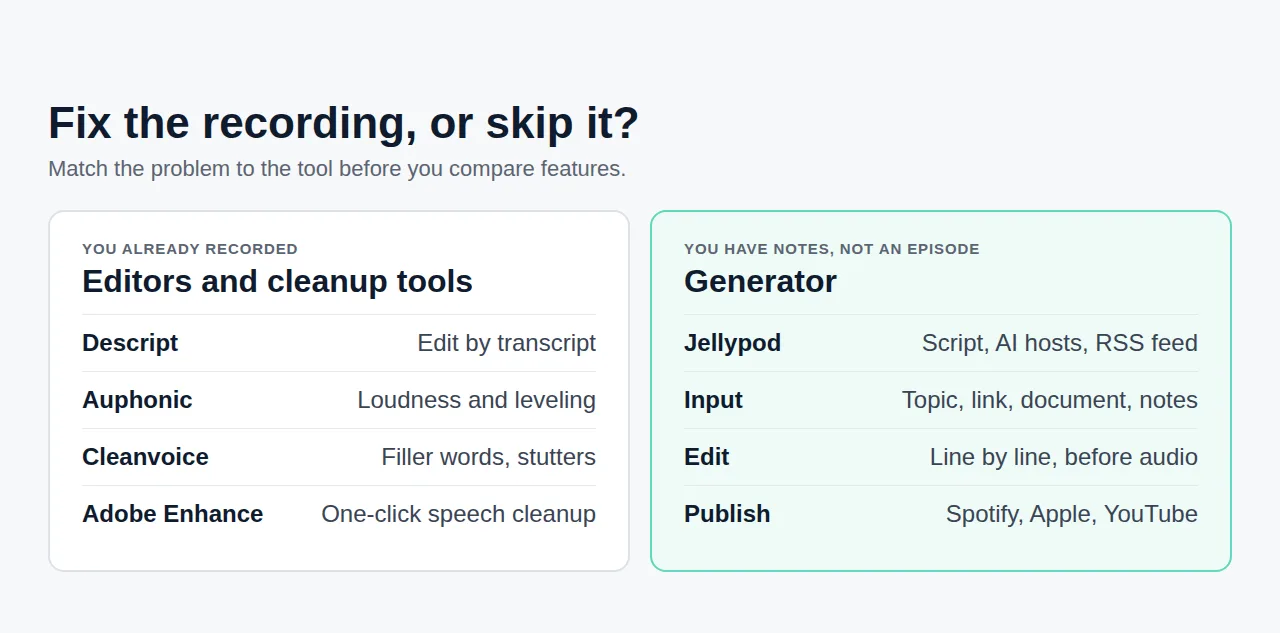
Most AI podcast generators are good at one step: turning a source into a convincing voice. The tool you should pick is the one that also lets you fix the script and gets the episode into a podcast app.
Jellypod is our answer for people who want to publish a show: you edit the script before any audio is generated, cast up to four hosts, and publish through an RSS feed to Spotify, Apple Podcasts, and YouTube. NotebookLM, Wondercraft, Descript, and ElevenLabs each win on a narrower job, covered below.
Key takeaways
- Choose by the job: Jellypod for a published, subscribable show; NotebookLM for private research audio; Descript for editing recordings; ElevenLabs for standalone voices.
- The two questions that separate these tools are whether you can edit the script before audio exists and whether the tool gives you an RSS feed.
- Jellypod bills 30 credits per minute of generated audio, so a 10-minute episode costs 300 credits. Drafting, regenerating audio, publishing, and downloading are free.
- Before you commit to any tool, run the listener test: publish one short episode and confirm it plays in Spotify and Apple Podcasts.
Which AI podcast generator should you pick?
| Tool | Best for | Edit script before audio | Gives you an RSS feed |
|---|---|---|---|
| Jellypod | A published, recurring show | Yes, line by line | Yes, with hosting and distribution |
| Google NotebookLM | Private research audio | No, focus prompt only | None documented |
| Wondercraft | Business video with voiceover | Timeline editor | None documented |
| Descript | Editing recorded conversations | Edits the recording, not a generated script | Needs separate hosting |
| ElevenLabs | Standalone AI voices | You bring the script | No, audio files only |
| NoteGPT | Study audio | No | None documented |
"None documented" means we checked the vendor's own product page and found no RSS or podcast-app publishing. Vendors add features, so recheck before you buy.
What does Jellypod do that the others do not?
Jellypod takes a topic, a link, or your files and drafts a multi-host script. You edit every line, then generate audio for up to 60 minutes with one to four hosts, including a clone of your own voice. Hosting is included: an RSS feed, a podcast website, and distribution to Spotify, Apple Podcasts, and YouTube on every paid plan.
The cost model is easy to forecast. Audio generation is 30 credits per minute (one credit per two seconds), and generated images are 7 credits each. Starter includes 5,000 credits a month, which is about 166 minutes of audio, and it costs $25/mo billed annually as of September 2026. Regenerating audio is free, so fixing a mispronounced name does not cost credits.
Limit to know: Jellypod is built for making and distributing shows. If you only want to listen to a summary of your own notes, a free tool is enough. Start with the AI podcast generator.
Is NotebookLM a good AI podcast generator?
For private research audio, yes. Google's Audio Overview help page documents four formats (Deep Dive, Brief, Critique, Debate), 80+ languages, three length settings in English, and a custom prompt to steer the topic. It also lets you download and share the audio.
It documents no way to choose voices or edit a script, and no RSS feed, so listeners cannot subscribe. People who hit that ceiling usually want to keep the audio and change what surrounds it, which is why Jellypod can import an Audio Overview and turn it into an editable show (see Jellypod vs NotebookLM). For a wider list, see our NotebookLM alternatives roundup.
Where do Wondercraft, Descript, and ElevenLabs fit?
Wondercraft now describes itself as an AI video studio for business content such as training and onboarding, with a timeline editor and voice cloning. Its podcast generator exists, but its site documents no RSS or podcast-app distribution. See Jellypod vs Wondercraft.
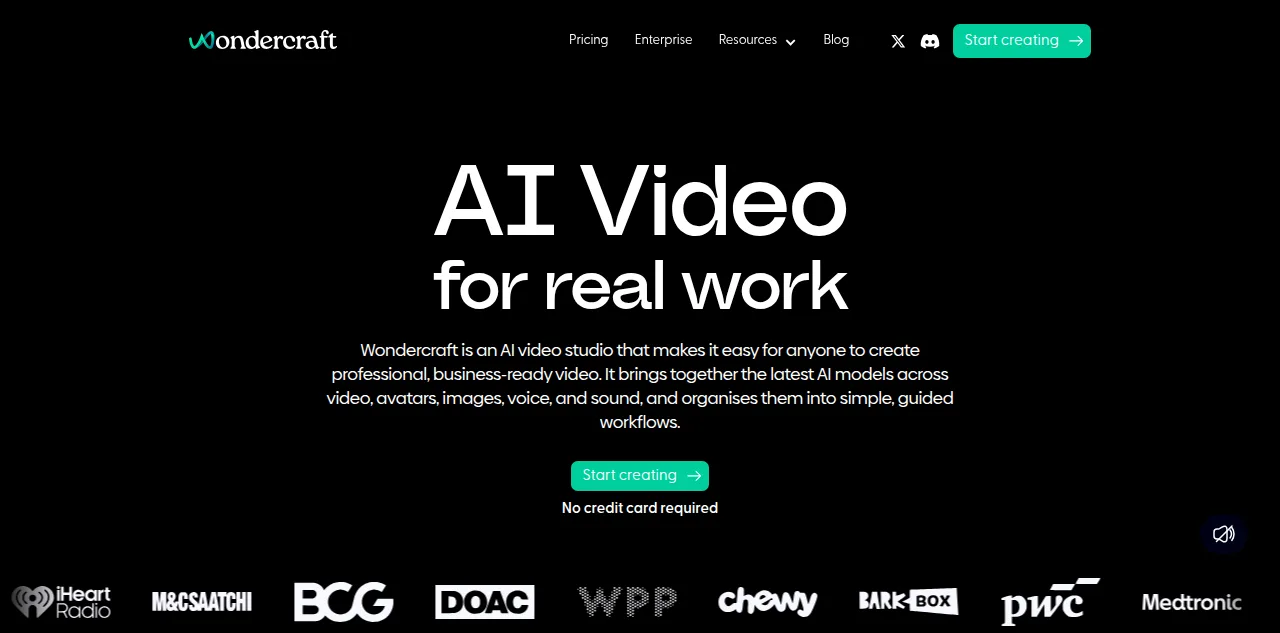
Wondercraft's homepage positions it as a video studio, captured September 2026.
Descript is an editor. You record the conversation, then cut it by editing the transcript. It does not generate the episode from a source, and you host the result elsewhere. Our Descript pricing breakdown covers the plans, and Jellypod vs Descript covers the overlap. If your real problem is noisy recordings, read the Adobe Podcast alternatives instead.
ElevenLabs makes the voices. You supply a finished script and get audio files back, with scripting, structure, and hosting left to you. See the ElevenLabs pricing breakdown for how usage-based plans behave on long episodes. If you only need text read aloud, Speechify alternatives is the closer match.
Is NoteGPT worth using for studying?
NoteGPT's podcast generator accepts documents, websites, and YouTube links, supports multi-voice conversations, and lets you download the result. Its flashcard and quiz tools are separate products in the same suite, and its podcast page mentions no RSS or publishing. Choose it for private study audio. For a study workflow that holds up, see making an AI podcast for studying. See also Jellypod vs NoteGPT.
What should you test before committing to a generator?
Run the same three checks on every tool, using a 3-minute episode from a real source of yours:
- Edit test: change one sentence in the script before audio is generated. If the tool only lets you re-prompt, you do not control the script.
- Cost test: generate the episode and note the credits, characters, or minutes used, then multiply by the episodes you plan per month.
- Listener test: publish through the tool's RSS feed, then search for the show in Spotify and Apple Podcasts on a phone. If no feed exists, the show cannot reach either app, because both ingest shows through RSS.
A tool that passes all three works for a show. One that fails the third is a fine way to make audio for yourself. The step-by-step guide to generating podcasts with AI tools walks through the workflow end to end.
Try Jellypod and run the listener test on your own source.