NotebookLM is free with a Google account. Paid tiers come bundled into Google AI plans (Plus, Pro, and two Ultra tiers) and raise your notebook and source caps and your usage budget. Since September 2, 2026, that budget is a compute allowance that refreshes every five hours and stops at a weekly limit, so no plan is unlimited. Prices below were checked on September 29, 2026.
None of the tiers changes what an Audio Overview is: one generated two-host file, with no script to edit and no podcast feed. At Jellypod, the same starting point (your documents) is written and voiced in one pass, and you edit any line and re-voice it. Re-voicing a line costs no credits on any plan. The worked example below shows what that difference costs in dollars.
Key takeaways
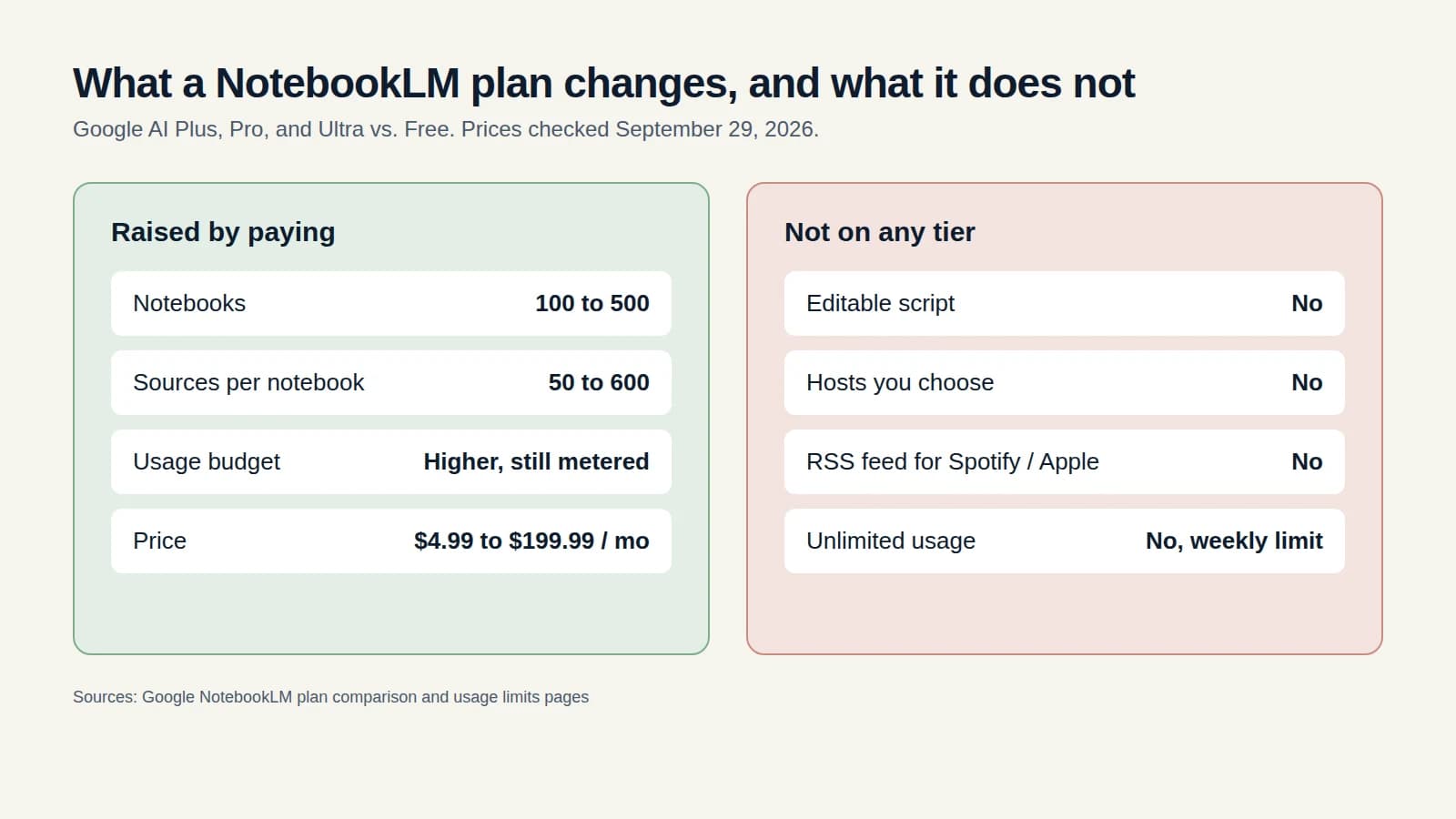
- NotebookLM is free, and Audio Overviews are included. Paid access comes through Google AI Plus ($4.99 a month), Pro ($19.99), or Ultra ($99.99 or $199.99).
- Paying raises notebooks (100 on Free, up to 500) and sources per notebook (50 on Free, up to 600), plus a usage budget of 2x, 4x, and up to 20x the Pro budget.
- Usage is a shared compute budget that refreshes every five hours until a weekly limit. Long Audio Overviews built from many sources use more of it.
- Generation is not the expensive part of a show. A 10-minute Jellypod episode is 300 credits. Jellypod has a Free plan with 500 credits and no credit card.
- No NotebookLM tier adds an editable script, hosts you choose, or an RSS feed.
How much does NotebookLM cost?
NotebookLM is not sold on its own. Google bundles it into its AI subscriptions, and you pay Google, not NotebookLM. Limits come from Google's NotebookLM plan comparison and prices from Google's subscriptions page.
Pro and Ultra also get higher access to Gemini models and remove the watermark on some outputs. Deep Research allowances scale too, from 10 a month on Free to 200 a day on the top Ultra tier. Ultra tiers bundle Google storage that has nothing to do with NotebookLM.
What are NotebookLM's usage limits?
They are a shared compute budget, not a daily count. Google announced the change on August 28, 2026 and rolled it out to consumer accounts on September 2. The budget factors in prompt complexity, chat length, number of sources, and which features you use.
Per Google's usage limits page, the quota refreshes every five hours until you reach your weekly limit. Paid plans get a multiple of the free budget:
Google does not publish the number of Audio Overviews behind these multiples. Its documentation says limits may change. When a request would exceed your budget, the notebook suggests a lighter output, and heavier jobs like a Video Overview can be queued to run after the budget resets.

Google's August 28, 2026 announcement of five-hour, compute-based limits.
The practical effect for a recurring show: a burst of long, many-source Audio Overviews in one day can use up your week, and no five-hour refresh brings it back.
Which NotebookLM plan do you need?
Match the plan to the bottleneck you actually hit.
The bottom three rows are why people search for pricing and end up looking at alternatives. See NotebookLM alternatives for how the options compare.
What does a 10-minute episode cost on NotebookLM versus Jellypod?
Jellypod charges 30 credits per minute. A 10-minute episode is 300 credits. The Starter plan includes 5,000 credits a month and costs $25 a month billed annually, so it covers 16 ten-minute episodes. Editing a line and re-voicing it, publishing, and downloading cost nothing. Credits are charged at generation.
NotebookLM is cheaper if you want a one-off listen and no more. Paying Google more buys capacity, not control. If the episode has to be right and public, capacity is not the same as a script you can fix.
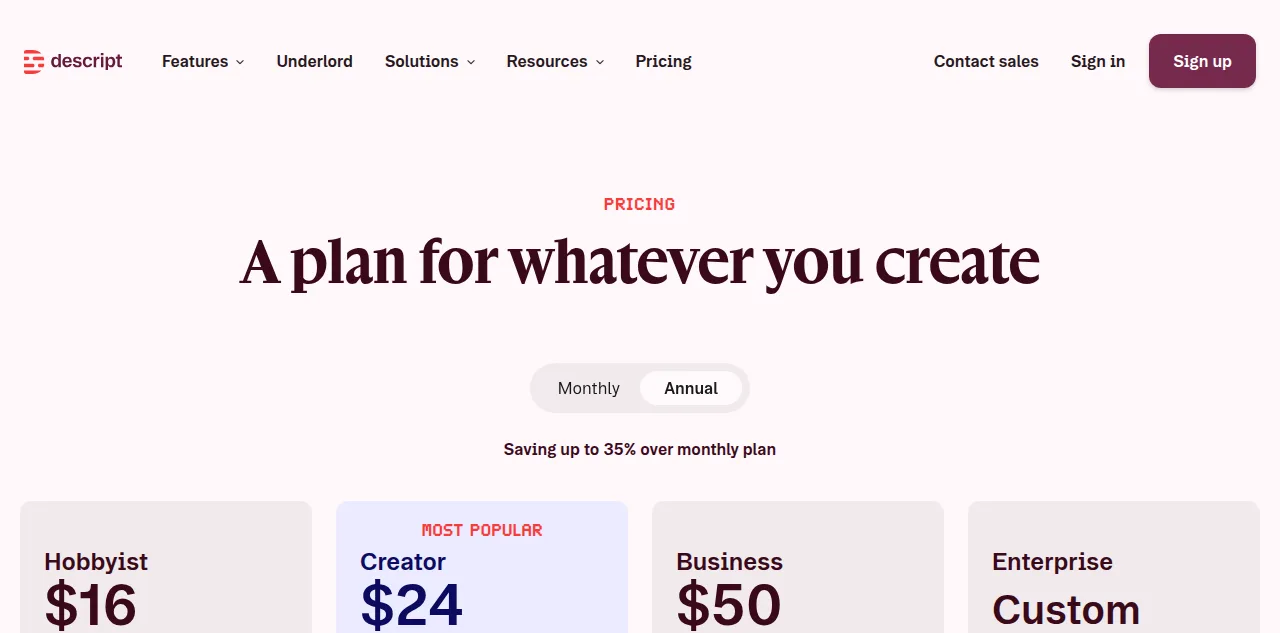
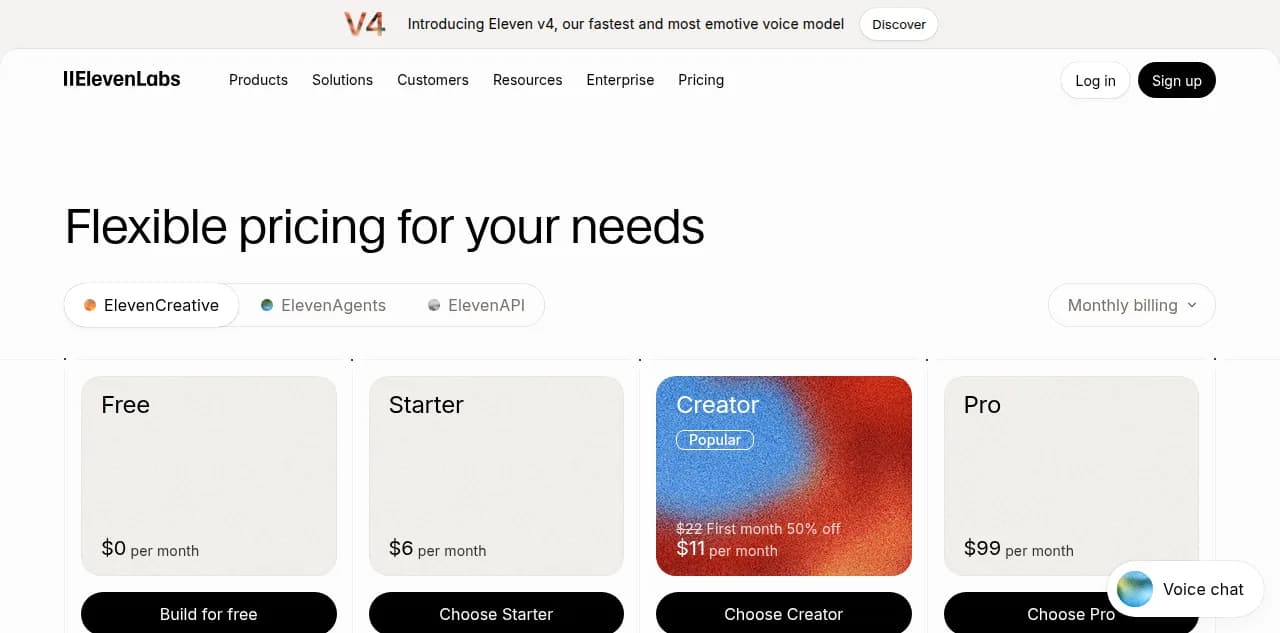
The same arithmetic for other tools is in the Descript pricing and ElevenLabs pricing breakdowns. For a feature-by-feature view, see Jellypod vs NotebookLM.
What does Jellypod let you change after the audio exists?
Jellypod writes and voices the episode in one pass. After that audio exists, you edit any line and re-voice only that line. Re-voicing a line costs no credits.
It covers 121 languages, cloned voices and a pronunciation guide, and Starter and up publish to Spotify, Apple Podcasts and YouTube through RSS.

The script editor after the episode is voiced.
Can you publish a NotebookLM Audio Overview as a podcast?
Not directly. There is no feed to submit to Spotify or Apple Podcasts. If you already have an Audio Overview, Jellypod can import the audio, transcribe it, and give you an editable script with your own hosts. The step-by-step workflow covers it. Jellypod has a Free plan with 500 credits and no credit card, and paid plans include a 7-day free trial.
Common questions
Is NotebookLM free?
Yes. A Google account gets 100 notebooks, 50 sources per notebook, and Audio Overviews, at the standard usage budget.
Is NotebookLM Pro worth it?
If you hit the free source or notebook caps, or run out of budget mid-week, yes. If your complaint is the audio itself, no tier changes it.
Does NotebookLM have a daily limit?
Not anymore. Since September 2, 2026 it uses a compute budget that refreshes every five hours, with a weekly cap.