Podcast cover art should be a square image, 3000 x 3000 pixels, saved as a JPG or PNG with no transparency. That one file is accepted by Apple Podcasts and Spotify, and both directories show it at small sizes, so the design has to survive shrinking.
Jellypod's free podcast cover art generator outputs exactly that: a 3000 x 3000 JPEG painted from your show title and a short description, no signup. This guide covers the specs from Apple and Spotify, the design rules we build into our generator, and how to test a cover before you upload it.
Key takeaways
- Export at 3000 x 3000 px, square (1:1), as JPG or PNG. Apple prefers the largest size and accepts 1400 x 1400 to 3000 x 3000 through an RSS feed. Spotify recommends 1400 x 1400 to 3000 x 3000.
- Apple Show Covers cannot contain transparency or an alpha channel, so export on a solid background.
- Shrink the cover to about 80 x 80 px before you upload. If you cannot read the title or name the central image, simplify it.
- Use one title block and one main image, with two to four colors. Skip the microphone, and keep small text away from the edges and the play button area.
What size should podcast cover art be?
Make it 3000 x 3000 pixels. The requirements differ slightly by directory, so the safe choice is the largest size both accept.
| Directory | Size | File type | Notes |
|---|---|---|---|
| Apple Podcasts | 3000 x 3000 px preferred, 1400 x 1400 to 3000 x 3000 accepted via RSS | PNG or JPG | No transparency, no alpha channel |
| Spotify | 1400 x 1400 to 3000 x 3000 px recommended, 1:1 ratio | Not specified on the pages we checked | Changes usually appear within 24 hours |
Sources: Apple Podcasts for Creators, Show Cover specs, Spotify for Creators, show art guide, and Spotify's cover art upload help. We read these pages on 2026-09-29. Both companies can change their specs, so check them before a launch.
Apple's page also provides a Show Cover template with a safe area, so nothing important is cropped or hidden behind interface elements like the play button. If your host lets you upload directly, the same square file works there.
How do you check that a cover reads at thumbnail size?
Most listeners first meet your show as a small square in search results or a category list, not at 3000 pixels. Apple tells creators to keep the title legible and recognizable at scale, and Spotify's guide says the art should look as clear as a thumbnail as it does as a poster.
Run this test before you upload:
- Export the cover and shrink it to about 80 x 80 pixels. Your phone's photo editor or any image tool will do it.
- Look at it at arm's length. Can you read the show title?
- Cover the title and look again. Can you name the main image?
- Check the corners and the bottom edge. Anything essential there may be cropped or hidden behind interface elements.
If any answer is no, cut elements until it is yes. Eighty pixels is a working test size, not an official display size, and the platforms show covers at several sizes.
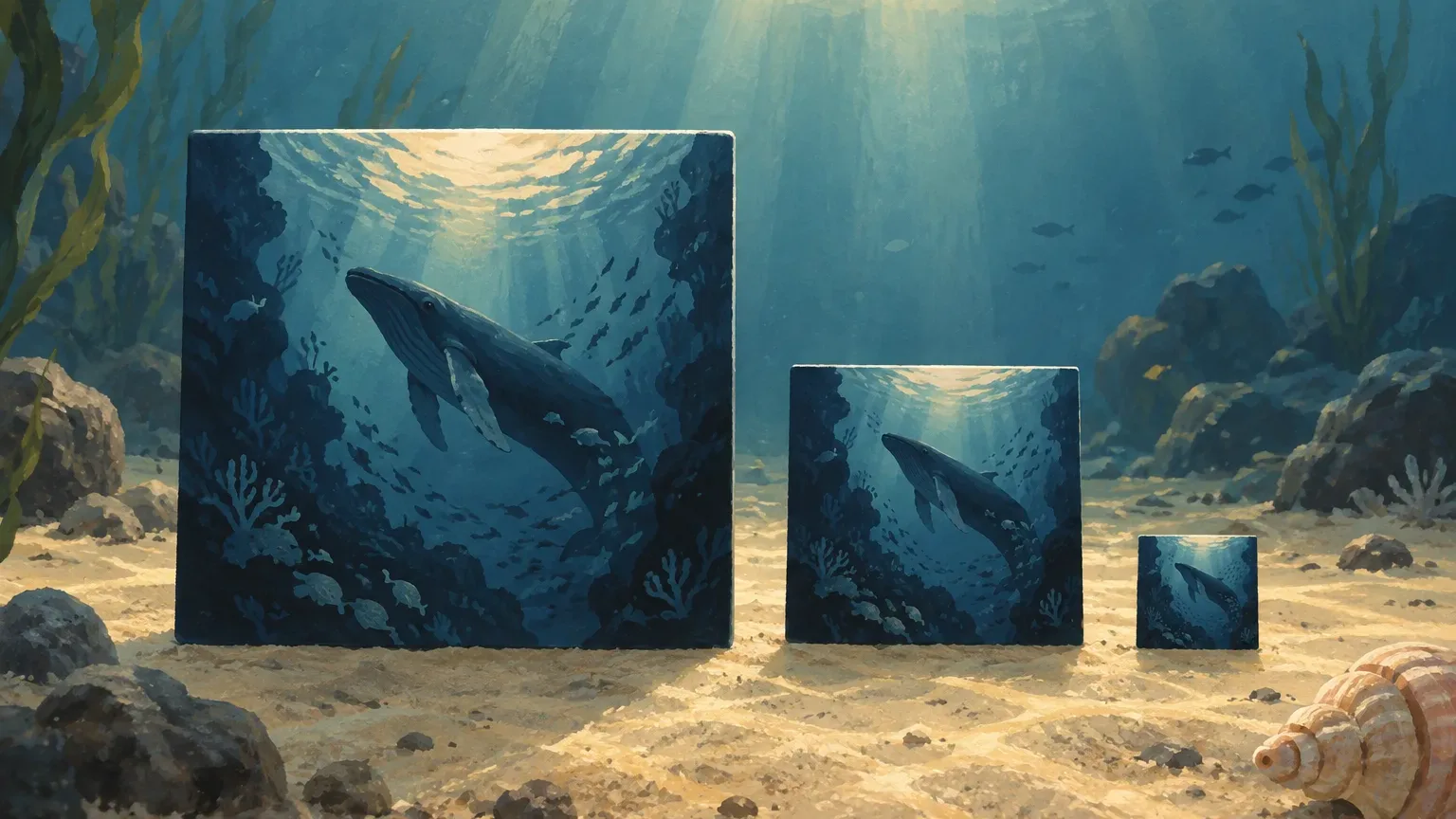
 One generated cover at three sizes. The title and cup stay readable down to 80 pixels.
We build the same discipline into the generator. Its art direction prompt asks for a cover that stays recognizable at about 55 pixels, which is stricter than the 80-pixel test. Try it on your own show and shrink the result to see the gap between the two sizes.
What design rules make podcast cover art work?
These are the rules Jellypod's generator follows when it paints a cover from your title and description.
One title block, one main image. The prompt limits every cover to a single title lockup of one to three lines and one primary object, space, mark, or pattern. Collages and stacked ideas turn to noise when shrunk.
The exact title, once, and no other text. The title appears exactly as you typed it. There are no taglines, host names, dates, or URLs on the image. Small text is the first thing to vanish in a thumbnail, and every extra word competes with the title.
Two to four colors, with one that owns the cover. A memorable primary color plus high contrast between type and background is what holds up when the image shrinks. In your own designs, avoid gradients that pass under light text, because that part of the title fades first.
A visual idea specific to your topic. The generator picks one of eight strategies, such as type as the image, a symbolic object, or an abstract pattern, and lets the show's genre steer it. Newsy shows get institutional type and calm fields, mysteries get evidence textures and night atmosphere, and comedy gets playful lettering or bright geometry.
No microphone. Every podcast has one, so it tells a browsing listener nothing about your show. Our generator's instructions tell it to express the genre through design language, not podcast clichés.
No people. The generator never draws a face or a human figure. If your show centers on a host, it turns the host's ideas into an object, a place, or typography. If you design by hand and want a photo of yourself, crop tight enough that the face is readable at 80 pixels.
Clear of the play button. Text stays away from the bottom playback-control area, where interface elements can cover it.
You can see this in practice. The generator page shows six generated examples, including "Coffee Crisis," "Mind the Algo," and "The Lost Manual." Each commits to one title block and one image, which is why they stay readable when displayed small.

Can each podcast episode have its own cover art?
Yes, but it is optional and not every app shows it. By default, Spotify episodes use the show's cover, and Spotify notes that not all platforms display individual episode artwork. Apple lists Episode Art as an optional placement.
In Jellypod, an episode with no image of its own uses the show cover. When you do generate one, the episode cover is generated from your podcast cover: it keeps the series medium, palette, and typography, shrinks the series title to a small masthead line, and makes the episode title the largest text. That keeps a feed looking like one show while each episode still says what it covers.
Use episode art when topics vary a lot from one episode to the next. Skip it for tight serial shows where the series cover already does the work.
How do you make podcast cover art?
There are three routes, and the specs above apply to all of them.
- The free generator. Enter your title and a short description. It returns a 3000 x 3000 JPEG in one step, and you can regenerate until the design fits. If you already use brand colors, put them in the description.
- A design tool. Any editor that lets you set a 3000 x 3000 pixel canvas works. You get the most control, and you own the thumbnail test.
- A designer. Worth it when the show is a brand asset. Give them the specs and the 80-pixel test as part of the brief.
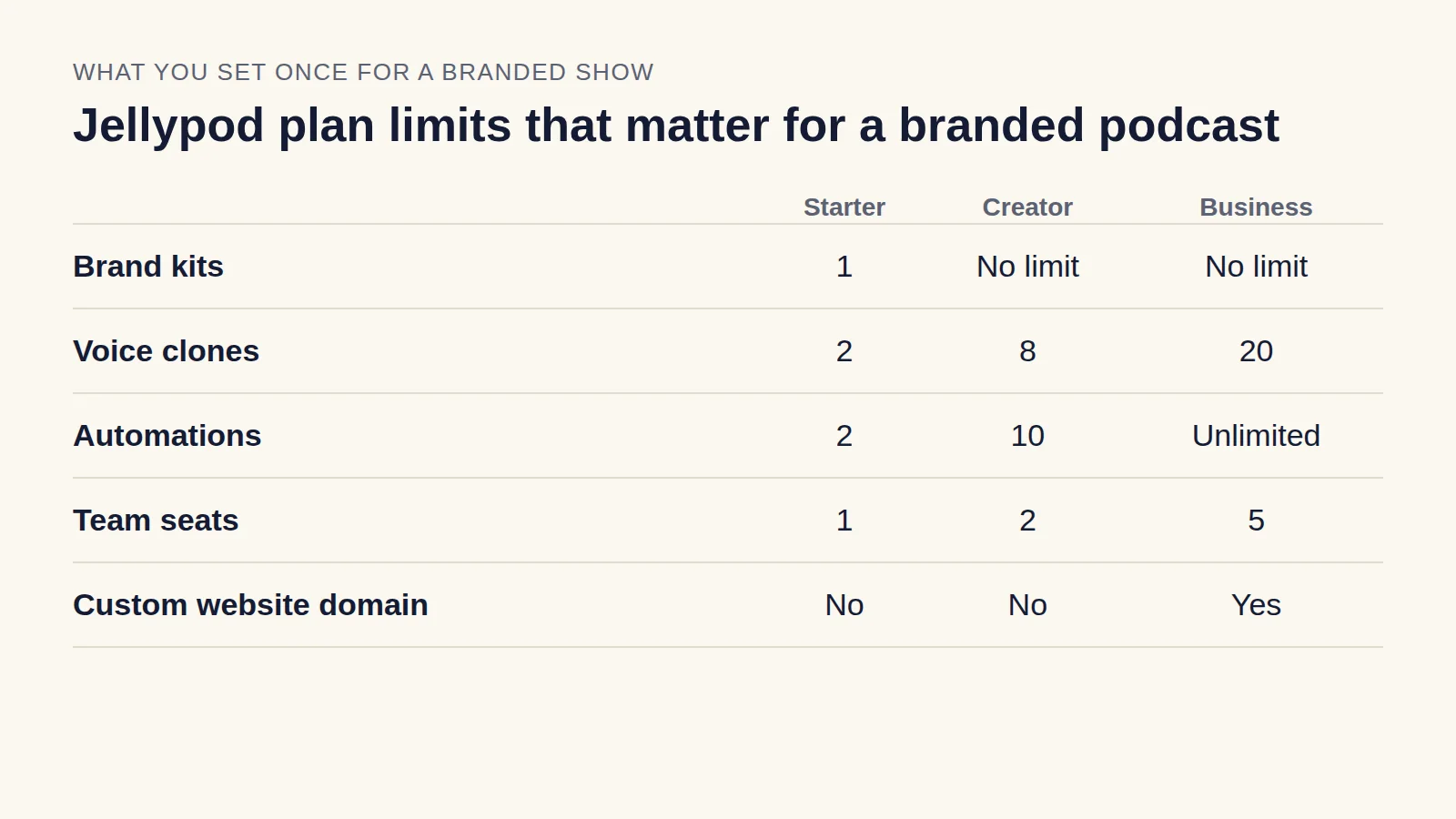
If the show belongs to a company, set the cover's colors from your existing identity. Jellypod's brand kits store five brand colors and light and dark logos, and a podcast's website picks up the assigned kit's colors. Our branded podcast guide covers how the show, the cover, and the company's voice fit together.
What should you do after the cover is done?
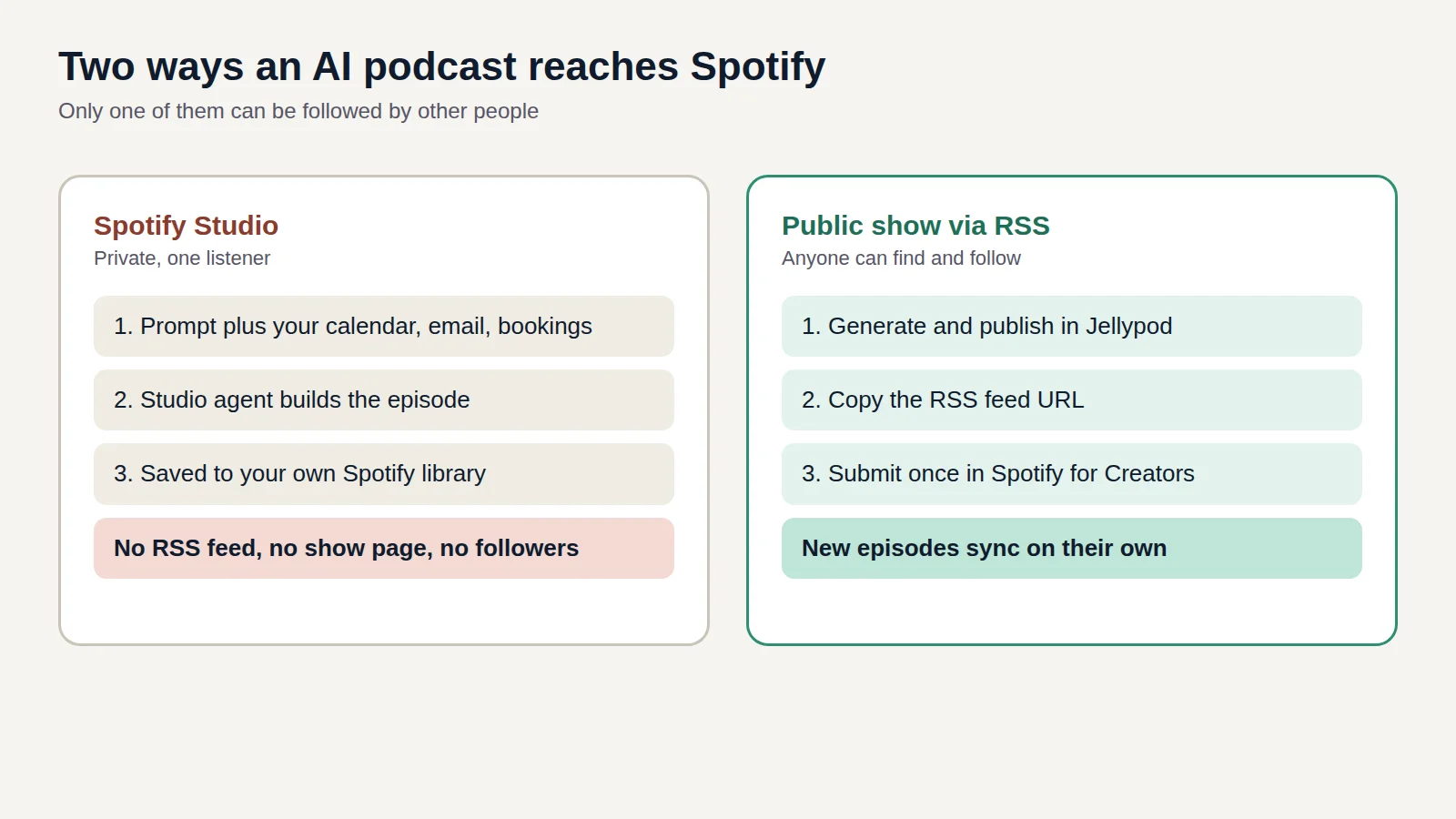
Finish the cover before you submit the show, because directories pull your artwork from the feed. In Jellypod, a Public or Unlisted show gets an RSS feed that updates when you edit the show's cover art. Our guide to getting an AI podcast onto Spotify walks through the one-time feed submission.
If you have not chosen a tool for the episodes yet, the AI podcast generator comparison lays out what each one does after the audio is made.