
Trusted by 100K+ creators
AI Podcast Editor
Change one line and regenerate only that line, fix a pronunciation once, and mix music on a timeline.
Edit a script7-Day Free Trial. Cancel Anytime.

4.6out of 5 on G2












AI podcast editor: change a line, not the whole episode
Edit a line by hand or ask the Podcast Agent for bigger changes, then regenerate only the segment you touched.
Teach Jellypod a pronunciation once and every future episode gets it right. Write a script from scratch, upload one, or import a NotebookLM audio overview.
Music sits on a multi-track timeline under the script. Add an intro, an outro, or a background bed, then drag, trim, and fade. Set podcast defaults so every episode opens the same way.
How to use AI Podcast Editor
Step 01
Open the script
Generate an episode, write one, or import a script or NotebookLM audio.Step 02
Edit what you need
Change lines, reassign speakers, or add pronunciations.Step 03
Regenerate and publish
Regenerate only the changed segments, add music on the timeline, then publish.
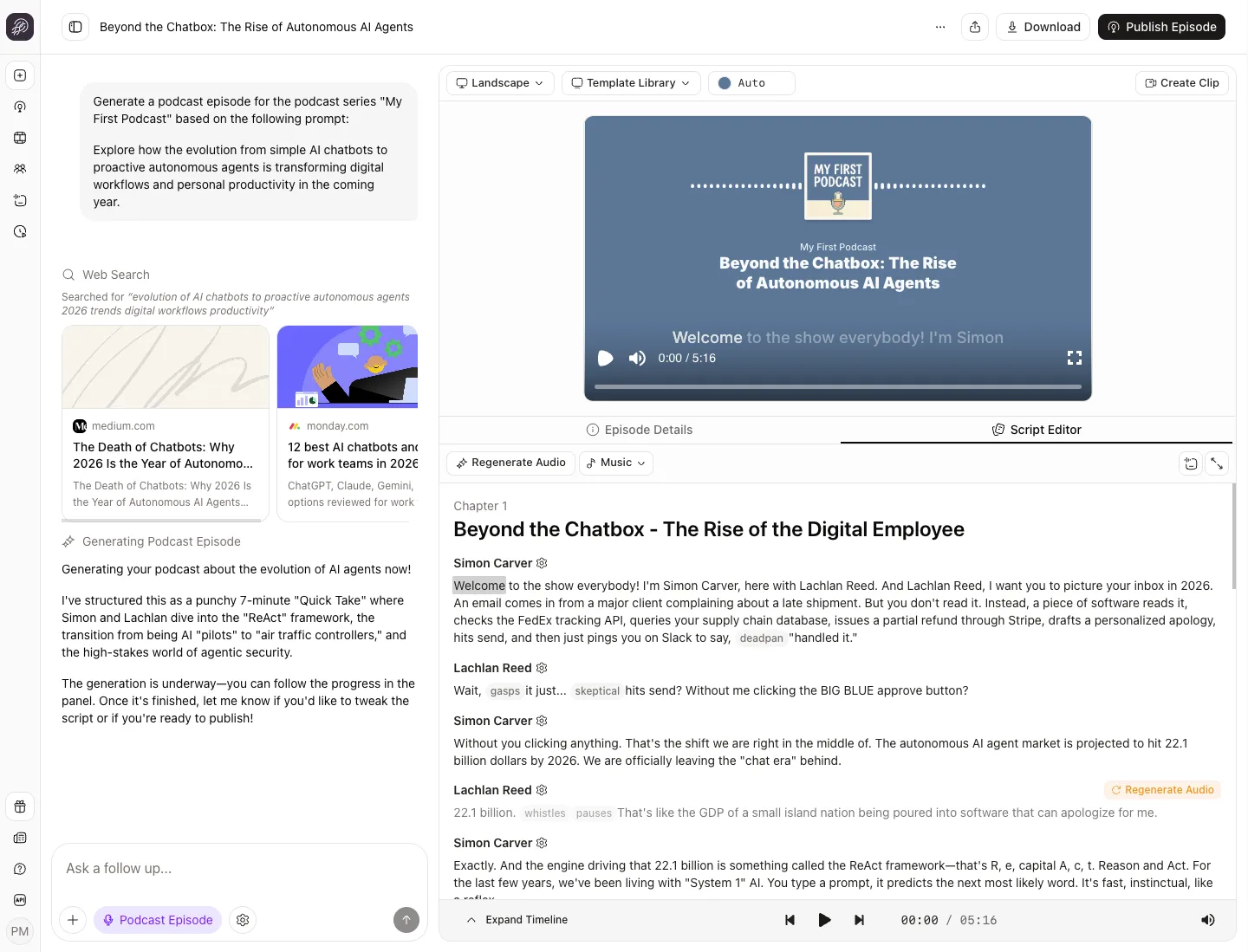
Edit audio like text
Change any line and regenerate only that segment. Start from your own script or a NotebookLM audio overview.
Script
Generate AudioMarcus
I dropped the quarterly report PDF into Jellypod and it pulled out the figures worth talking about.
Claire
[curious]So how does it decide what actually makes it into the episode?
Regenerates only this segment.
Marcus
It works from the source and the show outline, then drafts a script you can edit line by line and regenerate one segment at a time.
Edit any line. Drafting and edits are free.
Get every name right
Set a pronunciation once and every future episode says that name or term correctly. Pronunciation Guide.
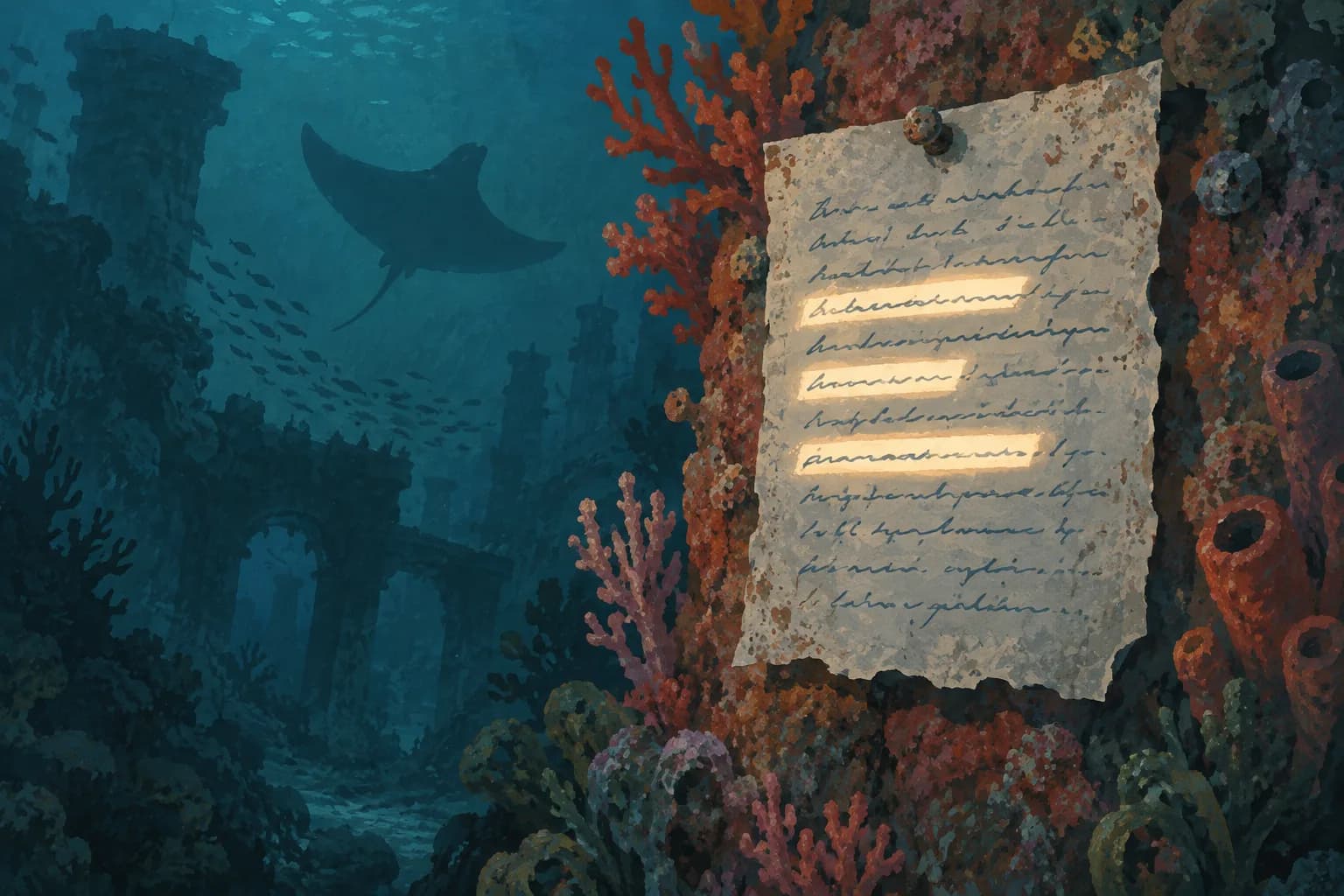
Mix music on a timeline
Add intro, outro, and background music around the dialogue. Fade each clip, and let ambience beds loop for the whole episode. Read the help guide.
Stories from Ohio State, Busylike, and Johns Hopkins
It's not about replacing lectures. It's about reinforcing the arc of learning in the moments students actually have.
 Steve DeNunzioMBA ProfessorThe Ohio State University
If you are already investing in content marketing, Jellypod is a must-have to integrate into your strategy.
 Vadi EfeFounderBusylike
It's a digital version of myself and a way to amplify [my voice] without having to hire another employee.
 Boi CarpenterVP Alumni RelationsJohns Hopkins University
You just dump in your information and structure your podcast. It was the easiest thing I've ever done.
 Dr. Louise LambertAssociate Professor, Psychologist
FAQ
Can I edit the script after the audio is generated?
Does editing cost credits?
Can I write a script from scratch?
Can I import a NotebookLM podcast and edit it?
Can I add music, including my own?
Discover more about AI Podcast Editor
Explore related
More from Jellypod
![A script with [Maya] and [Dev] speaker labels beside the three speaker blocks an import reads from it](/_next/image?url=%2Fblog%2Fhow-to-write-a-podcast-script%2Fscript-block-format.webp&w=3840&q=75&dpl=dpl_5Le6Nugei1k9TfftyNe2eGG1SE1G)
How to Write a Podcast Script: Speaker Labels and Formats
Write a script you can record or hand to AI voices: the block format, two ready templates, and the length math for your episode.
Read moreFine-Tune Your Episode with Precise Audio Regeneration
Easily refine specific audio segments, fix text, and remove artifacts in Jellypod with the new Precise Audio Regeneration feature for polished results.
Read morePronunciation Guide
Make sure every name, acronym, and abbreviation is said correctly with the Jellypod Pronunciation Guide, with phonetic spelling and audio previews.
Read more

Rewrite any line before anyone hears it
7-Day Free Trial. Cancel Anytime.

The same editor for videos, shorts, and voiceovers
Videos, shorts, and voiceovers edit the same way: change the narration and only the affected audio regenerates.