
Whiteboard Explainer
Dry-erase marker scenes that draw in stroke by stroke, like a teacher sketching while talking.
See whiteboard explainer videos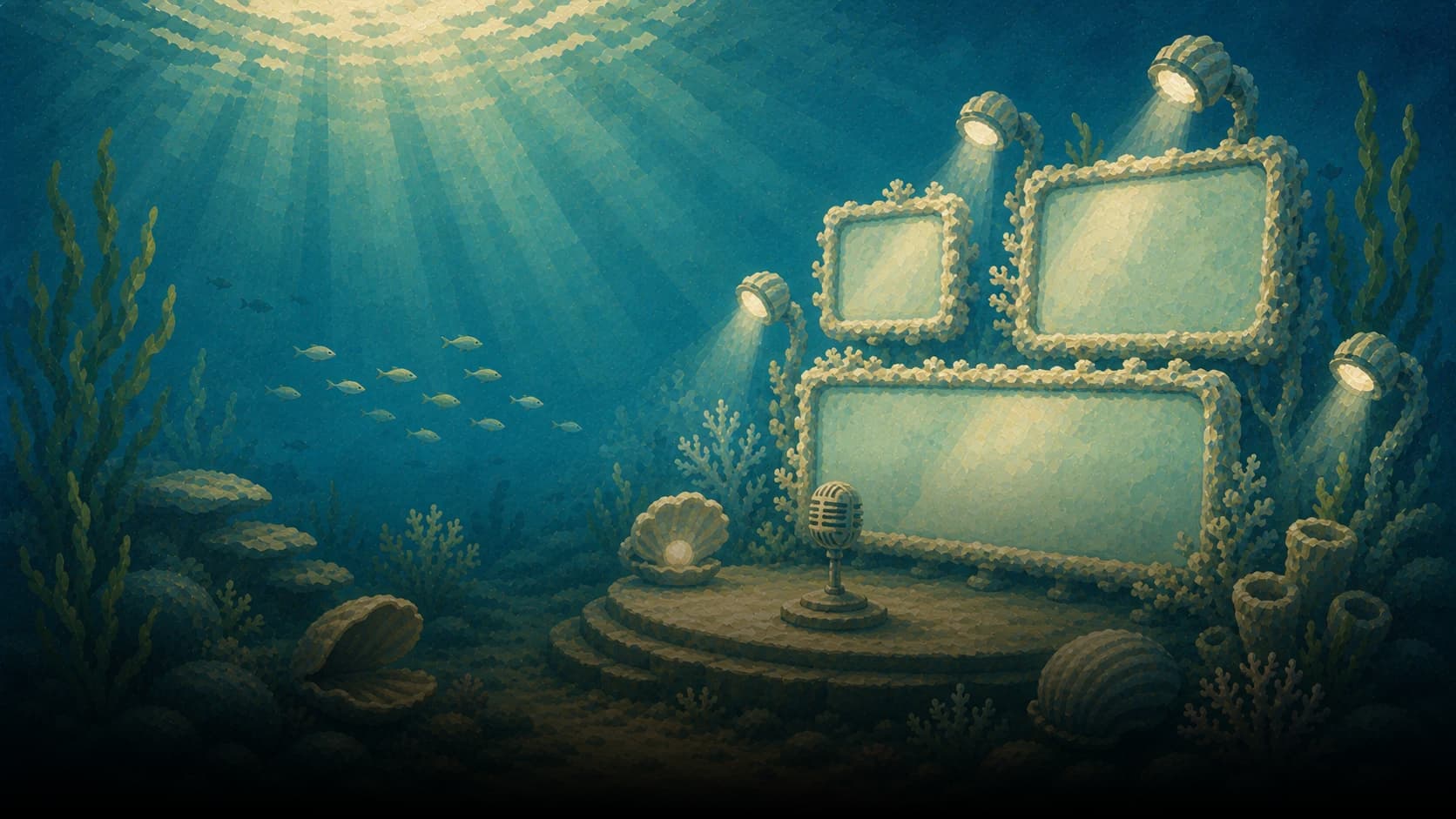
Magic Video
Start from a PDF, slide deck, doc, URL, or prompt. Pick one of 16 styles, including Whiteboard, Vox-style Paper Mache, and Chalkboard. Jellypod writes the narration, draws new scenes, and renders a 1080p MP4. Built for sales leave-behinds, classroom lessons, and L&D training. Nobody has to be on camera.
Choose a 3, 5, 7, 10, 15, or 20 minute target before generation. Want the original pages on screen instead? Use PDF to video or convert PowerPoint to video. Style pages: whiteboard explainers and Vox-style.
Upload a PDF, slide deck, document, or URL, or describe the video. Choose a Character to narrate it, then revise the result in the narration editor.
Choose one of 16 AI visual styles. Jellypod drafts the shot list, generates every scene, animates it, and checks each frame against the selected style.
Edit the narration, regenerate one visual with optional direction, or replace it with your own image or video. Recording yourself on camera instead? Download a free 4K podcast background.
Render in 1080p with word-synced captions, then upload it wherever your audience watches.
Explore the artwork and video examples before choosing your look.
Dry-erase marker scenes that draw in stroke by stroke, like a teacher sketching while talking.
See whiteboard explainer videos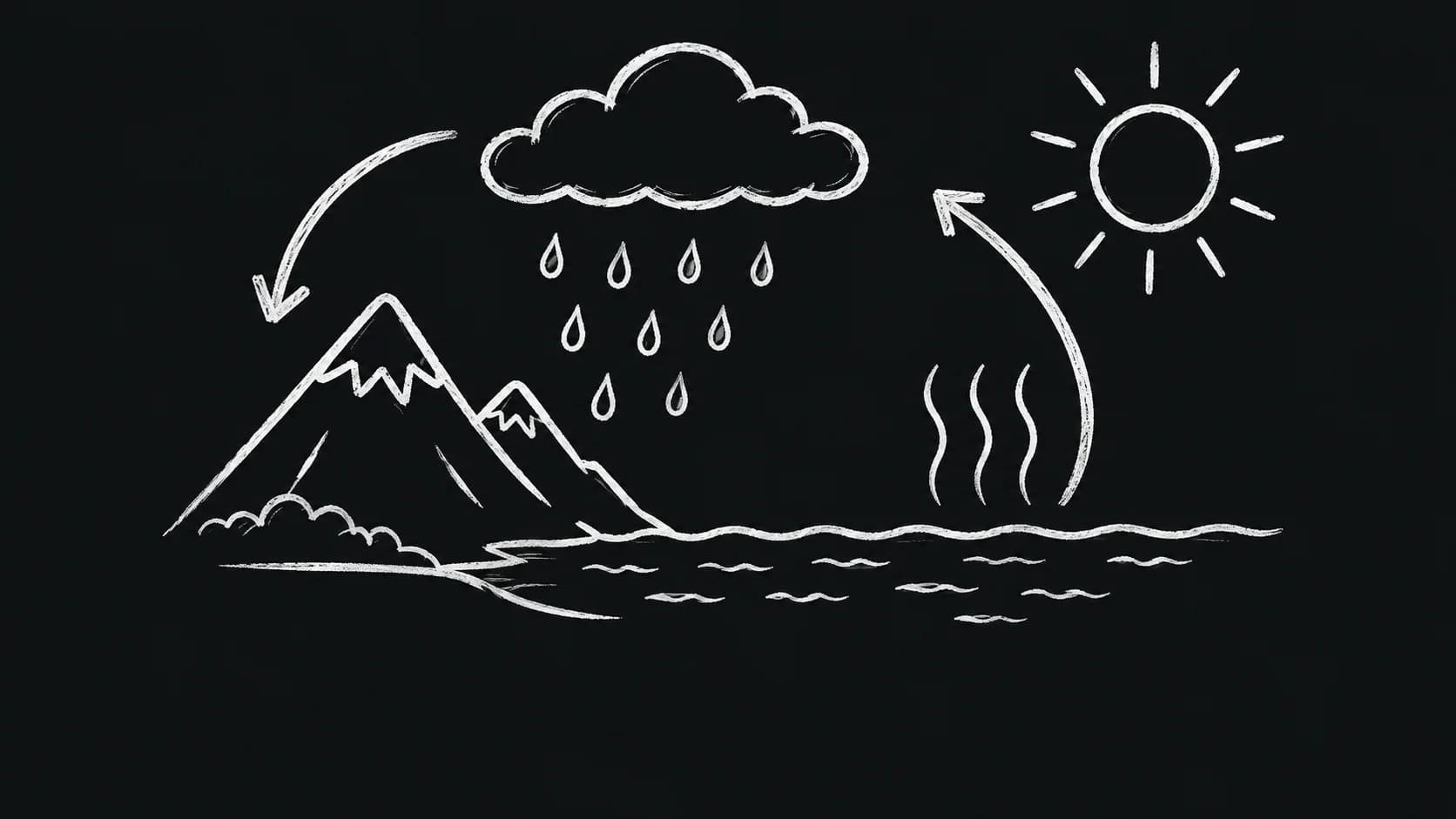
White chalk drawings on near-black, with subtle stroke texture and handwritten captions.
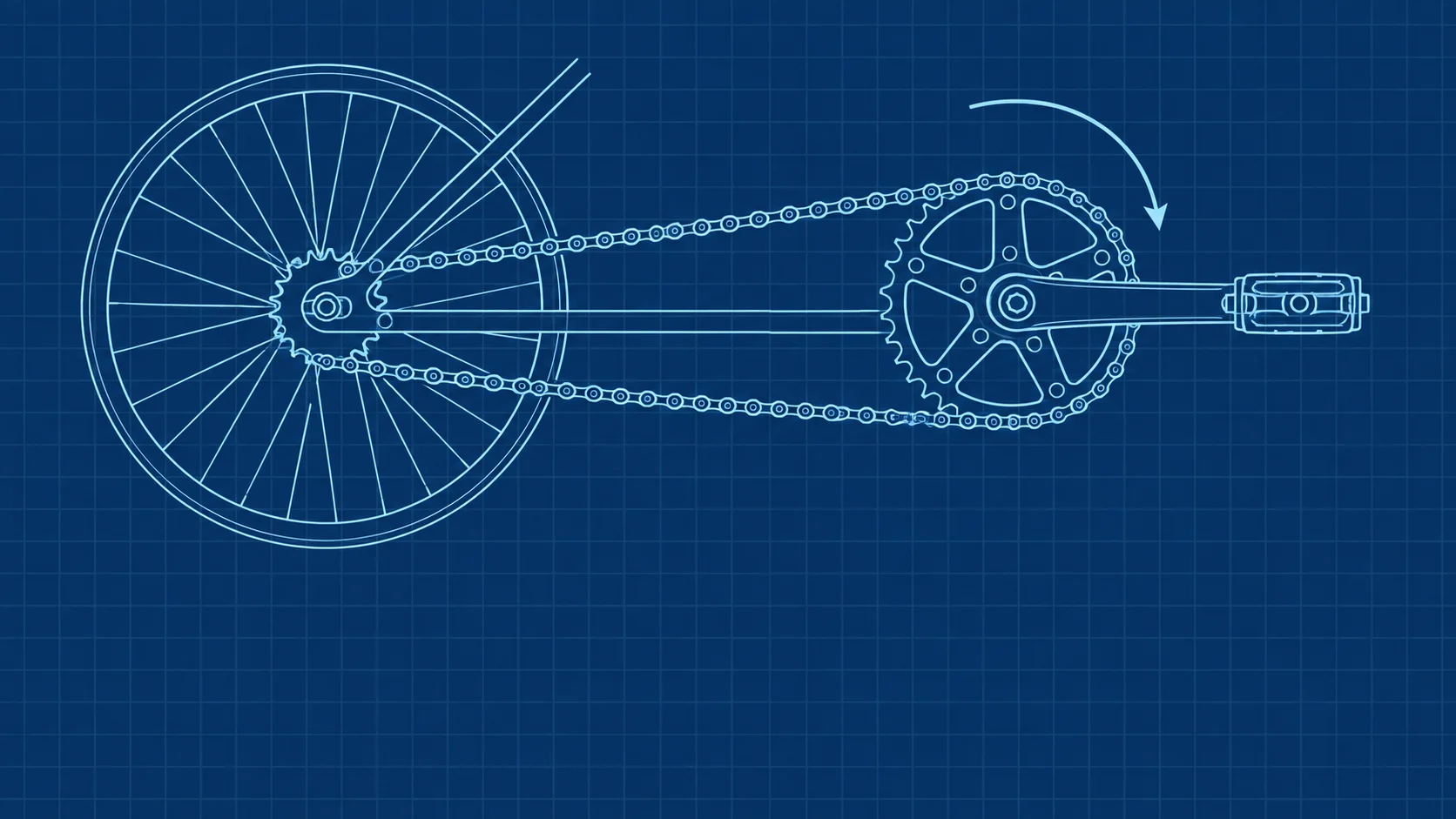
White and cyan schematic drawings on deep blue with a subtle stationary grid.
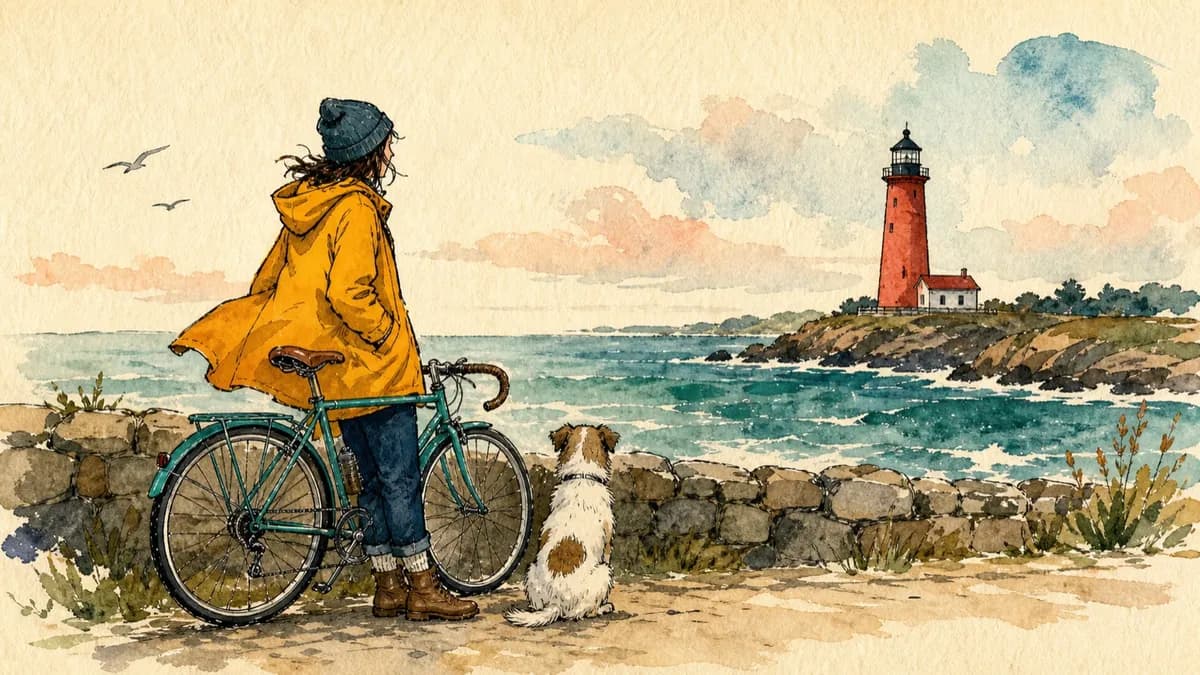
Bold editorial illustrations with thick ink outlines and loose watercolor fills on warm paper.
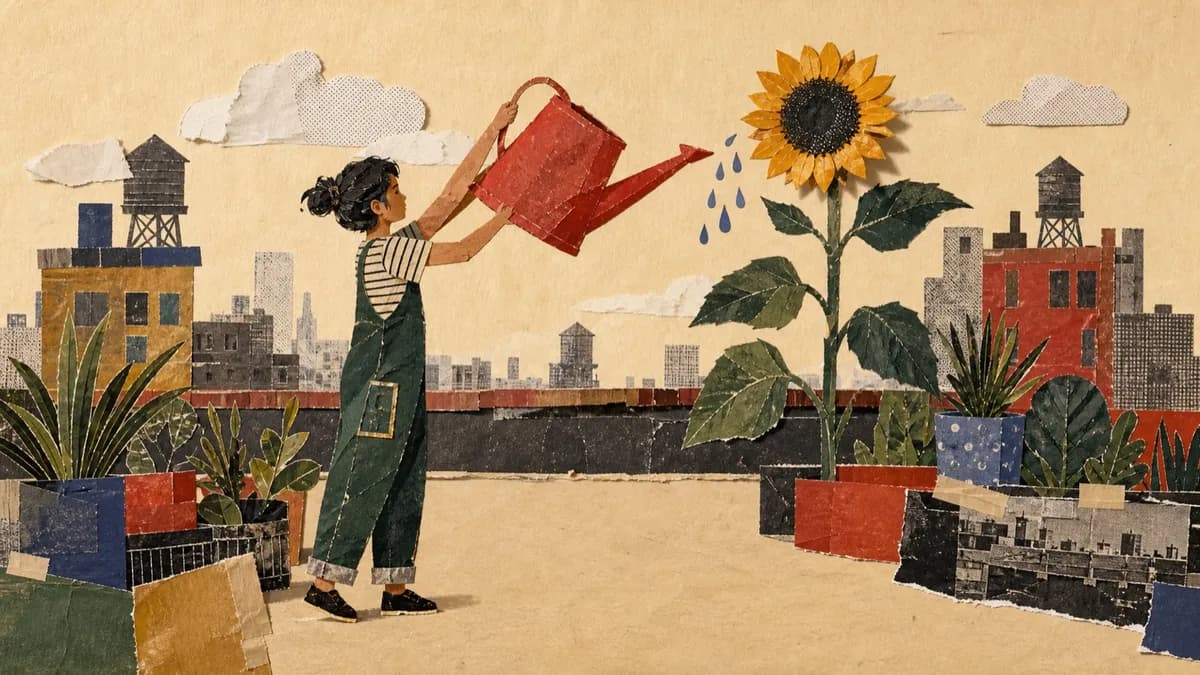
Layered cut-paper collages with archival photographs, screen-printed textures, and torn edges.
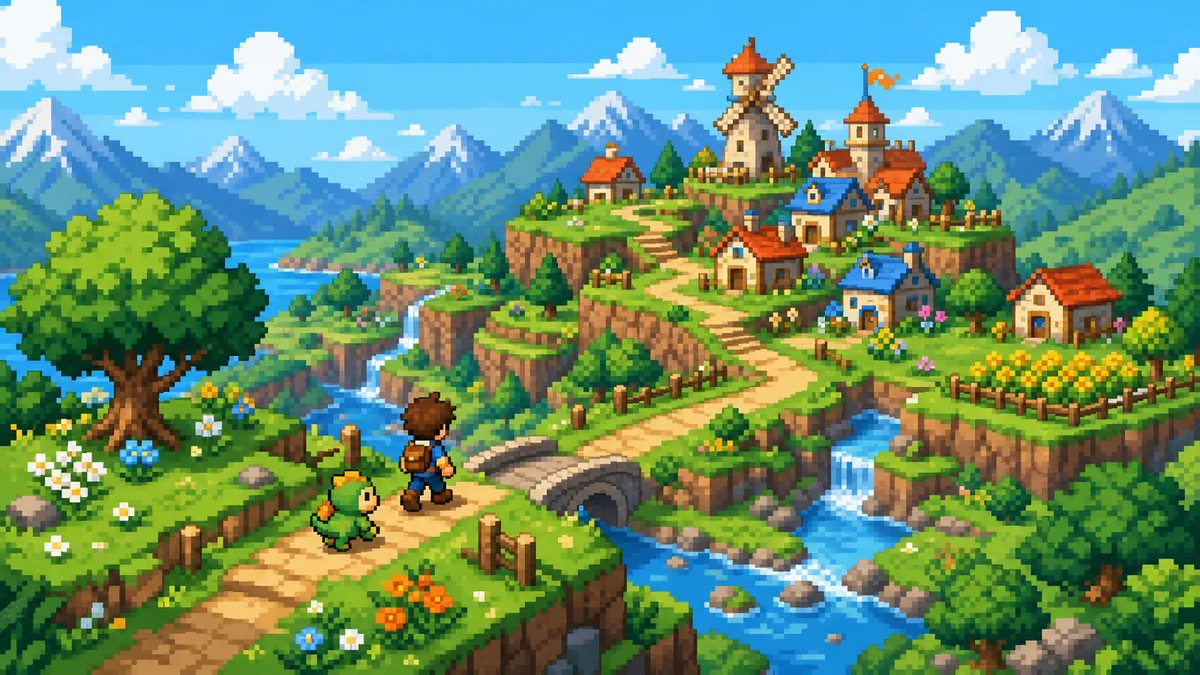
Bright adventure dioramas on a crisp square-pixel grid with short stepped character actions.
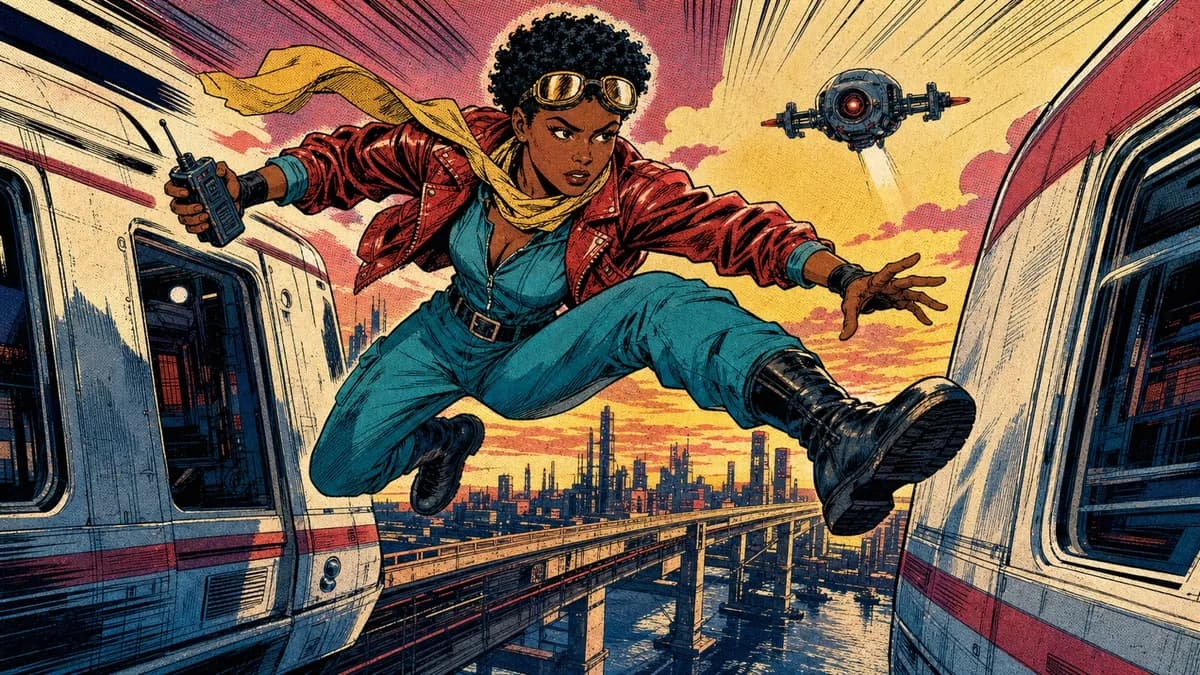
1980s newsstand panels with heavy black ink, flat CMYK color, and Ben-Day dots.
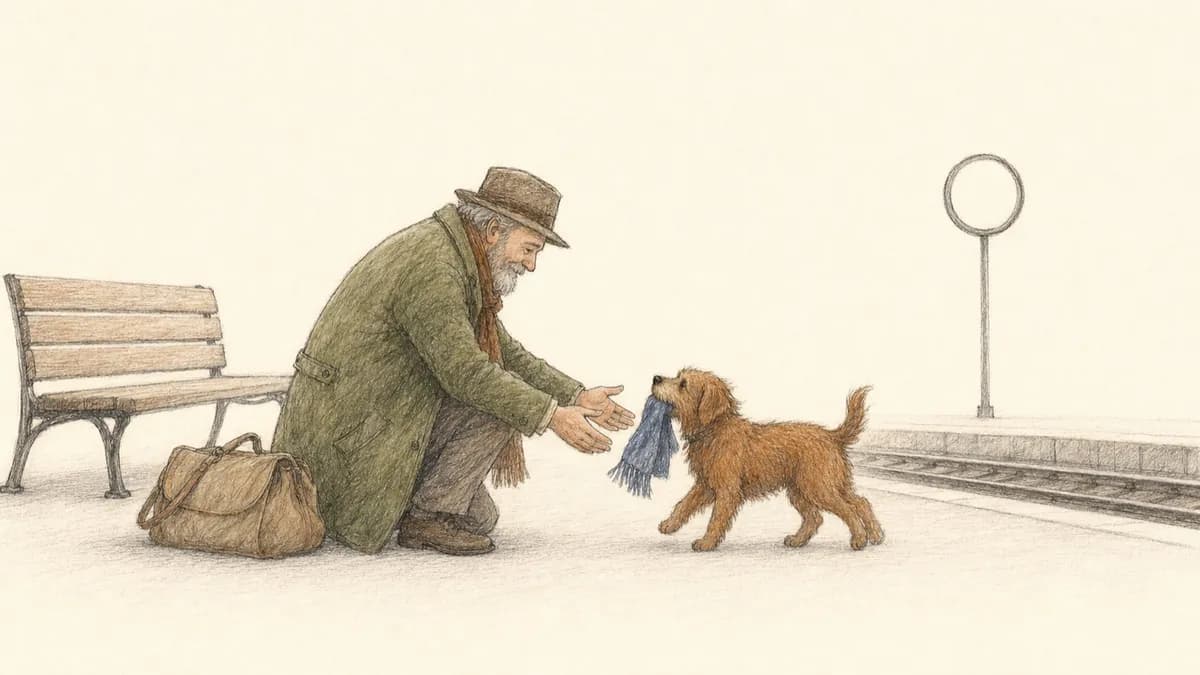
Quiet storybook scenes in fine pen and graphite with sparse colored-pencil fills.
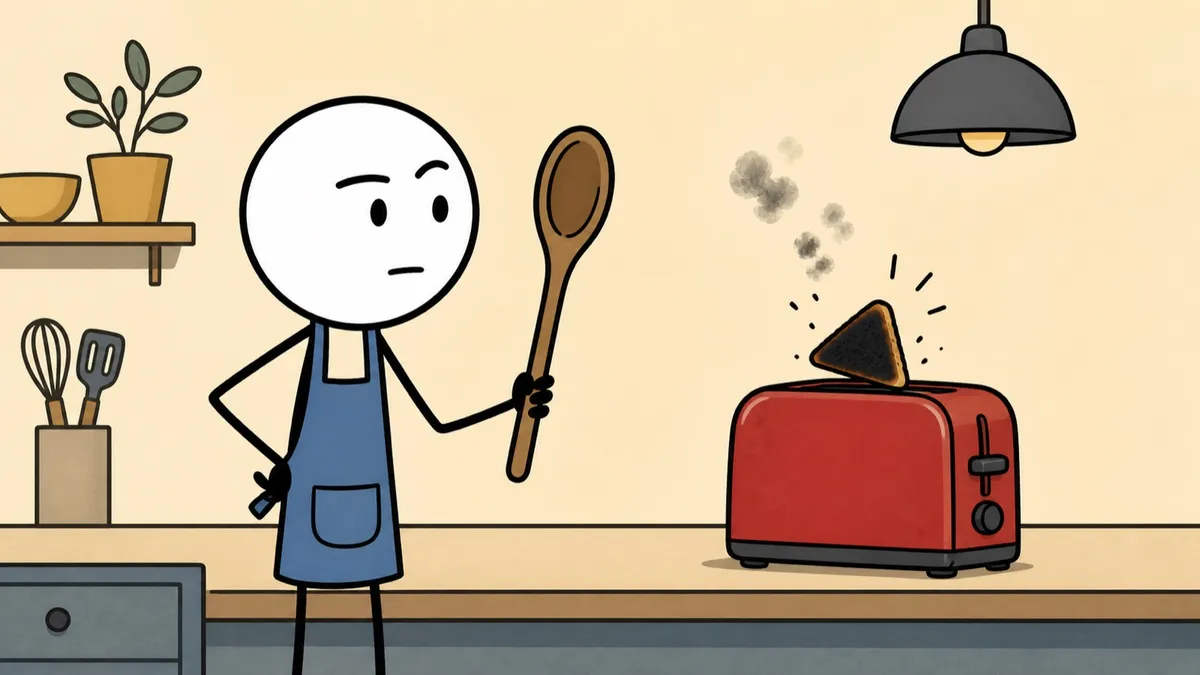
Deadpan stick-figure cartoons with thick black outlines and flat muted color.
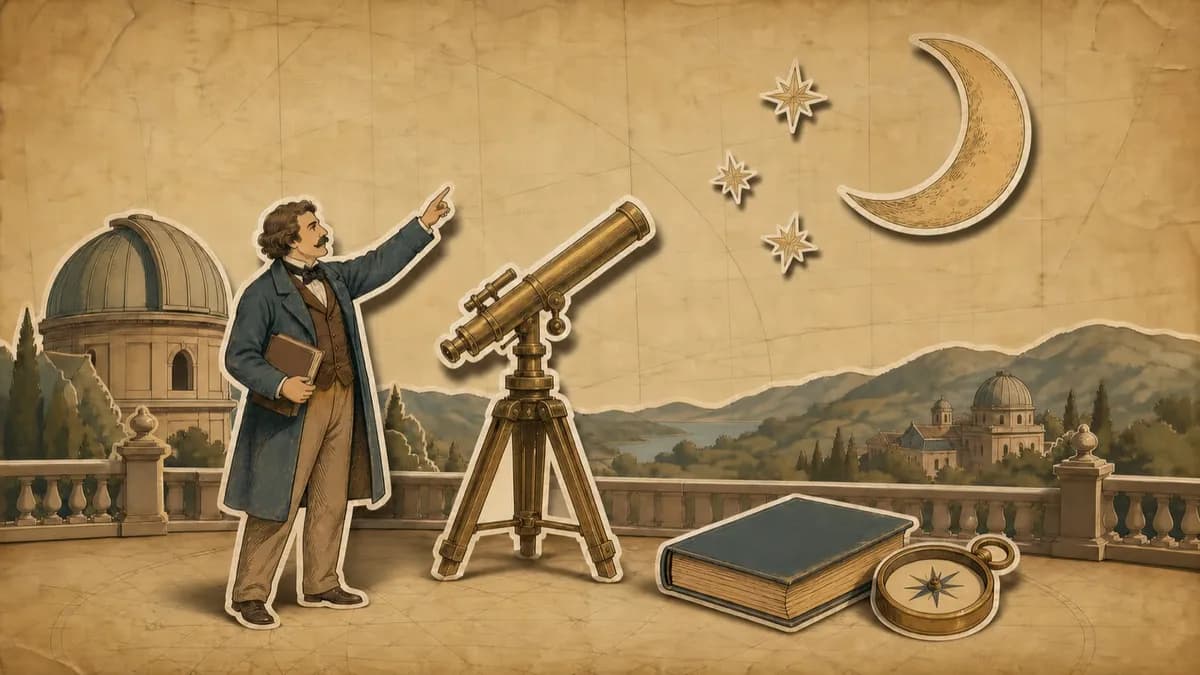
Hand-drawn paper cutouts on aged parchment with an earthy, documentary-style palette.
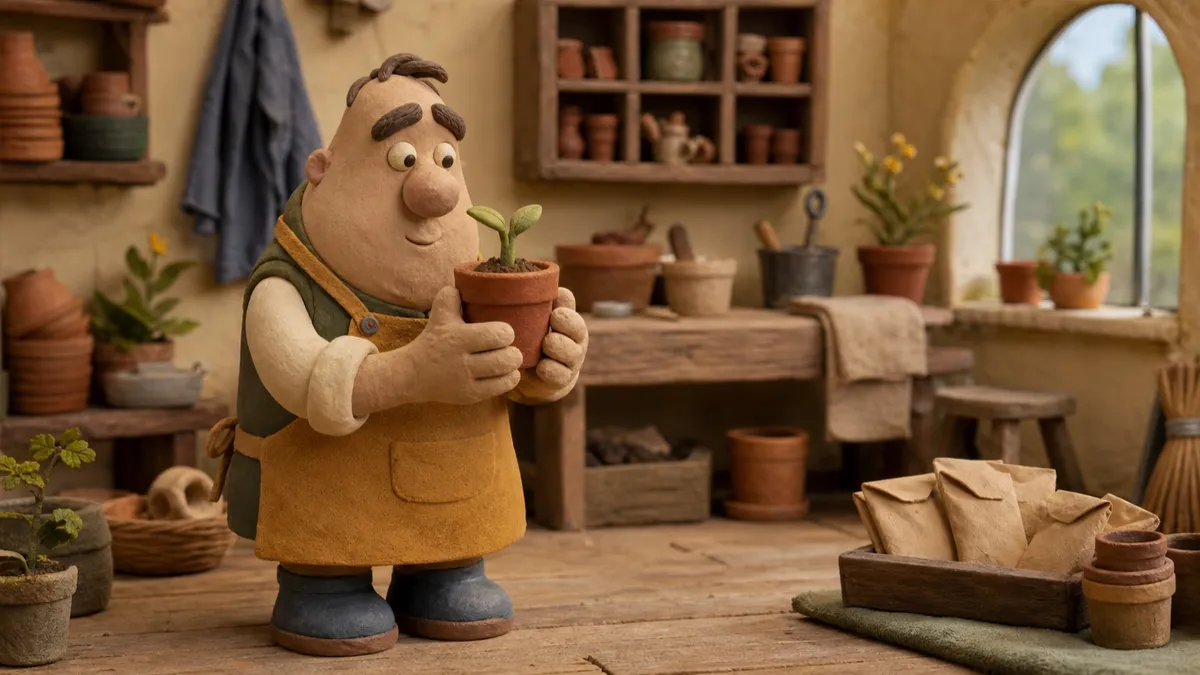
Plasticine caricatures performing in miniature sets with a stepped stop-motion cadence.
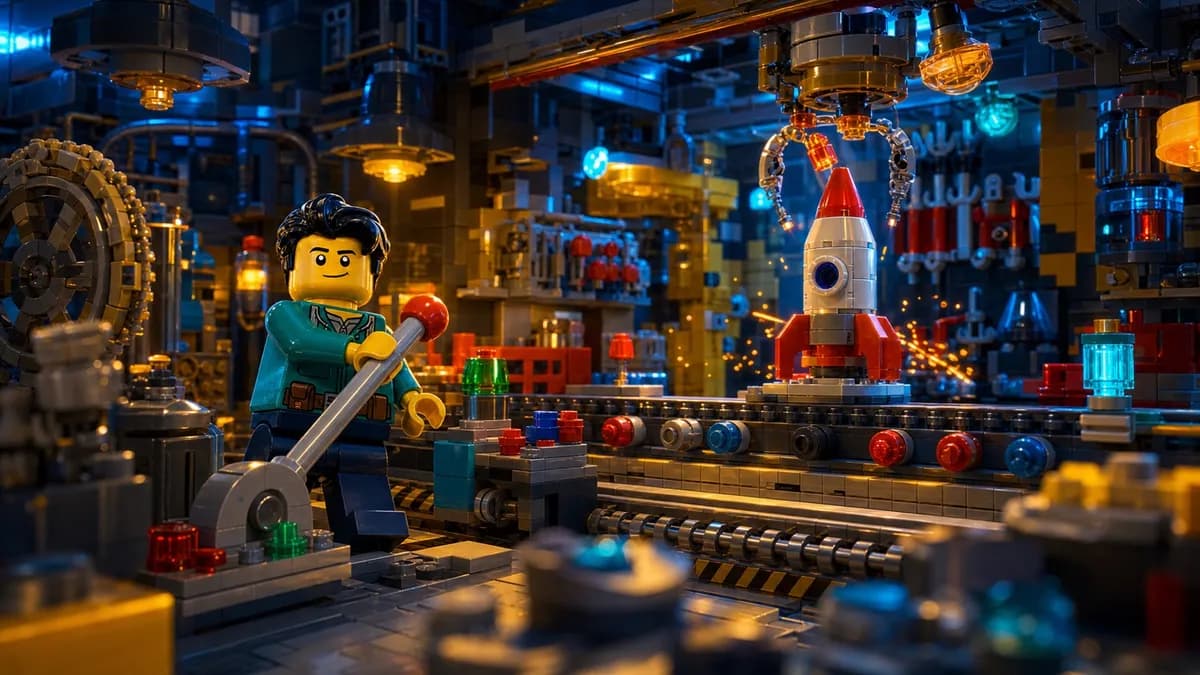
Cinematic dioramas built from interlocking toy bricks with feature-film lighting.
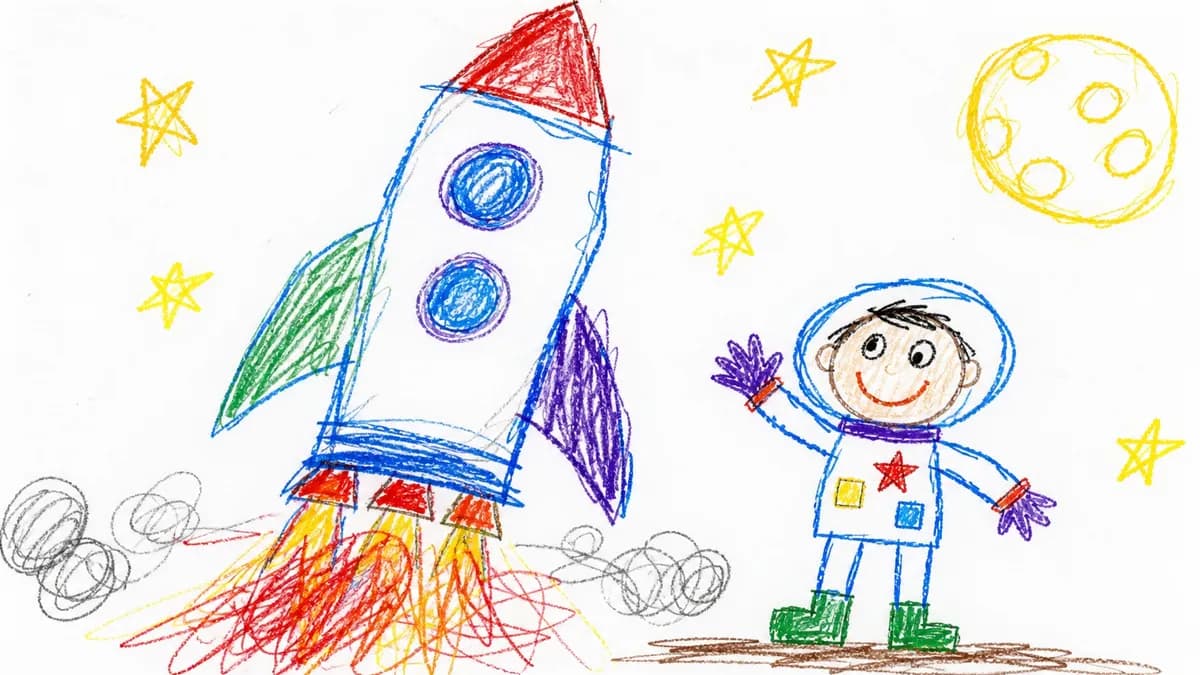
Deliberately clumsy child-drawn crayon pictures with wobbly lines and messy color.

Warm picture-book scenes in bold rounded geometry with a navy, coral, and orange palette.
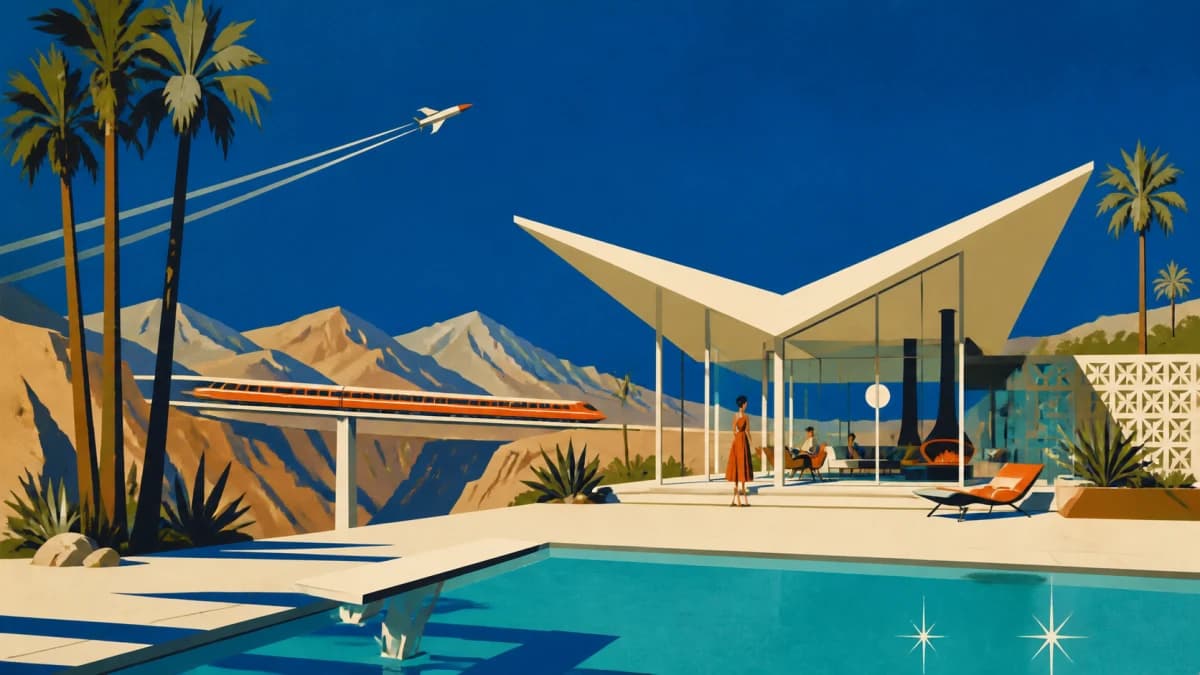
Flat mid-century scenes with cobalt skies, warm bone modernist forms, and burnt-orange accents.

Soft matte painted scenes with chunky brushwork, cool blues and teals, and warm cream light.
16 AI-generated visual styles, each with its own art direction, composition, and motion treatment.
Captions highlight each word as it is spoken, so the video works with the sound off.
Add your own logo on the Creator plan and above, placed in the corner you choose.
Download a single 1080p MP4, up to 20 minutes long. You own the file outright.
Choose Portrait, Landscape, or Square before generation begins.
Regenerate one visual with optional direction, or replace it with your own image or video.
Magic Video is one of four Jellypod products. Each one starts from what you already have and ends with something you can publish.
Turn a topic or document into a complete Podcast Episode with a reusable cast of Characters.
Learn moreGenerate standalone 30 to 60 second clips from a prompt or source, ready for TikTok, Reels, and YouTube Shorts.
Learn moreTurn documents and images into a narrated Video while keeping the visuals you supplied.
Learn moreFrequently asked questions
Render your next episode as a Magic Video in the style that fits your show.