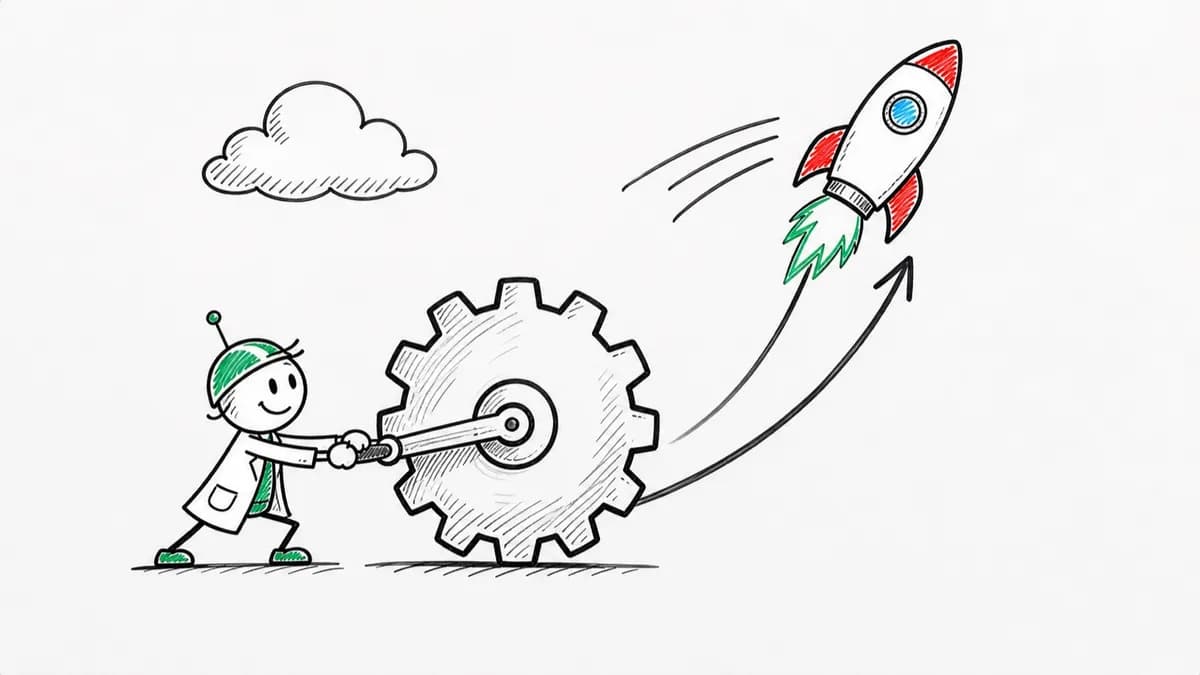
Whiteboard Explainer
Dry-erase marker scenes that draw in stroke by stroke, like a teacher sketching while talking.
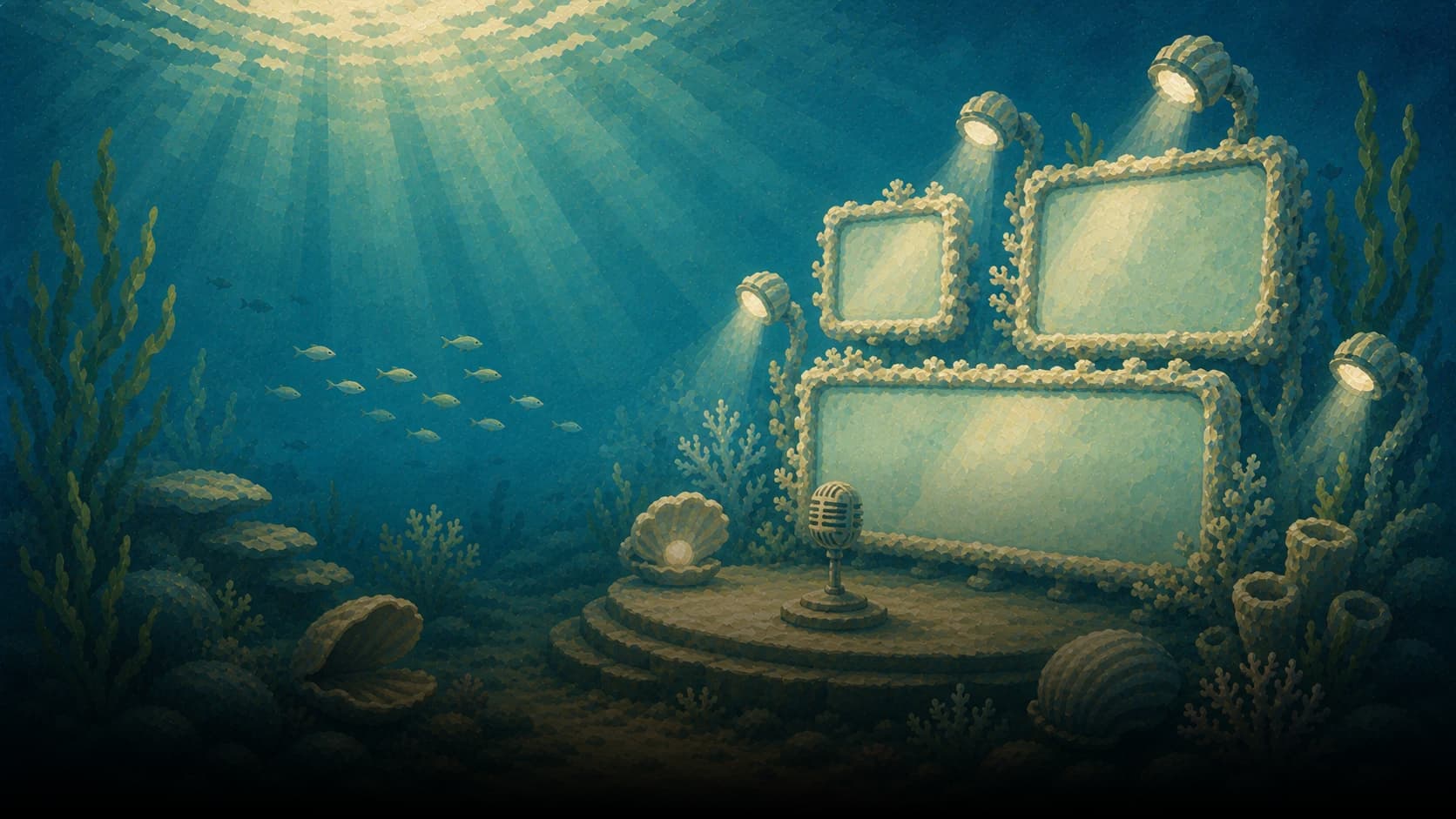
Faceless Video Generator
Upload a PDF, slide deck, doc, or prompt. Magic Video writes the narration and draws scenes in 16 styles. No camera and no avatar. Sales, education, and L&D use it when nobody needs to be on screen.
Built on Magic Video. Keep the original pages instead with PDF to video or convert PowerPoint to video.
Most tools hand you a stock clip library. You end up with drone shots and office b-roll that vaguely match a keyword, because nothing in the library was made for your script. Jellypod draws scenes for what your narration is actually saying.
Avatar tools put a synthetic presenter on screen, which is the opposite of faceless. A viewer who wanted a face would rather have a real one. Jellypod never puts a person on screen unless your script asks for one.
Tools that pick a different image model for each prompt get a different look from each one. Ten minutes in, the video reads as a pile of clips rather than one piece. Jellypod holds a single named style for the whole runtime, with its art direction, motion rules, and quality bar travelling with it.
Long videos are where generated art usually falls apart: the recurring character drifts, the palette wanders, and minute 20 looks like a different show. Every style here carries a strict spec, and recurring characters get a reference sheet.
Upload a PDF, slide deck, document, or URL, or type a prompt. Jellypod writes the narration from that source.
Choose one of 16 visual styles. That is the only aesthetic decision you make. There are no models to compare, no reference images to collect, and no prompts to tune.
An agent drafts the shot list, generates every image, animates it, and grades each frame against the style before accepting it. Anything that fails gets regenerated before you ever see it.
Regenerate any scene you do not like, or adjust the video on a timeline. Then download a 1080p MP4 with word-synced captions, and upload it to your channel.
Each style carries its own art direction, its own rules about what is allowed to move, and its own quality bar that every frame is checked against. Explore the artwork and video examples below.
Dry-erase marker scenes that draw in stroke by stroke, like a teacher sketching while talking.
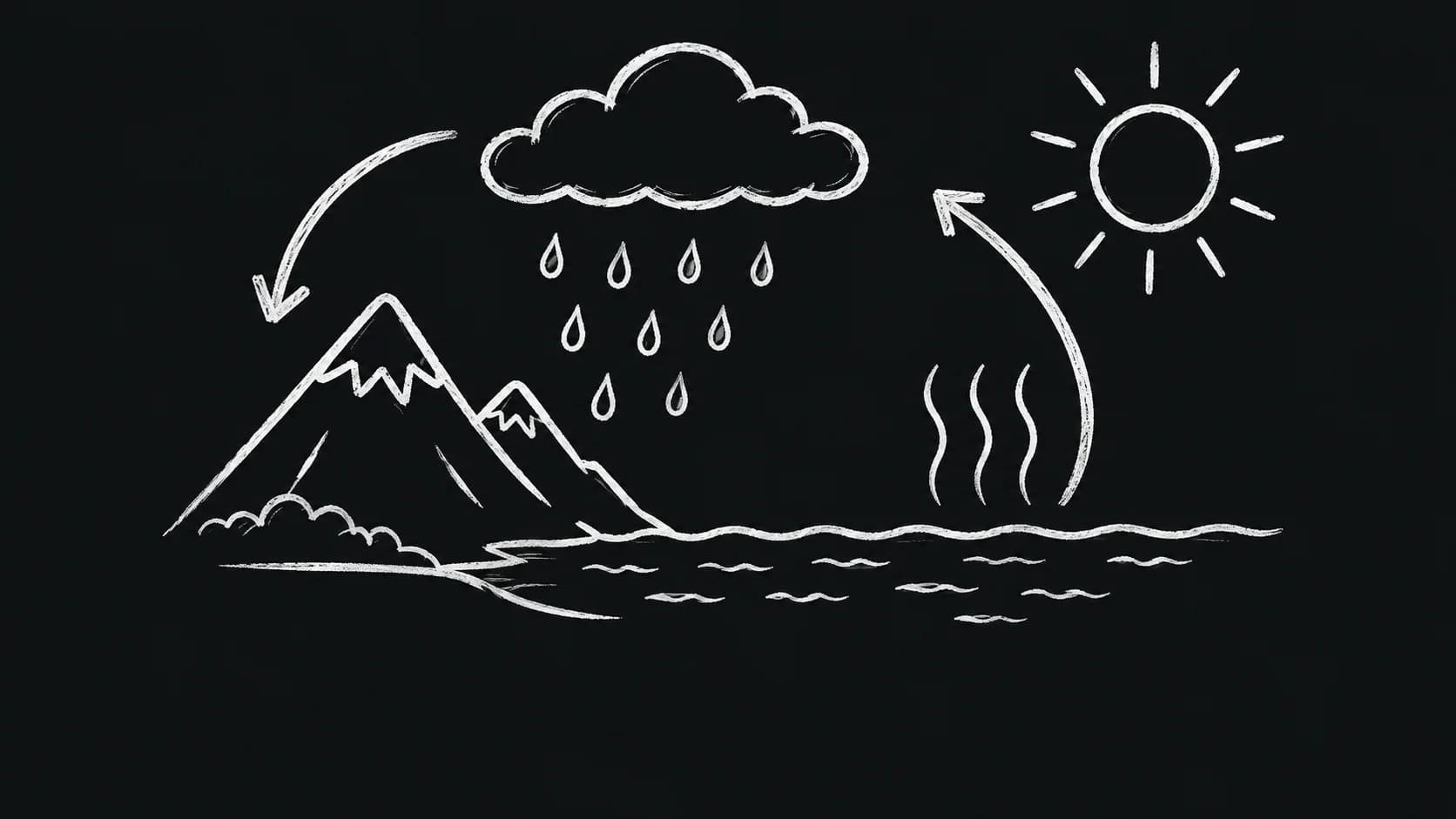
White chalk drawings on near-black, with subtle stroke texture and handwritten captions.
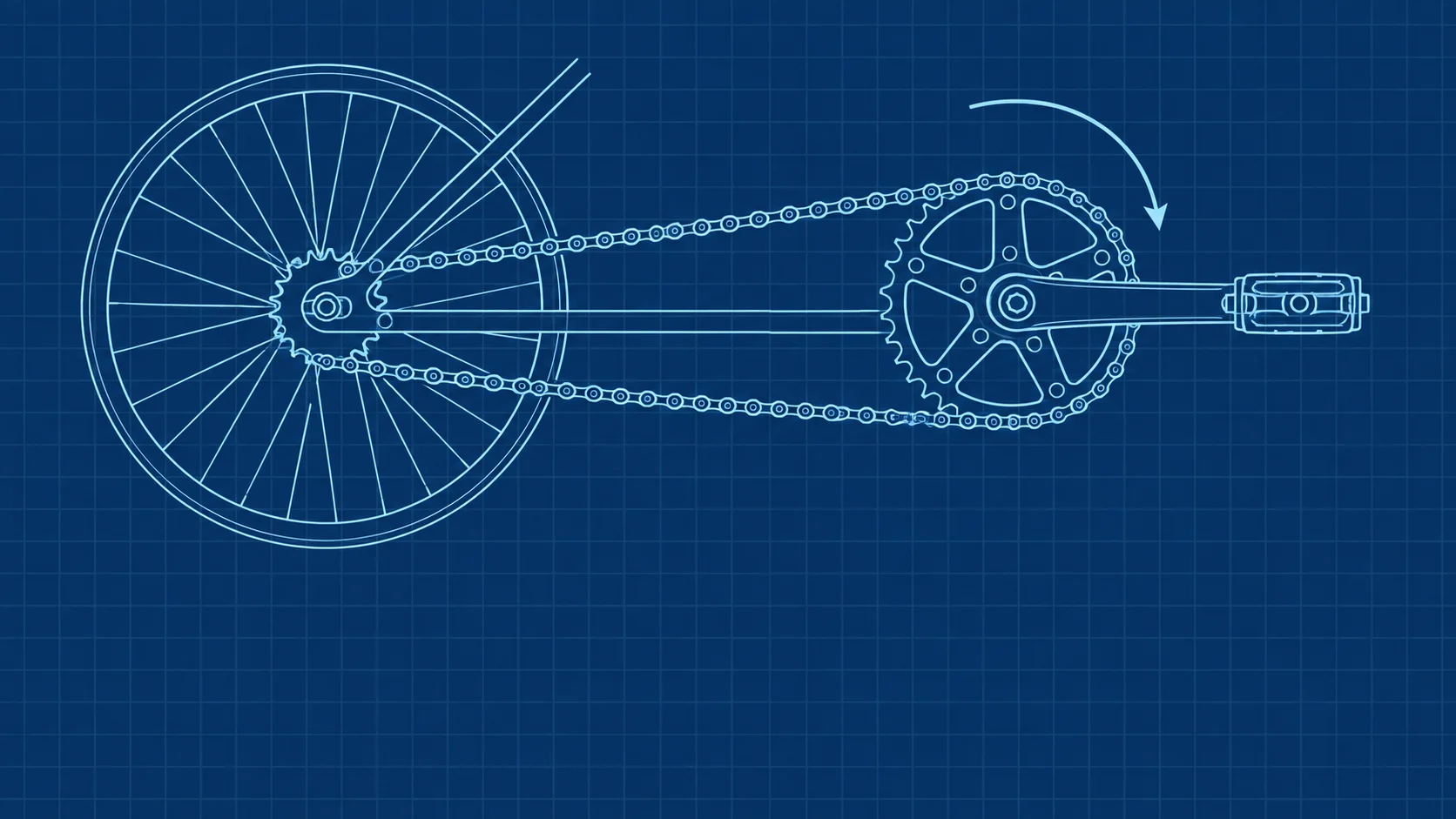
White and cyan schematic drawings on deep blue with a subtle stationary grid.
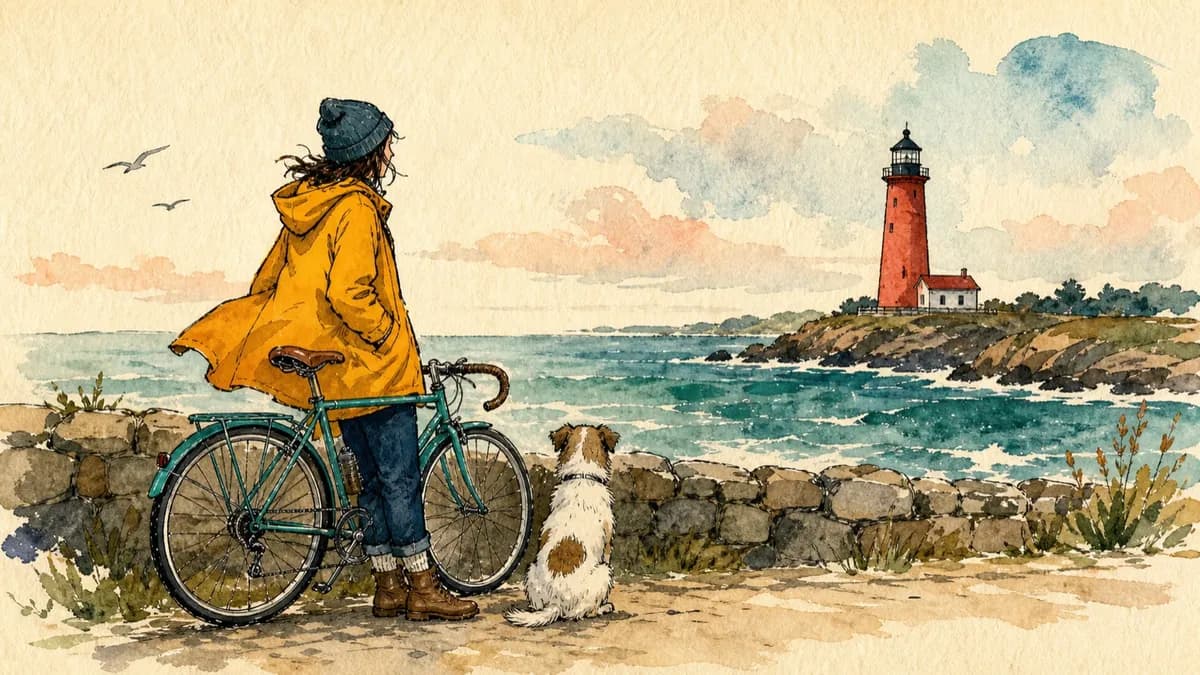
Bold editorial illustrations with thick ink outlines and loose watercolor fills on warm paper.
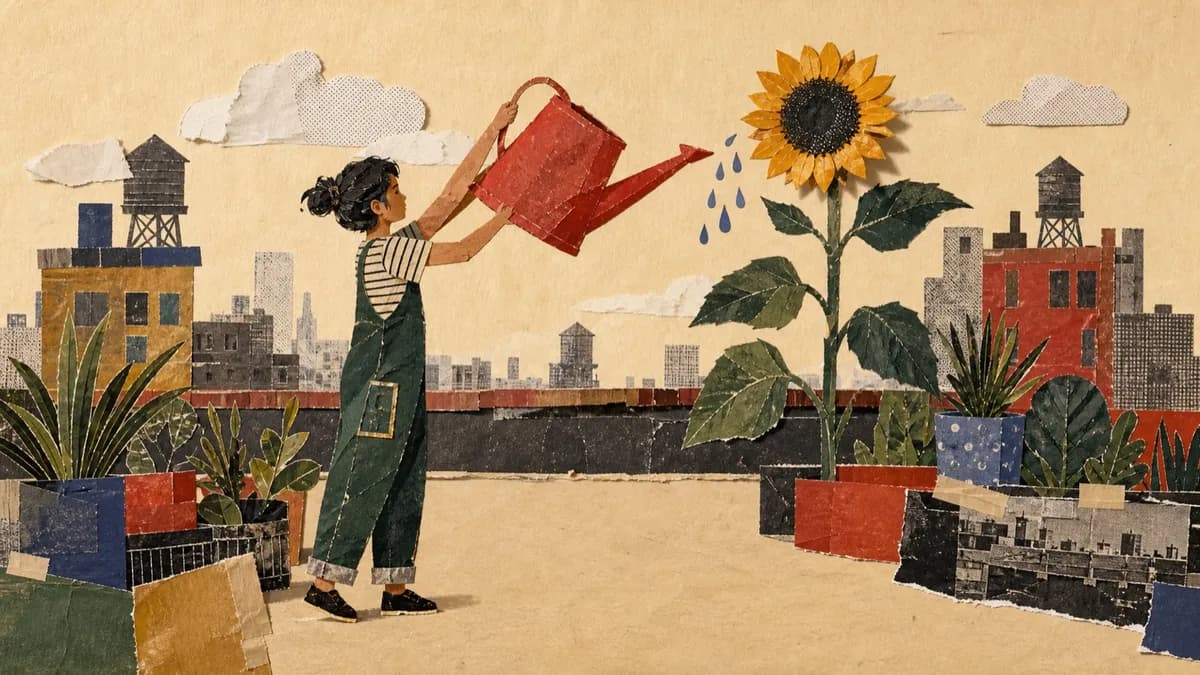
Layered cut-paper collages with archival photographs, screen-printed textures, and torn edges.
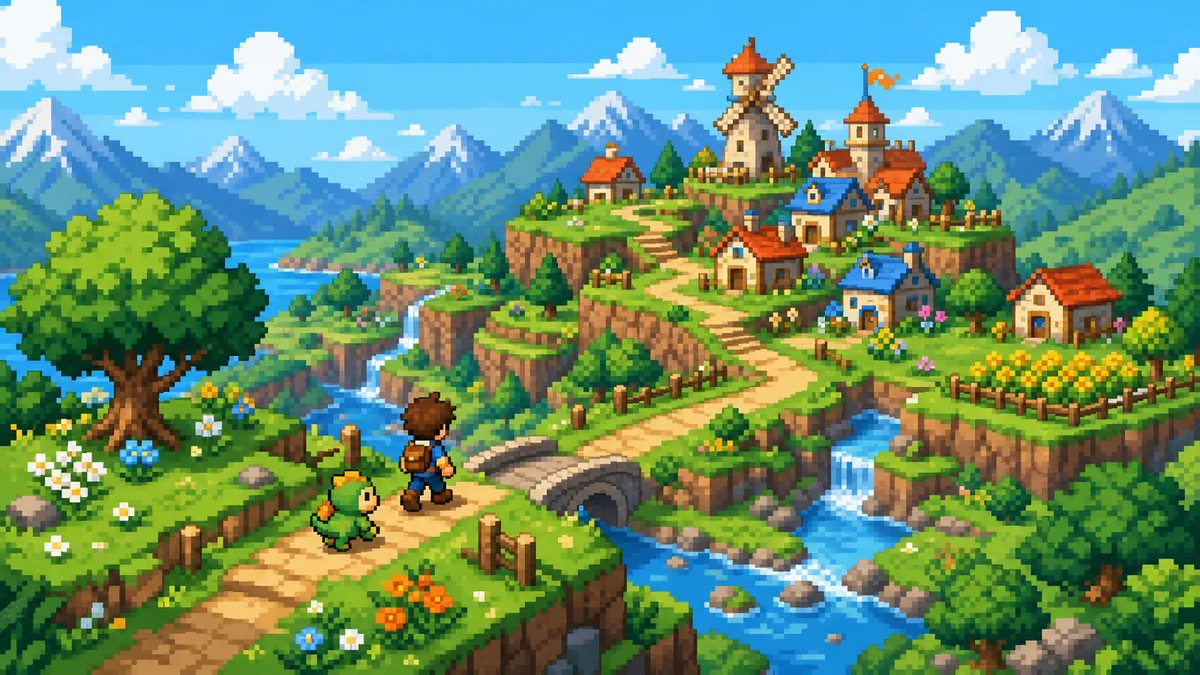
Bright adventure dioramas on a crisp square-pixel grid with short stepped character actions.
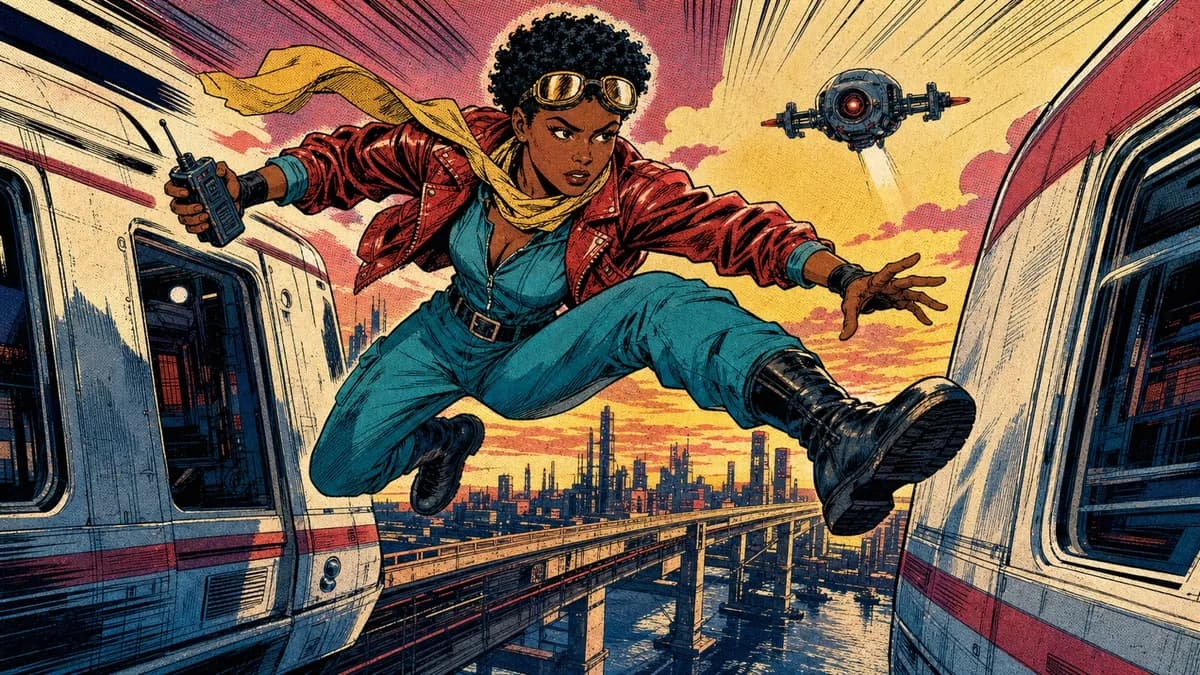
1980s newsstand panels with heavy black ink, flat CMYK color, and Ben-Day dots.
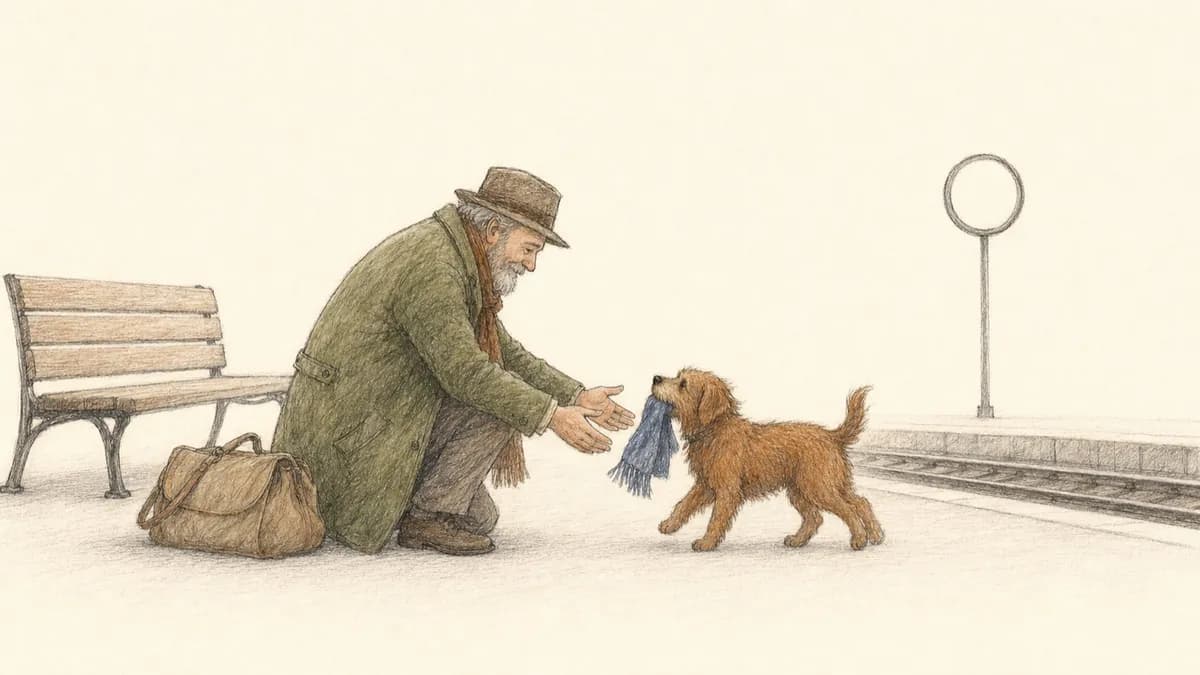
Quiet storybook scenes in fine pen and graphite with sparse colored-pencil fills.
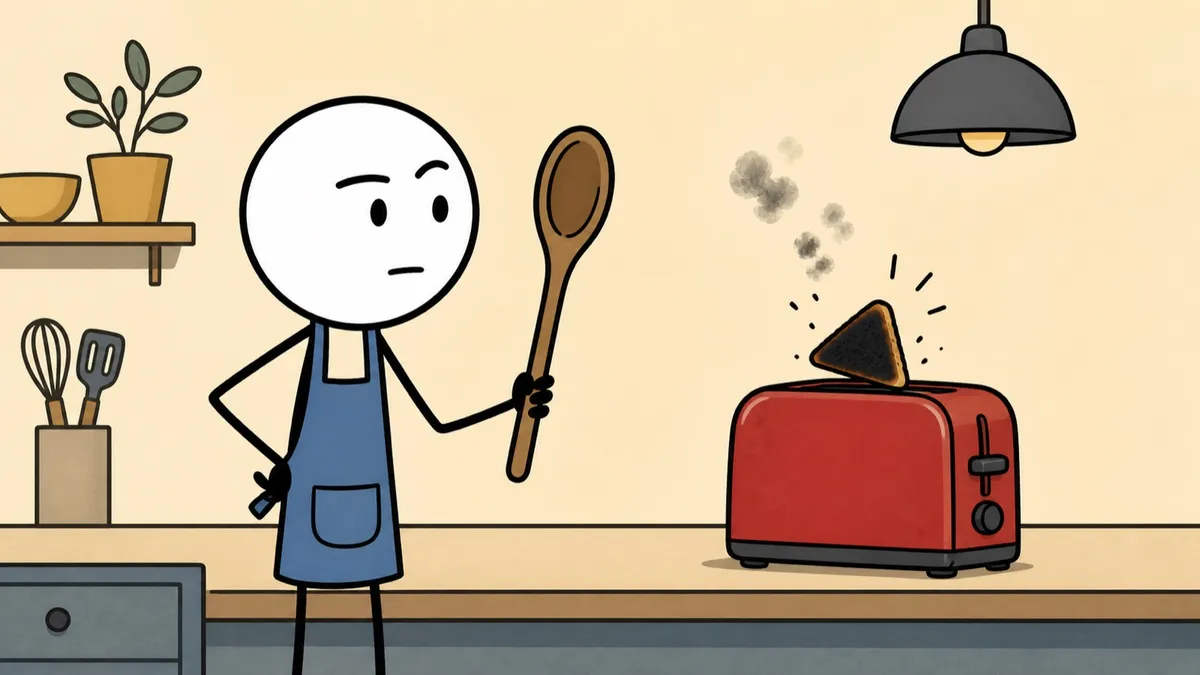
Deadpan stick-figure cartoons with thick black outlines and flat muted color.
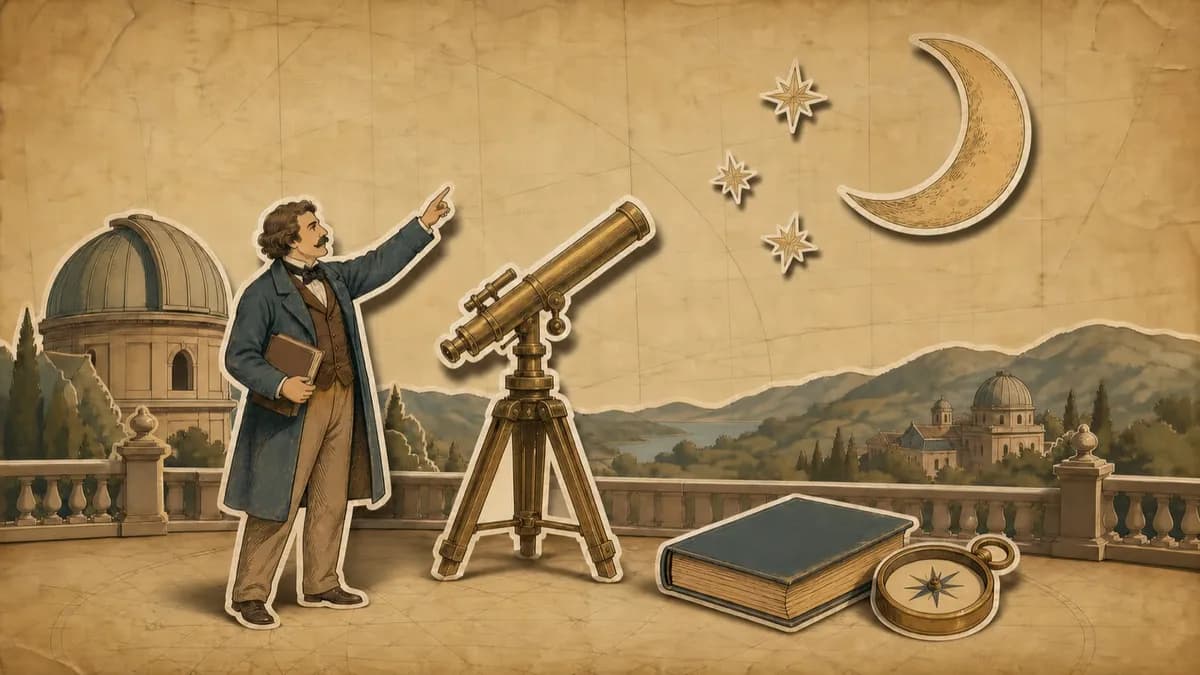
Hand-drawn paper cutouts on aged parchment with an earthy, documentary-style palette.
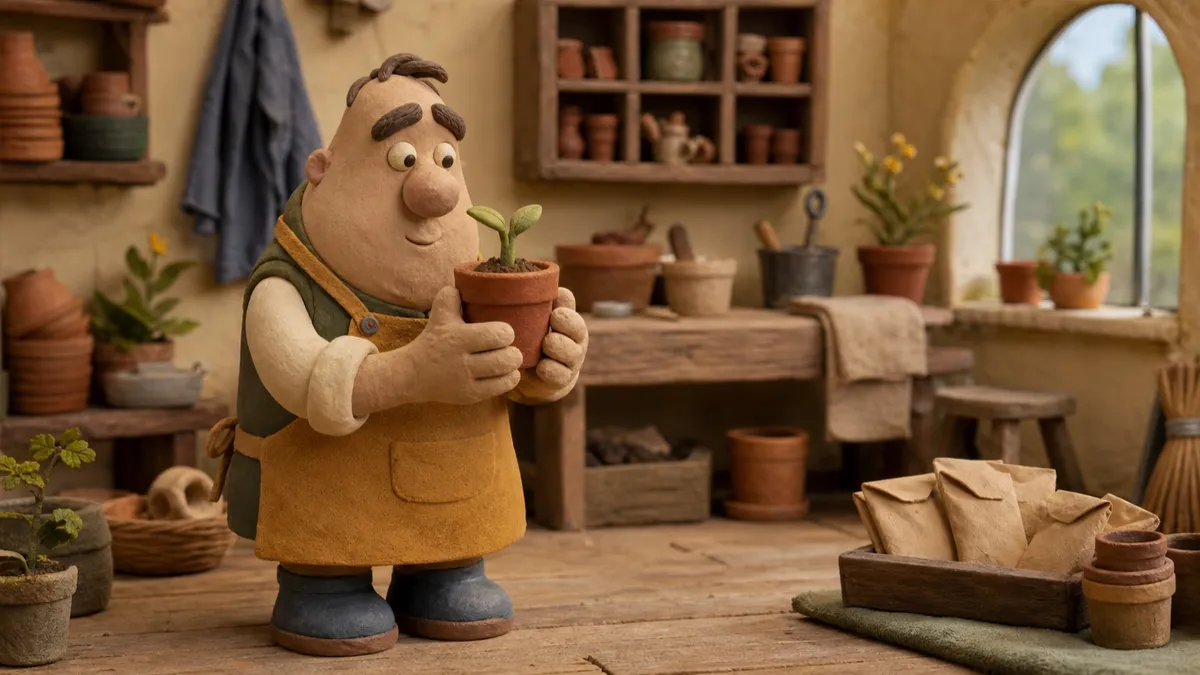
Plasticine caricatures performing in miniature sets with a stepped stop-motion cadence.
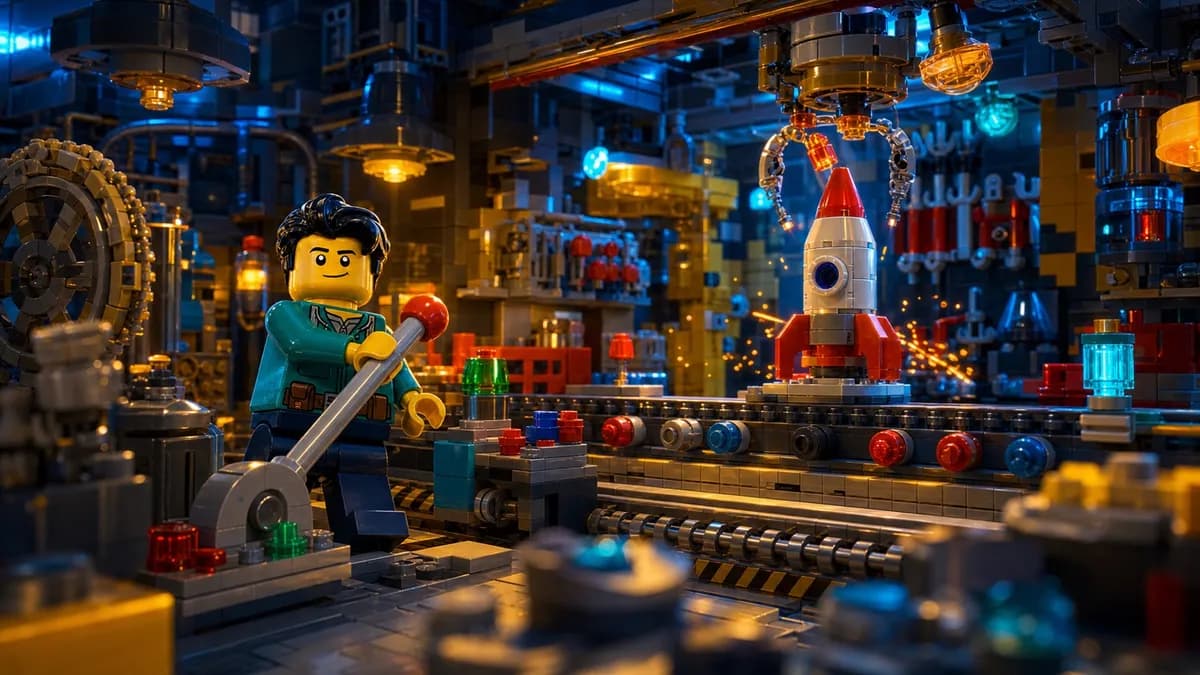
Cinematic dioramas built from interlocking toy bricks with feature-film lighting.
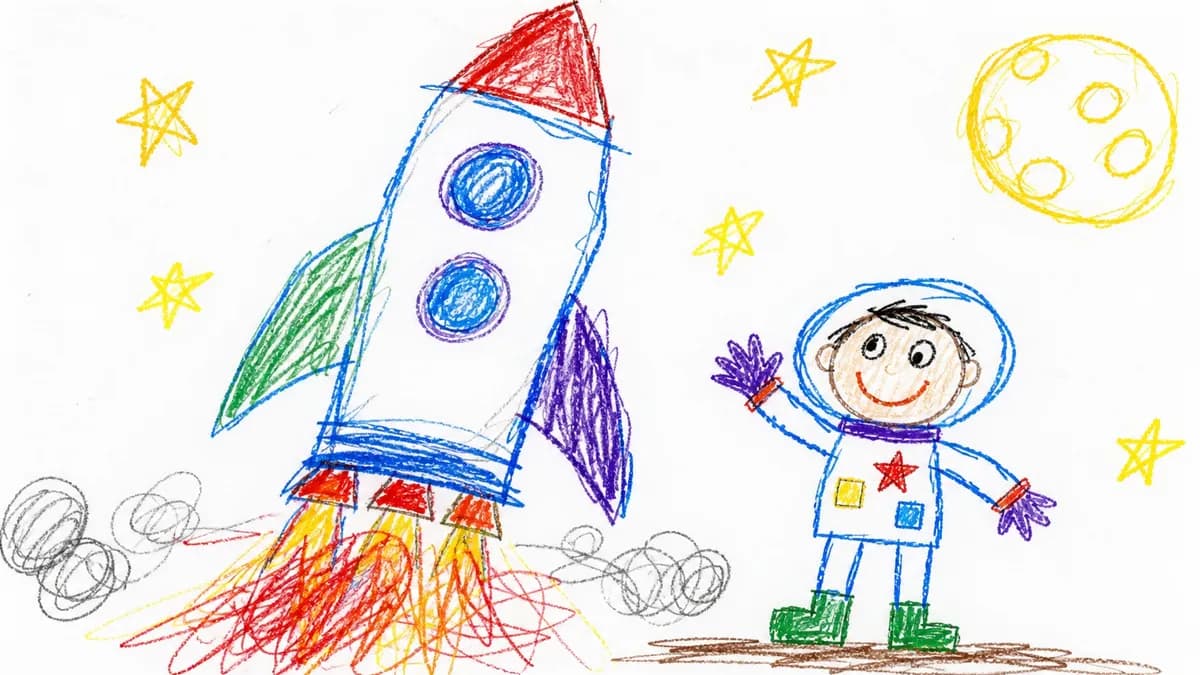
Deliberately clumsy child-drawn crayon pictures on pure white, warm and unpolished.
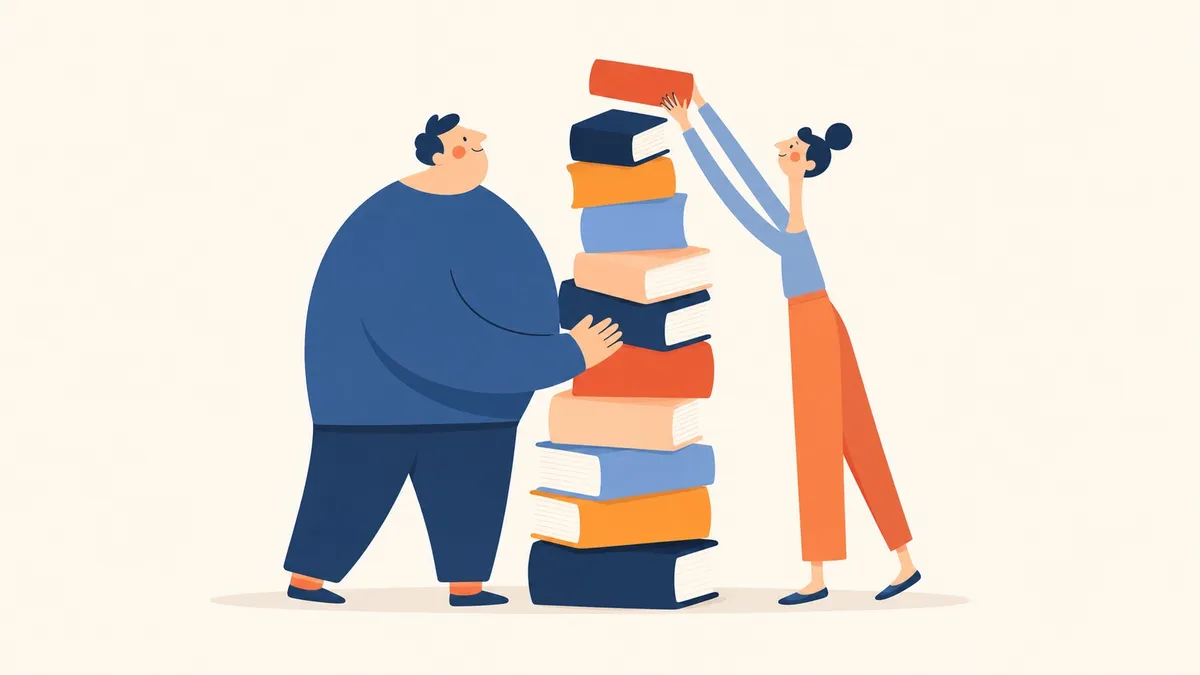
Clean flat vector shapes with confident color blocking and generous negative space.
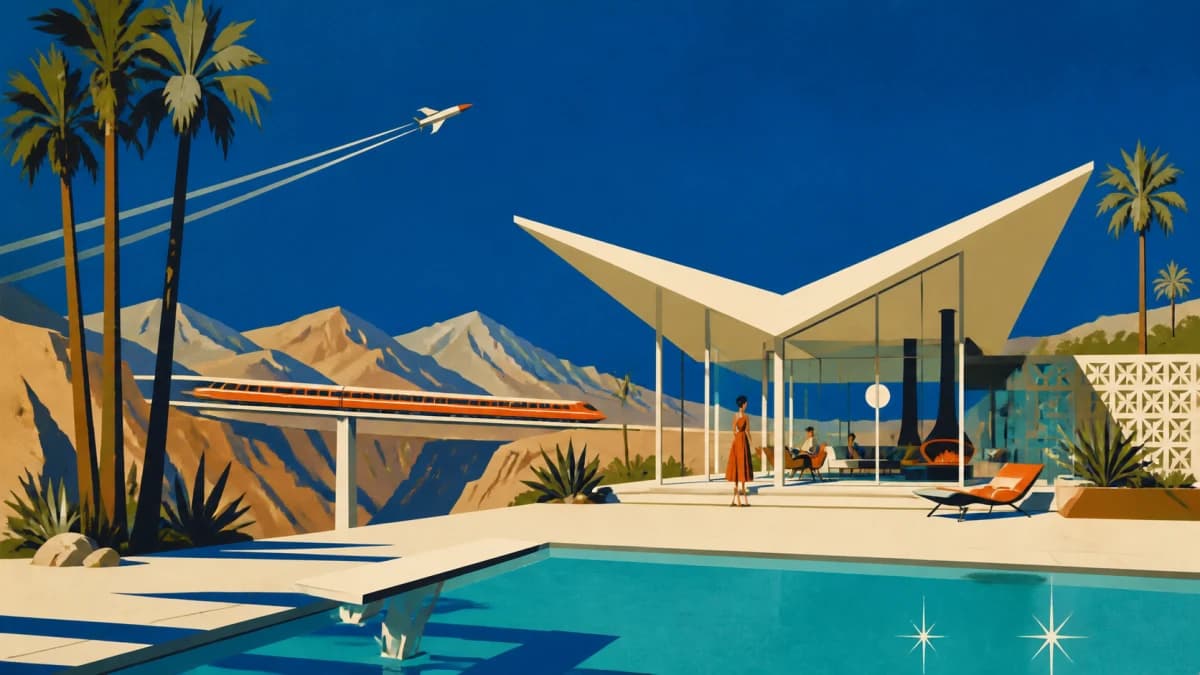
Flat mid-century scenes with cobalt skies, warm bone modernist forms, and burnt-orange accents.

Soft matte painted scenes with chunky brushwork, cool blues and teals, and warm cream light.
A faceless channel publishes videos where nobody appears on camera. The narration and the visuals carry it. That format rewards volume, which is why so many people try to automate it, and it punishes visuals that do not match the words, which is where most automation falls down.
The common approach is assembly: a tool searches a stock library for clips that roughly match your keywords and cuts them together. It produces something watchable and completely generic, because no clip in that library was made for your script. The alternative most tools offer is an AI avatar, which puts a synthetic presenter on screen and stops being faceless at all.
Jellypod generates the visuals instead. An agent reads your script, drafts a shot list, and draws each scene for what the narration is saying at that moment, in one of 16 art styles. Every frame is graded against the style spec before it is accepted, and anything that fails is regenerated, so the retries never reach you. Recurring characters get a reference sheet first, which is what keeps the same character recognizable in minute 1 and minute 24.
You make one aesthetic decision: the style. There is nothing else to configure, because the art direction, the motion rules, and the quality bar all travel with the style you picked. When something is still not right, regenerate that one scene or adjust it on the timeline rather than starting over. Videos render at 1080p with word-synced captions, up to 25 minutes.
If you want the full product detail, see Magic Video. To keep the original pages on screen, use PDF to video or convert PowerPoint to video. For vertical clips, see Shorts.
Frequently asked questions
Describe a video, pick a style, and download the MP4. Nobody has to be on camera.
Go from idea to published episode in minutes. No recording, editing, or experience required.