Turn Notes Into a Podcast
4.7out of 5 on G2












Your notes, as a two-host show
 Notes
Notes00:00/00:55
 Claire Brooks
 Marcus Hayes
If you missed the winter catalog launch sync on October 5th, here's the headline.
Launch moved from November 3rd to November 10th.
The print proofs came back with color problems on pages 12 through 18.
Fictional sample. Fernhill Supply Co. is not a real company.
A recap for whoever missed it
Paste the bullets, and two hosts walk through the decisions in the order you wrote them.
Last updated October 2026
How to turn meeting notes into a podcast
Step 01
Paste the notes
Meeting notes, a lesson outline, or onboarding bullets.Step 02
Add what the bullets missed
Add a decision, an owner, or the context the bullets left out.Step 03
Send it to whoever missed it
Send it to the people who missed the meeting.
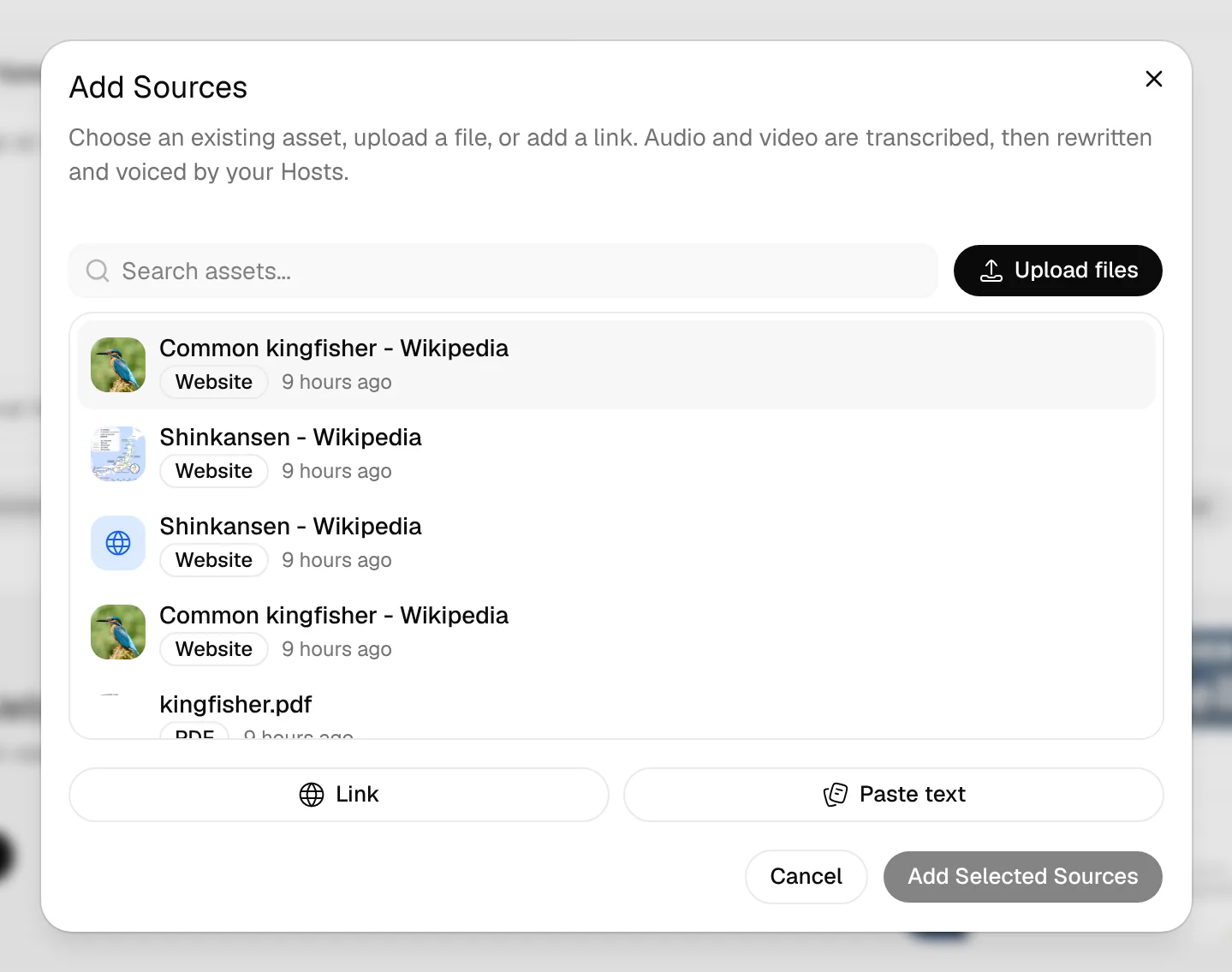
A few bullets are enough
Check names and dates, then edit any line and re-voice it.
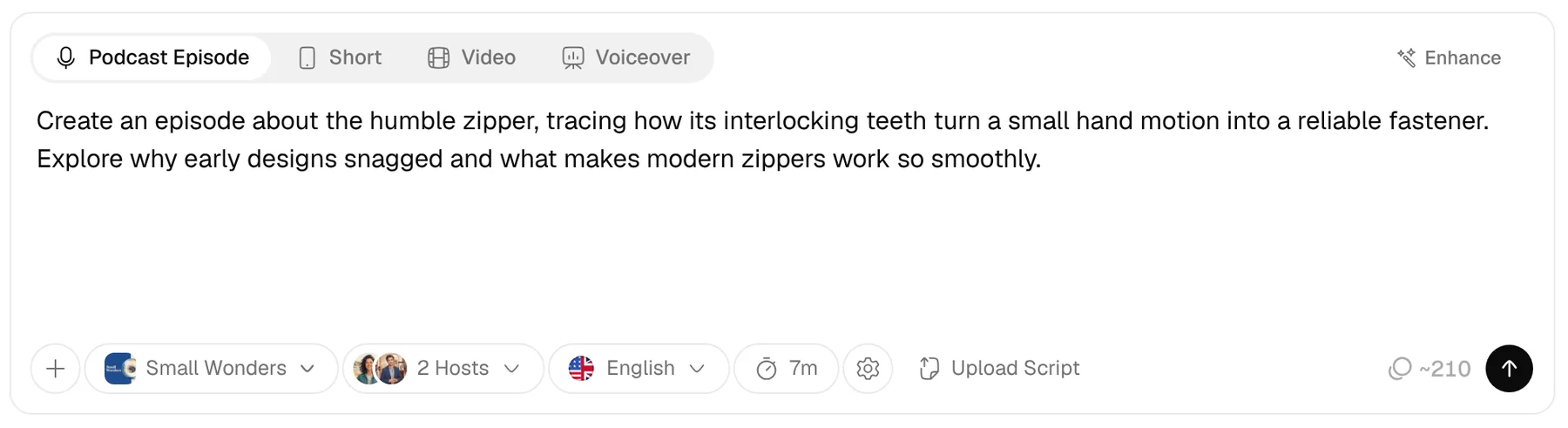
The hosts follow your order
You pick the length, from 3 to 60 minutes.
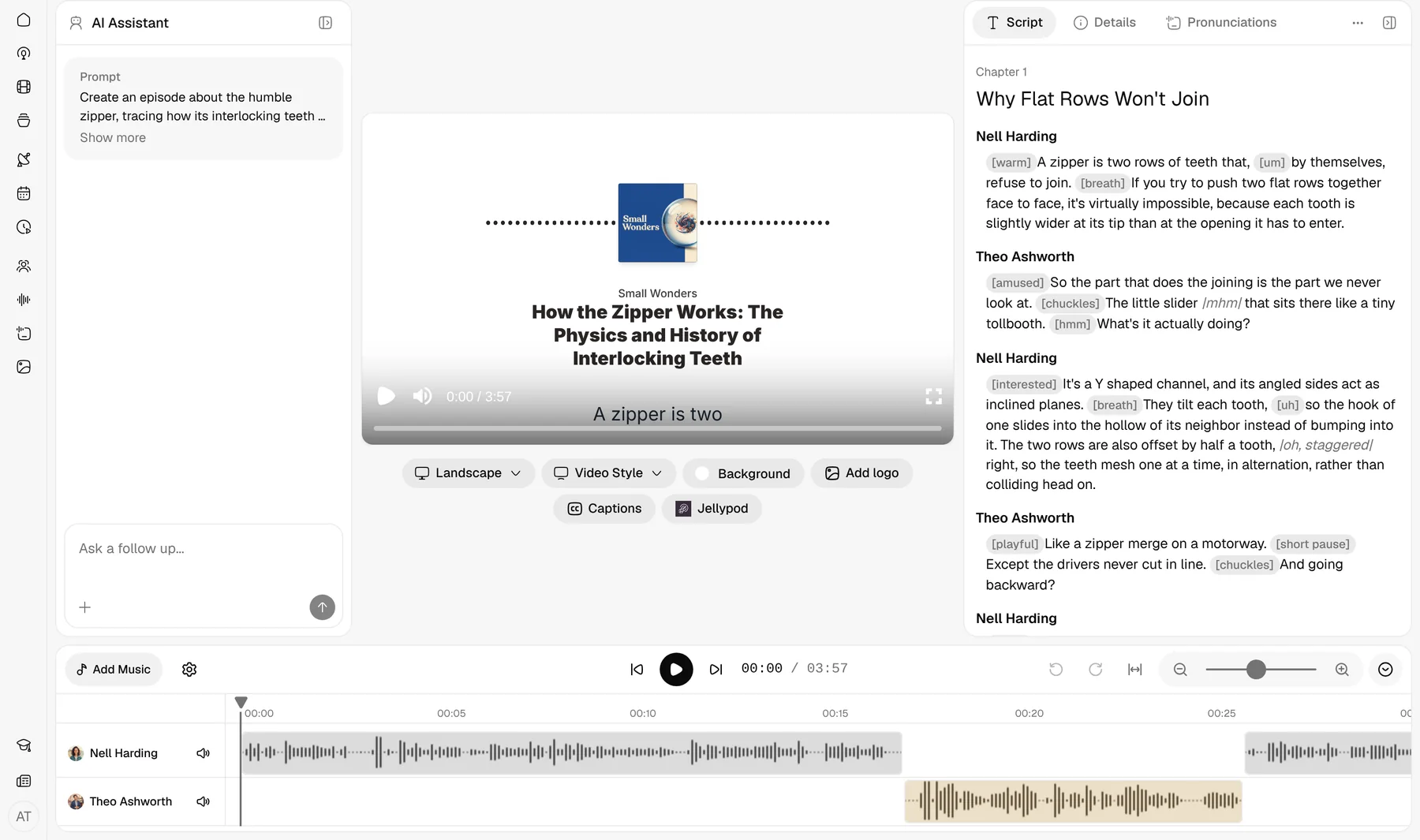
Regenerate until it sounds right
Add detail where the script is thin, then regenerate.
Who uses Notes to Podcast
Students
Review lecture notes as a conversation before an exam.Meeting notes
A short episode of the decisions and action items.Lesson plans
A lesson plan students hear on the walk to class.Training docs
A training outline new hires can finish on a commute.
Can teachers turn lesson notes into audio for students?
Yes. Paste a lesson outline or class notes, and two hosts walk through them in an episode students can play before class.
Edit any line and re-voice it, then publish the episode on a hosted show. Verified teachers can use the free Educator plan.
FAQ
How do I turn notes into a podcast?
Can I paste from Notion, Google Docs, or a notes app?
Should one episode be one meeting?
How long is the episode if my notes are only a few bullets?
How is notes to podcast different from text-to-speech?
Related
- PDF to Podcast
- Script to Video AI
- Podcast Cover Art Generator
- AI Podcast Generator
- Blog to Podcast
- Whiteboard Animation Maker
- Audio to Video AI
- Podcast to Video
- URL to Video AI
- PowerPoint to Video
- PDF to Video
- AI Dialogue Generator
- AI video generator
- AI Shorts Generator
- Microdramas
- AI Voiceovers
- AI Voice Library
- Voice Cloning
- Built-in Hosting
- Free for Educators
- Internal Communications Podcast: How to Start a Private One
- Compliance Training Best Practices: Build Policy Training People Finish
- Best AI Podcast Generators in 2026: How to Pick and Test One
Finish the full episode in Jellypod
Start free with 500 credits. No credit card required. Paid plans include a 7-day free trial.
Cast hosts and publish
Edit the script, cast up to four hosts, and publish with hosting included.
For a polished PDF, use PDF to podcast. For a topic with no notes, use the AI podcast generator.