Script to Video AI
Want a longer video from the same script? AI Video Generator
4.6out of 5 on G2












Your script, as a narrated video
Paste a finished script and sign up. Jellypod records it with an AI narrator and draws scenes timed to the voice, with word-synced captions, in one of 16 styles.
Edit scenes and captions, then download a 1080p MP4. A faceless YouTube channel can turn a finished script into a video without filming.
Last updated August 2026
How to convert script to video
Step 01
Paste your script
Paste a narration, explainer, lesson, ad, or faceless-video script into the box above.Step 02
Choose a visual style
Pick a visual style. Jellypod records your script with an AI narrator.Step 03
Sign up and generate
Sign up to generate the video with timed scenes and captions, then edit and download the MP4.
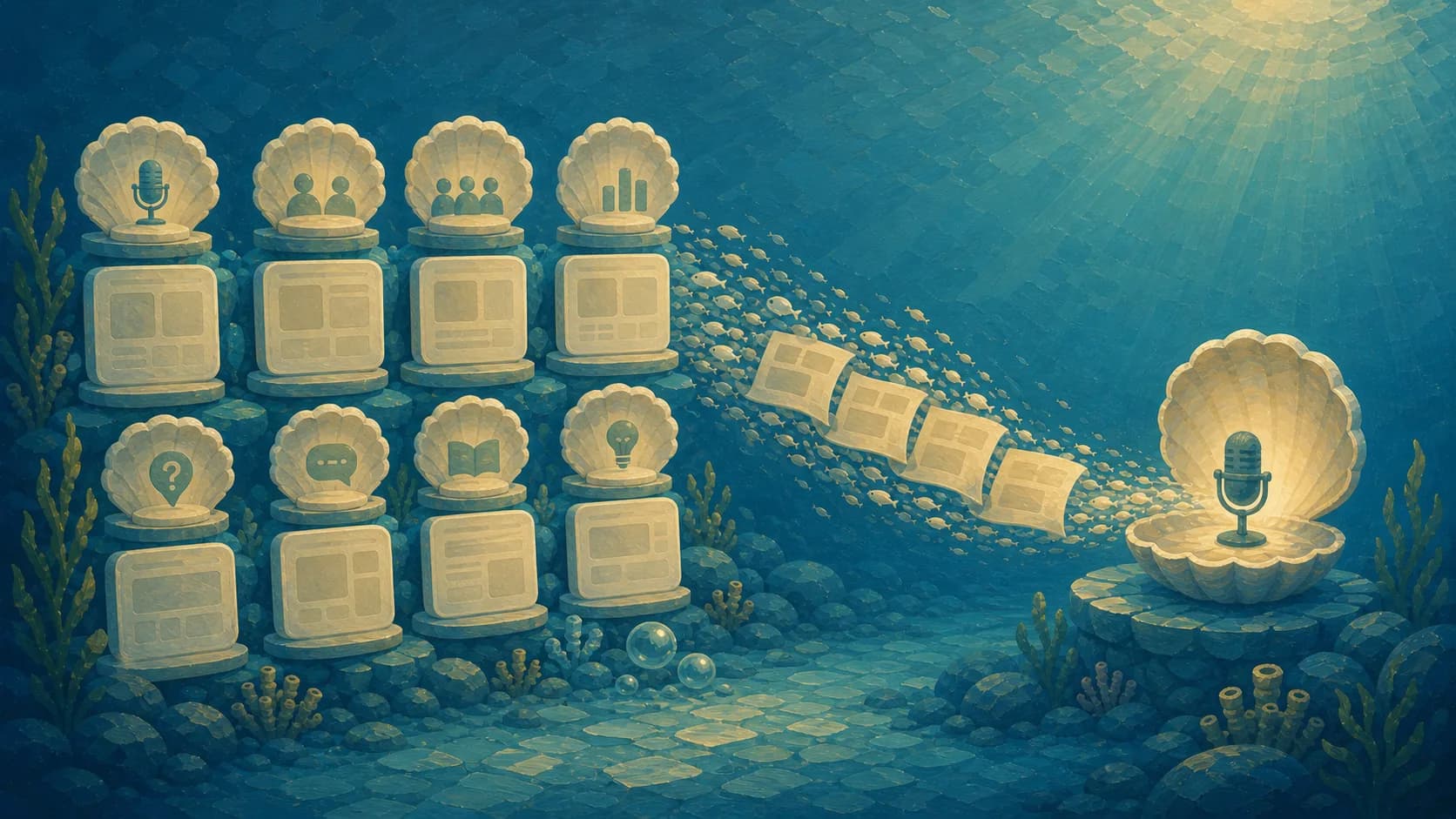
Your script stays intact
Your script is the source for the narration, which helps when the script has already been approved.
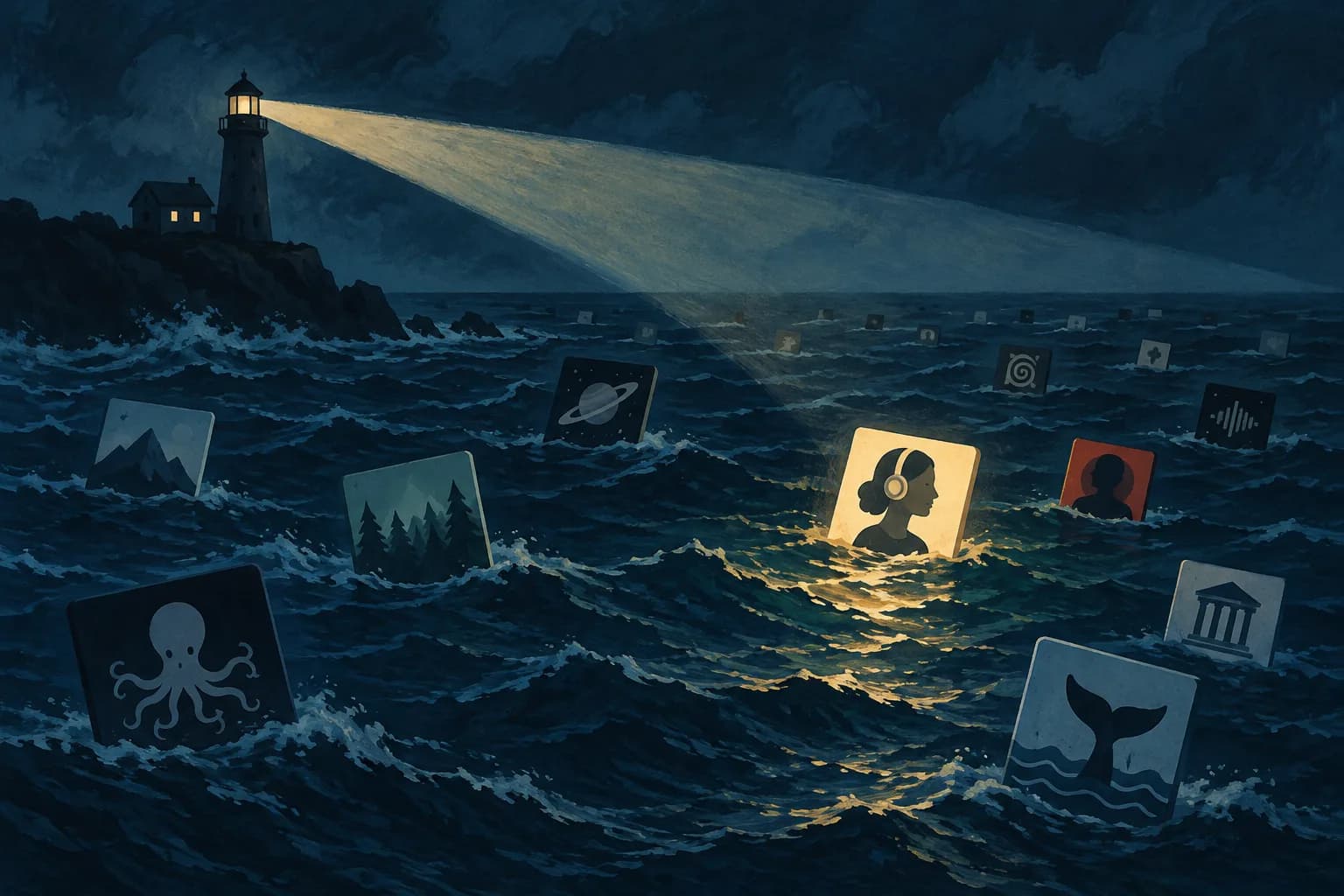
Audio-first timing
The final generated voice provides the timestamps used for scene boundaries and caption timing.
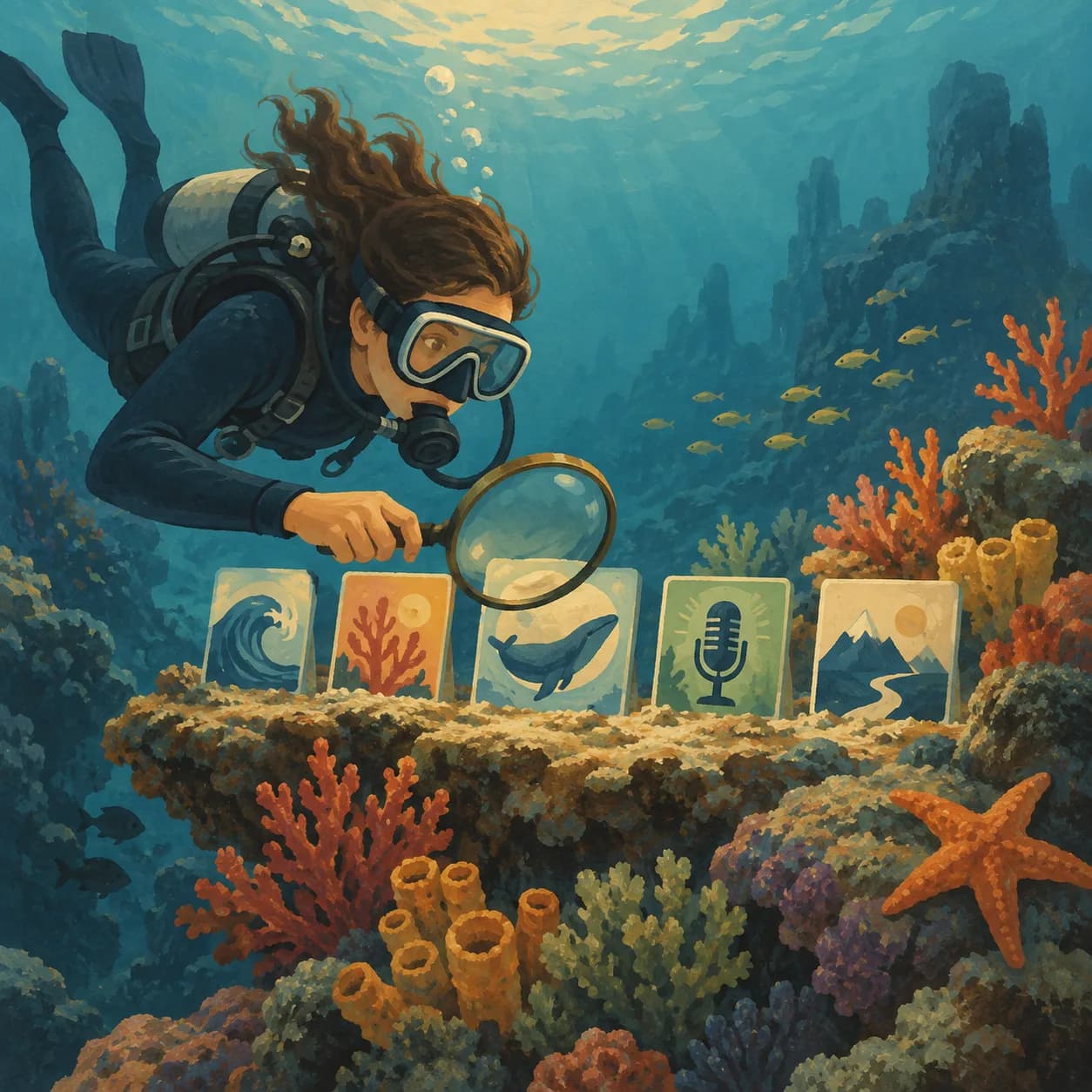
Scenes drawn for each line
Each scene is illustrated for the meaning of the corresponding lines instead of matched to a loose keyword.
More features
Synced captions
Word-synced captions let viewers follow in muted feeds and let you check the timing at a glance.
Who uses Script to Video AI
Faceless YouTube videos
Turn a prepared voiceover script into an illustrated YouTube video without filming or sourcing stock clips.Education and training
Visualize a lesson or training script with scenes that track the actual explanation and captions that follow every word.Marketing videos
Turn a short ad, announcement, or social script into a finished video.
FAQ
How do I turn a script into a video?
Is the script to video tool free?
Will the AI rewrite my script?
What visuals does it create?
Do I need an account?
Discover more
Explore related tools
More from Jellypod
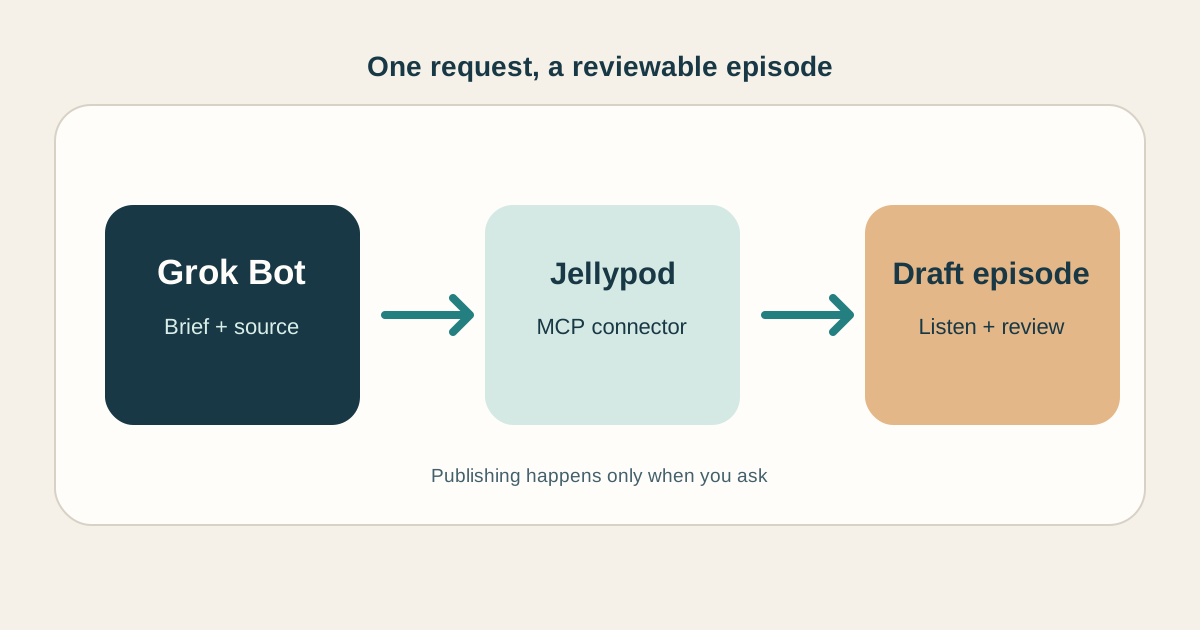
How to Make Grok Bot Create an AI Podcast
Connect a Bot to Jellypod, give it a source and a brief, then review the finished episode before it goes live.
Read more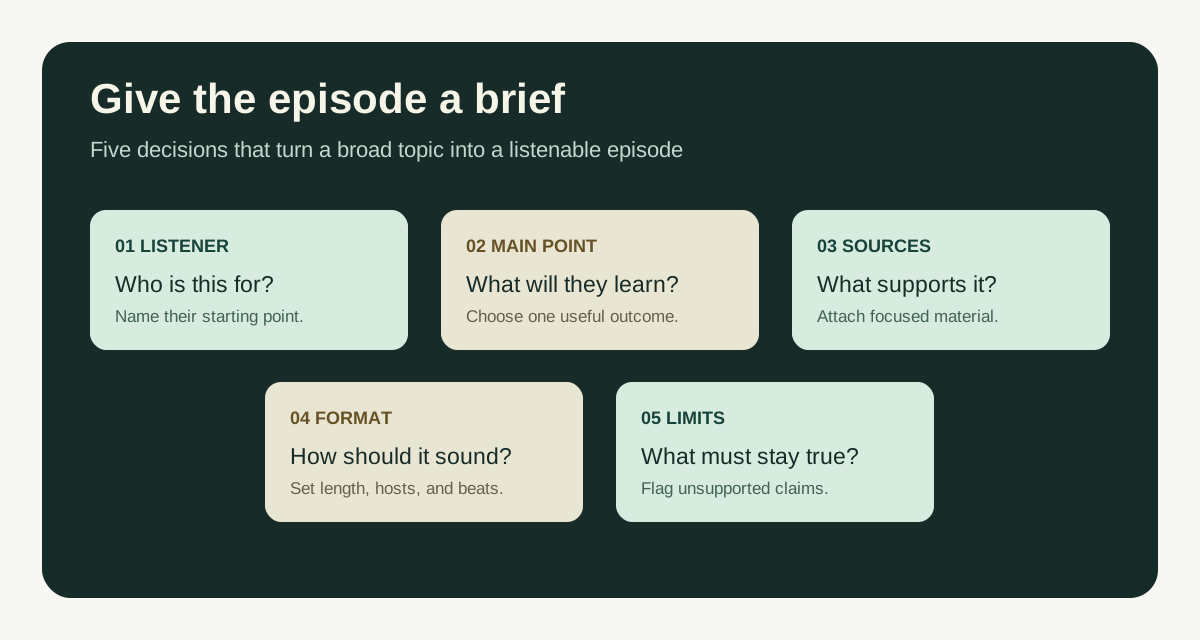
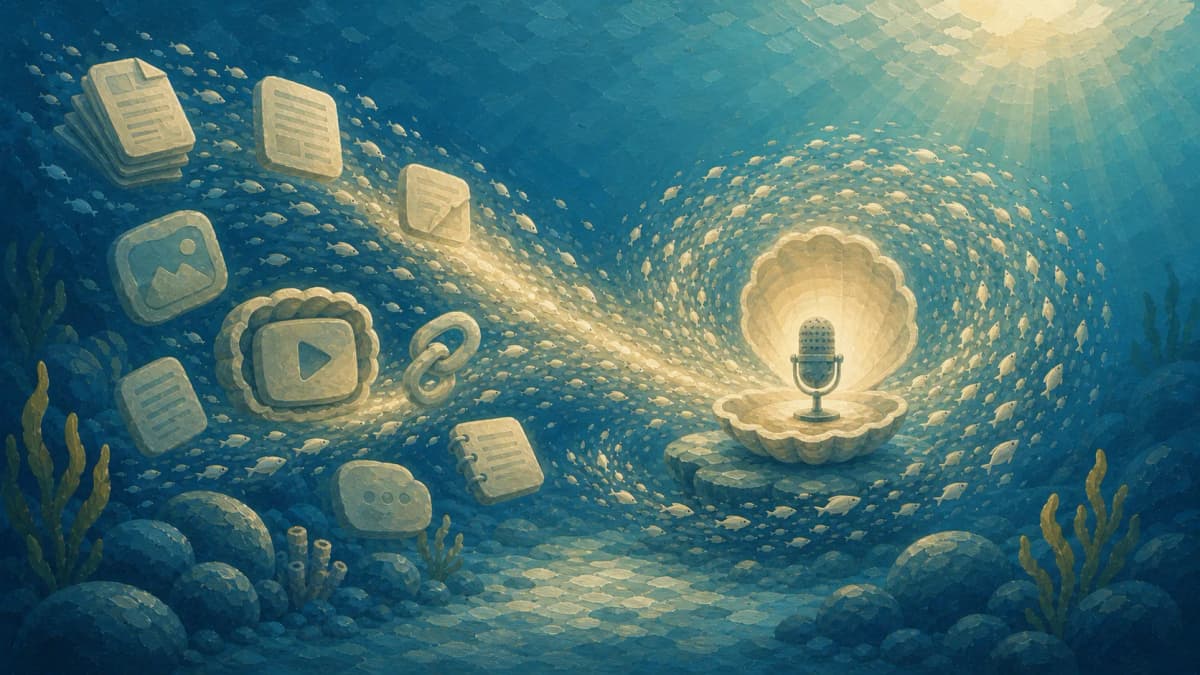
Guideline for Prompts to Create Good Podcasts
A simple guideline for writing podcast prompts, with a copyable template and examples for documents, lessons, and new topics.
Read more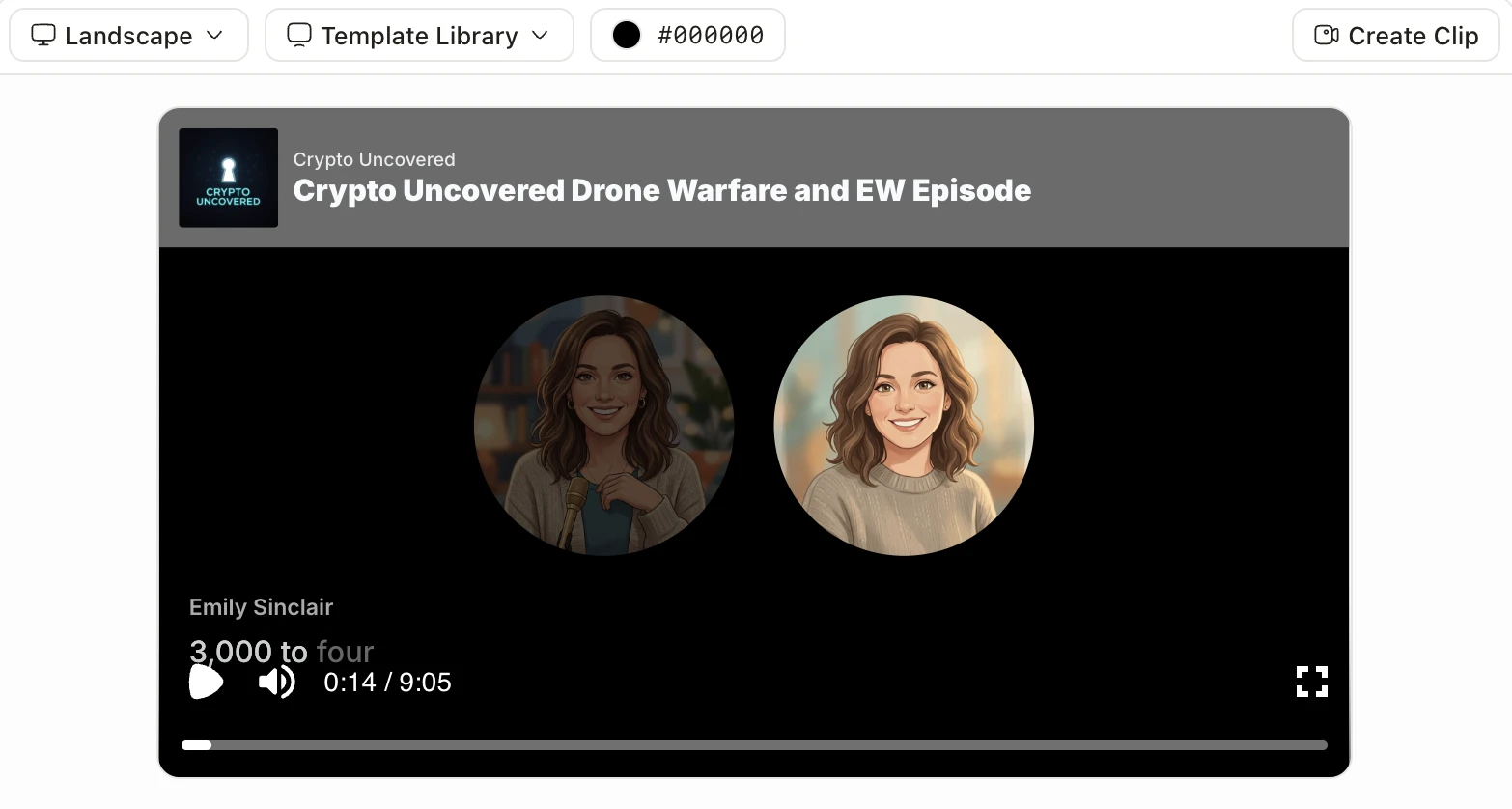
Best AI Video Generators in 2026, Sorted by the Job You Need Done
Cinematic clips, talking avatars, explainers from documents, viral clips, or an editor with AI. Find the right kind of AI video generator before you compare tools.
Read more
Finish the full video in Jellypod
7-Day Free Trial. Cancel Anytime.
Edit every scene, caption, and voice
AI Video draws every scene in one of 16 styles, syncs captions word by word, and renders a 1080p MP4. Regenerate one scene and the rest stay as they are. Voiceovers keep your own slides or pages on screen, with the narrator and timing yours to change.
Jellypod treats the recorded audio as the source of truth for timing. It uses the word timestamps to divide the narration into scenes, then illustrates each scene around the idea being spoken at that moment.