Audio to Video
Give Your Recording Scenes and Captions
Upload a recording and Jellypod draws matching scenes and captions around your own voice.
Start for free. No card required.

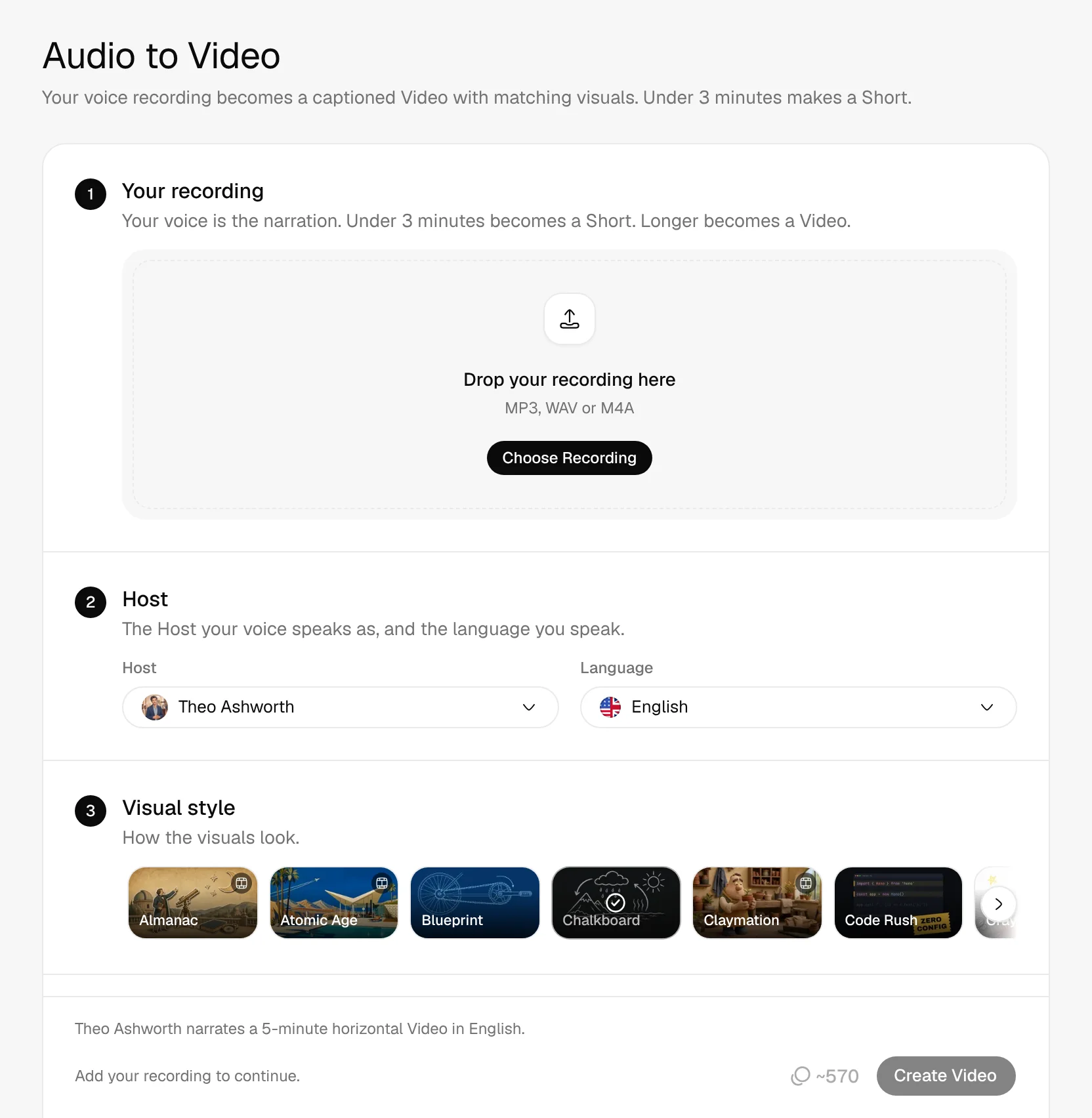
- MP3, WAV, and M4A
- Your Voice Stays
- Shorts Under 3 Minutes
- 28 Visual Styles
Hear the recording, then watch the short
1Your recording
onboarding-first-visit.mp3
00:00/01:17
- Claymation
- 9:16
2Jellypod made
A 79-second vertical short narrated by the recording itself, with every scene drawn in Claymation and captions synced word by word.
Real Jellypod output.
How to turn an MP3 into a video
- 1
Upload your recording
MP3, WAV, and M4A files work. Under 3 minutes becomes a short.
- 2
Pick a style
Choose the host your voice speaks as and a visual style.
- 3
Download the video
Jellypod draws the scenes and captions. Download the MP4.
Your voice stays the narration
Upload a podcast clip, lecture, or voice memo. Your own voice tells the story.
- Under 3 minutes becomes a short
- Longer recordings become a video
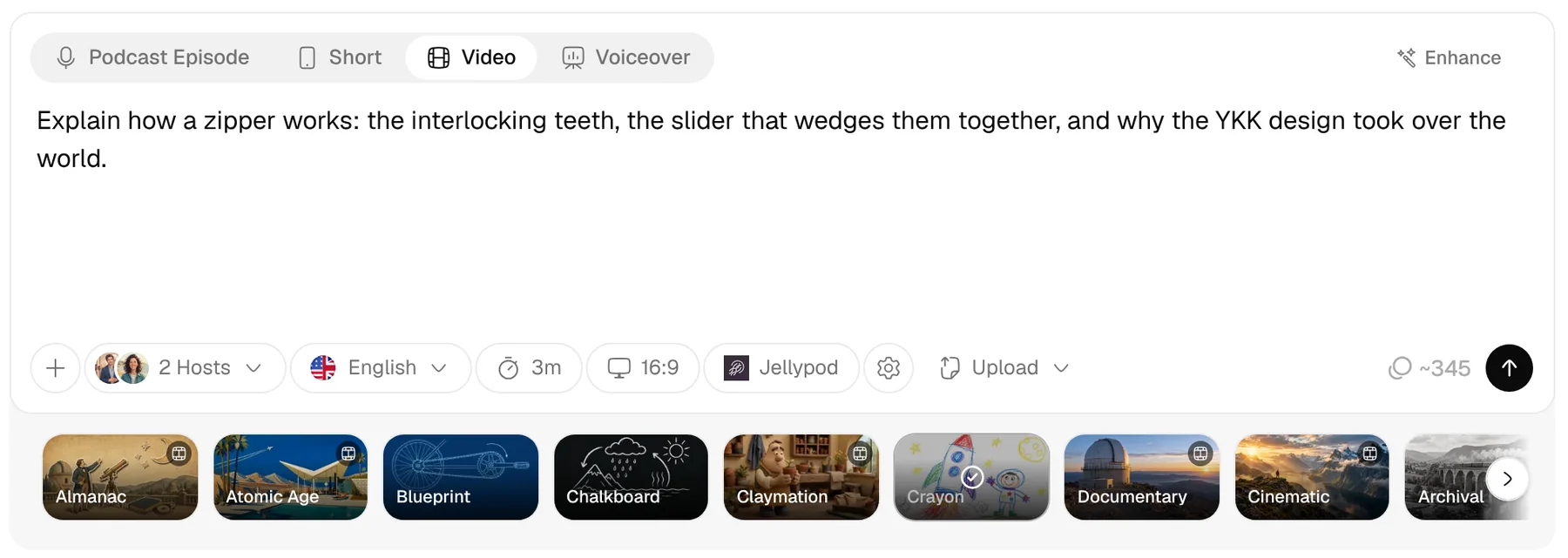
A drawn scene for every point
Jellypod draws each point you make in one of 28 styles.
- Steer the look with a visual direction
- Regenerate one scene in place
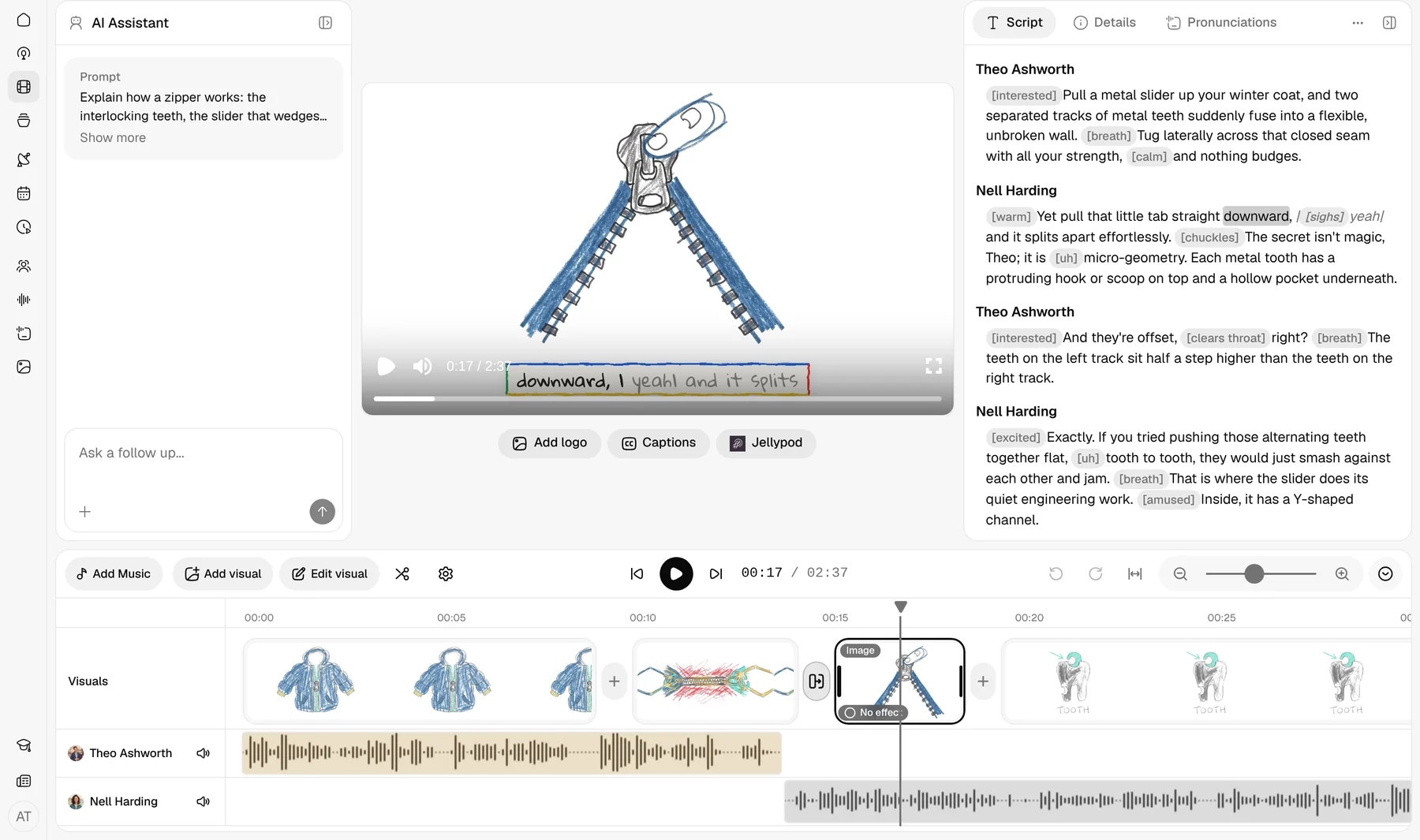
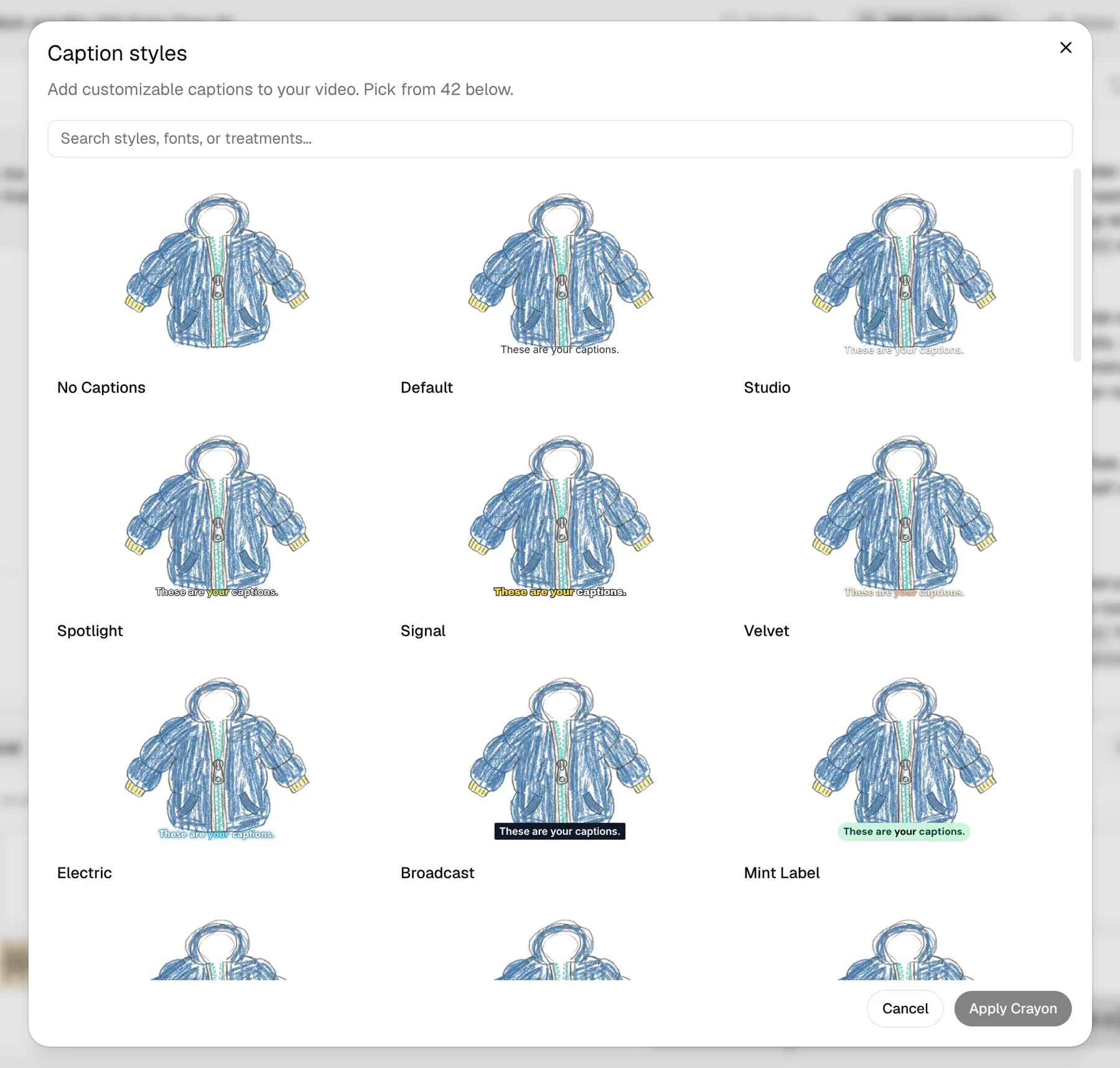
Captions in sync with your voice
Captions follow your voice word by word, ready for YouTube, TikTok, and Reels.
- Pick a look from the caption gallery
- Your brand kit on every frame
Jellypod vs Podeo, Headliner, VEED, and others
| Tool | What you get |
|---|---|
| Jellypod | Keeps your recording as the narration, draws scenes and word-synced captions to match it, and you download an MP4. |
| Podeo | Turns spoken-word podcast audio into a YouTube video with scenes, captions, and chapters. |
| Headliner | Makes full-length audiograms and podcast clips, with waveforms and captions. |
| VEED | The audio-to-video converter wraps the file in a video and starts with no picture. Animate from audio is for music. |
| Descript | Transcribes a recording and lets you edit the video by editing the transcript. |
4.7out of 5 on G2












Audio to Video FAQ
Can I convert an MP3 to an MP4?
Does the video keep my original voice?
Can I turn a voice memo into a video?
Does it make a short or a video?
What is the difference between this and an audiogram?
How long can the recording be?
Can I turn a podcast into a YouTube video?
Can an episode made in Jellypod become a video?
Last updated November 9, 2026
More workflows
All workflowsScript to Video
VideosYour hosts voice your script word for word, with visuals and captions on every line.
How it worksSlides or PDF to Voiceover Video
VideosEach page stays on screen while your host narrates it.
How it worksIdea to Video
VideosA landscape video on your topic, scripted and narrated by your hosts with visuals and captions.
How it works
Make your first podcast or video
Turn any idea, document, or link into a podcast or video, in your own voice and 121 languages.