An employee training video is a short recorded lesson, usually 3 to 10 minutes, that walks staff through a process, a policy, or a tool instead of making them read about it. Making one used to require a camera, a script review, and someone who could edit. None of that is required anymore.
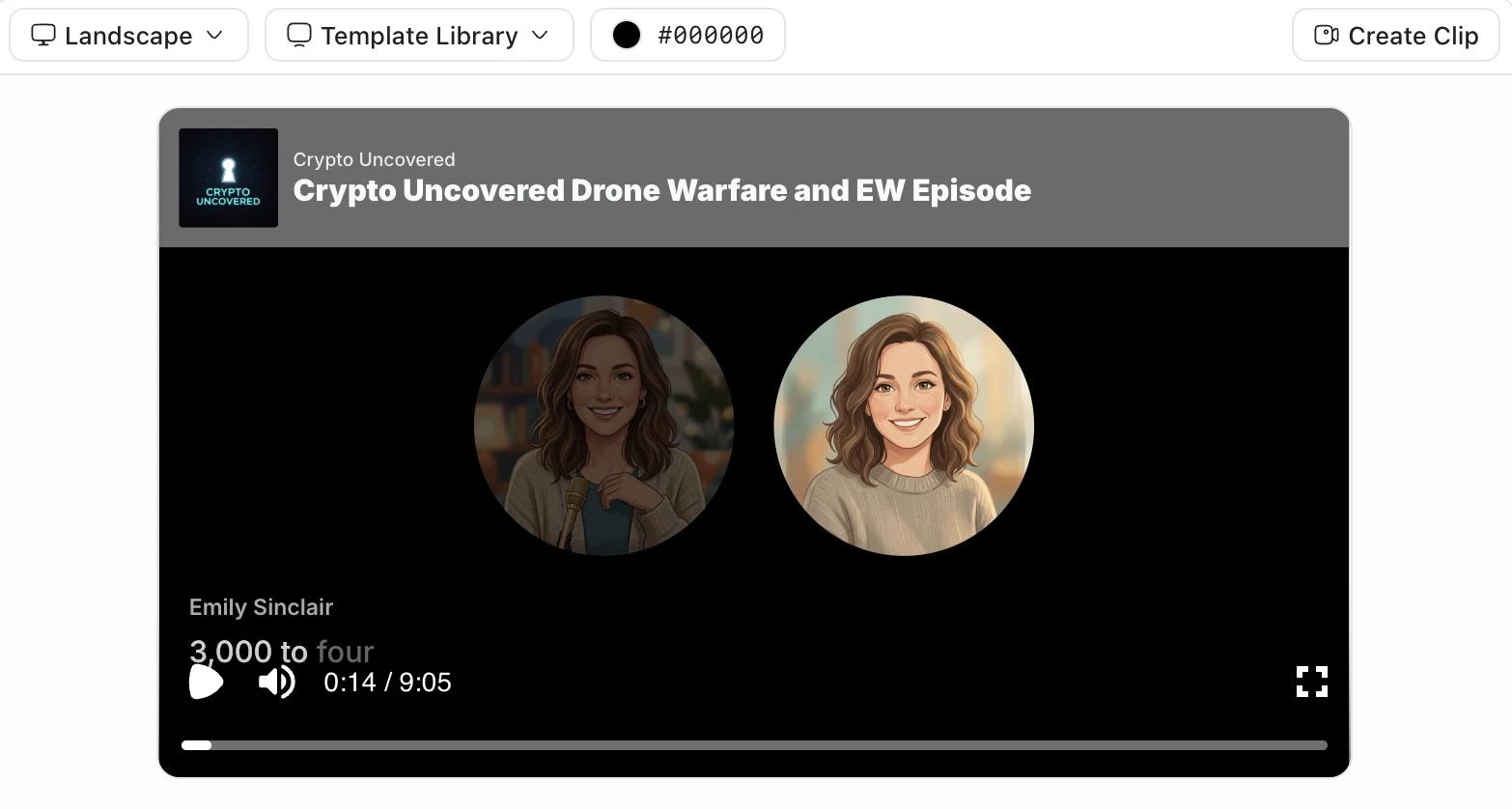
Jellypod turns a source document, a slide deck, or a topic prompt into a narrated video in one pass: it writes the script, generates the voice, draws the matching scenes, and adds word-synced captions, then renders an MP4 you download and drop into your LMS or intranet. Training Magazine's 2025 Training Industry Report put US corporate training spend at $102.8 billion, up nearly 5% year over year, while the average employee still received fewer training hours than the year before, 40 versus 47. Training rarely gets skipped because of the video itself. It gets skipped because producing one used to take weeks.
That shift toward video shows up in Jellypod's own numbers, not just the industry's. Across every episode published on the platform, roughly one in five now ships with a rendered video attached, not just audio, alongside the podcast-style episode.
What do you actually need to make an employee training video?
A working stack has to cover four jobs. What varies is how many separate tools it takes to do them.
| Stage | What it has to produce | Typical approach |
|---|---|---|
| Script | 400 to 900 words of narration for a 3 to 10 minute video | Written by you, or drafted from a source document and edited |
| Narration | A clear, consistent voice | A synthetic voice, a cloned voice, or a hired voice actor |
| Visuals | Scenes or slides timed to the narration | Generated scenes, a slide deck, or a screen recording |
| Publish | A file your LMS or intranet accepts | Manual, an MP4 upload wherever training already lives |
The stage that eats the most time in a stitched-together stack is lining up narration and visuals by hand, since a script edit means re-cutting the video to match. Jellypod collapses script, narration, and visuals into one pass: give it a policy PDF, an onboarding deck, or a prompt describing the process, pick a voice from more than 100 across 70-plus languages and a visual style for the look, and it renders the narrated video with the scenes already timed to match. Publishing is still yours, the same as it is with any tool: there is no direct LMS integration, so you download the MP4 and upload it where training already lives.



Three of the visual styles available for a training video, picked per project to match the topic.
How long should an employee training video be?
Three to six minutes for a single topic, based on how quickly attention actually drops off, not on a style guide. Guo, Kim, and Rubin's 2014 study of 6.9 million video-watching sessions across four MOOC courses found that engagement fell sharply once a video passed the six-minute mark, and that shorter videos consistently held attention better than longer, more polished ones. A training video is not exempt from that curve. If a topic needs more than about six minutes to explain, the fix is usually two videos with one objective each, not one longer video trying to cover both.
That length target also decides how you script it. A 900-word script runs close to six minutes at a normal narration pace, which is a useful ceiling to write against before you generate anything.
How much does an employee training video cost to make?
Hiring it out means paying for a scriptwriter, voice talent, and an editor separately, plus a revision round when the policy in the video changes, which is most of why a short internal video can take weeks even though the finished file only runs a few minutes. Training Magazine's 2025 report put average per-learner training spend at $874 in 2025, up from $774 the year before, and production costs are part of what pushes that number higher every year.
With Jellypod, drafting the script, editing it, and generating the audio are free. Credits are only spent when you render or publish, so you can revise a training video as many times as the policy actually changes before it costs anything. Rendered video length is plan-limited: unavailable on Free, up to 10 minutes of narration on Starter, 15 on Creator, and 25 on Business, per the plans and pricing page. A script that runs past your plan's ceiling still renders as video using the classic Karaoke-style template instead of a fully AI-generated style.
Do AI training videos actually work, or do employees skip them like everything else?
AI speeds up production. It does not replace judgment, and the TalentLMS 2026 L&D Report shows both sides of that from the same survey: 88% of HR managers expect generative AI to change how much time it takes to create learning content, while 22% of learning leaders separately named unreliable AI-generated content as a real barrier to using it. A training video with a wrong policy detail in it does more damage than no video at all, so speed only helps once accuracy is checked.
The fix is the same one that makes any AI-assisted training content safe to publish: review the script against the source document before you generate audio or render anything. Jellypod's script editor sits between the draft and the render for exactly this reason, so the review happens on text, which is fast to check, rather than on a finished video, which is not.
A real example: turning a safety SOP into a training video
Say a safety team hands over a 22-slide SOP deck on lockout-tagout procedure that used to become a slide-by-slide walkthrough nobody watched past slide six. Upload the deck to Jellypod as a source, and it drafts a script that follows the same procedure in plain spoken language instead of bullet points. Edit the draft against the actual SOP, checking that every step and every warning survived the rewrite, since this is the review step that matters most for anything safety- or compliance-related. Pick a voice and a visual style, generate, and a five-minute captioned video comes out the other side, the SOP's steps now narrated and staged as scenes instead of read off a slide. Publish the MP4 to wherever the safety team already hosts training, and the next update to the procedure starts from an edited script, not a reshoot.
Frequently asked questions
Do I need video editing experience to make a training video with AI? No. Jellypod generates the script, narration, and visuals together, so there is no separate timeline to cut or align by hand. Editing happens on the script text before you render, which does not require video editing skills.
Can I use my own slides or branding in an AI training video? You can upload an existing slide deck as the source material the script is drafted from, and apply a Brand Kit so the render picks up your organization's colors and visual identity automatically.
Is an AI-made training video okay for compliance or safety training? Yes, as long as a person reviews the script against the actual policy or procedure before it renders. AI drafts the language fast; it does not know which detail in a safety SOP is the one that cannot be wrong, so that check stays a human step.
What if the training video needs to be longer than a few minutes? Split it. Two five-minute videos, each covering one objective, hold attention better than one twelve-minute video covering both, per the same engagement research on video length. If a single long recording is unavoidable, Magic Video renders anything past your plan's narration ceiling using the Karaoke-style template instead of a fully AI-generated style.
How is this different from just narrating a slide deck with text-to-speech? Text-to-speech over static slides is still one long slide read aloud. Jellypod writes a script that explains the material in spoken language, then generates scenes timed to that script, so the video looks and sounds like an explainer rather than a voiceover bolted onto a deck.
The short version
An employee training video is fast to make once script, narration, and visuals stop being three separate tools you have to keep in sync by hand. Keep each video to one objective, three to six minutes, and always review the script against the real policy before you render. Start with a free sample video to see what the output looks like, or upload the training deck you already have and render your first one.