
Ask Alexa for a podcast about anything, and in a few minutes you get one: two AI voices discussing a topic, built entirely from that day's news. Amazon calls it Alexa Podcasts, and it rolled out to Alexa+ users in the U.S. on May 18, 2026.
It's a new way to hear the news. It is not a way to make a show. Every episode draws only from Amazon's licensed news partners, plays back only inside the Alexa app or on an Echo Show, and has no path off the device: no script to edit, no file to download, no feed to publish to Spotify or Apple Podcasts. Jellypod starts from the opposite end: the documents, recordings, and slides you already have become a real, editable episode you own and can publish anywhere.
This guide covers how Alexa Podcasts works, what it's built for, and where a real podcast platform picks up where it leaves off.
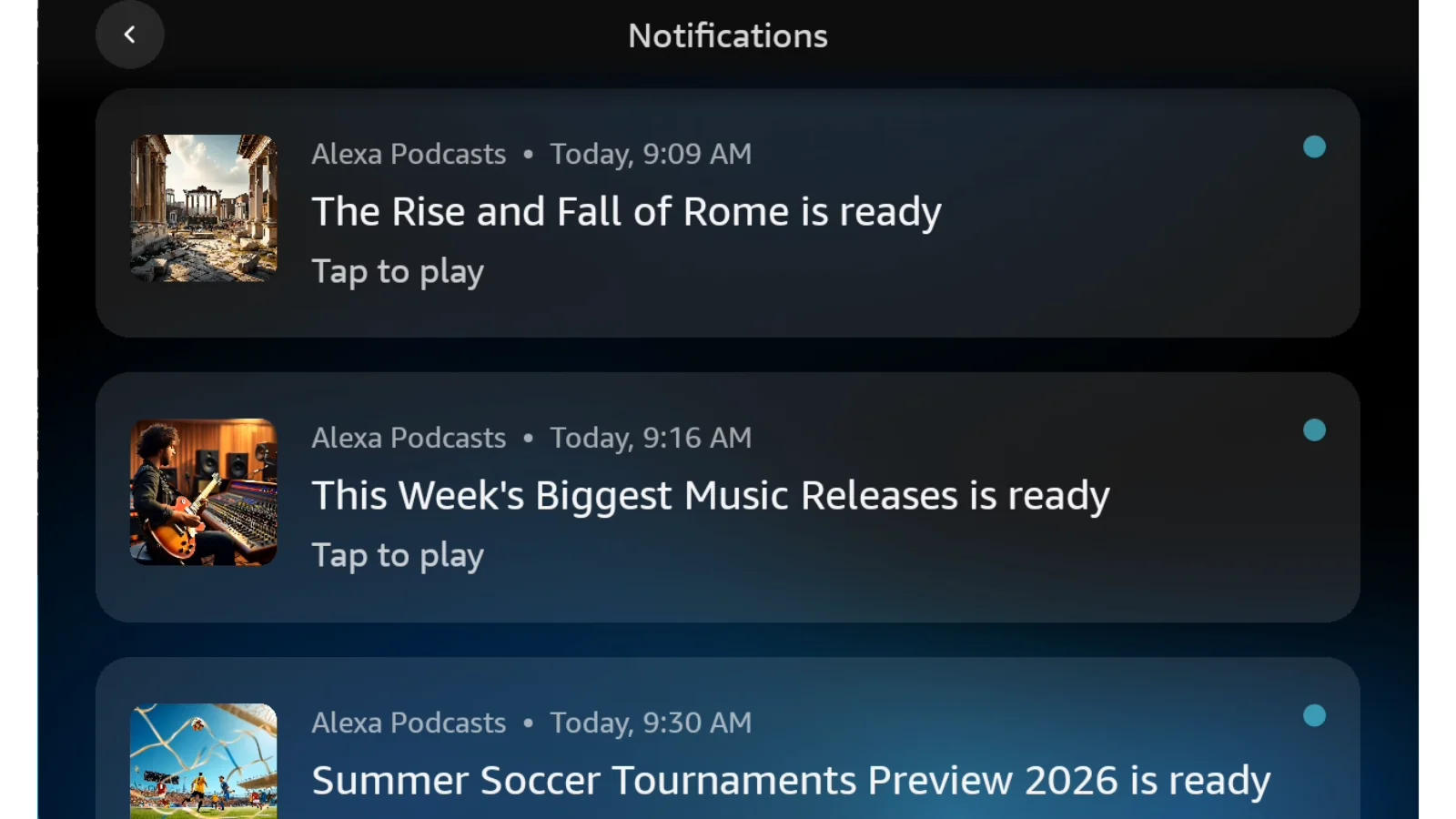
What is Alexa Podcasts?
Alexa Podcasts is a feature inside Alexa+, Amazon's subscription AI assistant, that generates an on-demand audio episode on a topic you name. Two AI-generated host voices narrate a conversation Amazon describes as built from "more than 200 local newspapers" plus national partners including the Associated Press, Reuters, The Washington Post, TIME, Forbes, Business Insider, Politico, USA Today, and outlets owned by Condé Nast, Hearst, and Vox.
There's no upload step. You don't feed it a PDF or a link; you name a subject and Alexa researches it from whatever its news partners have published. That's the core difference from NotebookLM's Audio Overviews or Jellypod, both of which are grounded in documents you provide, not in a fixed set of licensed publishers.
How does Alexa Podcasts work?
The flow, confirmed by Amazon and early coverage, runs in four steps:
- Ask Alexa+ for a podcast on a topic. No documents or prep required.
- Alexa researches the subject from its licensed news sources and gives you an overview of what it plans to cover.
- Adjust the length, tone, and focus conversationally before anything generates. Amazon also offers four preset conversation styles, from concise and efficient to warm and conversational.
- Alexa generates the episode, narrated by two AI host voices, and it appears in the Alexa app or on an Echo Show for replay later.
Generation takes a few minutes, and the whole exchange happens through the same voice or touch interface you already use for Alexa. There's no separate app to open.
What can you actually do with an Alexa Podcast once it's made?
Not much beyond listening to it. Based on Amazon's own materials and the reporting that followed, here's what's confirmed and what's missing:
- Where it lives: the Music and More sections of the Alexa app, and on Echo Show devices, for later replay.
- Cost: free for Prime members, bundled into Alexa+.
- Customization: length, tone, and focus, adjustable before generation, plus four conversation-style presets.
- Editing after generation: none reported. There's no script view or transcript editor.
- Downloading or exporting: not mentioned anywhere in Amazon's launch materials or the coverage that followed.
- Publishing to Spotify, Apple Podcasts, or YouTube: not supported. An Alexa Podcast has no RSS feed and isn't a show anyone can subscribe to.
- Source material: limited to Amazon's licensed news partners. You cannot point it at your own documents, a recording, or a webpage.
That last point is the real ceiling. Alexa Podcasts answers "what's happening with X" using sources Amazon has already licensed. It has no way to turn a lecture, a set of clinical notes, or an internal training deck into audio, because it was never built to ingest what you already have.
Alexa Podcasts vs a real podcast platform
| Alexa Podcasts | Jellypod | |
|---|---|---|
| Starting point | A topic you name, sourced from licensed news | Your own documents, audio, video, or links |
| Voices | Two fixed AI hosts | AI hosts you name, or your own cloned voice |
| Script | Not visible or editable | Fully editable before you generate audio |
| Where it plays | Alexa app and Echo Show only | Your own RSS feed, plus Spotify, Apple Podcasts, YouTube |
| Downloadable | Not supported | Yes, on every plan |
| Cost to try | Free with Alexa+ (Prime) | Free to draft and edit; credits spent only on publish or download |
| Best for | A quick spoken briefing on the news | A show your audience can find and subscribe to |
If you're weighing the wider field of AI podcast tools rather than one feature, the best AI podcast generators of 2026 covers where each one starts and stops.
Where Alexa Podcasts hits a ceiling
Amazon built Alexa Podcasts to answer a question, not to host a show. That's a reasonable design for a voice assistant: you ask, it explains, you move on. But it means the feature can't do the thing most people actually mean when they say they want to "turn something into a podcast," which is take material they already made (a lecture, a set of sermon notes, a quarterly update) and get real audio out of it.
We can put a number on how lopsided that split actually is. Across every source org owners have uploaded to build a Jellypod episode, more than 85% are files they already had, PDFs, docs, slide decks, rather than a URL pulled from the open web, a YouTube link, or pasted text. People aren't coming to an AI podcast tool to hear about the news. They're coming with something they already made that needs to become audio, and that's exactly the gap Alexa Podcasts doesn't fill.
That's the graduation path Alexa Podcasts doesn't have and Jellypod is built around: drop in what you already have, keep the script editable line by line, and publish the result to a feed your audience can actually subscribe to instead of a clip that lives inside someone else's app.
Frequently asked questions
What is Alexa Podcasts?
Alexa Podcasts is a feature inside Amazon's Alexa+ subscription that generates an on-demand audio episode, narrated by two AI voices, on any topic you ask for. It launched to U.S. Alexa+ users on May 18, 2026, and draws only from Amazon's licensed news partners, not from documents you provide.
Is Alexa Podcasts free?
Yes, for Prime members. Alexa Podcasts is bundled into Alexa+, which is included free with an eligible Prime membership. There's no separate charge for generating an episode.
Can you download an Alexa Podcast?
Amazon hasn't described any way to download, export, or share an Alexa Podcast outside the Alexa app or an Echo Show. Episodes are meant to be listened to and replayed there, not saved as a file or moved to another platform.
Can Alexa make a podcast from my own documents?
No. Alexa Podcasts researches a topic using Amazon's licensed news content, and there's no way to upload a PDF, paste a transcript, or point it at your own material. For that, you need a tool built around your source documents, like Jellypod's AI podcast generator.
How is Alexa Podcasts different from a real podcast?
A real podcast has an RSS feed, distributes to platforms like Spotify, Apple Podcasts, and YouTube, and builds an audience that can subscribe and get new episodes automatically. An Alexa Podcast has none of that. It's a one-off audio answer that lives inside Alexa and disappears once you've heard it, not a show anyone can follow. Publishing a real episode to Spotify is a separate, well-established workflow that Alexa Podcasts doesn't attempt.
The short version
Alexa Podcasts turns a spoken question into a two-voice audio briefing built from licensed news, free for Prime members, playable only inside Alexa. It's a fast way to hear about a topic. It's not a way to make a show: no editable script, no download, no feed, no path to Spotify or Apple Podcasts, and no way to use your own material as the source. When what you actually have is a document, a recording, or a deck that deserves a real audience, turn it into a published podcast instead.