Upload a report to NotebookLM, pick the Short format, and a few minutes later you have a vertical video that explains it. Google calls the format Short Video Overviews, and most people call them NotebookLM shorts.
A NotebookLM short is a roughly 60-second portrait video with AI narration and animated visuals, announced by Google on June 30, 2026 and built from the sources in your notebook. You cannot edit the script or pick your own voice, so it works as a quick explainer, not a branded clip. If you want the same sources as a short you can rewrite, brand, and publish, Jellypod Shorts does that.
Key takeaways
- A NotebookLM short is a roughly 60-second portrait video generated from your notebook sources, one of three Video Overview formats alongside Cinematic and Explainer.
- To make one, open Studio in a notebook, choose Video Overview, pick the Short format and a visual style, add an optional focus prompt, and generate.
- You steer a short only with prompts. The narration cannot be edited line by line, and a change means a full regeneration.
- Jellypod Shorts starts from the same kind of sources but gives you an editable script, your own characters and cloned voice, a brand kit, and a download.
- Check Google's current plan and rollout details before relying on the feature, because availability has been changing since launch.
 Where each tool lets you intervene. Built from the comparison table below.
What are NotebookLM shorts?
Short Video Overviews are the vertical, one-minute member of NotebookLM's Video Overview family. Google's help page lists three formats: Cinematic, described as "a rich, immersive experience"; Explainer, "a structured, comprehensive overview"; and Short, for grasping key concepts "in ~60 second videos."
The narration is grounded in the sources you upload (PDFs, Docs, slides, web links), not the open web. 9to5Google reports that the visuals come from Nano Banana 2 Lite, officially Gemini 3.1 Flash-Lite Image. Google's help pages now label the product Gemini Notebook. This post keeps the name NotebookLM because that is what most people still search for.
How do you make a short in NotebookLM?
Everything happens in the Studio panel, the same place you generate Audio Overviews:
- Open a notebook that already has sources.
- In Studio, choose Video Overview and select the Short format.
- Pick a visual style. Google's list is Classic, Whiteboard, Watercolor, Retro Print, Heritage, Paper-craft, Kawaii, and Anime, or you can describe your own.
- Add an optional steering prompt: a topic, an audience, or a learning goal. Google says users can specify topics, goals, and audience.
- Generate. Google's help page warns it can take "sometimes, more than 30 minutes."
- Download the video to post it anywhere else.
Studio can hold several outputs of the same type per notebook, so you can make one short per chapter or topic from a single source set.
Who can use NotebookLM shorts, and what do they cost?
The Decoder reported that shorts rolled out on web and mobile to Google AI Pro and Ultra subscribers first, with free users to follow. 9to5Google's launch post said only that the feature would arrive "in the coming weeks." Google's help page says the Short and Explainer formats support 50+ languages, while Cinematic is English only and limited to users 18 and older.
We could not confirm from Google's pages whether free accounts have shorts today. Open Studio in your own notebook to see whether the Short option appears. For plan prices, see our NotebookLM pricing breakdown.
What are NotebookLM shorts good for?
A short is a hook: one idea from a dense source, watchable in the time someone gives a story on their phone. Typical fits:
- A professor turns one concept from this week's readings into a recap students can watch between classes.
- An L&D lead teases a new policy in a clip dropped into Slack, linking to the full training.
- A marketer tests which angle of a whitepaper lands before building a campaign.
Google also warns that Video Overviews, including voices and visuals, "are AI-generated and may contain inaccuracies or audio glitches." Watch the whole clip before you share it.
Where do NotebookLM shorts hit a ceiling?
The limits come from how the tool is built. You steer a short with a prompt and a style, and there is no script editor, voice picker, or brand control that we could find in Google's documentation. If a line is wrong or the emphasis is off, you regenerate the whole clip. NotebookLM also has no publishing, scheduling, or analytics, so posting to TikTok, Reels, or YouTube Shorts means downloading the file and uploading it yourself.
That is fine for a one-off explainer. It gets awkward when the same clip has to be corrected, carry a logo, or become a recurring series.
How is a Jellypod short different from a NotebookLM short?
We build Jellypod, so weigh this section accordingly. Jellypod Shorts starts from the same kind of material (a prompt, a file, a link, or pasted text) and produces a 30 or 60 second vertical video with narration, animated shots, an original score, and word-synced captions. The difference is what happens after the first render: the short opens in an editable workspace, as we describe in the Shorts launch post.
| NotebookLM short | Jellypod short | |
|---|---|---|
| Starting point | Sources in a notebook | A prompt, file, link, pasted text, or your own finished script |
| Length | About 60 seconds | 30 seconds or 1 minute |
| Visual styles | 8 presets or a custom description | 16 styles, including Whiteboard Explainer, Claymation, Chalkboard, and Toy Bricks |
| Narration | Generated by the tool | Your own AI characters (up to four per short) or a cloned voice |
| Editing | Regenerate with a new prompt | Rewrite any beat, regenerate or replace a visual, swap the voice or music, re-render free |
| Branding | Not documented | Brand Kits, watermark, and logo |
| Output | Download | Public share link or download |
| Cost | Included in Google's plans | Credits: 30 per minute of narration, 7 per generated image, 20 per generated video clip |
By that cost formula, a 30 second short with 7 shots runs 64 to 155 credits, depending on how many shots are animated. Jellypod offers a 7-day free trial you can cancel anytime. The trial includes 5,000 credits. The steps are in the Creating Shorts guide.
How do you go from one short to a full show?
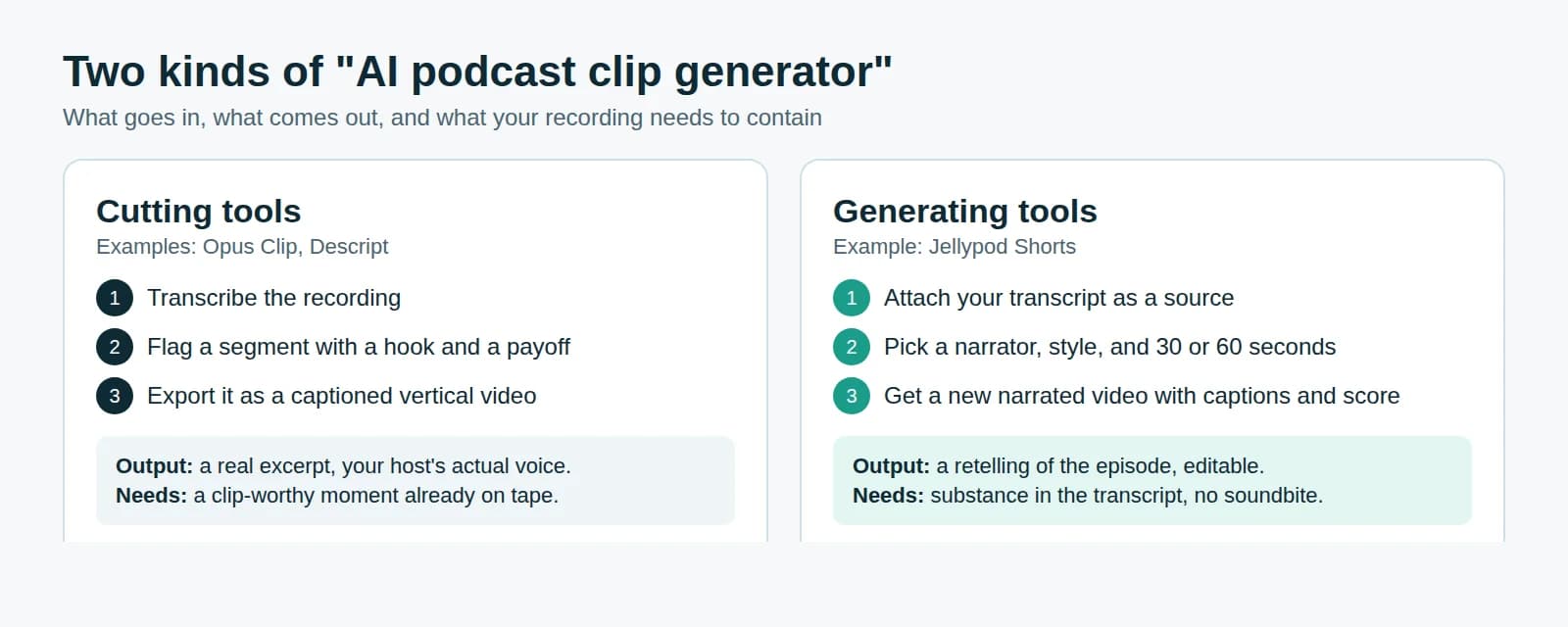
A short works as the trailer. If the topic deserves depth, the same sources can become a full episode you publish to Spotify, Apple Podcasts, and YouTube. Our guide to publishing NotebookLM audio as a podcast covers that path, and how to make a video podcast covers the video side. If you already have a long recording, an AI podcast clip generator cuts it into vertical clips instead of generating new visuals. To compare the wider field, see our NotebookLM alternatives roundup.
Frequently asked questions
Can you edit a NotebookLM short after it generates?
Not line by line. You can change the steering prompt, style, or format and regenerate, which produces a new video.
Can you post a NotebookLM short to TikTok or YouTube Shorts?
Yes, manually. Download the video and upload it on each platform. NotebookLM does not publish or schedule for you.
Can you change the voice on a NotebookLM short?
We found no voice option for Video Overviews in Google's documentation. The same holds for Audio Overviews, covered in our guide to changing the NotebookLM podcast voice. In Jellypod you pick a character or clone your own voice.
Is a Short the same as a Video Overview?
A Short is one of three Video Overview formats. Cinematic and Explainer run longer, and Short is the roughly 60-second vertical one.