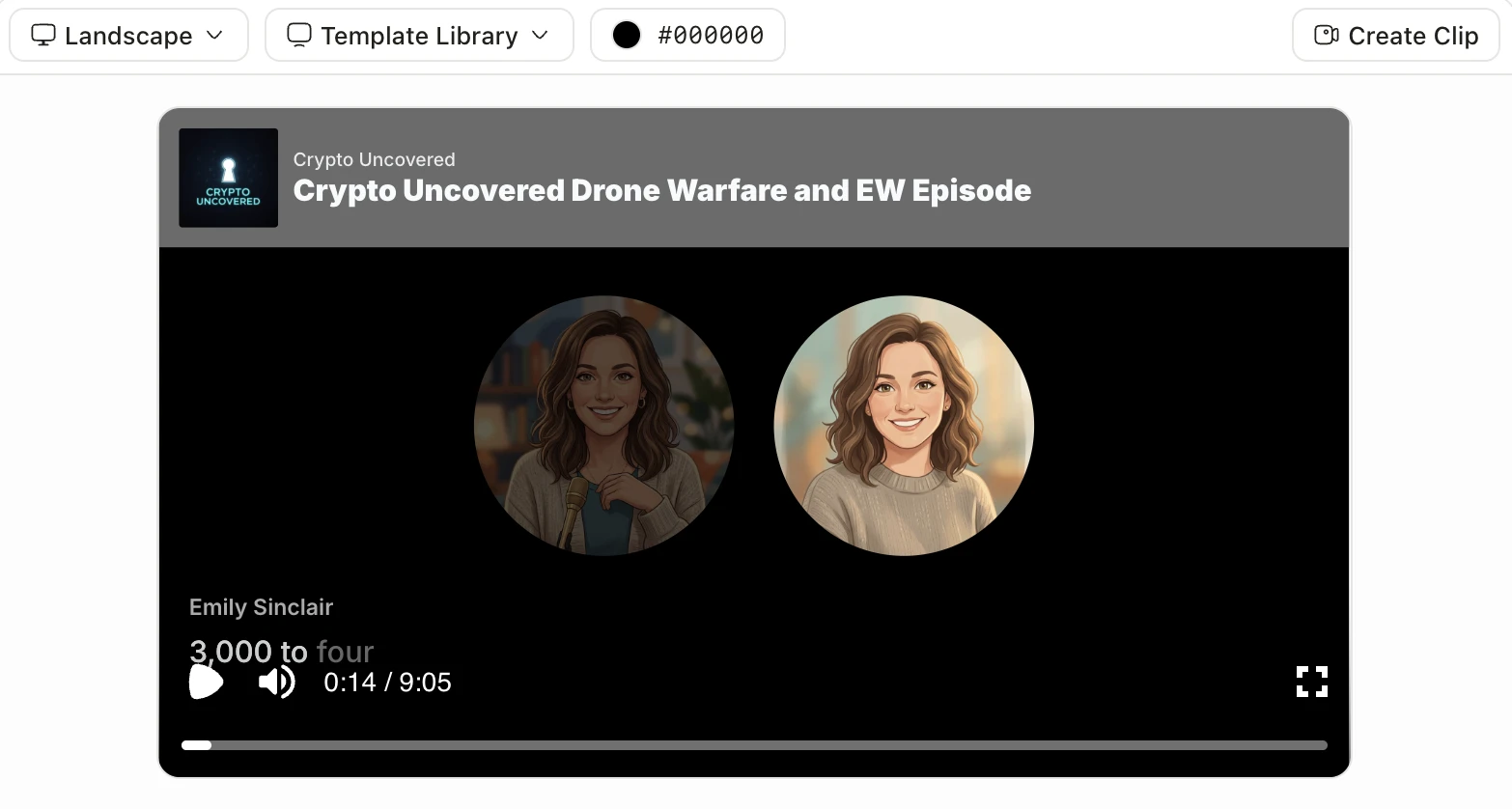
Claude Motion is in beta on Claude Team and Enterprise only. If you do not have one of those plans, you need another way to turn a prompt or a document into motion video.
Prices below are what each vendor's page showed on October 8, 2026. For what Motion itself does, read What Is Claude Motion?. For the head-to-head, see Jellypod vs Claude Motion.
Key takeaways
- Jellypod fits episodic illustrated explainers, podcasts, Shorts, and microdramas with recurring characters and voices.
- Canva and Adobe Express cover free motion editing, with one-click animation and MP4 export.
- Vyond, Powtoon, and invideo take a prompt, script, or document and put it on a timeline you can edit.
Jellypod
Jellypod is the closest fit when you want to direct the piece, not only prompt it.
- Edit the script line by line, then regenerate only that line.
- Clone a voice, or cast a character and pick a visual style.
- Publish the podcast to your site, RSS, Spotify, Apple Podcasts, and YouTube.
A 7-day free trial does not require Claude Team or Enterprise. Jellypod is not a Claude Motion partner. From Claude, the separate path is the MCP connector.
Canva
Canva's video editor is a free online editor, and the page says it adds no watermark. Magic Video takes clips you drop in plus a short prompt. One-click animation moves graphics and text, and Image to Video turns a still into a five-second clip. Canva's pricing page did not return plan prices when checked, so no Pro price is quoted.
Adobe Express
Adobe Express calls itself a free video maker. Anyone can create a video and export an MP4, and you can animate an element in one click. You start from a template or a blank project, then cut, trim, and add stock or your own media. The pricing page names a free plan and Premium plans, but it did not show dollar amounts, so none are quoted here.
Vyond
Vyond is an animated video platform with Vyond Go, which generates a video from a text prompt or from a .doc, .pdf, .ppt, .txt, or URL. The same page lists text-to-video on Starter, including doc, script, and URL to video.
Checked on that pricing page, Starter is US$58 a month billed annually, or US$99 a month on the monthly plan, with videos up to 25 minutes. Professional is US$100 a month per user billed annually. Pick Vyond when you want an animated draft from a document and a studio to keep editing it.
Powtoon
Powtoon's pricing page lists a free plan at 720p, up to 3 minutes, with a Powtoon watermark. Lite is $15 a month billed yearly, with the watermark removed on 5 exports a month, 1080p, videos up to 10 minutes, and AI Anything to Video.
The Professional price on that page was shown two different ways, so this post does not quote it. Powtoon fits short animated videos from a template or an Anything-to-Video prompt. The free plan's 3-minute cap and watermark are the limits to check first.
invideo
invideo describes an AI video editor that turns a script or idea into a shot-by-shot storyboard, then edits it on a timeline. You can write the script in the product and describe an edit in plain words.
On invideo's pricing page, Starter is listed at $10 per seat a month billed annually, with 400 credits a month and the timeline editor included. Plus is $30 per seat a month billed annually, and Max is $75. The page also shows a $20 Starter figure beside the $10 price, so confirm which one checkout uses.
How to choose
Start from the output. A series with the same illustrated characters points to Jellypod. Motion on clips or stills you already have points to Canva or Adobe Express. A document or script that should become an editable animation points to Vyond, Powtoon, or invideo. Start in the AI video generator, or compare the two in Jellypod vs Claude Motion.
Frequently asked questions
What are Claude Motion alternatives without Team or Enterprise?
Jellypod, Canva, Adobe Express, Vyond, Powtoon, and invideo all let you make motion or animated video without a Claude plan. Jellypod is the one built for episodic illustrated explainers, podcasts, Shorts, and microdramas.
Is Jellypod a Claude Motion partner?
No. You can still create Jellypod podcasts, videos, and Shorts from Claude through the MCP connector, which is separate from Motion.
Which alternative starts from a document?
Vyond's pricing page says Vyond Go can generate a video from a .doc, .pdf, .ppt, .txt, or URL. Jellypod also starts from a PDF, deck, URL, or outline, then keeps the script editable. Canva and Adobe Express, on the pages cited above, start from clips, stills, or templates.
Make an illustrated explainer in JellypodTry Jellypod