
Turn a PDF Into a Podcast People Finish
Upload a training PDF, course reading, or report and get a two-host episode people finish. Preview is free. Sign in to download. No mic.
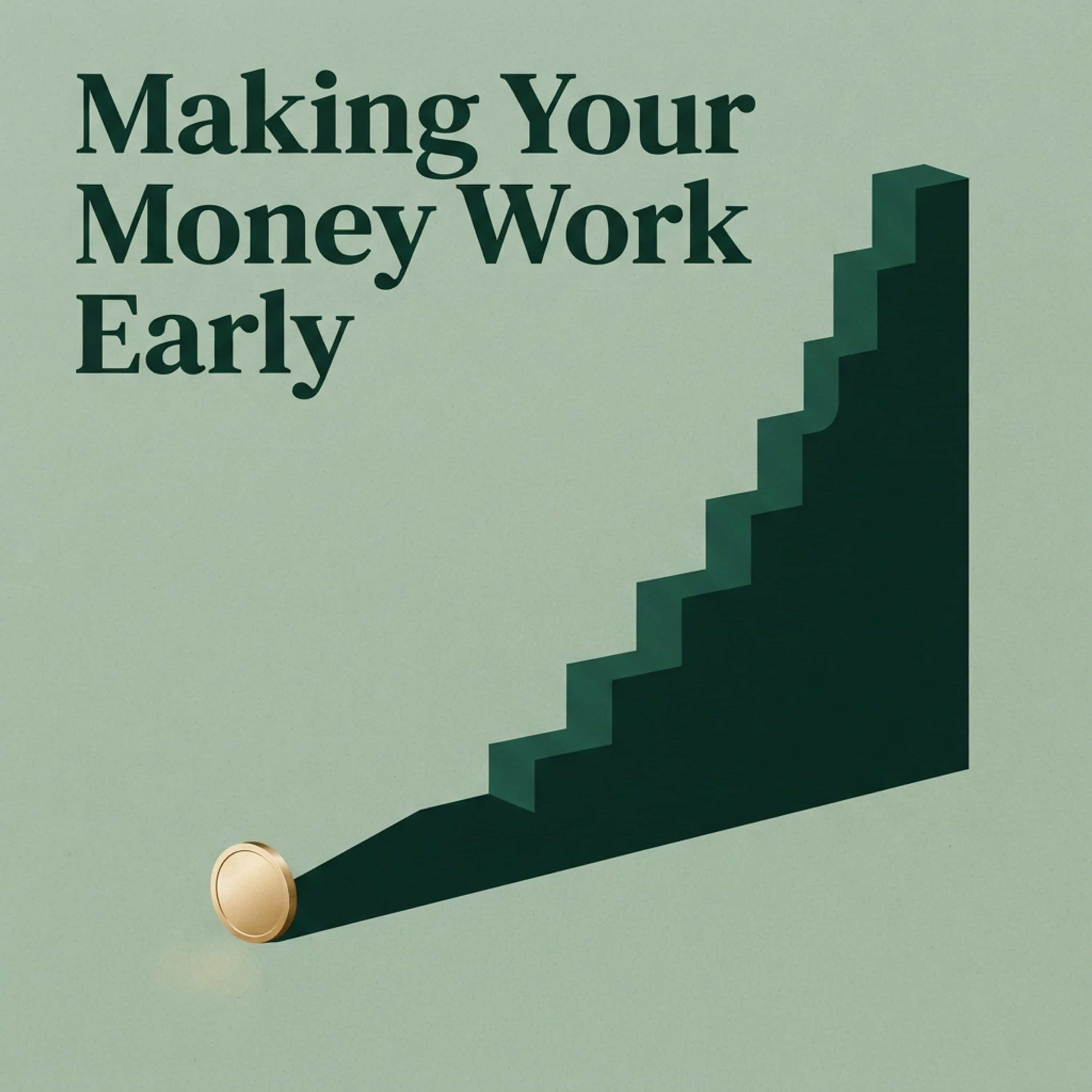
Making Your Money Work Early
Sarah Jenkins
Compound interest is basically getting interest on your interest, turning small savings into a snowball over time.
Arthur Pendelton
It sounds like magic, but it is pure math where time does all the heavy lifting.
Sarah Jenkins
Right, if you start putting away money in your twenties, those extra ten years give your money exponential growth compared to starting in your thirties.
Arthur Pendelton
Indeed, the actual amount you contribute matters far less than how long that money sits in the market accumulating gains.
Sarah Jenkins
So even twenty dollars a week from your very first job can end up outgrowing thousands invested much later in life.
Arthur Pendelton
That means your future self gets to relax while your past dollars do the hard labor.
Sarah Jenkins
Precisely, which is why starting right now is the best financial favor you can ever do for yourself.
A PDF to podcast converter turns a report, reading, or training doc into a two-host episode people finish. Upload the file, edit the script, then generate studio-quality audio. The preview is free. Sign in to download. Drafting stays free; credits apply when you generate audio.
Last updated: September 2026
Also see podcast cover art, podcast name generator, and audio to video.
Trusted by teams at












- 60K
- Global Creators
Source: Jellypod platform data, May 2026
- 100K+
- Generated Podcasts
Source: Jellypod platform data, May 2026
- 74
- Supported Languages
Source: Jellypod product spec, May 2026
- 7 min
- Avg. Time to First Episode
Source: Jellypod onboarding analytics, May 2026
Quality
Listen to an AI-Generated Podcast
Don't just take our word for it, hear an episode yourself. These podcasts were generated entirely using Jellypod, with ultra-realistic voices and natural conversation flow.

100+ Voice Options
Preview Our AI Voices
Choose from 100+ ultrarealistic voices in 70+ languages. Clone your voice or design a custom one with a text prompt.
View full voice libraryWhat is PDF to Podcast?
PDF to podcast is a way to turn a static document into a podcast episode people choose to finish. You upload the PDF and Jellypod rebuilds it as a conversation between two hosts who explain the ideas out loud. That is the quality bar: a briefing your audience can follow, not a text-to-speech pass over the same pages they already skipped.
The converter reads headings, tables, citations, and section order, then drafts a script you edit before any audio exists. A one-page brief and a 200-page manual both work, because long files are condensed instead of read word for word. Review the script, keep the points that matter, then generate studio-quality audio.
Educators use it for lecture PDFs and course readings. L&D teams convert SOPs and onboarding packs. Marketers and business owners turn reports and guides into a show people play on a commute. The job is the same: move expertise out of a format people skip.
This converter is one path in Jellypod. Paste writing into text to podcast, name the show with the podcast name generator, add cover art, or start from the same file on PDF to video. Episodes can publish to Spotify, Apple Podcasts, and YouTube. Start with the free preview above, then sign in to download.
Three simple steps
Upload Your PDF
Drag and drop any PDF file into Jellypod. We support documents of any length, from one-page briefs to 200-page reports.
Customize Your Show
Choose your AI hosts, adjust the script, set the tone and pacing. Preview and edit every word before generating audio.
Generate & Publish
Hit generate and get a polished podcast episode in minutes. Publish directly to Spotify, Apple Podcasts, YouTube, or download as MP3.
Everything you need
Smart PDF Parsing
Our AI understands document structure. Headings, tables, footnotes, and citations are all intelligently extracted and woven into natural conversation.
Multi-Page Support
Upload PDFs of any length. Jellypod distills even the longest documents into focused, engaging podcast episodes.
Voice Cloning
Use your own voice or choose from 100+ ultra-realistic AI voices in 70+ languages to narrate your PDF content.
Script Editing
Review and edit the generated script before recording. Adjust phrasing, add context, or remove sections to get it perfect.
Built-In Distribution
Publish to Spotify, Apple Podcasts, YouTube, and more with one click. Every podcast gets its own website and RSS feed.
Pronunciation Guide
Technical terms, acronyms, and proper nouns are pronounced correctly. Add custom pronunciation rules for specialized vocabulary.
Built for real workflows
Educators & Course Readings
Turn assigned readings and lecture PDFs into short episodes students finish on the walk to class, instead of skimming them the night before.
L&D & Training Docs
Convert onboarding guides, SOPs, and policy PDFs into training episodes your team can finish during a commute, not another document to skip.
Marketers & Business Owners
Turn an ebook, research report, or customer guide into a branded episode buyers and teams actually play, then pair it with cover art or a short video.



PDF → Podcast FAQs
Your questions answered.
Ready to create your podcast?
Go from idea to published episode in minutes. No recording, editing, or experience required.