Ask Grok for a podcast script and you get one. Ask it for a video and the answer depends on which Grok you mean, which is worth sorting out before you plan a workflow around it.
Video generation lives in Grok Imagine, reachable through the Grok apps, the API, and partner tools. It is good at what it is built for: a single clip, 1 to 15 seconds, with an audio track generated in the same pass. What it is not built for is a 20 minute episode, a recurring host, or an RSS feed.
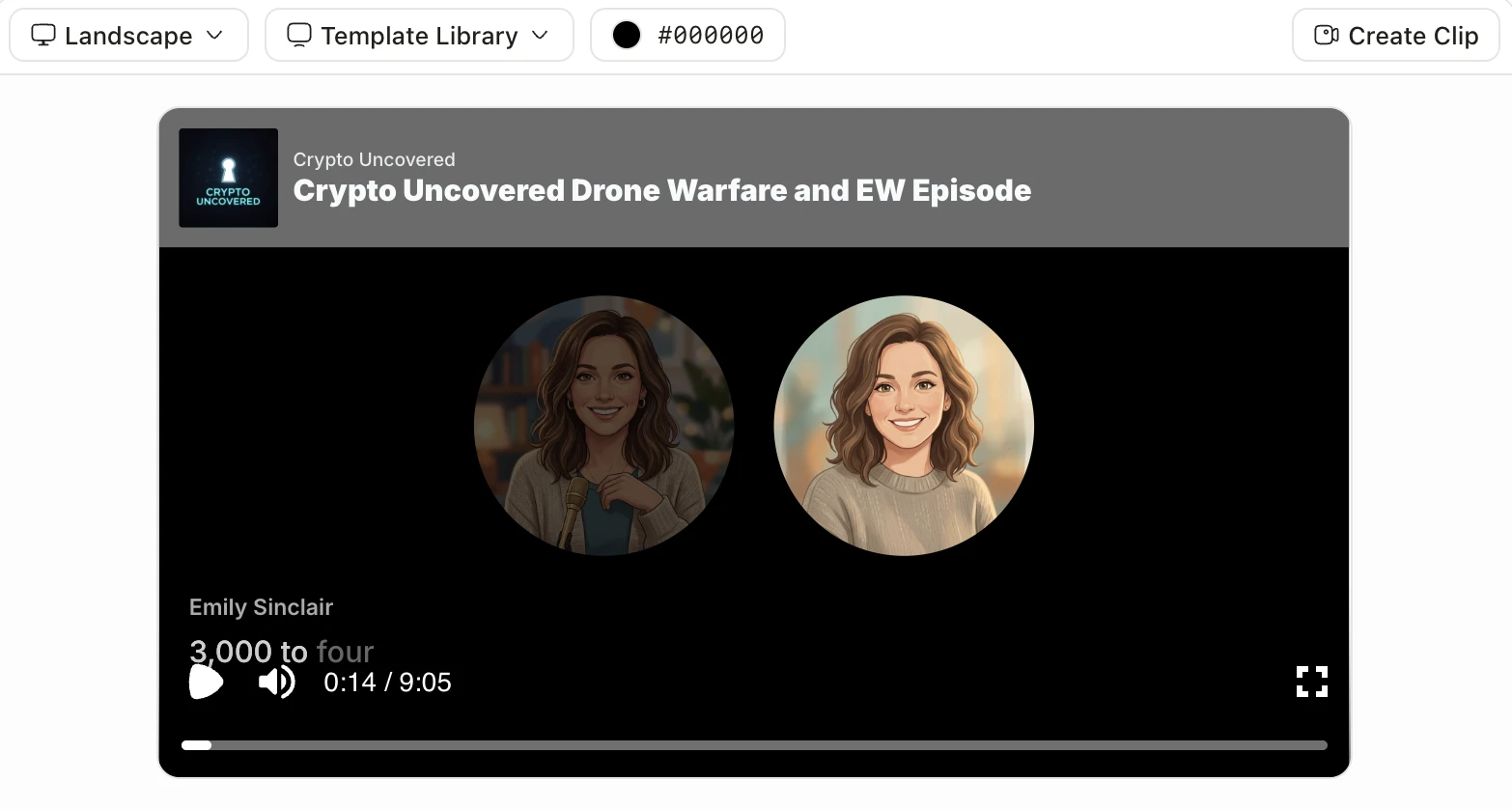
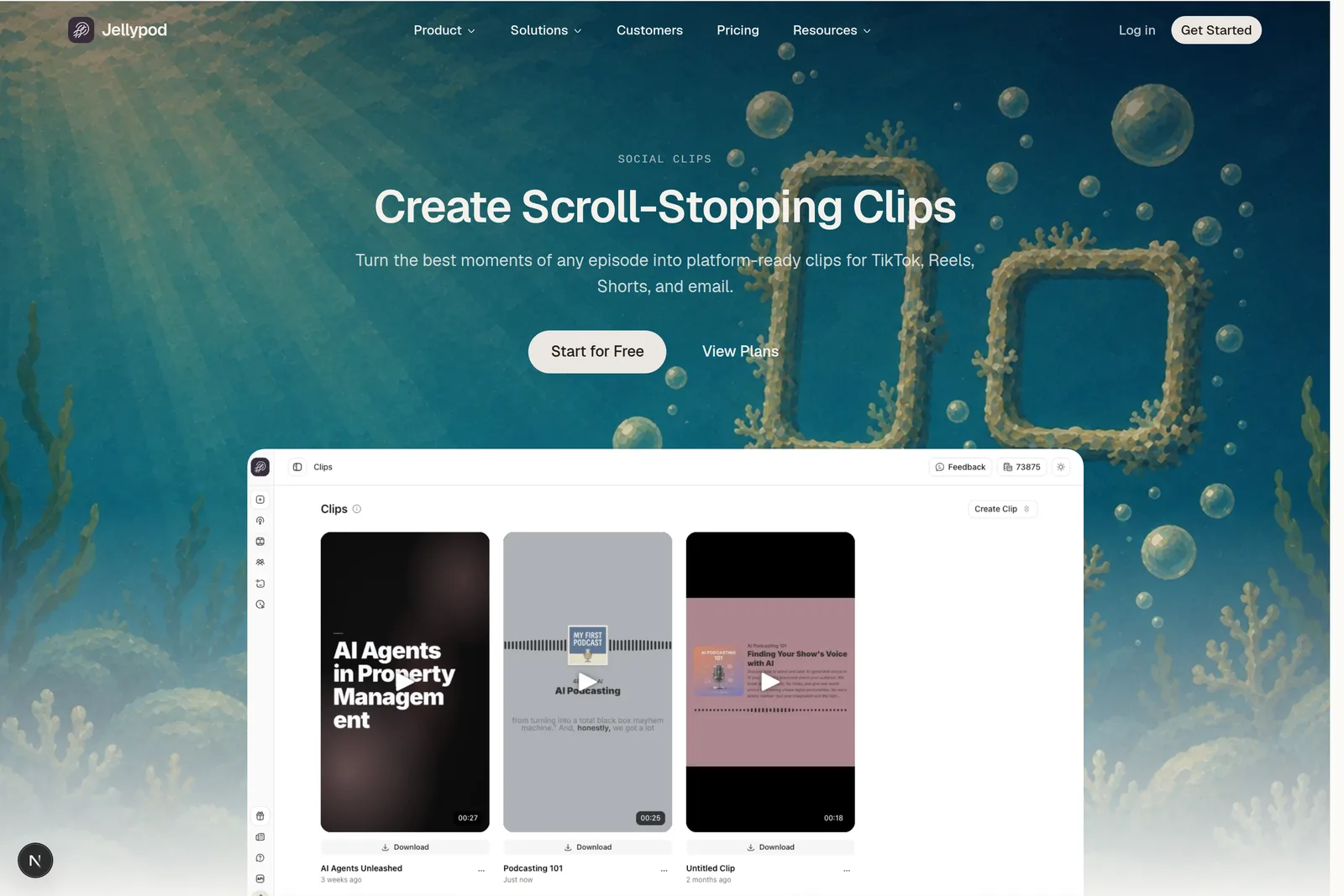
That leaves a natural split. Grok drafts and generates the pieces, and Jellypod assembles the finished thing: drop the script in, pick hosts and a visual style, and get back an episode plus a 30 or 60 second vertical Short with word-synced captions and no watermark.
Can Grok make a podcast?
It writes one. Turning that script into audio, and putting the audio somewhere people can subscribe, happens elsewhere.
Grok handles the script and the research behind it well, and Skills let you teach it your format once so it holds across conversations, which covers more of a recurring show than people expect. What it does not do is synthesize the episode: two voices that stay recognizably the same week to week, an audio file, and a feed that Spotify and Apple can read.
That last part matters more than it sounds, because a podcast is a subscription. Use Grok for the script, then generate the audio somewhere that owns the voices and the feed. Jellypod's AI hosts stay fixed across a series, and voice cloning puts your own voice in the chair from a 60 second sample. If you want to hear what the output sounds like before committing to any of it, the free AI podcast generator will produce a sample from a topic without an account.
How long can Grok videos be?
Fifteen seconds per generation, and six is the default the model is tuned for.
The Grok Imagine Video 1.5 announcement benchmarks the model on "6-second, 720p videos in about 25 seconds," and the API docs put the allowed range at 1 to 15 seconds at 480p, 720p, or 1080p. Audio comes with it: sound effects, ambience, and dialogue generated in the same pass rather than layered on afterward.
You can go longer by extending. Video extension continues a clip from its last frame and returns the original plus the new portion as one file, so a 10 second video with a 5 second extension comes back at 15 seconds.
Extending repeatedly to reach a two minute talking-head shot works, but it is the wrong tool for that job: you pay per second, and at that length what you usually want is a narrator over changing visuals rather than one continuous take. Grok Imagine is strongest where the whole ask fits in 6 to 15 seconds, which is most b-roll.
How do you use Grok to write a podcast script?
Four prompts, roughly in this order, and the specificity of the first one decides the quality of the other three.
- Give it the source, not the topic. Paste the transcript, the paper, the doc, the customer call. "Write a podcast about AI agents" produces a Wikipedia summary. "Here is our Q3 support ticket export, find the three complaints that keep recurring" produces an episode.
- Name the format before the content. Two hosts or one, ten minutes or thirty, interview or explainer. Ask after the fact and you get a rewrite instead of a draft.
- Ask for the cold open separately. The first 30 seconds decide whether anyone reaches minute two, and it is the one part worth generating three versions of.
- Have it mark the clip candidates. Ask Grok to flag the four moments that stand alone out of context. Those become your Shorts, and marking them at script time is far easier than hunting for them in a finished episode.
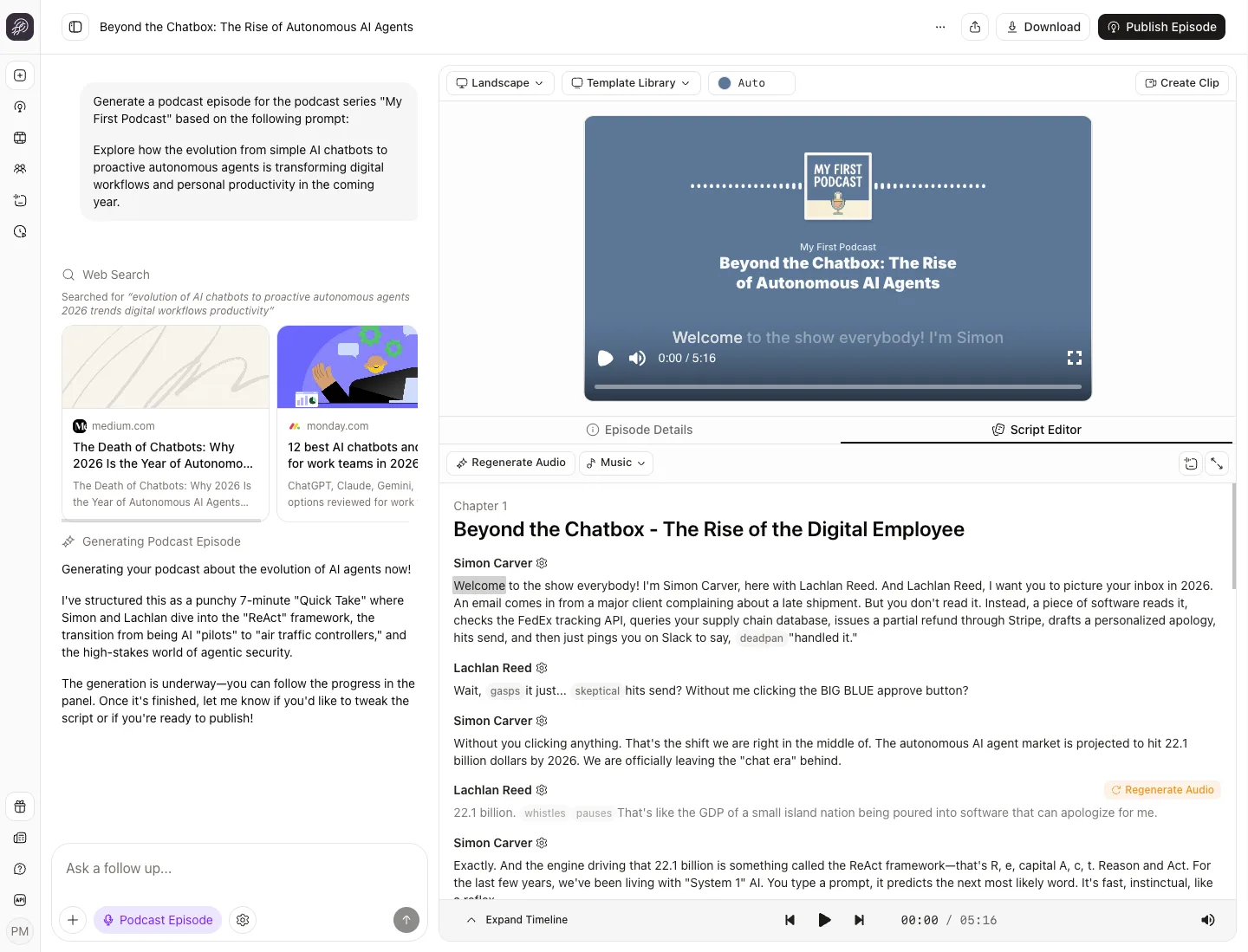
Then read it out loud. Any model's draft is written to be read, and audio wants shorter sentences and more signposting than a page does. Jellypod's script editor lets you fix those lines in place and regenerate only what you changed, rather than re-rendering the episode.
Grok vs Jellypod: what does each one do?
They solve adjacent problems, so the useful comparison is job by job.
| Job | Grok | Jellypod |
|---|---|---|
| Research and script drafting | Yes | Yes, from your uploaded sources |
| Video clips | Up to 15 seconds per generation | Full episode as MP4, up to 75 minutes |
| Persistent hosts across episodes | No | Yes |
| Voice cloning | No | Yes, from a 60 second sample |
| Word-synced captions | No | Yes |
| Vertical 9:16 output | Yes, up to 15 seconds per generation | Yes, at 30 or 60 seconds |
| RSS feed, Spotify, Apple Podcasts | No | Yes |
| Analytics per episode | No | Yes |
Captions are the row that settles most workflows. In a 2019 Verizon Media and Publicis Media survey of 5,616 US adults, 69% said they watch video with the sound off in public and half named captions as important for that reason. Syncing captions by hand to a 60 second clip is the tedious step people quietly stop doing by week three.
On the video side, Jellypod's Magic Video AI visual styles are limited by narration length and plan, up to 10 minutes on Starter, 15 on Creator, and 25 on Business. Longer episodes render with a Karaoke-style template instead. There is no prompt-to-video flow, so the path runs through an episode either way.
Can a Grok Bot run this on a schedule?
It can collect the source material on a schedule, but rendering the episode is beyond it.
Grok Bot is xAI's agent product, launched in August 2026. It gets a cloud computer with a browser, signs into your tools, and repeats a job you demonstrated once. Pull this week's source material, assemble the brief, file it where the script step expects it, every Monday, without you.
A Bot operates software; it does not generate narration, visuals, or a rendered file. Handing it that step means teaching it to click through a UI, which is the least reliable thing you can ask an agent to do when a real integration exists.
For the scheduled version, skip the browser. Jellypod's Automations run generations on a schedule directly, and the MCP server connects to Zapier and n8n if the trigger lives somewhere else.
A real example
Llew Jury, a tech investor in Brisbane, runs exactly this shape of workflow for a weekly AI show. A research agent scrapes LLM news every Monday at 5:30am, the output goes into Jellypod, and a seven minute episode lands on Spotify with two hosts: his own voice clone and an invented co-host named Ollie Carter.
"I've cloned my own voice with just a 60 second recording," he says. "And I invented another guy called Ollie Carter. They just work beautifully. It's like this young guy, this older boomer, sort of riffing and going through everything."
The agent half and the production half are separate tools in his setup. Read the full story.
Frequently asked questions
Can Grok generate audio for a podcast? Grok Imagine generates an audio track alongside video, including dialogue and ambience, but it is scoped to clips of 15 seconds or less. There is no path from Grok to a 20 minute narrated episode with consistent hosts.
How much does Grok video generation cost? The API bills per second of output. As listed in xAI's model pricing, grok-imagine-video runs $0.050 per second and grok-imagine-video-1.5 runs $0.080 per second, so a 15 second clip lands between roughly $0.75 and $1.20 depending on the model and resolution.
Can Grok post directly to TikTok or YouTube? Grok Imagine returns a file rather than publishing it, but a Grok Bot drives a browser with your logins, so it can technically do the upload. Jellypod stops at a download. Either way, AI-generated video on YouTube is expected to carry the altered content disclosure, per YouTube's policy.
Is Grok Imagine good enough for b-roll? For establishing shots and cutaways inside its 15 second ceiling, yes, and it supports 9:16 if you need vertical. Consistency across separate shots is the harder ask; reference images help, though reference-to-video is capped at 720p.
Do I need Grok at all if Jellypod writes scripts? No. Jellypod generates a script from your uploaded sources directly. Grok earns its place when the research step is the hard part, when the source material lives across the open web rather than in files you already have.
The short version
Use Grok for the thinking half: research, script, angles, clip candidates. Use Grok Imagine for b-roll inside its 15 second window, in 16:9 or 9:16.
Then hand the script to something that renders the whole thing. Generate your first Short from a script you already have.