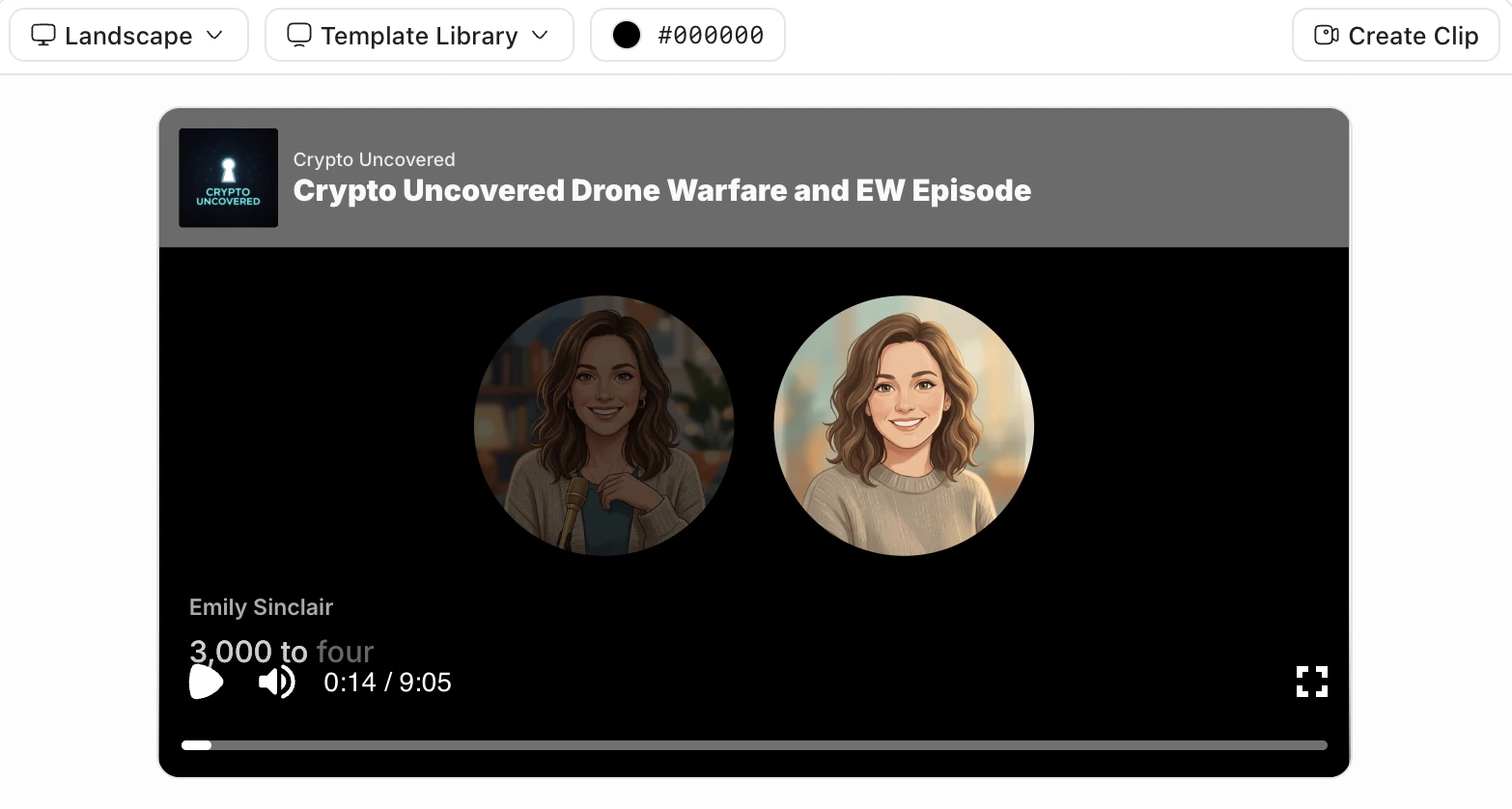
Asking Claude to write a podcast script gets you a script. Getting an actual episode, with hosts, audio, and a feed, has always meant leaving the chat and doing the rest by hand.
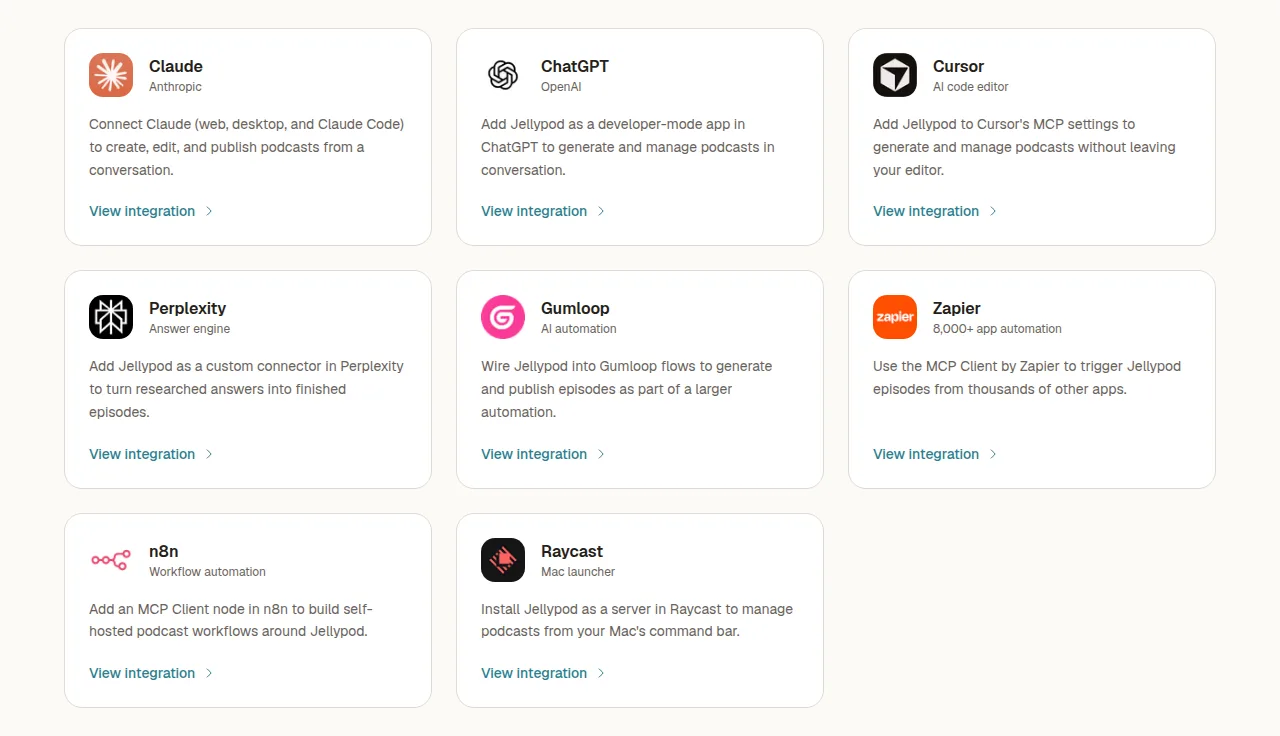
That gap closes with one connection. Jellypod runs a hosted MCP server at https://mcp.jellypod.com/mcp, so the assistant or automation tool you already have open can create a podcast, add sources, generate the episode, and publish it inside your account. The tools that connect today: Claude, ChatGPT, Cursor, Perplexity, Zapier, n8n, Gumloop, and Raycast. The connector works on every plan, and nothing publishes unless you ask.
MCP is the reason this works the same way everywhere. Anthropic released the Model Context Protocol as an open standard on November 25, 2024, and it has since become the common way assistants talk to outside services, so one Jellypod server covers every client rather than a separate integration per tool.
Can Claude or ChatGPT actually generate a podcast?
Yes, once Jellypod is connected. The assistant is not producing audio itself: it is calling your Jellypod account, which does the script drafting, voice generation, and rendering, then reports back. Ask Claude to turn an article into a two-host episode for your morning show and the episode appears in your library as a draft.
What the assistant can reach is the full content lifecycle, per the MCP Connector docs: create and update podcasts, generate episodes from sources or an imported script, browse the voice library and manage AI hosts, add research from a URL or YouTube video, generate cover art, read analytics, and export transcripts as JSON, SRT, or VTT.
Two things stay out of reach over the connector: file uploads and voice cloning. Both still need the studio.
Which tool should you use to generate podcasts?
Pick by where the work already happens, not by which assistant is best. They split into three jobs: talk to it, keep it near your keyboard, or let it run without you.
| Tool | Best for | Connects with | Plan needed |
|---|---|---|---|
| Claude | Planning a series and refining scripts across a long conversation | OAuth | Any |
| ChatGPT | The same workflow if ChatGPT is where you already work, via developer-mode apps | OAuth | Any |
| Perplexity | Turning cited, current research into an episode grounded in that research | OAuth | Any |
| Cursor | Turning a changelog, docs page, or release notes into an episode without leaving the editor | OAuth | Any |
| Raycast | Drafting an episode or checking analytics from a Mac keystroke | API key | Creator or higher |
| Zapier | Triggering episodes from a spreadsheet row, form, or CRM change | API key | Creator or higher |
| n8n | The same triggers, self-hosted, with approvals and transforms around them | API key | Creator or higher |
| Gumloop | Making episode generation one node in a larger visual AI flow | OAuth | Any |
The plan column is the constraint people hit first. Tools that authenticate with OAuth work on any plan, including a free trial. Tools that send an API key need one created in the studio, and API keys require the Creator plan or higher.
How do you connect an AI assistant to Jellypod?
Add a remote MCP server pointing at https://mcp.jellypod.com/mcp over HTTP (Streamable), then authenticate. Which authentication you use depends on whether your client can open a browser window.
Chat assistants and editors (Claude, ChatGPT, Cursor, Perplexity, Gumloop) use OAuth. You paste the server URL once, a Jellypod sign-in window opens, you approve access, and the assistant then acts with your own permissions on your own content. In Claude that means Settings, Connectors, Add custom connector. In Claude Code it is a single command:
claude mcp add --transport http jellypod https://mcp.jellypod.com/mcp
Automation platforms and Raycast cannot complete an interactive OAuth handshake, because no person is sitting there to approve it. They send a Jellypod API key as an Authorization: Bearer header instead. Create the key in the studio under Settings, then API Keys, and paste it into the client's bearer token or header field.
The MCP Connector docs carry the exact steps per client and stay current as each one changes its settings screen.
How do you automate podcast generation without writing code?
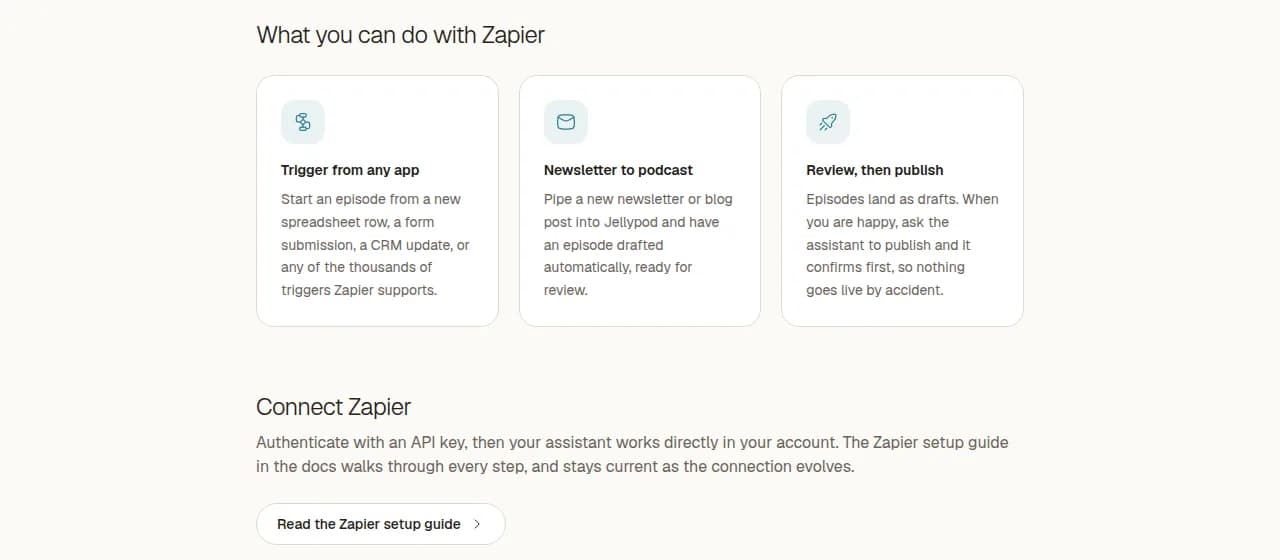
Wire Jellypod into a workflow builder and let a trigger elsewhere in your stack start the episode. Zapier reaches thousands of connected apps, so a new spreadsheet row, a form submission, or a CRM stage change can produce an episode without anyone opening the studio. n8n does the same through its MCP Client node, self-hosted, for teams that want the automation logic on their own infrastructure. Gumloop fits the same job as a visual flow.
More than 400 published episodes on Jellypod have come from a scheduled agent run rather than a person clicking generate. If the trigger you want is a schedule or an inbox rather than another app, you may not need a workflow builder at all: Podcast Automations run on a daily or weekly clock, and an automation can take its own email address so anything sent to it becomes an episode.
What stops the assistant from doing something you did not ask for?
Three guardrails, all enforced on the Jellypod side rather than trusted to the model. Episodes generate as drafts, and publishing happens only when you explicitly ask, with a confirmation first. Deleting a podcast or episode that is already published or scheduled needs an explicit confirmation, so live content cannot disappear by accident. Billing, team, and account settings are not exposed at all; the connector covers content only.
One behavior differs from the studio: over MCP, credits are charged at generation rather than at publish, because generating or importing an episode renders it immediately at the standard rate of 60 credits per minute. See Understanding Credits for how that maps to your plan.
What if your tool is not on the list?
Any client that supports remote MCP servers works. Point it at https://mcp.jellypod.com/mcp with HTTP (Streamable) transport, use OAuth if the client can complete the handshake, and fall back to an API key in an Authorization: Bearer header if it cannot. The Codex CLI connects this way, and so does anything else that speaks the protocol.
If you would rather build against Jellypod directly than route through an assistant, the public API covers the same ground, and pointing a coding assistant at it is often faster than reading the reference yourself.
Frequently asked questions
Do I need a paid plan to connect Claude or ChatGPT?
No. The MCP Connector works on every plan, and Claude, ChatGPT, Cursor, Perplexity, and Gumloop all sign in through OAuth, which needs no API key. Zapier, n8n, and Raycast are the exception: they authenticate with a Jellypod API key, and API keys require the Creator plan or higher.
Can the assistant publish an episode without asking me?
No. Episodes are generated as drafts, and publishing only happens when you explicitly ask for it, with a confirmation step first. Deleting anything already published or scheduled also requires explicit confirmation, so nothing live can be removed by accident.
Can I upload a PDF through Claude or ChatGPT?
Not over the connector. File uploads and voice cloning are the two things the MCP server does not cover yet, so both still happen in the studio. The assistant can add research from a URL, a YouTube video, or pasted text without any upload.
Do I have to connect every tool separately?
Each client needs its own connection, but they all point at the same server and the same account. Connect Claude on your laptop and Zapier for a triggered workflow, and both act on the same podcasts, hosts, and episodes with your permissions.
What happens to credits when an assistant generates an episode?
Credits are deducted at generation rather than at publish, because an episode created over MCP renders right away. The rate is the standard 60 credits per minute of audio, the same as the studio.
The short version
Podcast production does not need its own tab anymore. One MCP server connects Claude, ChatGPT, Cursor, Perplexity, Zapier, n8n, Gumloop, and Raycast to your Jellypod account, OAuth for the tools a person drives and an API key for the ones that run unattended. Pick the tool by where the work already happens, then connect it and ask for an episode.