Podcast Backgrounds
4.6out of 5 on G2












A 4K studio, wherever you record
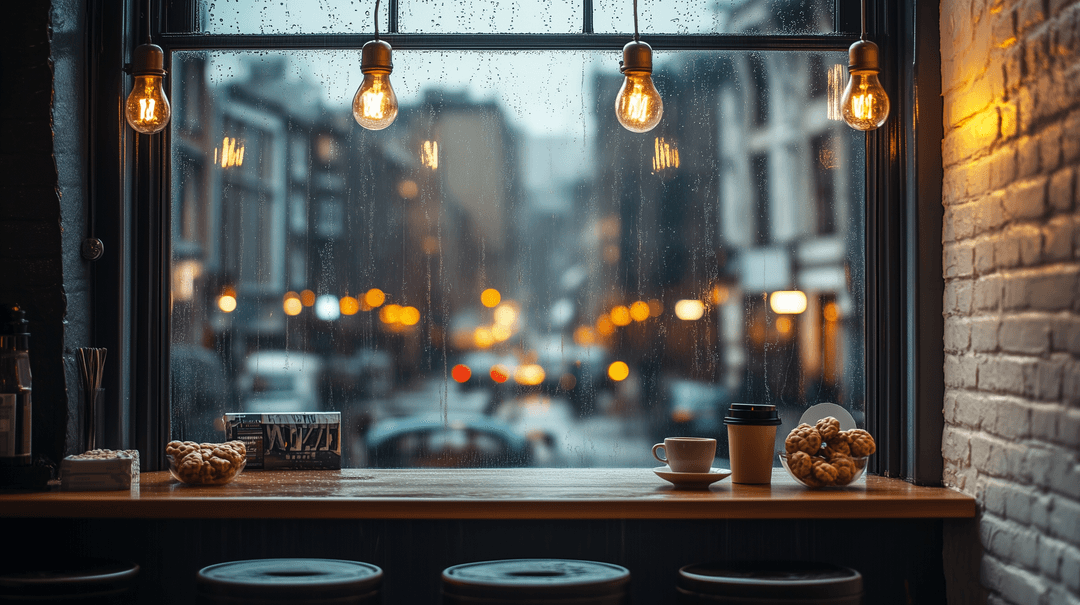
A good podcast background is simple, uncluttered, and lit evenly. The scenes here are free 4K virtual studio backgrounds you can load into Zoom, Meet, or OBS, no physical backdrop required, or composite behind yourself in a video editor.
Every file is free, including for commercial use, and needs no signup. An instructor recording lectures from a home office can use one scene for every session so the course looks like one series. No camera at all? Generate the episode with the AI podcast generator and render it as a captioned video, or generate scenes in AI Video.
How to use a podcast background
Step 01
Pick a 4K scene
Browse the grid above and open any scene to see it full size. Every file is 4K and free for commercial use.Step 02
Upload it where you record
In Zoom, open Settings, then Backgrounds and Effects. In Google Meet, turn on visual effects and add a custom background. In OBS, add an Image source behind your camera.Step 03
Light it and record
Light your face from the front so the cutout stays clean, and sit a little farther from the wall so the outline does not fray around your hair.
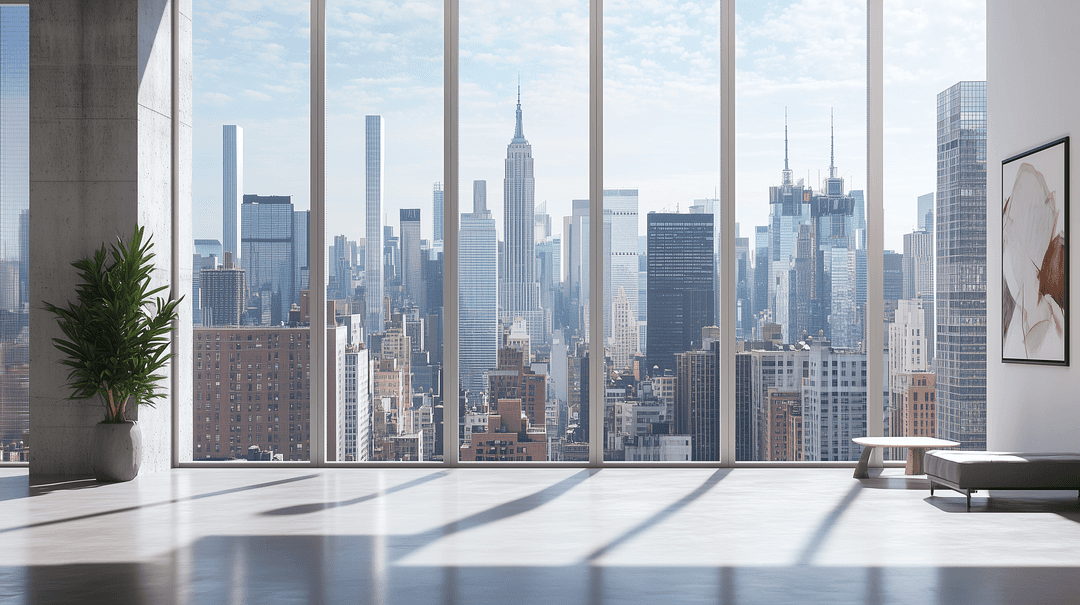
What is a good background for a podcast?
A good background for a podcast is clean behind the speaker's head, uses colors that match the key light, and stays 16:9 at 1920x1080 or higher. Busy shelves and high-contrast patterns pull focus off the person talking. These files are 4K, so they stay sharp on a conference display and when you crop for a vertical clip. They are free downloads, including for commercial use.
If you are building an AI podcast and nobody needs to sit in front of a camera, skip the virtual background and generate the visuals in AI Video instead.
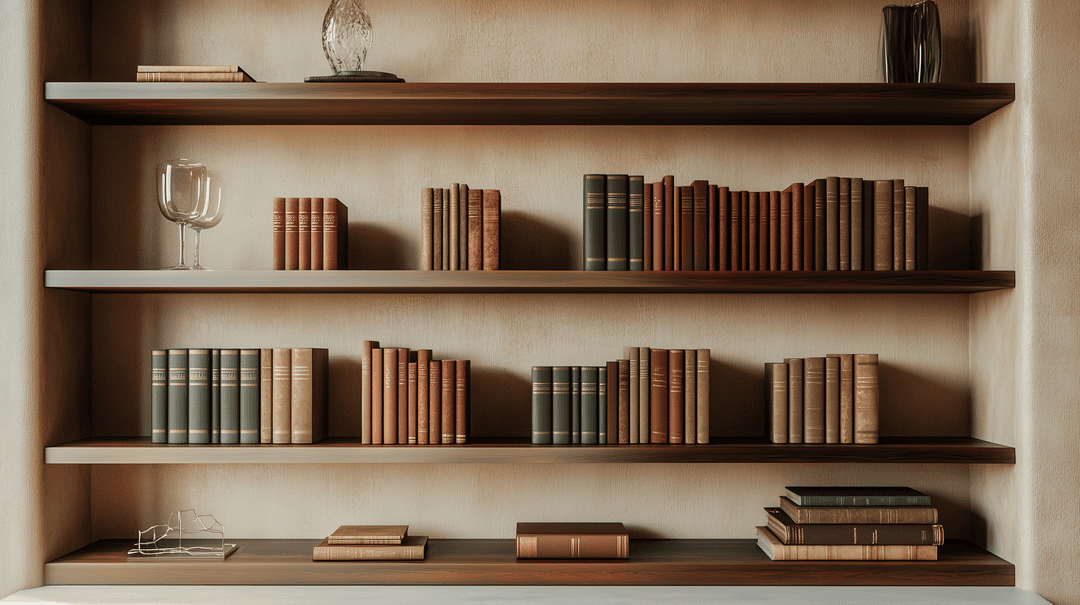
What is the best color for a podcast background?
Muted, mid-tone colors work best: deep blue, teal, warm gray, or a soft wood tone. They separate you from the wall without fighting your face or clothes. Pure white blows out under lights, and a background that matches your shirt makes you blend into it.
If the show has cover art, pull one color from it so the video and the thumbnail read as the same show, and keep that palette across episodes.
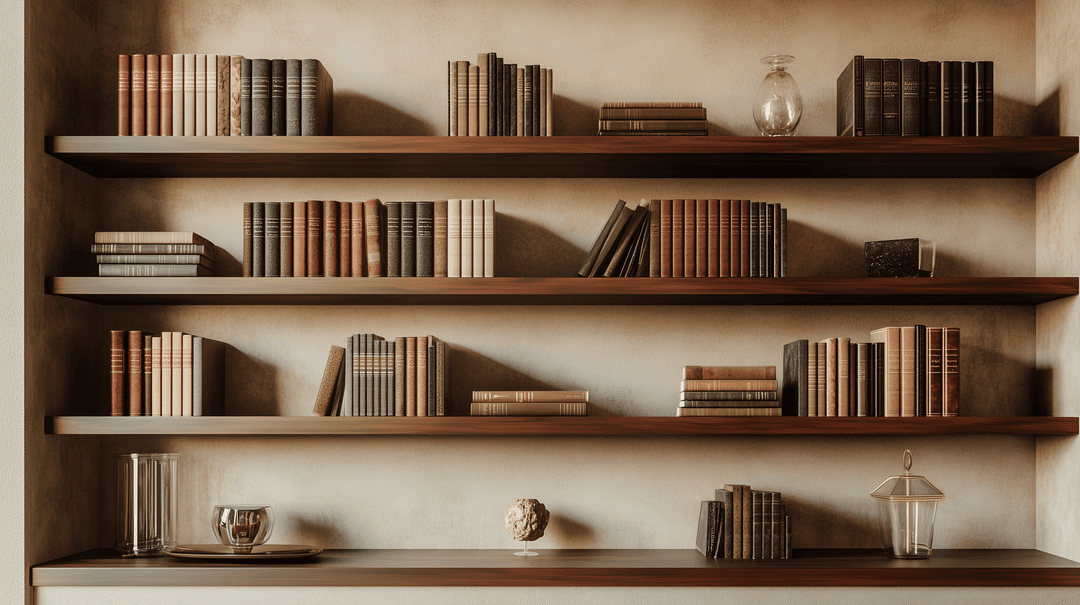
How do I set up a podcast background (virtual or physical)?
For a physical background, keep the wall behind you uncluttered, sit a little farther from it so your shadow does not land on it, and light your face from the front so the scene stays evenly lit.
For a virtual one, download a scene from the grid above, then upload it where you record. In Zoom, open Settings, then Backgrounds and Effects, and add the image. In Google Meet, turn on visual effects and add a custom background. In OBS, put an Image source behind your camera, or send a virtual camera into the meeting tool.
The same 4K file works as a composite behind a recorded camera feed in a video editor.
One look for courses, training, and interviews
Course recordings
A lecture series recorded in a different-looking room each week reads as a patchwork. One 4K scene across the series makes it look like one course. Educators can start free.Live training
Give every presenter the same scene, and enablement webinars and office hours look like one studio instead of a row of home offices.Expert interviews
FAQ
How much does a podcast background cost?
What is a podcast background?
What size should a podcast background be?
Can I use these podcast backgrounds for training or teaching?
Should I use a different podcast background for each episode?
Discover more
Explore related tools
More from Jellypod

AI Audiobook Generator for a Chapter or Short Book
Turn a book chapter or short book into an AI-narrated audiobook and download the MP3.
Read more
Best Whiteboard Animation Software in 2026
Pick a hand-built whiteboard editor or an AI generator that starts from a prompt or a document. Prices checked October 17, 2026.
Read more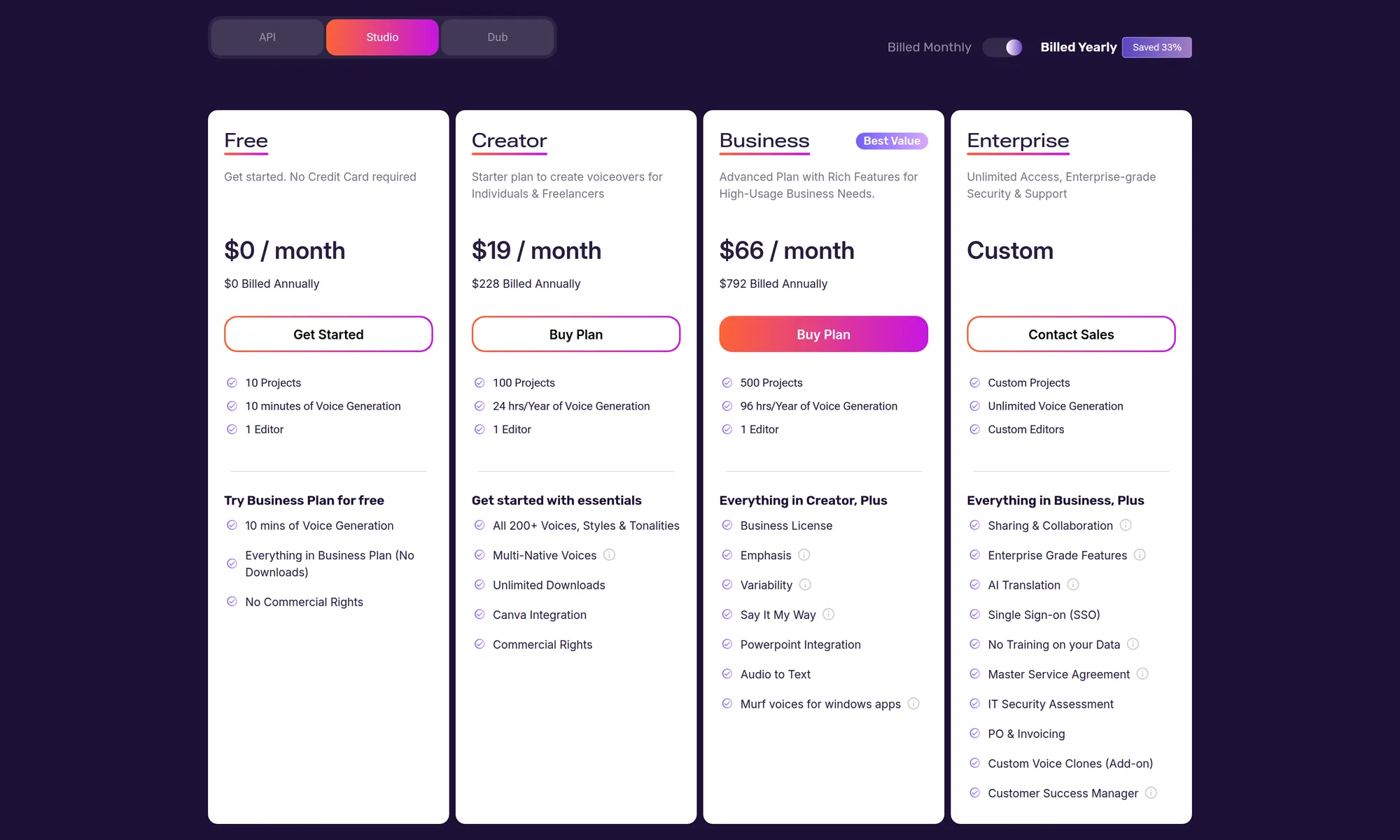
Murf AI Pricing: What Studio, API, and Dub Cost
Murf Studio is $0, $29, or $99 a month, or $19 and $66 on yearly billing. Voice time, project caps, API rates, and Dub credits from the pricing page.
Read more
Look like one show, whatever room you record in
No account needed for this tool
Free tools from an AI content platform
When the show needs episodes, Jellypod turns notes or a document into a script you can edit, voices it in 121 languages, and publishes to Spotify, Apple Podcasts, and YouTube with hosting included.
No camera needed? Generate the whole episode with the AI podcast generator and render it as a captioned video, or generate scenes for it in AI Video.