URL to Video AI
Want a longer, editable video? AI Video Generator
4.6out of 5 on G2












Paste a link, watch the page narrated
Paste a public article, guide, or blog post and sign up. Jellypod writes a narration from the page, records it with an AI narrator, and draws scenes timed to the voice, with word-synced captions, in one of 16 styles.
Edit the scenes, captions, and narration voice, then download a 1080p MP4. 7-Day Free Trial. Cancel Anytime. A blogger can turn a well-read post into a video for YouTube or LinkedIn.
Last updated August 2026
How to convert URL to video
Step 01
Paste the URL
Paste a public article, blog post, guide, or other text-rich webpage into the generator.Step 02
Choose a visual style
Pick a visual style. Jellypod extracts the page and writes the narration from its main content.Step 03
Sign up and generate
Sign up to generate the video, then edit scenes, captions, and voice and download the MP4.
Skips the page clutter
Jellypod extracts the useful article content and leaves navigation, ads, and page clutter out of the narration.
Narration from the source
The voiceover stays grounded in the source page and condenses its central idea into a short, watchable opening.
Scenes drawn for each line
Original scenes are planned around what each part of the narration means, then timed to the final voice track.
More features
Word-synced captions
Captions follow the spoken words, which keeps the video understandable when viewers watch without sound.
Who uses URL to Video AI
Blog repurposing
Turn an article that already performs well into a video for YouTube, LinkedIn, or an embedded player.Guides and explainers
Turn a product guide or educational page into a short video people can watch instead of skim.Faceless video channels
Create a faceless video from your own research without recording a voice or appearing on camera.
FAQ
How do I turn a URL into a video?
What do I get from a URL?
What kinds of URLs work best?
Can I convert any webpage I find?
Does it use generic stock footage?
Discover more
Explore related tools
More from Jellypod
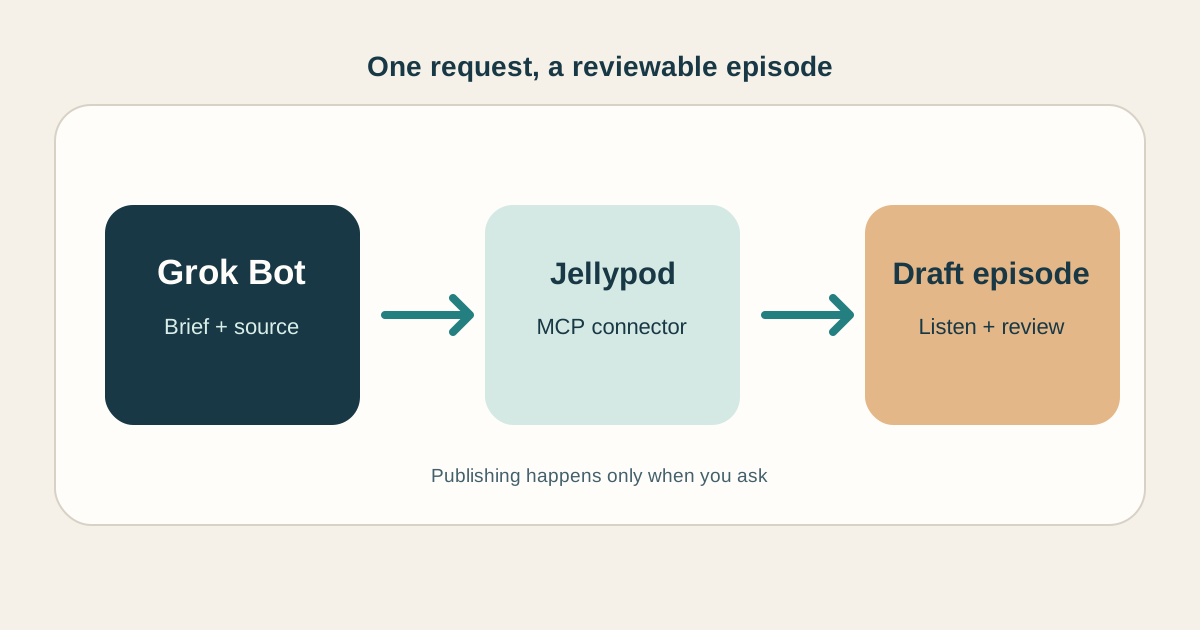
How to Make Grok Bot Create an AI Podcast
Connect a Bot to Jellypod, give it a source and a brief, then review the finished episode before it goes live.
Read more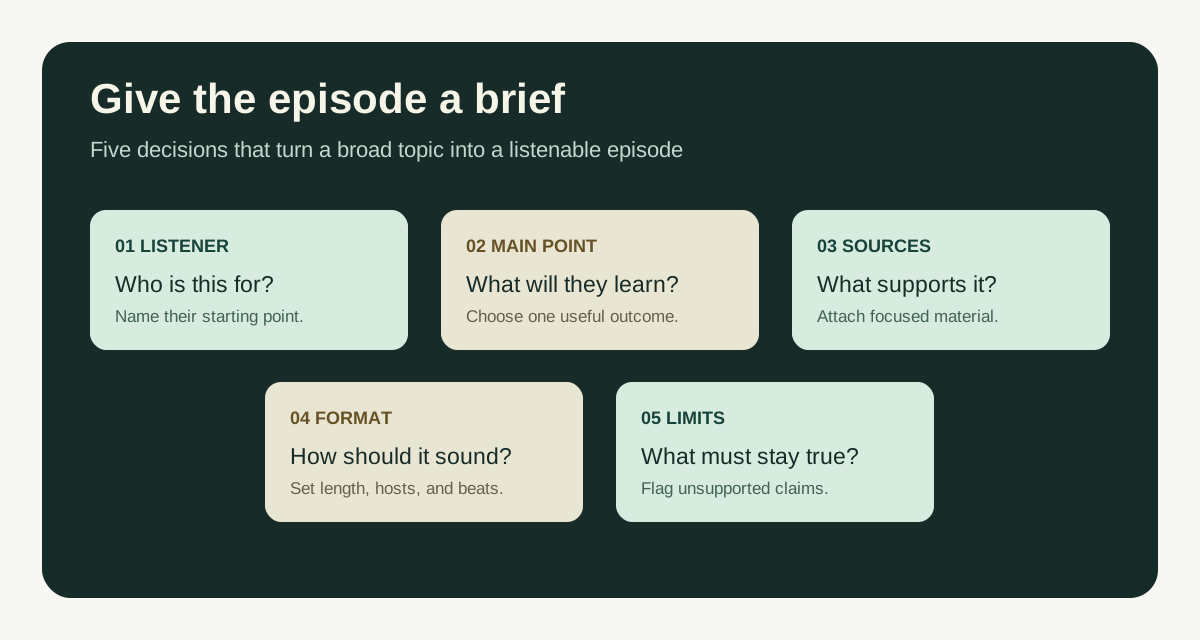
Guideline for Prompts to Create Good Podcasts
A simple guideline for writing podcast prompts, with a copyable template and examples for documents, lessons, and new topics.
Read more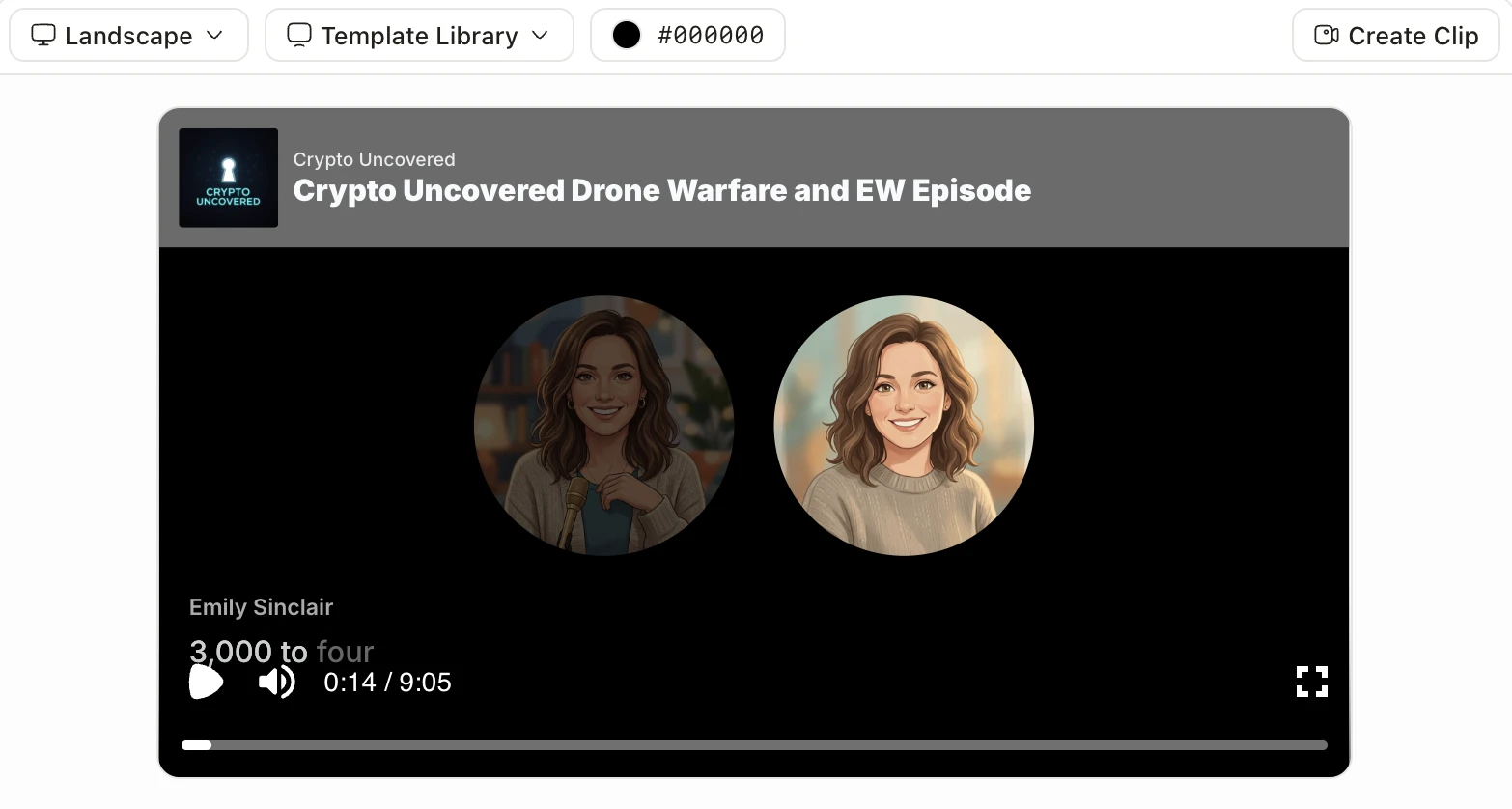
Best AI Video Generators in 2026, Sorted by the Job You Need Done
Cinematic clips, talking avatars, explainers from documents, viral clips, or an editor with AI. Find the right kind of AI video generator before you compare tools.
Read more
Finish the full video in Jellypod
7-Day Free Trial. Cancel Anytime.
Edit every scene, caption, and voice
AI Video draws every scene in one of 16 styles, syncs captions word by word, and renders a 1080p MP4. Regenerate one scene and the rest stay as they are. Voiceovers keep your own slides or pages on screen, with the narrator and timing yours to change.
Jellypod writes the narration first and records the voice, then uses the word timestamps to plan each scene, so the images and captions change with what is being said.
Use it on pages you own or have permission to repurpose: articles, guides, educational resources, and product content.