
Whiteboard Explainer
Dry-erase marker scenes that draw in stroke by stroke, like a teacher sketching while talking.
See whiteboard explainer videos


Trusted by 100K+ creators
Type the text. Jellypod writes the narration, draws illustrated scenes, and animates them in one of 16 styles.
4.6out of 5 on G2












You type a topic, or attach a PDF, slide deck, document, or public URL. Jellypod writes the narration and voices it in one pass, then draws each scene in one of 16 styles.
Styles that animate a shot do so for up to 10 scenes. A voice narrates, and the captions are word-synced. See every style on the AI video generator page.
Step 01
Step 02
Step 03
Attach a file or paste the words. Jellypod draws a scene and a voice narrates it.
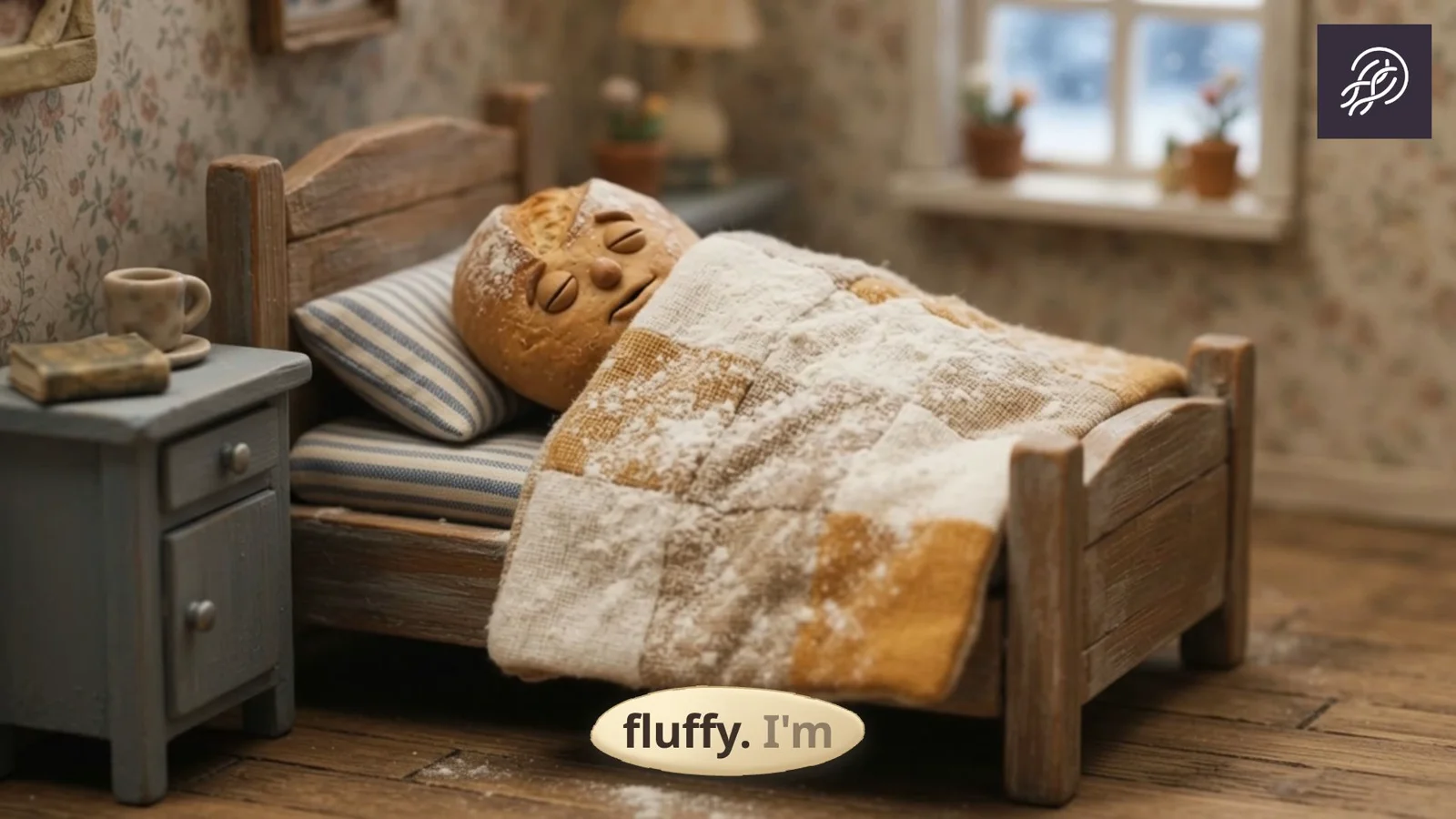
Each card is a real Jellypod render. Whiteboard, stickman, and claymation link to their own pages.
Dry-erase marker scenes that draw in stroke by stroke, like a teacher sketching while talking.
See whiteboard explainer videos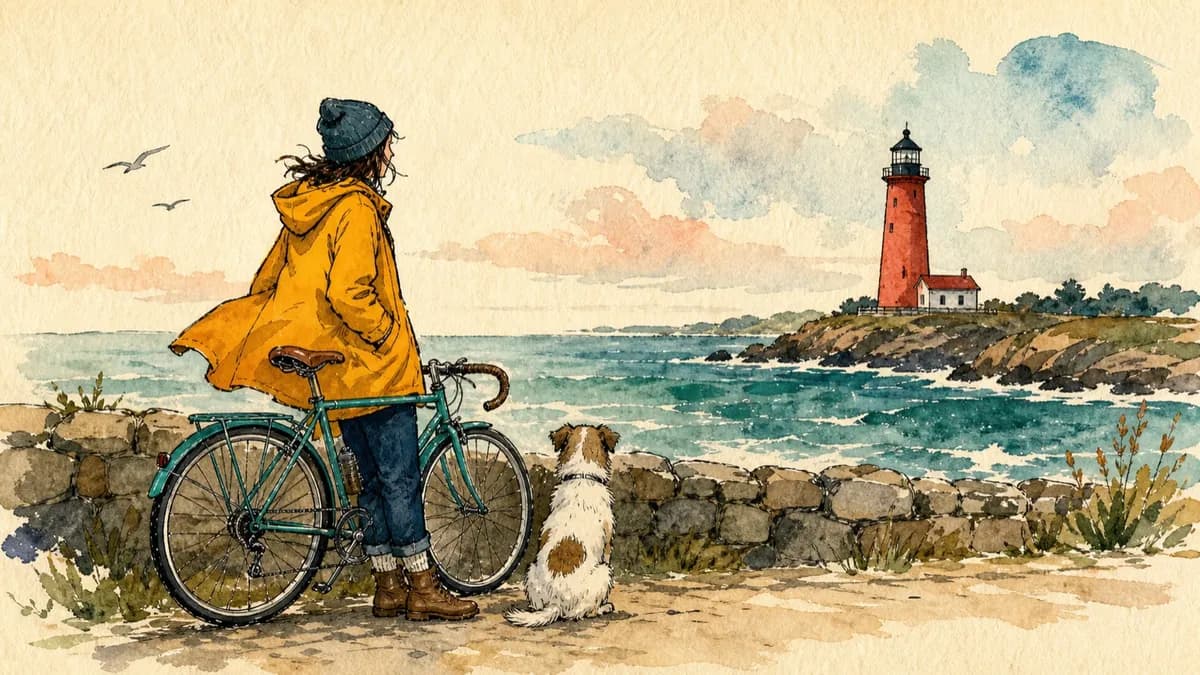
Bold editorial illustrations with thick ink outlines and loose watercolor fills on warm paper.
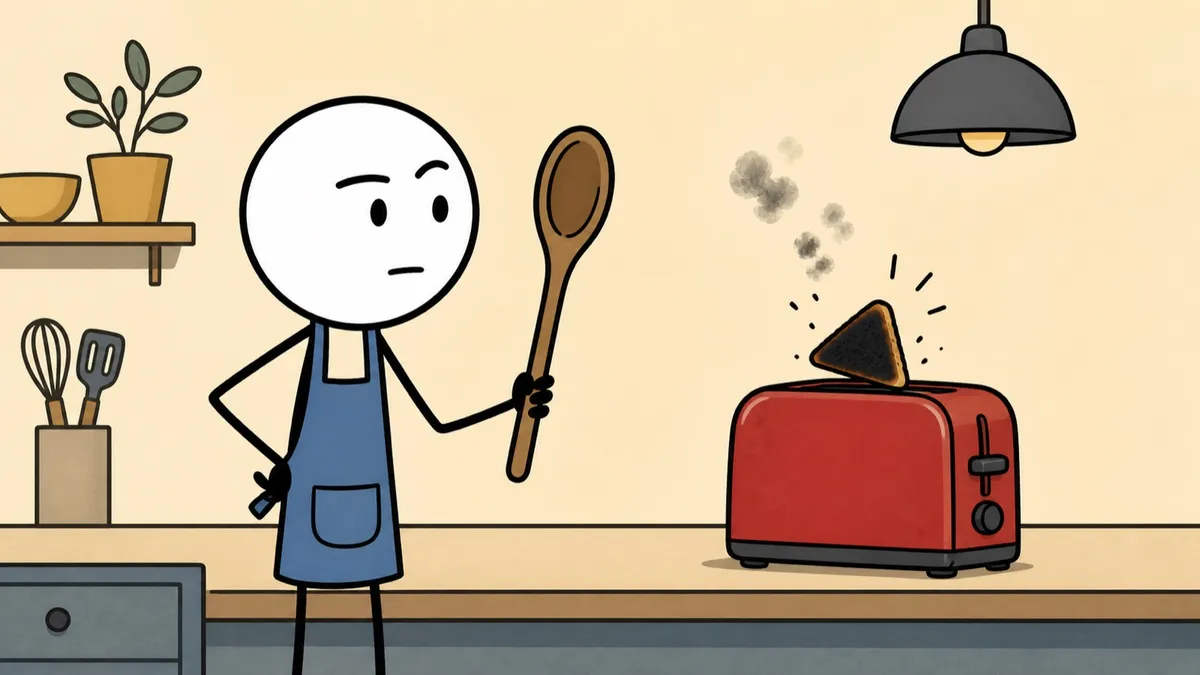
Deadpan stick-figure cartoons with thick black outlines and flat muted color.
See stickman animation videos
Plasticine caricatures performing in miniature sets with a stepped stop-motion cadence.
See claymation style videos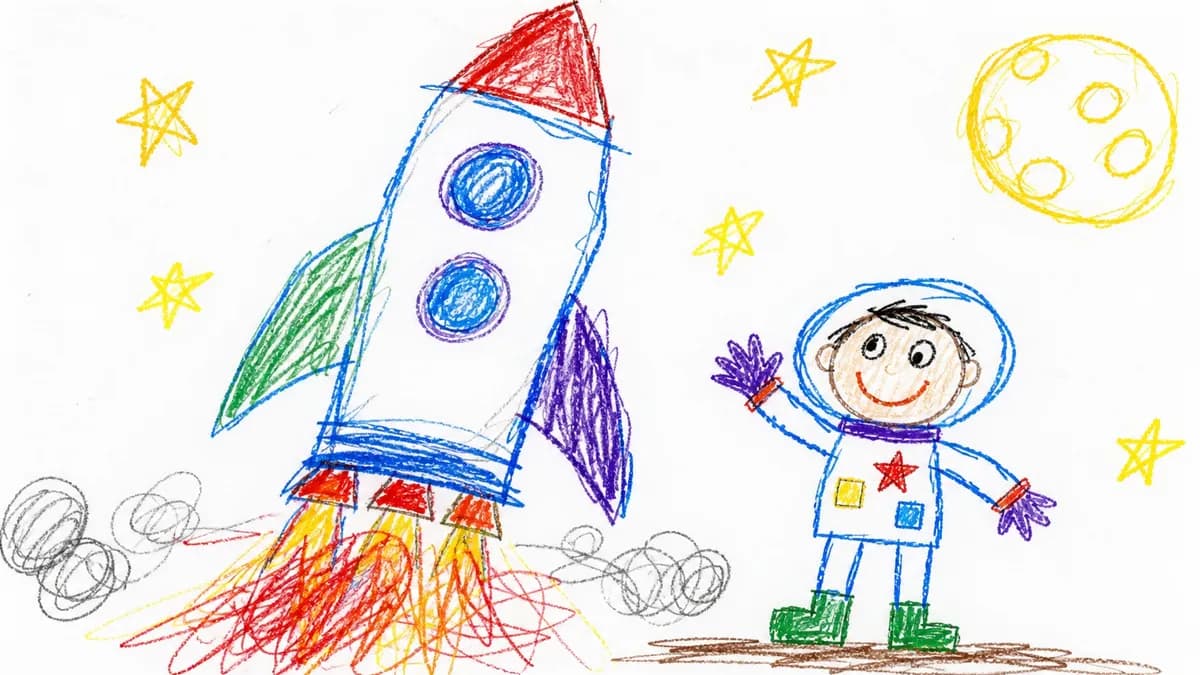
Revise a line and only that audio regenerates. Redo one visual with a note, or swap in your own image, then download the MP4 on the 7-day free trial or a paid plan.

Pick the explainer type and running time that fit your job, with real length data from over 1,600 videos rendered in Jellypod.
Read more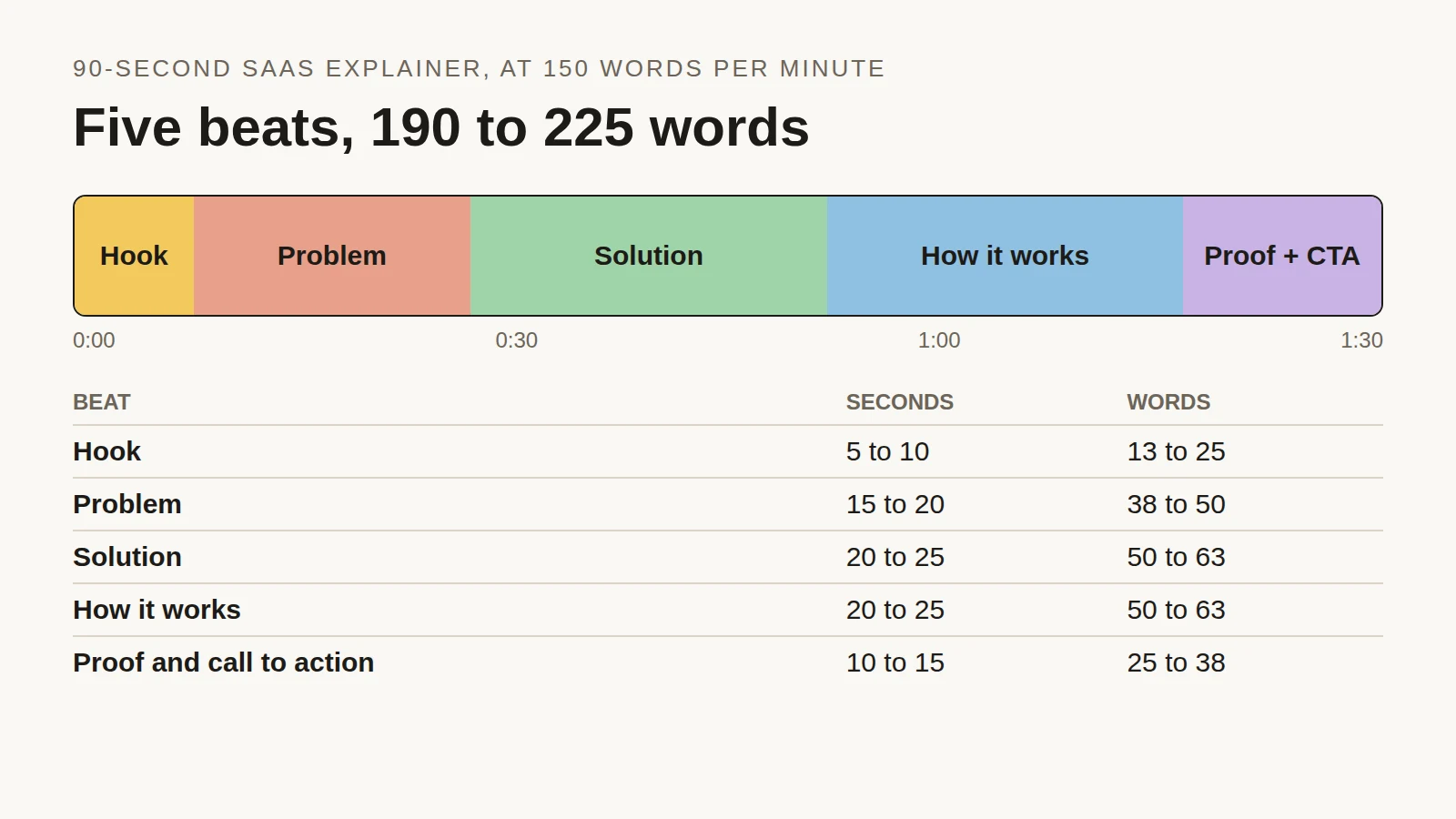
Time each beat of a 90-second SaaS explainer, see the script length people actually choose across 2,000+ Jellypod videos, and copy a finished example.
Read more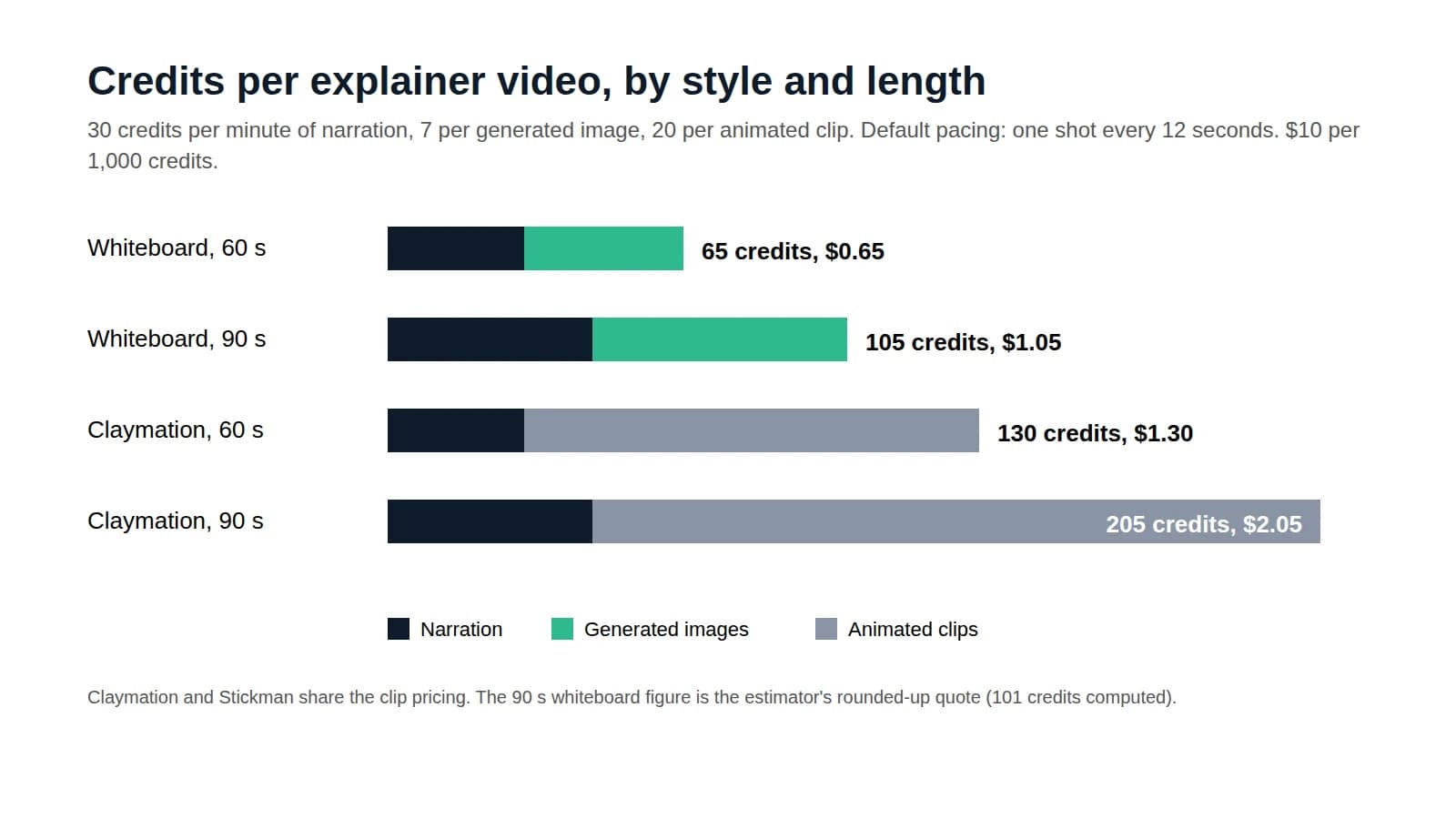
Price a 60 to 90 second explainer by production method, then follow a credit-by-credit calculation for one made with AI.
Read moreThe same hosts can narrate a short or an explainer video from the same idea.