
Whiteboard Explainer
Dry-erase marker scenes that draw in stroke by stroke, like a teacher sketching while talking.
See whiteboard explainer videos


Trusted by 100K+ creators
An AI explainer video generator that writes the narration and draws each scene from a prompt, PDF, deck, or script.
Start free with 500 credits. No credit card required. Paid plans include a 7-day free trial.
4.6out of 5 on G2












You type a topic, attach a PDF, slide deck, document, or public URL, or upload a finished script. Jellypod writes the narration, or speaks the script you uploaded, and draws scenes in one style.
A video can use up to four hosts and exports as a 1080p MP4 with word-synced captions.
A PDF attached as a source is summarized into new scenes. Use PDF to video when those pages should stay on screen.
Step 01
Step 02
Step 03
Each card is a real Jellypod render. Whiteboard, stickman, paper cutout, and claymation link to their own pages.
Dry-erase marker scenes that draw in stroke by stroke, like a teacher sketching while talking.
See whiteboard explainer videos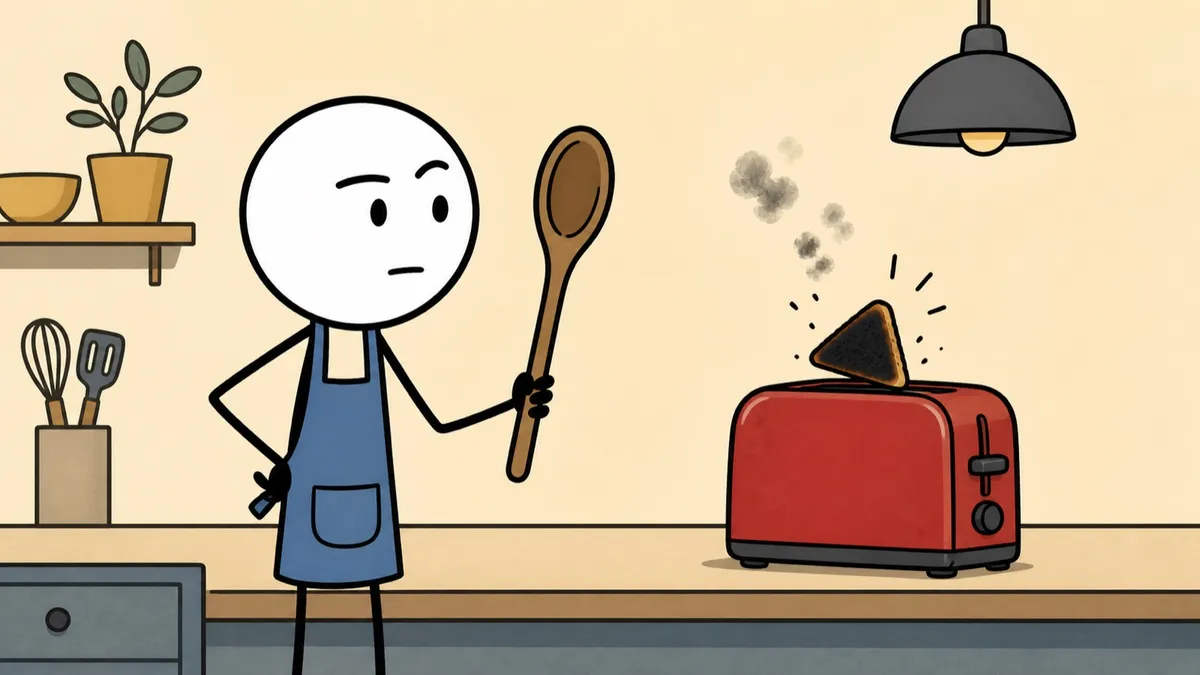
Deadpan stick-figure cartoons with thick black outlines and flat muted color.
See stickman animation videos
Layered cut-paper collages with archival photographs, screen-printed textures, and torn edges.
See paper cutout explainers
Plasticine caricatures performing in miniature sets with a stepped stop-motion cadence.
See claymation style videos
Upload Script speaks your lines in order and sets the length from the script. Bring an approved script through script to video.
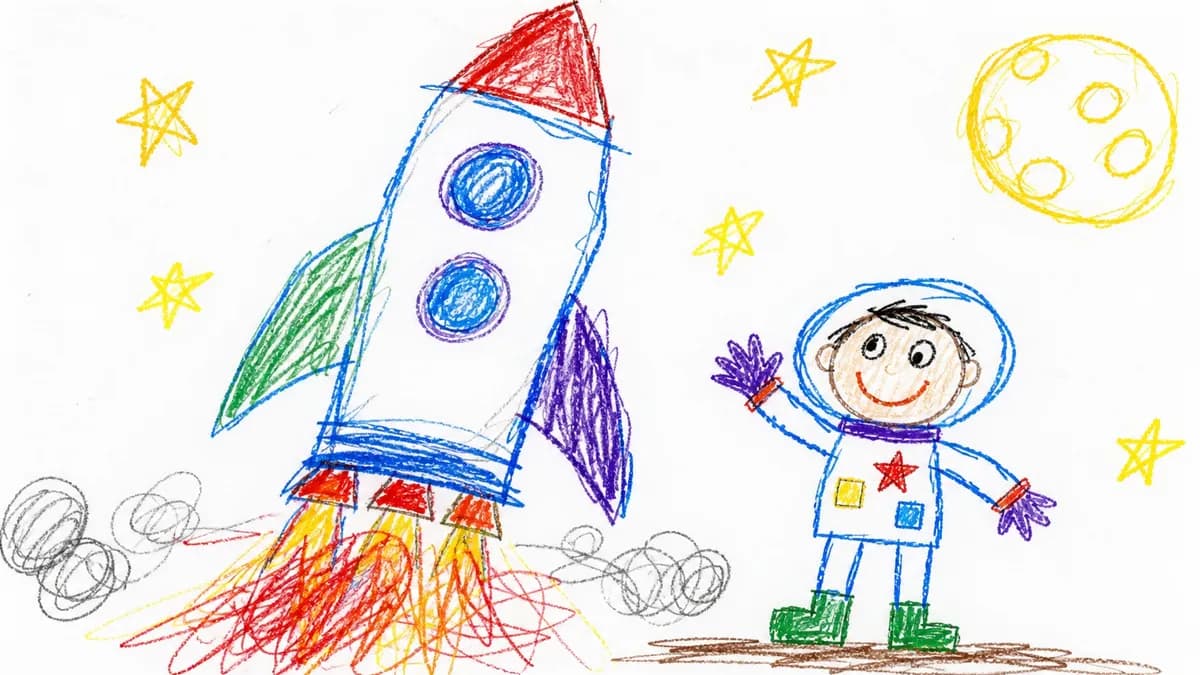
Revise a line and only that audio regenerates. Redo one visual with a note, or swap in your own image, then download the 1080p MP4.
It's not about replacing lectures. It's about reinforcing the arc of learning in the moments students actually have.
 Steve DeNunzioMBA ProfessorThe Ohio State University
It's a digital version of myself and a way to amplify [my voice] without having to hire another employee.
 Boi CarpenterVP Alumni RelationsJohns Hopkins University
It enables us to make podcasts of peer-reviewed medical papers that nobody, until now, was going to read.
 Kris VanhaechtProfessor of MedicineKU Leuven
The money is in producing fast, inexpensive content that can be transcribed and placed within blog posts to enhance findability and SEO.
 Lance BairdMarketingKaishan USA
Pick the explainer type and running time that fit your job, with real length data from over 1,600 videos rendered in Jellypod.
Read more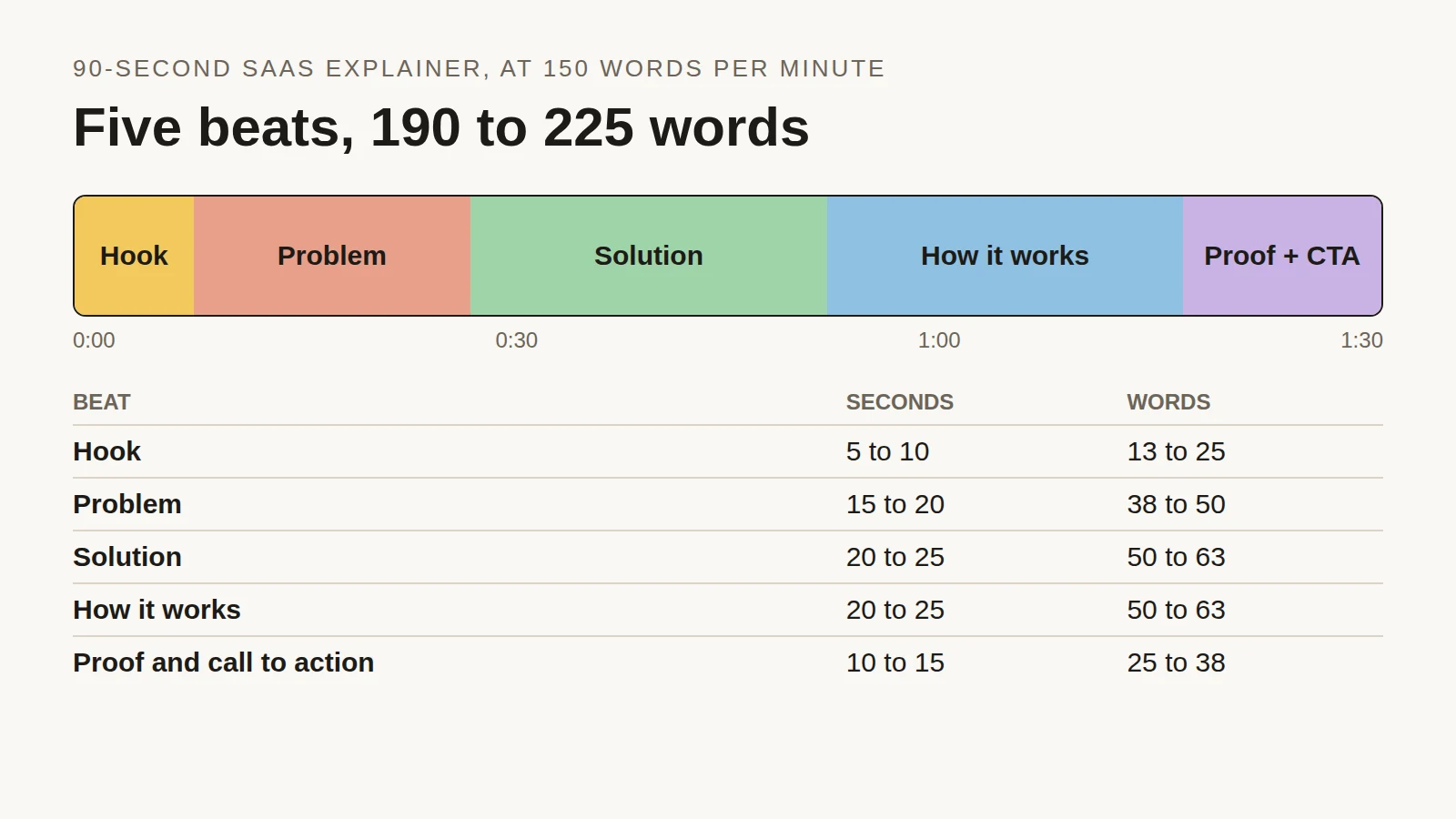
Time each beat of a 90-second SaaS explainer, see the script length people actually choose across 2,000+ Jellypod videos, and copy a finished example.
Read more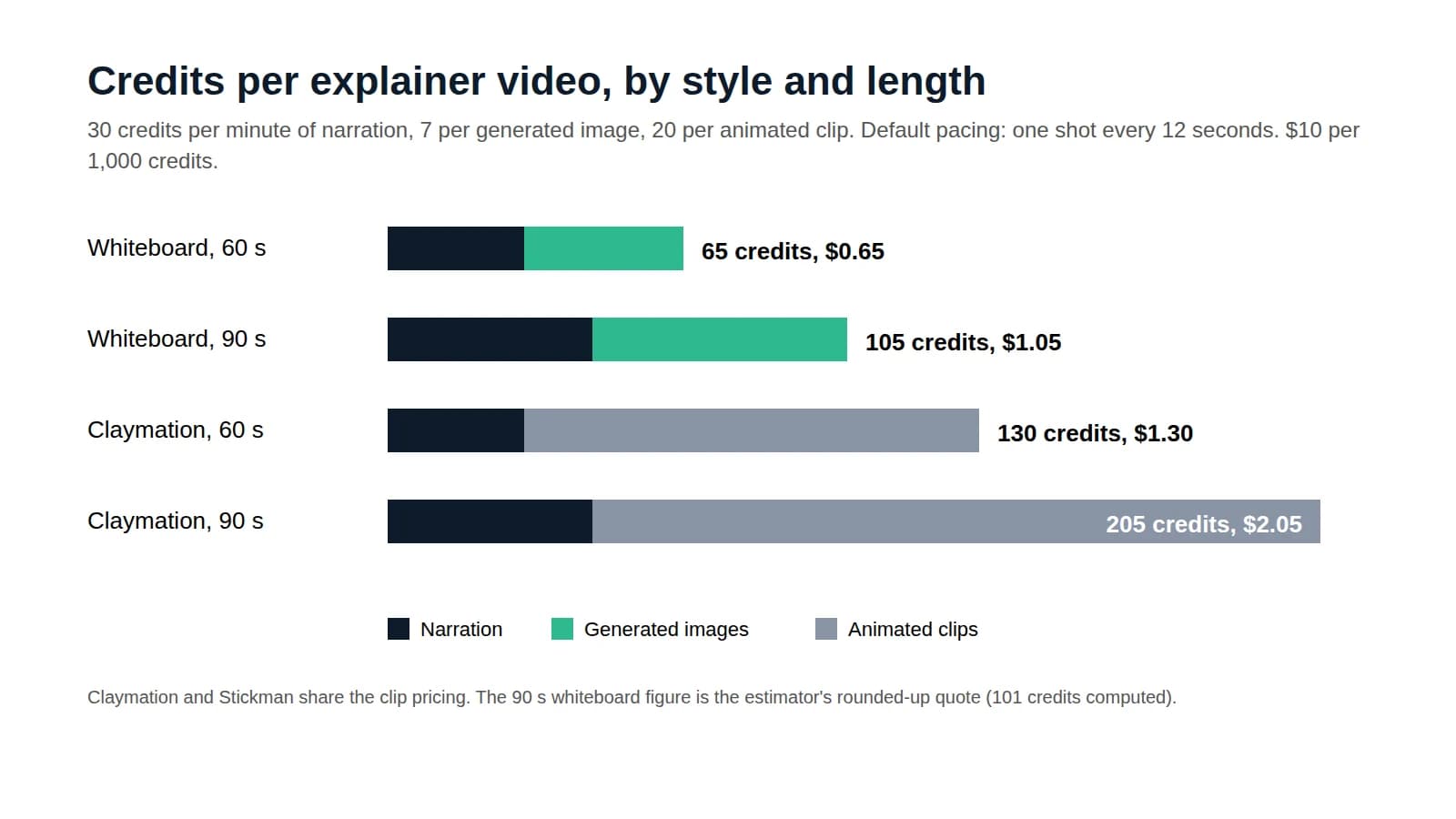
Price a 60 to 90 second explainer by production method, then follow a credit-by-credit calculation for one made with AI.
Read moreStart free with 500 credits. No credit card required. Paid plans include a 7-day free trial.
The same characters can host an AI podcast or narrate a short from the same script.