Turn YouTube Videos into Podcasts
Paste a YouTube URL and Jellypod extracts the content, generates a conversational script, and creates a polished podcast episode. Repurpose your video content for audio-first platforms.
To turn a YouTube video into a podcast, paste the video URL into Jellypod. It works from the transcript to draft a conversational script you can edit for free, then generates studio-quality audio. Credits are used when the audio is generated, and publishing is free; episodes distribute to Spotify, Apple Podcasts, and YouTube.
Trusted by teams at












- 60K
- Global Creators
Source: Jellypod platform data, May 2026
- 100K+
- Generated Podcasts
Source: Jellypod platform data, May 2026
- 74
- Supported Languages
Source: Jellypod product spec, May 2026
- 7 min
- Avg. Time to First Episode
Source: Jellypod onboarding analytics, May 2026
Quality
Listen to an AI-Generated Podcast
Don't just take our word for it, hear an episode yourself. These podcasts were generated entirely using Jellypod, with ultra-realistic voices and natural conversation flow.

100+ Voice Options
Preview Our AI Voices
Choose from 100+ ultrarealistic voices in 70+ languages. Clone your voice or design a custom one with a text prompt.
View full voice libraryThree simple steps
Paste the YouTube URL
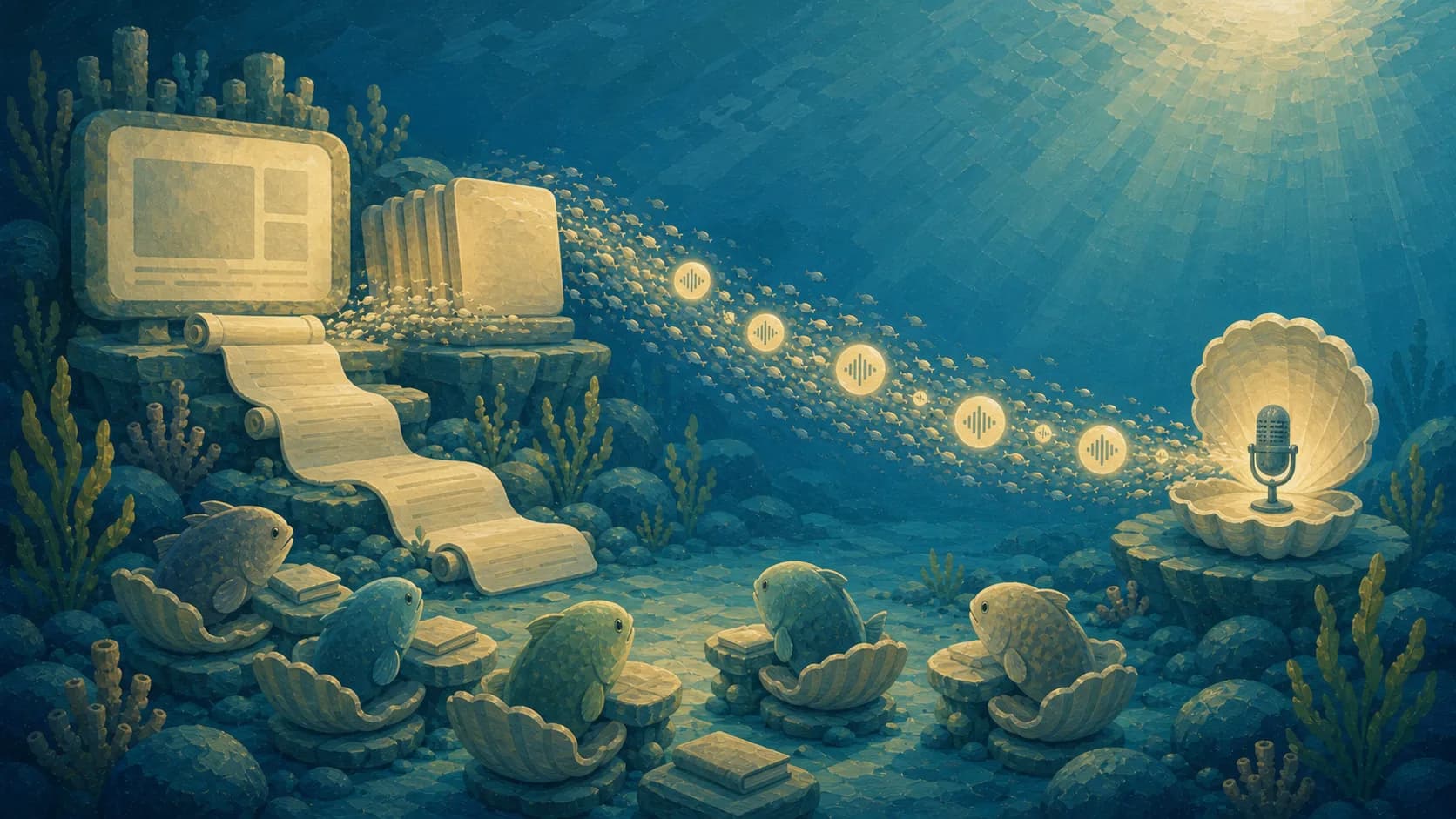
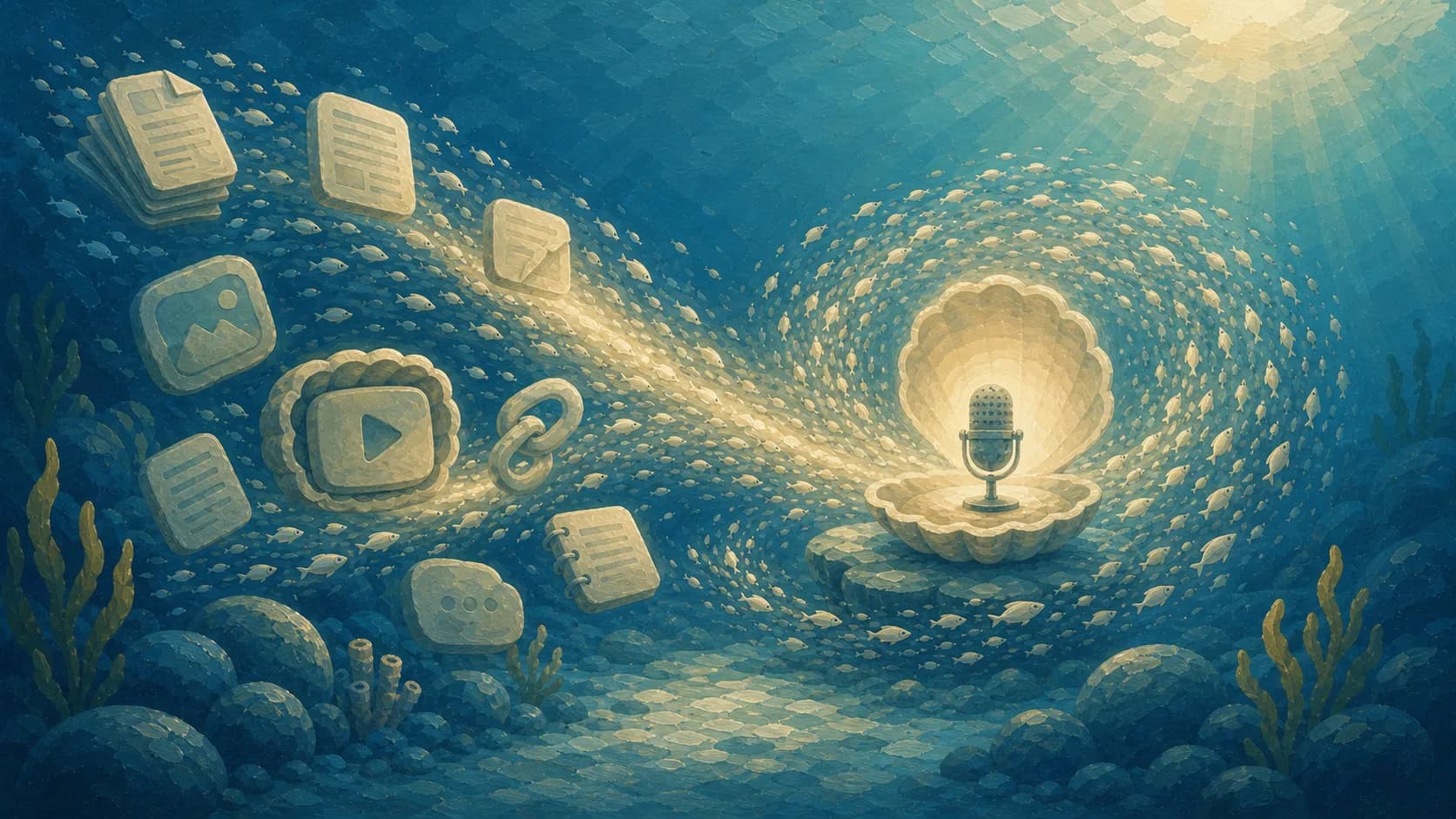
Drop in any YouTube video link. Jellypod extracts the transcript and key content automatically.
Customize the Episode
Choose AI hosts, adjust the discussion format, and edit the script. Transform a monologue into a multi-speaker conversation.
Publish to Podcast Platforms
Generate audio and publish directly to Spotify, Apple Podcasts, YouTube Music, and more. Reach listeners who never would have found your video.
Everything you need
Automatic Transcript Extraction
Jellypod pulls the full transcript from any YouTube video, handling timestamps, speaker changes, and content structure automatically.
Video-to-Conversation
A lecture or monologue becomes a dynamic discussion. AI hosts analyze, react to, and expand on the video content with fresh perspectives.
Cross-Platform Reach
Your YouTube content reaches Spotify, Apple Podcasts, and other audio platforms, reaching audiences that may never discover your video channel.
Playlist Conversion
Convert an entire YouTube playlist into a podcast series. Each video becomes its own episode with consistent branding and hosts.
Audio Enhancement
The generated podcast uses studio-quality AI voices, so even videos with poor audio quality become crystal-clear podcast episodes.
Built for real workflows
Creator Content Expansion
Repurpose your YouTube library for podcast listeners. Grow your audience on Spotify and Apple Podcasts without creating new content.
Webinar Repurposing
Turn recorded webinars and live streams into polished podcast episodes. Extend the shelf life of your event content.
Educational Content
Convert lecture videos and educational series into audio courses. Students can study by listening during their commute.


YouTube → Podcast FAQs
Your questions answered.
Ready to create your podcast?
Go from idea to published episode in minutes. No recording, editing, or experience required.