YouTube automation is a way of running a channel where you never appear on camera and hand off most of the production: research, scripting, narration, visuals, and the upload. The name oversells it. No part of it runs without a person deciding what each video is actually about.
What changed is who does the work. The 2021 version meant hiring writers, voice actors, and editors. The 2026 version means generating those pieces. Jellypod covers the middle of that chain: give it a topic, a document, or a URL, and it writes the narration, draws every scene, and renders a 1080p MP4 with word-synced captions that you upload yourself.
What has not changed is what YouTube pays for. On July 15, 2025, YouTube renamed its repetitious content policy to inauthentic content and named "AI-generated content made with generic or unoriginal templates giving the impression of mass production" as ineligible for monetization. Automation is allowed. Mass production is not.
What is YouTube automation?
YouTube automation is running a channel as a production line rather than a personal brand. You choose the niche and the topics, then delegate the execution, either to freelancers or to software. The channel publishes on a schedule, the audience never sees a host, and your job shifts from performing to commissioning and checking.
The term is a bit of a misnomer, and the guru version of it (buy a course, hire a team, collect passive income) is where most of its bad reputation comes from. A channel where nobody decides what each video says is exactly the channel YouTube's monetization policy is written to exclude. The policy asks that "the substance of each video should be materially varied and deliver creative, educational, or other value," which is a requirement for editorial judgment, not for effort.
The useful version is narrower. You keep the decisions and automate the production, which is the split the rest of this page works through.
How does YouTube automation work?
Every automated channel runs the same five stages, whether a person or a model handles each one.
- Topic selection. You pick what the video argues or explains. This is the stage that cannot be delegated without putting monetization at risk.
- Script. Research and writing, either drafted by you or generated from a source document and then edited.
- Narration. A synthetic voice, a cloned voice, or a hired voice actor reads the script.
- Visuals. Illustrated scenes, stock footage, screen recordings, or slides, timed to the narration.
- Publish. Thumbnail, title, description, chapters, and the upload itself.
Most tools cover one stage. Stitching a script tool to a voice tool to an editor is where the hours go, and where the format usually breaks: the audio and the visuals are produced separately, so they have to be aligned by hand.
Jellypod collapses stages two through four into one pass. You bring a prompt, a PDF, a URL, or a YouTube link, pick a voice from more than 100 across 70 or more languages, choose a Video style, and it renders the narrated episode and the matching visuals together as a single MP4. Stage one is still yours, and so is stage five: there is no direct publish to YouTube, so you download the file and upload it in YouTube Studio.
Is YouTube automation against YouTube's rules?
No. Automation itself is allowed, and YouTube has said channels using AI tools remain eligible for the Partner Program. What is not allowed is content that reads as mass produced.
The channel monetization policies page names four patterns that fail:
- "Similar or repetitive content with low educational value, commentary, narratives, or minimal variation"
- "Videos where characters are put in the same situation over and over again with the same outcome"
- "Image slideshows, templated storylines, or scrolling text with minimal or no narrative"
- "AI-generated content made with generic or unoriginal templates giving the impression of mass production"
And the line that tells you where the bar sits: a channel is fine when "each video has a distinct storyline, focus, or concept," even if the videos are similar in format. A shared intro and outro is fine. A shared template with the topic swapped out is not.
Read practically, that rules out the highest-volume version of automation (one prompt, one template, fifty uploads) and leaves the version where each video is researched and argued separately. The production can be generated. The substance has to vary.
One more requirement applies specifically to AI channels. YouTube asks creators to disclose realistic synthetic content using the altered content setting in Studio, per its disclosure policy. A stock voice or a clone of your own voice generally does not trigger it. A voice built to sound like a specific real person does. Our breakdown of the AI voice disclosure rule covers the edge cases.
What tools do you need to run one?
A working stack has to cover all five stages. What varies is how many products it takes.
| Stage | What it has to produce | Typical approach |
|---|---|---|
| Topic selection | A specific angle per video | You, plus keyword or trend research |
| Script | 1,200 to 2,000 words of narration | An LLM draft you edit, or your own writing |
| Narration | Clean audio, consistent voice | Synthetic voice or a voice clone |
| Visuals | Scenes timed to the narration | Generated scenes, stock footage, or slides |
| Publish | Thumbnail, metadata, upload | Manual, in YouTube Studio |
The stages that eat the most time are narration and visuals, because they have to line up. That is the specific problem Magic Video solves: the visuals are generated against the same script that drives the narration, so word-synced captions and scene changes land where they should without a timeline edit.
Style is the other lever, and it is what separates two channels running the same pipeline. The one you pick sets the channel's look for every upload:
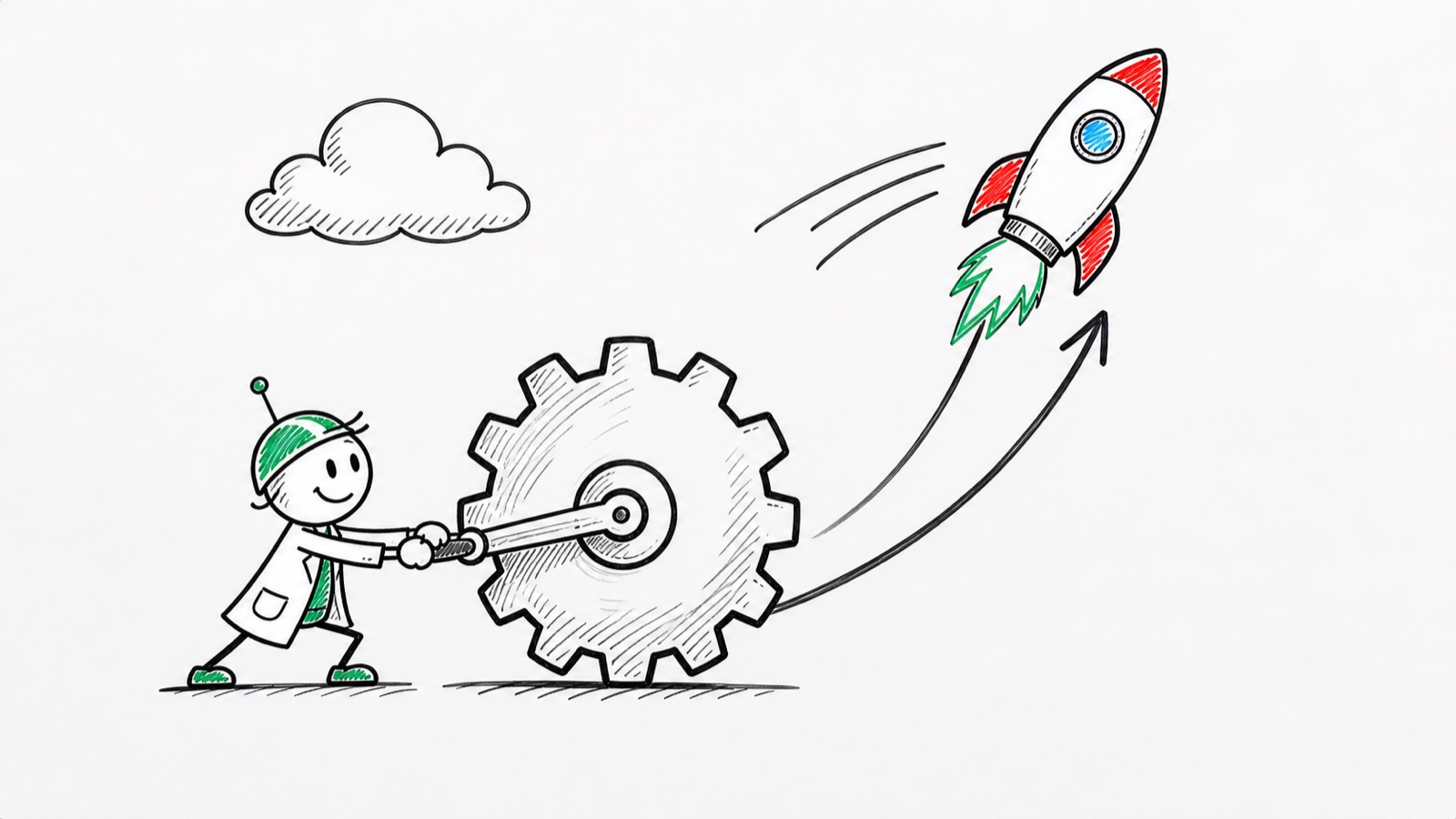

Two free tools are worth trying before committing to a stack. The AI podcast generator turns a topic into a sample narrated episode in seconds with no account, and the whiteboard explainer video generator renders a 30-second video in a Magic Video style on the same terms. If you already have scripts, script to video starts from the text you wrote.
What are the best niches for YouTube automation?
The niches that work are the ones where the information carries the video and where you can say something different every week. Ranked roughly by how well they survive the inauthentic content rule:
- Explainers and tutorials. Each video answers a distinct question, which satisfies the "distinct focus" requirement almost automatically.
- History and case studies. Naturally varied, research-heavy, and hard to template.
- Industry analysis. Finance, tech, and business also carry the highest ad rates.
- Narrated storytelling. Works well, but it is the format YouTube singles out when the stories differ only superficially, so it needs the most care.
The niches to avoid are the ones built on repetition: ranked lists with interchangeable entries, text-on-stock-footage compilations, and anything where the next video is the last video with different nouns. High output in those formats is the signal the policy looks for.
Pick a subject you can research for a year without running dry. Cadence beats breadth, and a channel that publishes one well-argued video a week outlasts one that publishes five templated ones.
Does YouTube automation actually make money?
It can, and the threshold to find out is about to move. This is the part most guides have not updated.
Today, the Partner Program admits you at 1,000 subscribers plus either 4,000 qualified watch hours in 12 months or 10 million qualified Shorts views in 90 days. From February 1, 2027, YouTube is raising the bar for new creators to 8,000 qualified watch hours in 365 days, or 20 million qualified Shorts views in 90 days. Creators already in the program are not affected.
The practical consequence is a deadline. The watch-hour requirement doubles for anyone who has not qualified by January 31, 2027, so a channel starting now has roughly six months to clear 4,000 hours instead of 8,000. If you are weighing whether to start, that window is the reason to start sooner.
Which route you take also decides how much work qualifying is. Of the two, the watch-hour route is reachable on ordinary numbers and the Shorts route is not, by a factor of more than a hundred. Long-form faceless video works through both routes in views per upload and explains why the revenue per view runs the same direction.
Against that, the running cost is a subscription and your time. There is no camera, studio, or freelance budget, which is what makes the model viable at small scale: a channel that never monetizes has cost you a few hundred dollars, not a few thousand.
How do you start a YouTube automation channel, step by step?
- Pick a niche you can research weekly for a year. Write down ten specific video titles before you commit. If you struggle at title six, pick something else.
- Decide your format and length. Most explainers land between 6 and 12 minutes, long enough to earn watch time without padding.
- Build the production pass. Draft the script, generate the narration and visuals, and export the MP4. In Jellypod that is one flow: source in, style picked, file out.
- Set the disclosure. If the narration or footage is realistic synthetic content, flag it in Studio before publishing.
- Publish on a fixed cadence. Weekly beats sporadic. The watch-hour clock runs on a rolling 365 days, so consistency compounds.
- Check each video against the policy. Distinct storyline, distinct focus, distinct concept. If a video is last week's with the nouns swapped, rewrite it.
On plan limits: Magic Video is available up to 10 minutes of narration on Starter and Educator, 15 on Creator, and 25 on Business, per the plans and pricing page. Episodes longer than your plan's ceiling still render as video using the Karaoke template.
Frequently asked questions
Is YouTube automation legal? Yes. Running a channel without appearing on camera and delegating production breaks no law and no YouTube rule. The constraint is monetization, not legality: content that reads as mass produced is ineligible for ad revenue under the inauthentic content policy.
Can a YouTube automation channel get monetized? Yes, on the same terms as any other channel. YouTube has confirmed that channels using AI tools remain eligible. What disqualifies a channel is templated output with minimal variation between videos, not the use of software to produce them.
Do I have to tell viewers the video was made with AI? Only when the content is realistic synthetic material. YouTube's altered content setting covers realistic AI-generated voices, faces, and footage. A stock synthetic voice or a clone of your own voice generally falls outside it; a voice imitating a specific real person does not.
How long does one video take to produce? With a stitched stack of separate script, voice, and editing tools, several hours per video, most of it spent aligning audio to visuals. When the narration and visuals are generated from the same script in one pass, the production step is minutes and your time goes to choosing the topic and editing the script.
Do I need to show my face at any point? No. Faceless is the default for this format. See how to make a faceless YouTube channel for the full setup.
The short version
YouTube automation works when you automate the production and keep the editorial judgment, and it fails when you automate both. Pick the niche, argue something specific in every video, generate the rest, and get past the Partner Program threshold before it doubles on February 1, 2027. Start with a free sample video and see what the output looks like before you build a stack around it.