Compliance training fails on format before it fails on content. In a Gallup report built on a 2018 survey of 13,583 U.S. employees, only 23% who had taken compliance training rated it excellent, and just 17% did when it was web-based only.
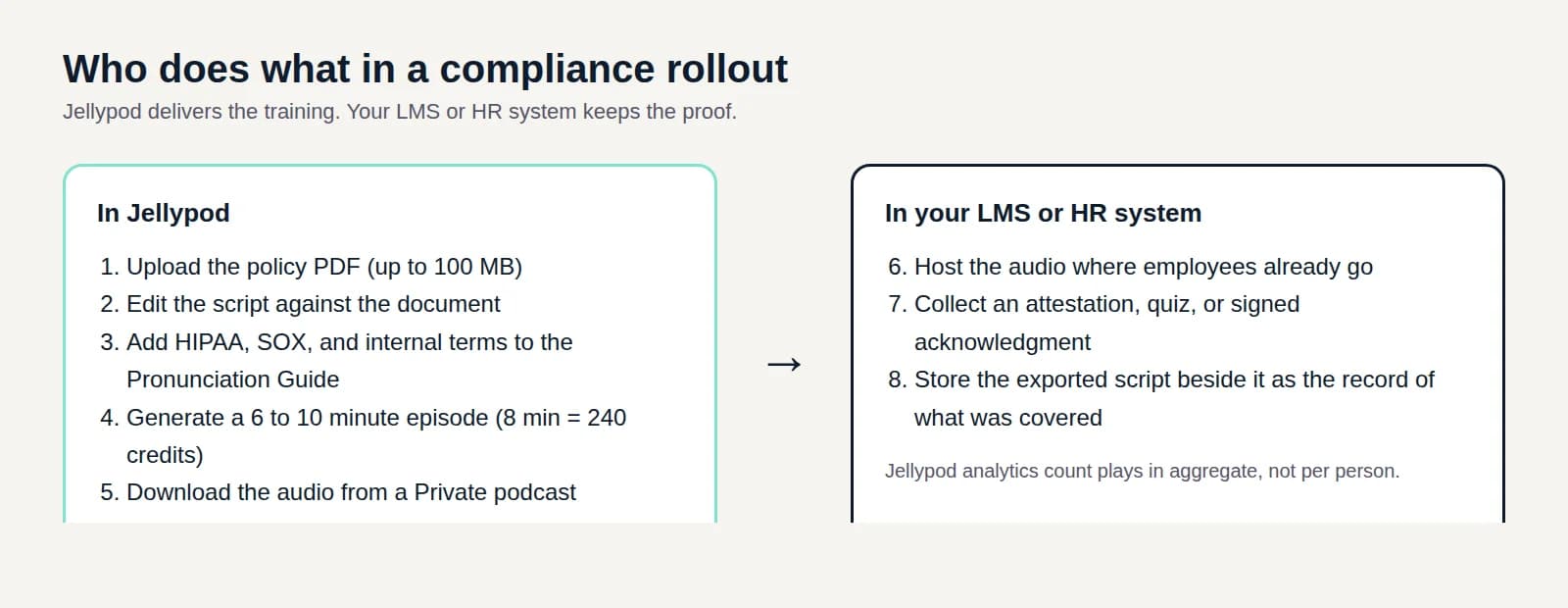
The practices that work are short: one policy per session, wording taken from the source document, and a plain record that people were trained. Jellypod fits the first two. You upload the policy PDF, review and edit the script line by line, and produce a 6 to 10 minute audio episode with two hosts. It does not track who finished it, so the completion record stays in your LMS or HR system.
Key takeaways
- Cut each policy to one episode of 6 to 10 minutes, built from the actual document rather than a topic prompt.
- Add HIPAA, SOX, and internal policy terms to the Pronunciation Guide before you generate audio.
- Private podcasts in Jellypod are workspace-only, with no RSS feed and no share link. To reach people outside your seats, download the audio and host it in your LMS or intranet.
- A transcript shows what was said. It does not show who heard it, so keep attestations in your LMS.
- For an AI usage policy, split it into one episode per rule and re-issue an episode whenever the rule changes.
What makes compliance training work?
Gallup's data points at delivery. Web-only training scored 17% excellent, against 30% for in-person and 28% for a hybrid mix. Only 10% of employees strongly agreed the training changed how they do their work. Gallup also found that people who rated their training 1, 2, or 3 were on par with untrained employees at speaking up about unethical behavior, and less likely to know where to report a concern.
That survey is from 2018, so treat it as direction, not a benchmark for your team. The useful reading is narrow: a long click-through module that people rate poorly is not neutral. It can leave people no better prepared than no training.
How do you turn a policy PDF into a compliance episode?
Start with one policy, not a quarter's worth of updates. The workflow in Jellypod:
- Upload the sourceAdd the policy as a file. Each upload can be up to 100 MB, and PDFs are trimmed to the first 250 pages. See supported source types.
- Edit the scriptRead the draft against the document in the script editor and fix any line that drifts from the policy. If legal has already approved wording, paste that script instead of drafting a new one.
- Set pronunciationsAdd terms the voices might get wrong in the Pronunciation Guide, such as HIPAA, SOX, or an internal policy code, then preview them in your hosts' voices.
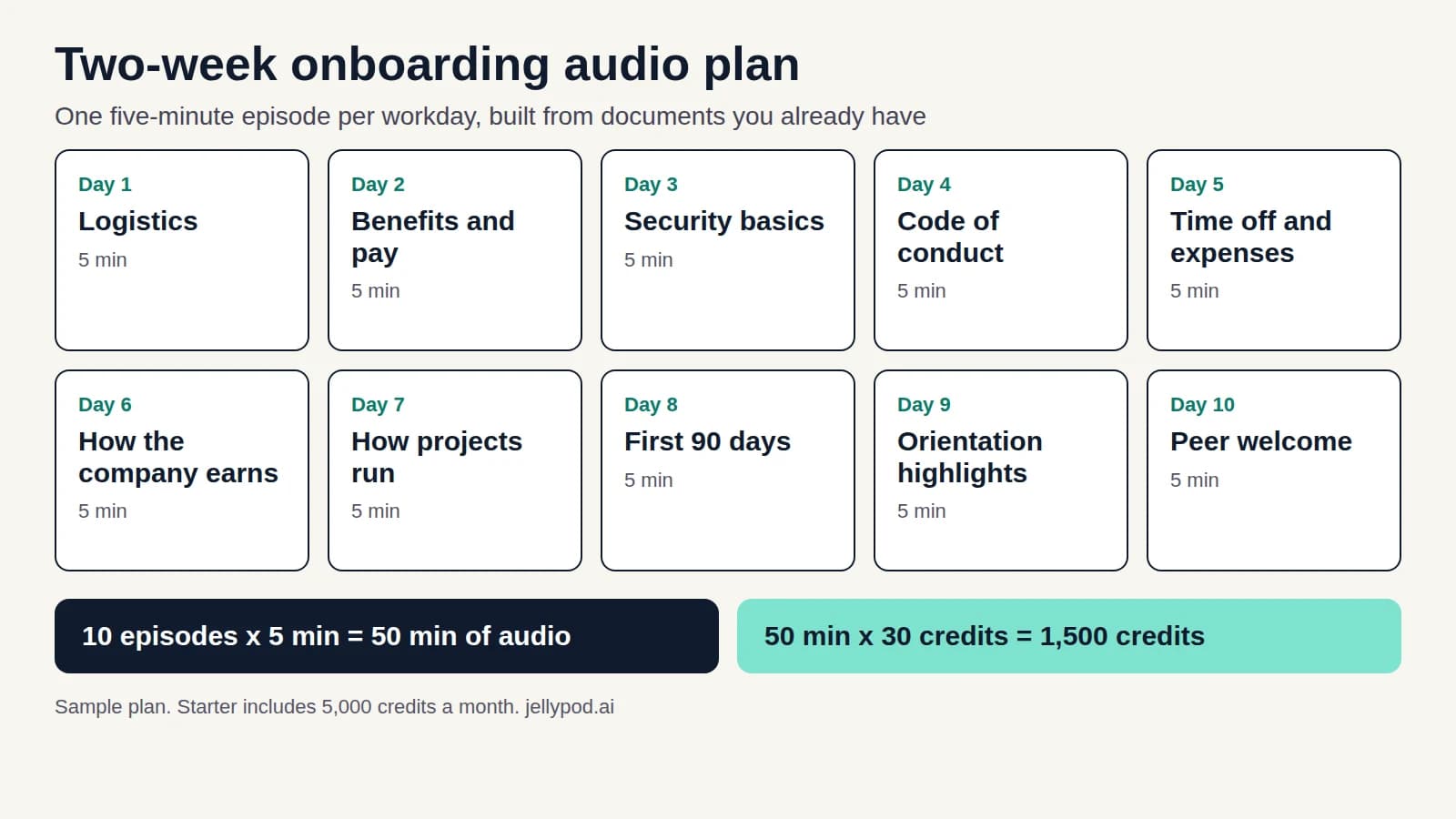
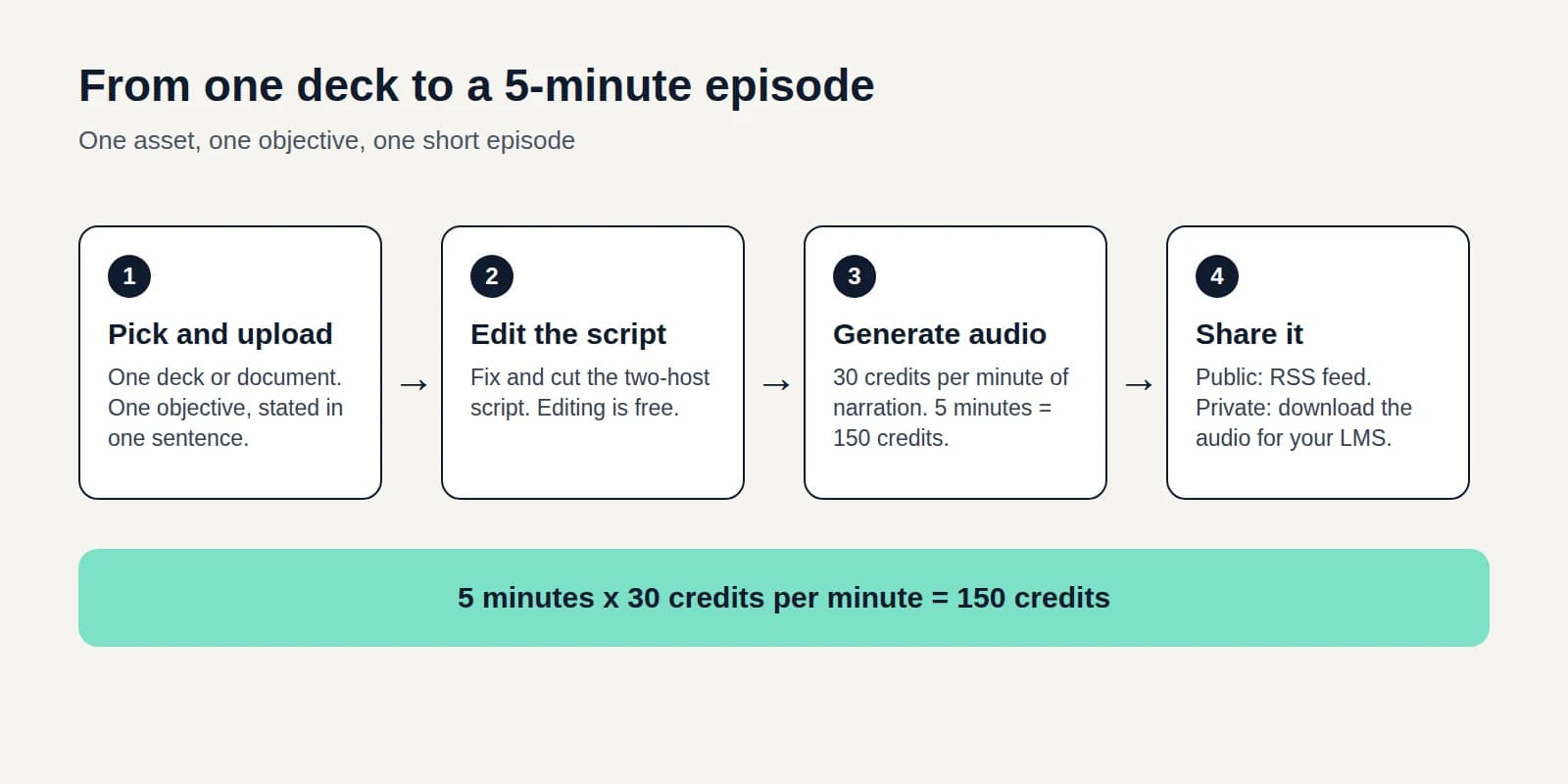
- Generate the audioNarration costs 30 credits per minute, so an 8 minute episode is 240 credits. Starter includes 5,000 credits a month, enough for about 20 episodes that length. Regenerating audio is free.
- Distribute itChoose between the two options in the next section.
Review is not optional. Compliance content cannot be approximately right, and the script is where you catch a paraphrase that changes a requirement.
Can you keep compliance training private?
Yes, with one limit that matters. Jellypod has two podcast visibility settings, and neither is a password-protected feed.
| Setting | Who can listen | What you get |
|---|---|---|
| Private | Members of your Jellypod workspace | No website, no RSS feed, no share links. Episodes are downloaded from the Studio. |
| Public | Anyone with the feed or link | Website, RSS feed, and Spotify, Apple Podcasts, and YouTube distribution. See hosting. |
Private is the right setting for anything internal. The catch is seats: Creator includes 2, Business includes 5, and inviting beyond your plan's limit prompts an upgrade. Enterprise adds SSO. For a workforce of hundreds, the practical route is to download the finished audio from a private podcast and host it where employees already go, in your LMS, intranet, or a shared drive. Do not put internal-only policy on a public feed.
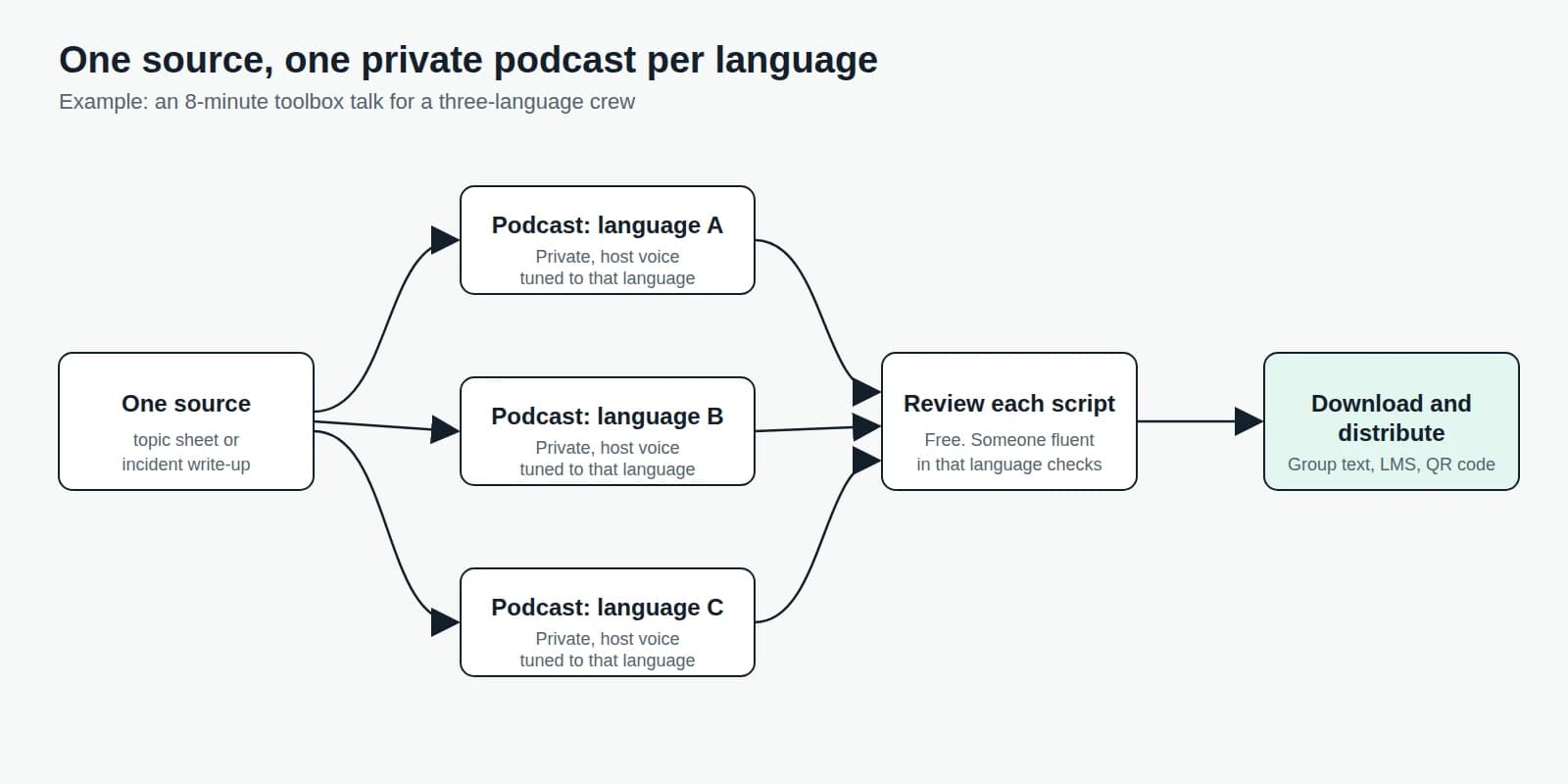
The same pattern works for internal communications podcasts and for daily safety briefings like toolbox talks.
Does a transcript count as proof of compliance training?
No, and this is the mistake to avoid. A transcript records what the episode said. It does not record that a specific employee heard it. Jellypod's analytics count plays in aggregate, not per person, and a Private podcast has no feed or embed to measure at all.
Regulations care about the second record. HIPAA, for example, requires covered entities to train every workforce member on their privacy policies and to keep documentation of that training for six years. Audio can deliver the training. The proof of who completed it has to come from an attestation, a quiz, or a signed acknowledgment in your LMS or HR system, with the exported script saved beside it as the record of what was covered.
We are not lawyers, and whether audio satisfies a given framework depends on the framework and your auditor. Ask before you retire an existing module.
How do you roll out an AI usage policy?
Most employees are already ahead of the policy. In a Cornerstone OnDemand survey run by Dynata in October 2025, 80% of 1,000 U.S. workers used AI at work, but only 44% had received AI training. A Resume Now survey of 1,020 employed U.S. adults in May 2026 found the same gap from the other side.
| Survey | Finding |
|---|---|
| Cornerstone OnDemand / Dynata, Oct. 2025 | 44% received AI training, 16% frequently; 57% of AI users are reluctant to tell a manager |
| Resume Now, May 2026 | 41% say their employer provided no AI tools, training, or guidance; 76% use tools they found themselves |
A policy PDF that sits in a shared drive does not close that gap. An episode per rule might:
- Start with the rule that carries the most risk, usually what data must never go into an AI tool (customer records, patient information, unreleased financials).
- Give each approved tool its own short episode, with the tool names in the Pronunciation Guide.
- End every episode with who to ask, so the answer to "can I use this?" is one person, not a guess.
- When the policy changes, email the revised document to an automation. It uses the email as the source for a new episode, and you can have it save a draft so you review before anything goes out.
If the change is about how to use a tool on screen, a short video usually teaches better than audio. See employee training videos.
Where does audio fit in the rest of your training?
Audio suits policy explanations, refreshers, and anything people can absorb while doing something else. Hands-on procedures and anything that needs a signature need more than a listen. For new hires, sequence it with the rest of onboarding training. For the format in general, see audio microlearning.
Pick one policy this week, produce the episode, and check it against the source before you send it.