
On September 2, 2026, Gemini Notebook stopped counting your usage in generations per day and started counting it in compute per five hours. If you lean on Audio Overviews to turn sources into something listenable, that change reaches into your workflow directly.
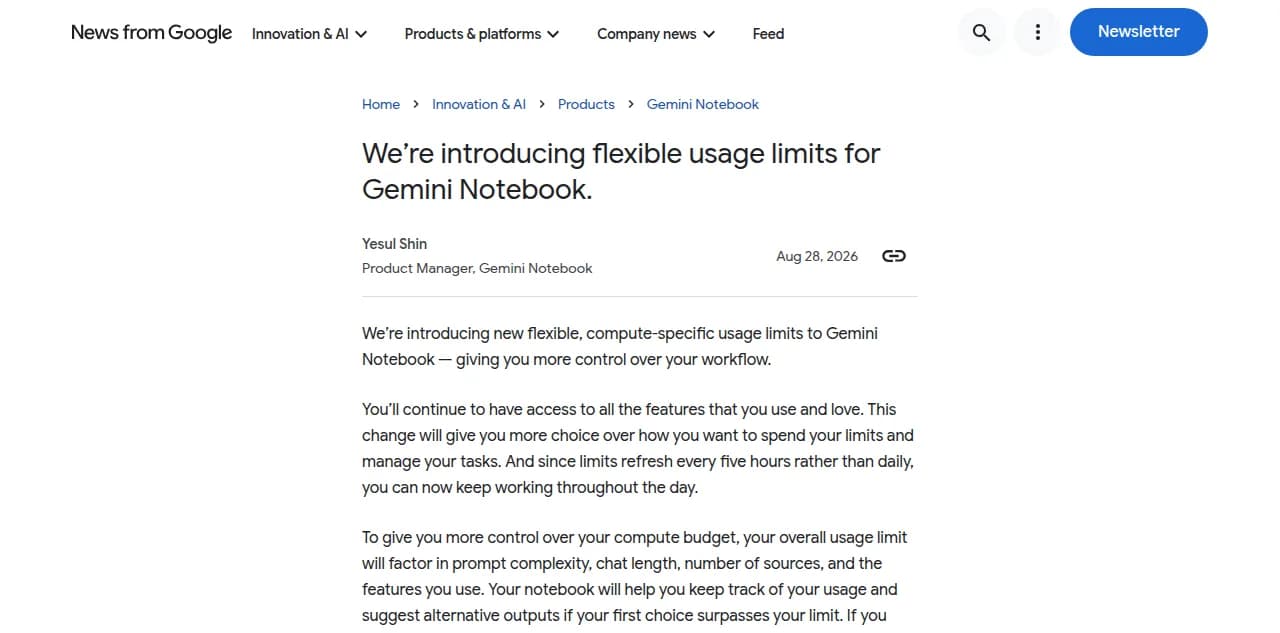
Google announced the switch on August 28, 2026, and rolled it out to consumer accounts five days later. The new system replaces fixed daily caps with a compute budget that factors in prompt complexity, chat length, number of sources, and which features you use, and that budget refreshes every five hours instead of resetting once a day. Paid tiers get a bigger budget, not an unlimited one. Jellypod runs on a different model: drafting and editing a podcast are free on every plan, and credits are only spent when you generate audio, at 1 credit per second, with no five-hour clock deciding when you are allowed to work again. Podcast listening is at an all-time high, about 167 million Americans a month, so a research tool that rations how often you can generate is a worse fit the moment your notebook feeds a show with a real audience on a schedule.
What are Gemini Notebook's new usage limits?
They are a shared compute budget instead of a per-feature daily count.
Before September 2, 2026, Gemini Notebook (the product Google renamed from NotebookLM in July) capped you with simple daily numbers: a set number of Audio Overviews, a set number of chat queries, reset at midnight. The new system pools all of that into one budget. Product manager Yesul Shin wrote in the announcement that the change gives users "more choice over how you want to spend your limits and manage your tasks," because a single expensive action, a long Audio Overview built from a dozen sources, can now cost more of your budget than a short one, rather than counting the same as any other generation.
How is this different from the old daily limits?
The clock is shorter, but it never fully resets until the week is up.
The old system reset once every 24 hours. The new one refreshes every five hours, according to Google's support documentation, which sounds more generous until you hit a weekly ceiling: once you exhaust that weekly limit, no five-hour refresh brings it back until the weekly boundary resets. In practice that means a burst of heavy work, several long Audio Overviews and a big research session in the same day, can leave you with less remaining budget for the rest of the week than the old daily cap ever would have.
How much more do paid Gemini Notebook plans get?
More budget, scaled by tier, but every tier is still metered.
| Plan | Usage limit vs. free |
|---|---|
| Free | Standard (baseline) |
| AI Plus | 2x standard |
| AI Pro | 4x standard |
| AI Ultra ($100 tier) | 5x AI Pro |
| AI Ultra ($200 tier) | 20x AI Pro |
Those multipliers come from Google's own usage limits documentation. Even at the top tier, you are still working against a budget that refreshes every five hours and caps out weekly. See what those Gemini Notebook (NotebookLM) plans actually cost if you are weighing whether a paid tier buys enough headroom for your workload.
What happens when you hit your Gemini Notebook usage limit?
You get a smaller output offered in place of the one you asked for, or a delay.
Per Google's support documentation, a live usage indicator lets you watch your remaining five-hour budget as you work, and if a request would exceed it, the notebook suggests a lighter alternative output instead. For heavier jobs like a Video Overview or a Slide Deck, there is a "Generate later" option: the notebook queues the job and runs it automatically once your budget resets, then notifies you if you have notifications on. It works, but it turns "make the audio now" into "wait for compute," which is a strange thing to build a recurring show around.
Where Jellypod fits when the notebook runs out
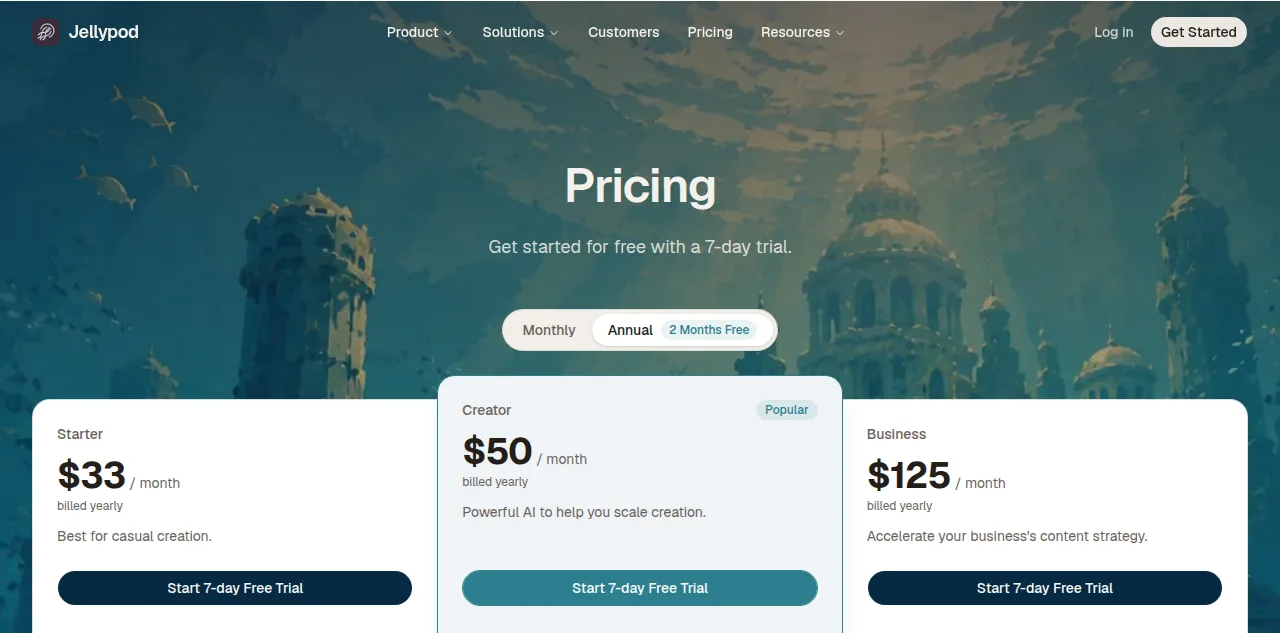
This is the gap Jellypod fills. You bring the same sources you would drop into Gemini Notebook: documents, links, or a raw idea. Drafting the outline, writing the script, and editing every line is free on every plan, with no daily or five-hour clock involved. Credits are only spent at the moment you generate audio, and once an episode is published it stays live on a real RSS feed that reaches Spotify, Apple Podcasts, and YouTube, with no budget to run out on the next one. Already generated an Audio Overview before you ran out of budget? Import that audio into Jellypod and it transcribes the file, separates the speakers, and hands you an editable script voiced by your own hosts.
Chris Read, a Canadian high school history teacher, hit this kind of ceiling before he switched. As he put it, "NotebookLM generated fixed conversations he couldn't meaningfully edit", so he moved his weekly lesson audio to a workflow where he keeps editorial control over the script and shares the finished episode with the same class every time. A five-hour compute budget would have added a second constraint on top of the one that already pushed him out.
Frequently asked questions
When did Gemini Notebook's new usage limits start?
Google announced the change on August 28, 2026, and rolled it out to consumer accounts on September 2, 2026. It replaced fixed daily caps with a compute-based budget that refreshes every five hours, according to Google's own announcement.
Does the new system make Gemini Notebook more or less generous?
It depends on your usage pattern. Light, spread-out use benefits from the five-hour refresh instead of waiting a full day. Heavy bursts, several long Audio Overviews in one sitting, can exhaust your weekly budget faster than the old daily cap did, since there is no full reset until the week ends.
Can I check how much of my Gemini Notebook usage budget is left?
Yes. Google added a live usage indicator that shows your remaining five-hour budget as you work, plus a summary in the Settings menu under Usage. If a request would exceed your limit, the notebook suggests an alternative output before you spend it.
Do Jellypod's credits work on the same kind of refreshing clock?
No. Jellypod has no five-hour or daily budget. Drafting and editing episodes is free on every plan, and credits are only charged when you generate audio, at 1 credit per second. There is no waiting for a clock to reset before you can keep working.
Did this update change what Gemini Notebook's Audio Overview can do?
No. The usage limit change is about how much you can generate, not what the Audio Overview produces. It still generates a single two-host file with no custom hosts, no editable script, and no RSS feed, the same gaps covered in how to turn Gemini Notebook into a published podcast.
The short version
Gemini Notebook now runs on a compute-based budget that refreshes every five hours instead of once a day, and even paid tiers just get a bigger version of that same metered budget. If your workflow depends on generating audio the moment you need it, not when a clock allows it, bring your sources to Jellypod instead, where drafting is always free and credits are only spent when you actually publish.