
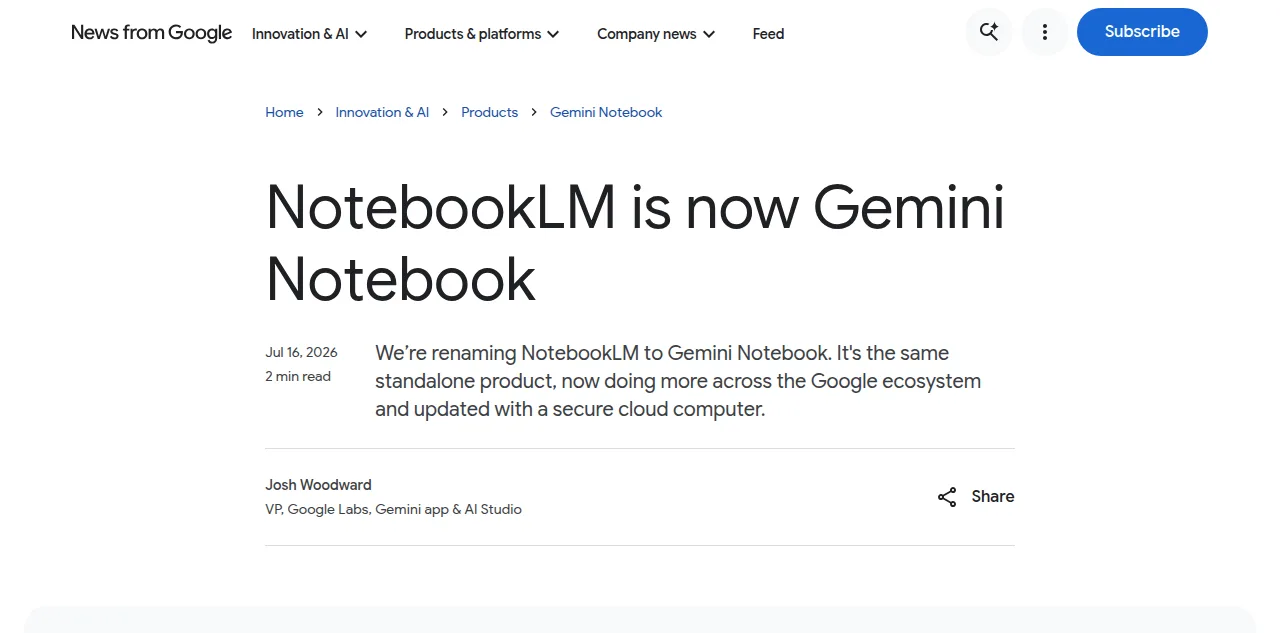
If you opened NotebookLM this week and found a new name and a blue and purple logo, you did not lose your notebooks. Google renamed NotebookLM to Gemini Notebook on July 16, 2026. Same product, same sources, new badge.
It is a rebrand, not a rebuild. Google folded the tool into its main Gemini brand and added a secure cloud computer that lets notebooks write and run code for deeper data analysis. Nothing was removed. The Audio Overview that turns your sources into a two-host discussion works exactly as before, which also means its old limits stay: one auto-generated file, no custom hosts, no editable script, no RSS feed. When you want that overview to become a real podcast you own and publish, Jellypod imports the audio and rebuilds it as an editable, distributable show. More than 30 million people and 600,000 organizations use the tool Google just renamed.
Is NotebookLM now Gemini Notebook?
Yes. On July 16, 2026, Google announced that NotebookLM is now Gemini Notebook. In the words of Josh Woodward, VP of Google Labs and the Gemini app, "We're renaming NotebookLM to Gemini Notebook. It's the same standalone product, now doing more across the Google ecosystem." The logo picks up the Gemini blue and purple gradient, and the awkward "LM" (short for language model) is gone.
The point of the change is brand alignment. Google is pulling its consumer AI products under the single Gemini name, and NotebookLM was the odd one out. Coverage from 9to5Google and Engadget framed it the same way: a name change that signals tighter integration, not a new app you have to relearn.
Your existing notebooks, sources, and generated content carry over. You do not need to migrate anything or create a new account.
Did any features change in Gemini Notebook?
The rename shipped with additions, not removals. The headline feature is a secure cloud computer inside every notebook. It lets Gemini Notebook write and execute code natively, so it can run data analysis grounded in your uploaded sources and produce output formats the old version could not.
Rollout is staged. Google says the cloud computer is available now for Google AI Ultra subscribers and Workspace business customers with the right access tier, and it "will roll out to all Pro users on the web over the coming weeks." If you are on the free tier, expect the new analysis features to reach you later than power users.
The rebrand also deepens ecosystem ties. Notebooks already live inside the Gemini app for organizing chats and collecting work, and Google says notebooks are coming to AI Mode in Search. Gemini Notebook still runs as a standalone research tool, so those integrations sit on top of the app you already know rather than replacing it.
What stayed the same after the rename?
Almost everything you touch day to day. The rename left the core research workflow untouched: upload sources, ask questions grounded in them, and generate Audio Overviews, Video Overviews, and study aids. Crucially for anyone using it to make audio, the Audio Overview feature is unchanged, which means its ceiling is unchanged too.
| What changed | What stayed the same |
|---|---|
| Name: NotebookLM becomes Gemini Notebook | Your notebooks, sources, and account |
| Logo: new Gemini blue and purple gradient | Audio Overviews (still one auto-generated file) |
| New secure cloud computer for code and data analysis | No custom hosts and no editable script |
| Deeper Gemini app and Search AI Mode integration | No RSS feed and no podcast distribution |
If this pattern sounds familiar, it is. The June 2026 update, one month before the rename, added a newer model and agentic research features while leaving the Audio Overview exactly as it was. The July rename follows the same shape: more research power, the same one-off audio output.
What did the June 2026 update change?
The rename was not the first big NotebookLM release of the year. On June 8, 2026, Google shipped its largest update since Audio Overviews launched, and it set the pattern the rebrand later repeated. That release added:
- A newer model. NotebookLM moved to Gemini 3.5, with an emphasis on output quality and showing its work.
- Code execution. Every notebook got a sandboxed environment that can write and run code while you ask questions in plain English, useful for pulling structure out of messy sources. The July rebrand turned this into the "secure cloud computer" above.
- Visible reasoning. The chat began showing the steps it took to reach an answer, not just the final result.
- Agentic source discovery. You can start a notebook from a loose idea and let it find sources to build the repository for you.
- New export formats. Charts as PNG or SVG, plus PDF, Word, Markdown, Excel, PowerPoint, CSV, JSON, and image exports.
None of it touched audio. No new export format includes an audio file or a podcast feed, and the Audio Overview generated exactly as before. So across both the June update and the July rename, the research tool got materially stronger and the podcast feature did not move.
Does the rebrand change how you make a podcast?
No. The podcast-style Audio Overview is the same feature with the same limit. It generates a single two-host conversation from your sources, and it is genuinely impressive on the first listen. But it is one fixed file. You cannot name your hosts, you cannot edit the script before the audio is generated, you cannot clone your own voice, and there is no RSS feed to push episodes to Spotify or Apple Podcasts.
That ceiling is why the tool works better as a starting point than a finish line. A researcher can get a quick audio summary in a minute. An educator, a clinician, or a training lead who wants a recurring show their audience subscribes to needs hosting, distribution, and editorial control the notebook does not provide.
Where Jellypod fits after Gemini Notebook
Jellypod is the place Gemini Notebook users graduate to when a one-off overview is not enough. It takes the same starting point, a document, a URL, or a raw idea, and carries it all the way to a published podcast you own.
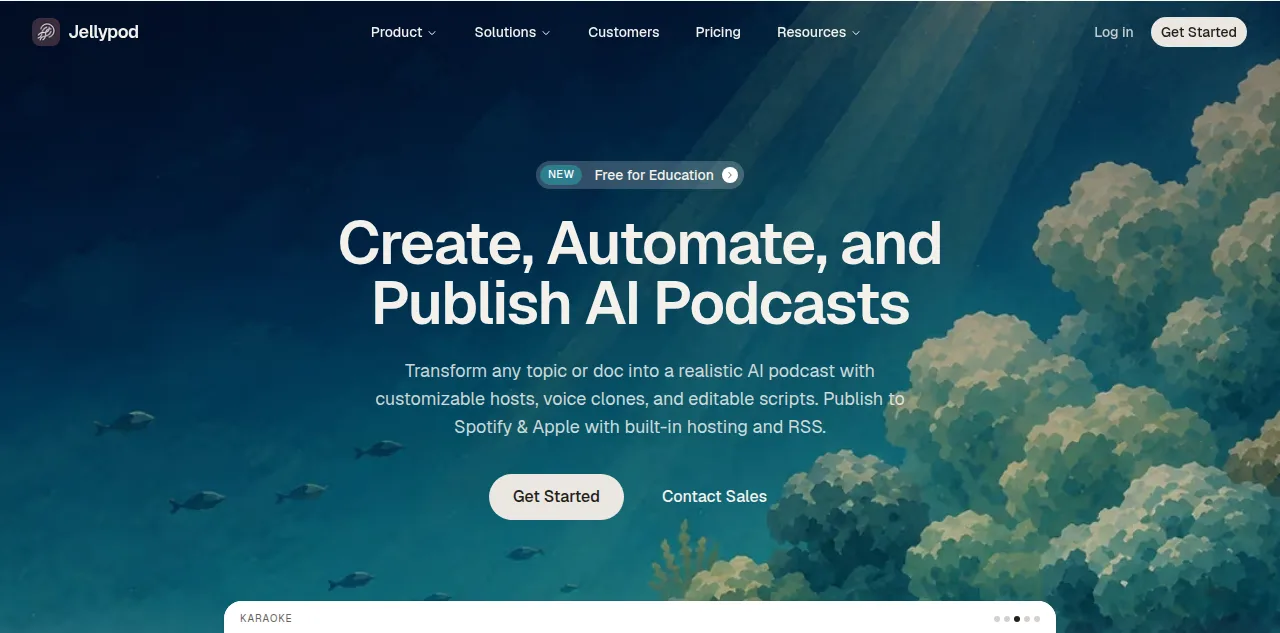
Already generated an audio overview in Gemini Notebook? Import that audio into Jellypod and it rebuilds the file as an editable script voiced by your own hosts. From there you can:
- Set custom AI hosts with names and personalities, or clone your own voice as a persistent host.
- Edit the script before any audio renders, instead of accepting a single generated take.
- Publish to a real RSS feed with one-click distribution to Spotify, Apple Podcasts, and YouTube.
- Drop in 70-plus file types, with drafting and editing free and credits spent only on publish or download.
This is exactly how professionals are already using it. As Kris Vanhaecht, Professor of Medicine at KU Leuven, put it, Jellypod "enables us to make podcasts of peer-reviewed medical papers that nobody, until now, was going to read." The education workflow works the same way for lectures and slides. For a full side-by-side of the options, see the best NotebookLM alternatives.
Frequently asked questions
Is NotebookLM gone?
No. NotebookLM was renamed to Gemini Notebook on July 16, 2026, but it is the same standalone product. Your notebooks, sources, and generated content all carry over, and you do not need to migrate or create a new account. Only the name, the logo, and some added features changed.
Do I need to do anything after the rename?
Nothing. The change is automatic. You will see the Gemini Notebook name and the updated logo the next time you open the app, with all of your existing notebooks intact. There is no migration step, no re-upload, and no new sign-up.
Is Gemini Notebook free?
The core tool remains free with paid tiers for higher limits, the same structure as before the rename. The new secure cloud computer features started with Google AI Ultra and Workspace business customers and are rolling out to Pro users on the web over the coming weeks. See what NotebookLM's paid tiers cost for the full breakdown.
Did Audio Overviews change with the rename?
No. Audio Overviews generate the same way: one auto-generated two-host file per set of sources, with no custom hosts, no editable script, and no RSS distribution. If you want an editable, hostable podcast, you import the audio into a production tool like Jellypod and rebuild it there.
Can Gemini Notebook publish a podcast to Spotify?
No. Gemini Notebook produces audio you download or stream inside the app, with no hosting or RSS feed, so it cannot publish to Spotify or Apple Podcasts on its own. Jellypod gives you the RSS feed and one-click publishing to reach those directories with a recurring show.
The short version
NotebookLM is now Gemini Notebook: a rebrand tied to Google's Gemini family, plus a secure cloud computer for code and data analysis. The research tool got more powerful, but the Audio Overview kept the same one-file ceiling. When you are ready to turn that overview into a podcast you own and distribute, import it into Jellypod and publish a real show.