A textbook is written to be read twice: once by the professor who assigned it, and once by the student with three days left before the exam. Turning it into a podcast breaks that math. A chapter you would never finish on paper becomes twelve minutes you finish on the walk to class.
Turning a textbook into a podcast means uploading a chapter, or the whole PDF, to a tool that drafts a script from the text and generates two hosts talking it through, so the material becomes something you listen to instead of something you skim. Jellypod does this chapter by chapter: drop in the PDF, review and edit the script it drafts, choose voices, and publish an episode you can return to before the next quiz. Across every source ever uploaded to Jellypod, PDFs already make up close to one in every fourteen, more than 11,500 out of 162,000-plus, and over 350 of those are titled or described as a textbook, a chapter, or a study guide. Nobody sold this as a study hack. Students found it on their own.

Can you turn a whole textbook into a podcast, not just one chapter?
Yes, and it works better as a series than as one long episode. Treat each chapter as its own episode instead of dumping the entire PDF into a single generation pass. A 300-page textbook covering fourteen chapters becomes fourteen focused episodes, each ten to fifteen minutes, instead of one two-hour audio file nobody finishes in a single sitting.
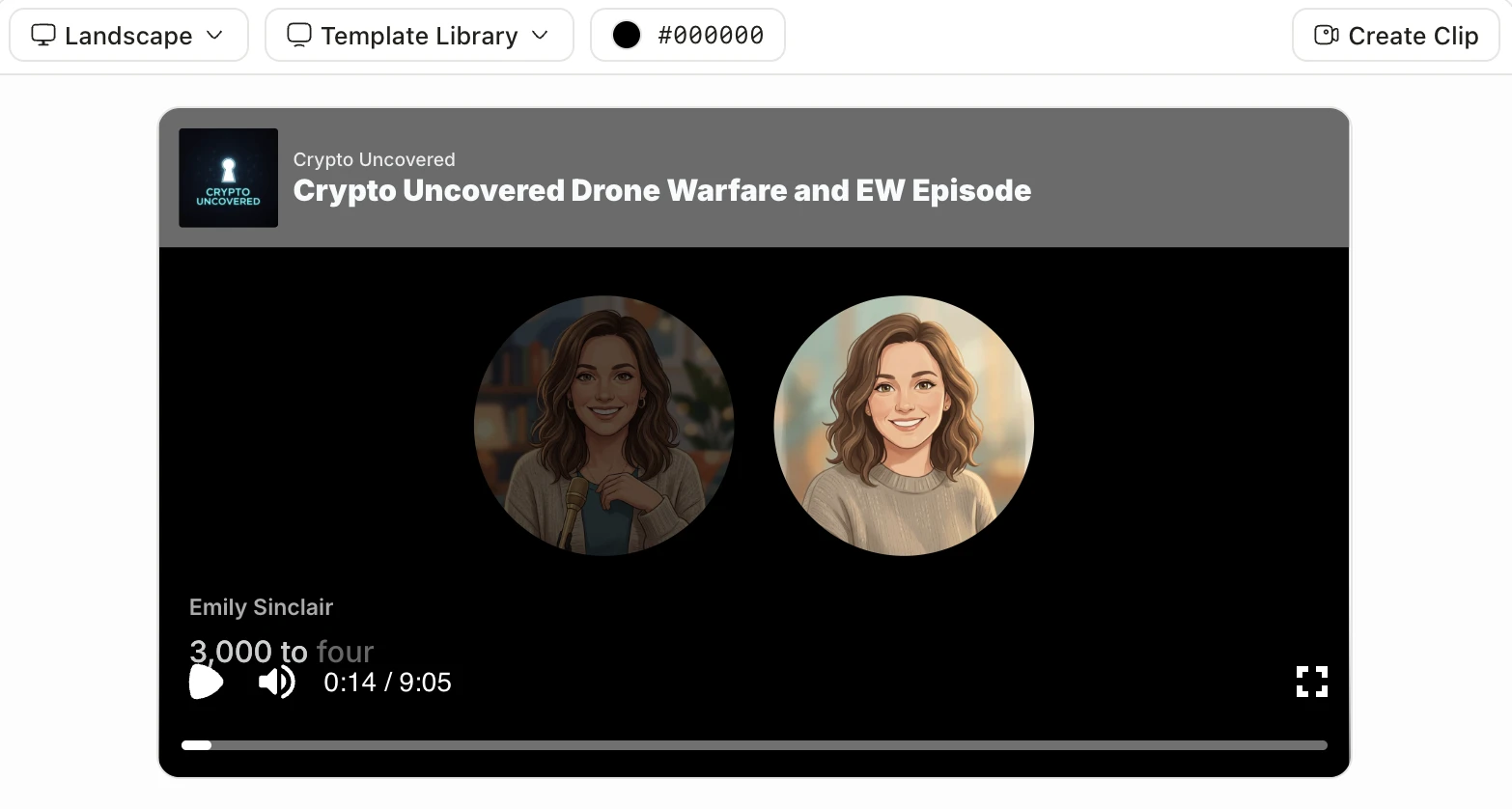
The part that makes it feel like a season instead of fourteen disconnected clips is consistency: same two hosts, same intro cadence, same way of flagging "here's the part that shows up on the test." Jellypod keeps host personas fixed across an entire podcast, so chapter 12's episode sounds like it belongs to the same show as chapter 1's, generated four weeks earlier.
What's the best tool to turn a textbook into a podcast?
It depends on whether you want a quick one-time summary or a series you can edit and keep. Google NotebookLM popularized the idea with Audio Overviews: upload a source, get a two-host conversation in a few minutes, for free. Speechify has its own guide built around the same one-shot approach. Both are fast. Neither lets you fix a wrong explanation before you publish it, and neither is built to hold a full-book series together.
| Tool | Good for | Falls short on |
|---|---|---|
| Jellypod | Editable scripts, consistent hosts across a full-book series, choice of voices | Paid after the free tier |
| Google NotebookLM | Fast, free, one-off Audio Overview from any source | Fixed two-host format, no script editing, no series structure |
| Speechify | Turning a book into narrated audio quickly | Narration, not a two-host conversation; less useful for a discussion-style episode |
| NoteGPT | Handles PDFs, text, and YouTube in one tool | Generic output, output feels less conversational |
| Vidnoz | Free conversion with lifelike voices | Built for single conversions, not a recurring chapter-by-chapter show |
For one chapter before tomorrow's quiz, NotebookLM is the fastest path. For an entire semester's textbook, where you want to catch a hallucinated fact before it becomes ten minutes of audio and keep the same two hosts from chapter 1 through chapter 14, an editable, series-aware workflow matters more than speed.
How do you actually turn one chapter into an episode?
- Upload the chapterAdd the textbook PDF, or just the chapter you need this week, as a source in Jellypod.
- Let it draft a scriptJellypod generates a conversational script from the chapter text, not a straight read-through.
- Read the draft before you generate audioFix anything that misstates a formula, a date, or a definition. This is the step NotebookLM skips entirely, and it matters most for technical material.
- Pick two hosts and generate audioKeep the same voices for every chapter in the book so the series feels continuous.
- Publish and queue the next chapterA private feed works for a personal study series; a public one works if you want to share it with classmates.
Is it legal to turn a textbook into a podcast?
For personal study, generating an audio version of a book you already own or have legal access to generally falls under normal use, the same logic that covers reading a PDF aloud to yourself. Publishing someone else's copyrighted textbook content as a public podcast for others to stream is a different question, and the U.S. Copyright Office's fair use overview is the right starting point if you are unsure where personal use ends and redistribution begins. When in doubt, keep chapter-based study episodes private, and only publish material you wrote or have clear rights to.
Does the AI host actually understand the material, or is it just reading it?
Neither, exactly. The script comes from a language model reading the chapter text and drafting a conversation around it, so it can explain a concept in different words, not just repeat the page. That also means it can misstate something, particularly in dense technical or quantitative chapters, which is why reviewing the draft script before generating audio matters more here than it does for lighter material. Treat the first draft as a teaching assistant's notes, not a finished lecture.
How long should a textbook-chapter episode be?
Ten to fifteen minutes per chapter is the range that holds attention without cutting so much that you lose the thread. Much shorter and you are back to a bullet-point summary; much longer and retention from a single listening session drops off. If a chapter runs long, split it into two episodes rather than stretching one past twenty minutes.
Listening is exposure, not retention on its own. Pair each chapter episode with a short retrieval attempt, a handful of questions from the same material, right after you finish. That is the mechanism behind the research on AI study podcasts: the podcast primes the material, the quiz is what makes it stick.
Frequently asked questions
Can I use a scanned or photocopied textbook instead of a digital PDF?
Yes, as long as the text is selectable or the scan is clean enough for text extraction. A poor-quality scan with skewed pages or handwriting in the margins may extract inaccurately, so a clean digital PDF or a well-lit scan works best. If a source fails to extract properly, try a higher-resolution scan or paste the text directly.
Do I need one episode per chapter, or can I combine chapters?
One chapter per episode is the easier default because it keeps each episode's length manageable and makes it simple to jump straight to the unit you need before a specific quiz. Combining several short chapters into one episode works fine if they cover a single tightly related topic.
Can I turn my own class notes into a podcast the same way, not just the textbook?
Yes. Lecture notes, slide decks, and reading lists all work as sources the same way a textbook chapter does. If your material is closer to raw notes than a formal textbook, the AI podcast for studying workflow covers that version in more depth, including the research on why pairing listening with retrieval practice is what actually improves grades.
Will this work for a technical textbook with equations and diagrams?
It works for the prose and the concepts, but equations and diagrams do not translate to audio cleanly. Edit the draft script to describe the relationship a formula expresses in words, rather than reading symbols aloud, and treat the diagram-heavy sections as a cue to keep the textbook open next to the episode rather than replace it entirely.
The short version
Textbooks are already a bigger part of what people upload to Jellypod than the marketing ever suggested, over 350 sources tagged as a textbook, chapter, or study guide and counting. Turn one chapter into an episode, review the script before you generate audio, keep the same hosts across the whole book, and pair each episode with a short quiz afterward. Start with Jellypod's PDF to podcast tool, and see the supported source types if you are working from something other than a clean PDF. For the full workflow and how it compares to a plain PDF-to-audio reader, see how to turn a PDF into a podcast.