Turn Notes Into a Podcast
4.7out of 5 on G2












Your notes, as a two-host show
 Notes
00:00/00:55
 Claire Brooks
 Marcus Hayes
If you missed the winter catalog launch sync on October 5th, here's the headline.
Launch moved from November 3rd to November 10th.
The print proofs came back with color problems on pages 12 through 18.
Real Jellypod output. The player has a 55-second excerpt.
A recap for whoever missed it
Paste the bullets, and two hosts walk through the decisions in the order you wrote them.
Last updated October 2026
How to turn meeting notes into a podcast
Step 01
Paste the notes
Meeting notes, lesson outlines, and onboarding bullets all work.Step 02
Add what the bullets missed
Add the decision, the owner, and the context the bullets left out.Step 03
Send it to whoever missed it
Send it to the people who missed the meeting.
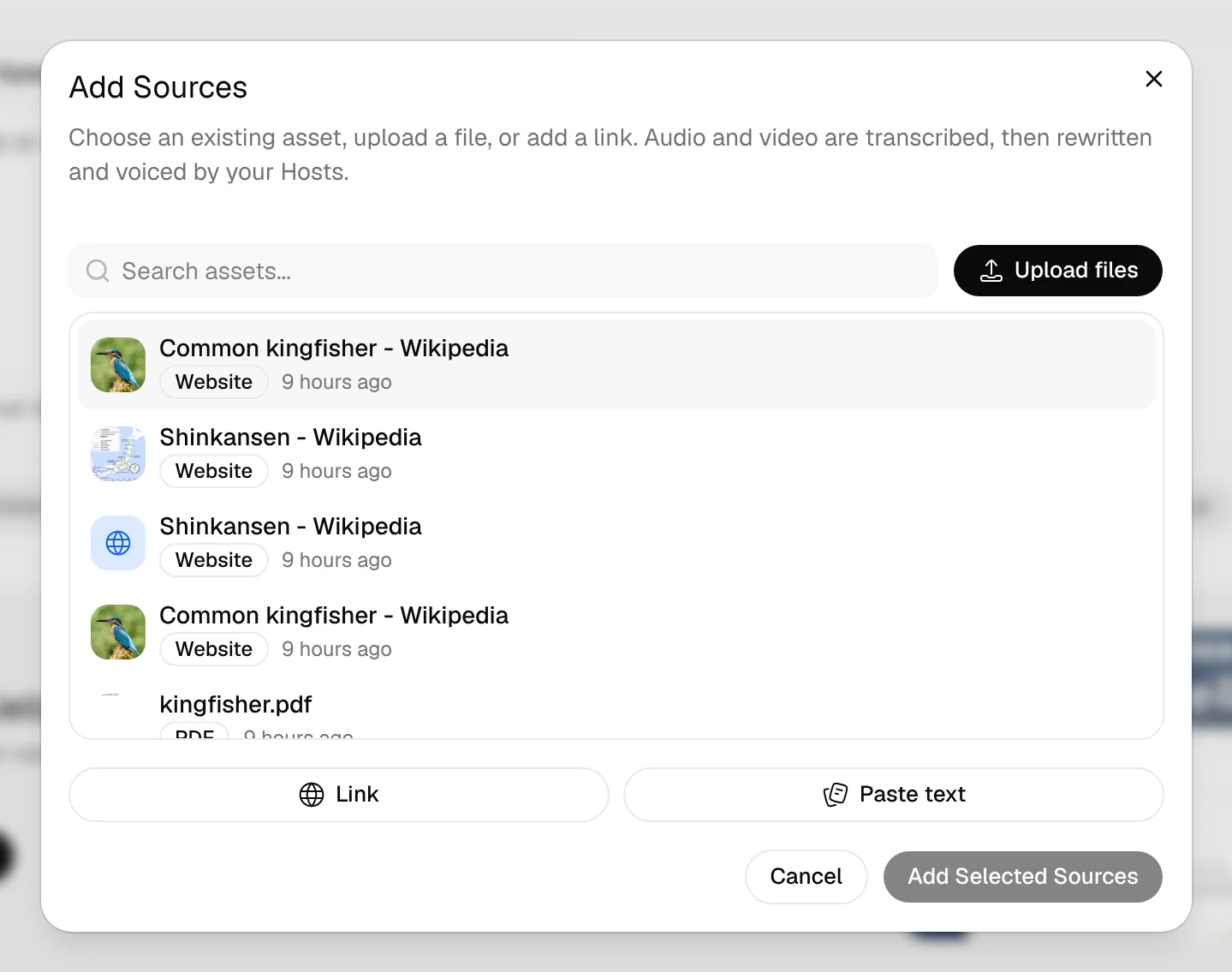
The hosts follow your order
Two hosts walk through your bullets in the order you wrote them.
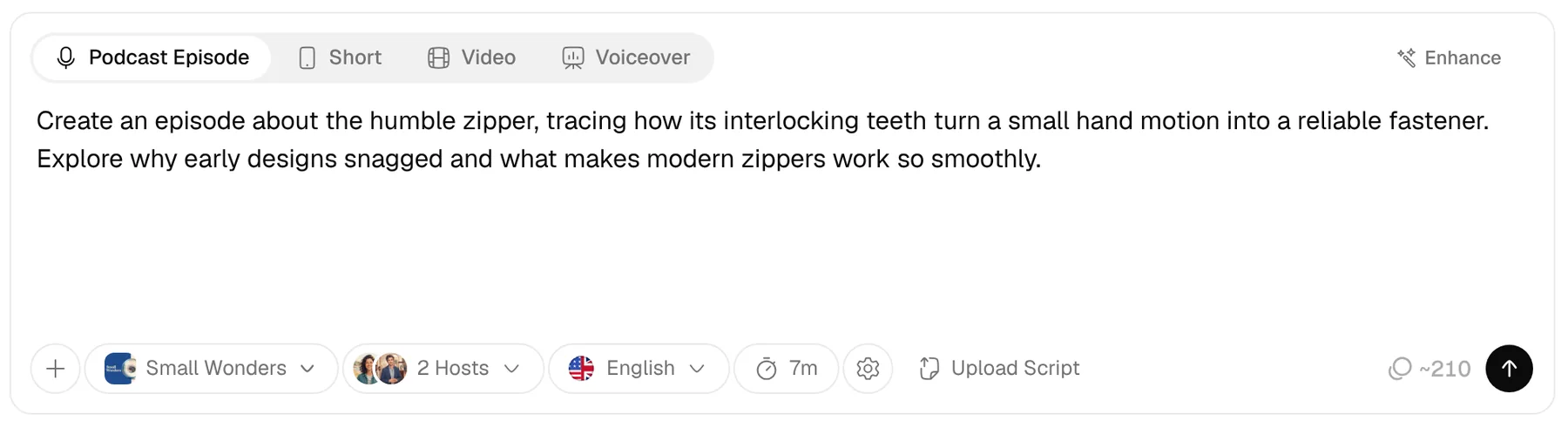
Pick the length
Set any length from 3 to 60 minutes.
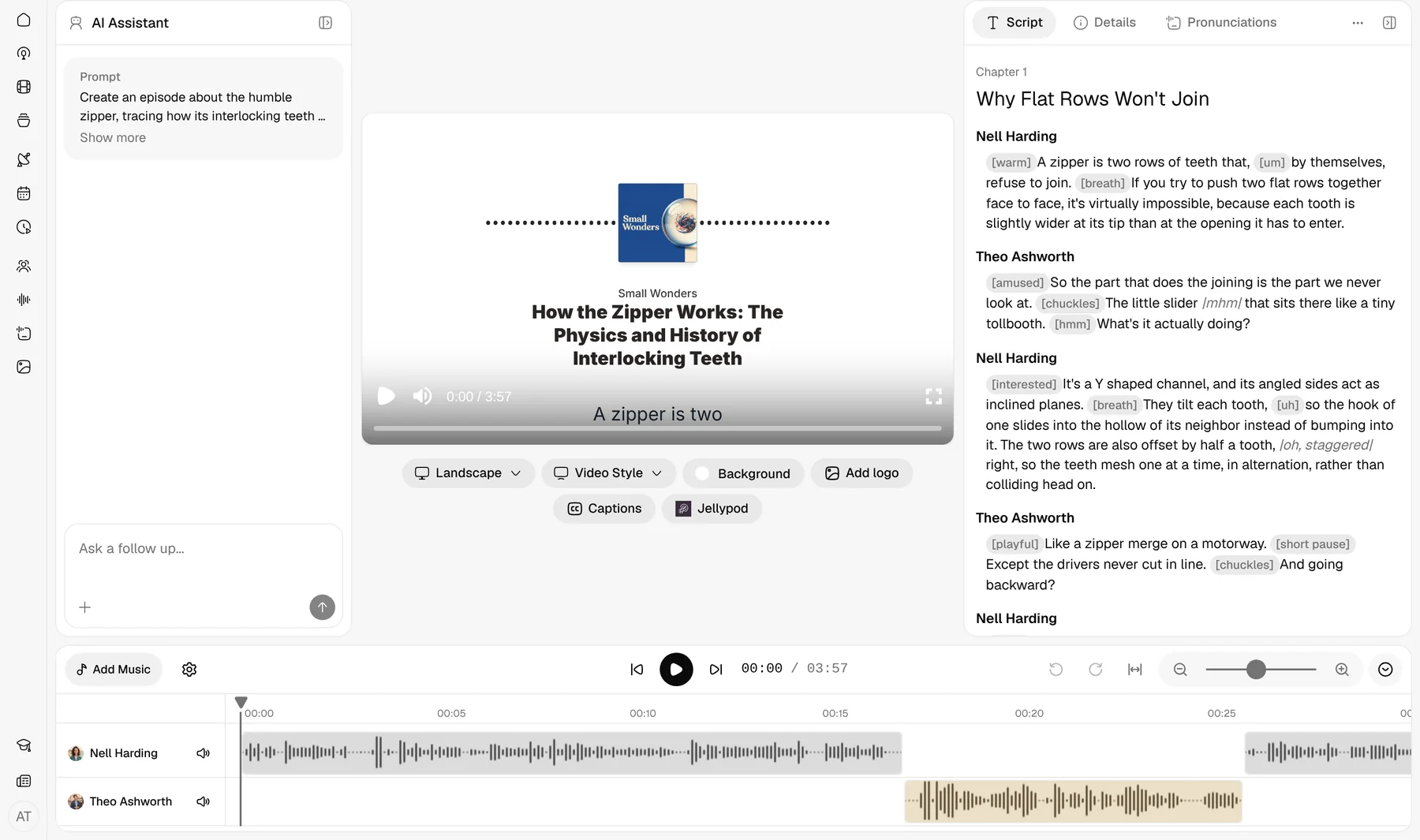
Fix any line
Check names and dates, then edit any line and re-voice it.
Who uses Notes to Podcast
Students
Review lecture notes as a conversation before an exam.Meeting notes
A short episode of the decisions and action items.Lesson plans
A lesson plan students hear on the walk to class.Training docs
A training outline new hires can finish on a commute.
Can teachers turn lesson notes into audio for students?
Yes. Paste a lesson outline and class notes, and two hosts walk through them in an episode students can play before class.
Edit any line and re-voice it, then publish the episode on a hosted show. Verified teachers can use the free Educator plan.
FAQ
How do I turn notes into a podcast?
Can I paste from Notion, Google Docs, or a notes app?
Should one episode be one meeting?
How long is the episode if my notes are only a few bullets?
How is notes to podcast different from text-to-speech?
Can I start from a full PDF chapter or handout?
Related
- PDF to Podcast
- Script to Video
- Podcast Cover Art Generator
- AI Podcast Generator
- Blog to Podcast
- Whiteboard Animation Maker
- URL to Video
- Audio to Video
- PowerPoint to Video
- AI Dialogue Generator
- Podcast Name Generator
- AI video generator
- AI Shorts Generator
- Micro Dramas
- AI Voiceovers
- AI Voice Library
- Voice Cloning
- Built-in Hosting
- Free for Educators
- Internal Communications Podcast: How to Start a Private One
- Compliance Training Best Practices: Build Policy Training People Finish
- Best AI Podcast Generators in 2026: How to Pick and Test One
Finish the full episode in Jellypod
Start for free. No card required.
Cast hosts and publish
Edit the script, cast up to four hosts, and publish with hosting included.
For a polished PDF, use PDF to podcast. For a topic with no notes, use the AI podcast generator.