Blog to Podcast
Let Two Hosts Discuss Your Post
Paste a link to a post and two hosts discuss it in an episode ready for your feed.
Start for free. No card required.

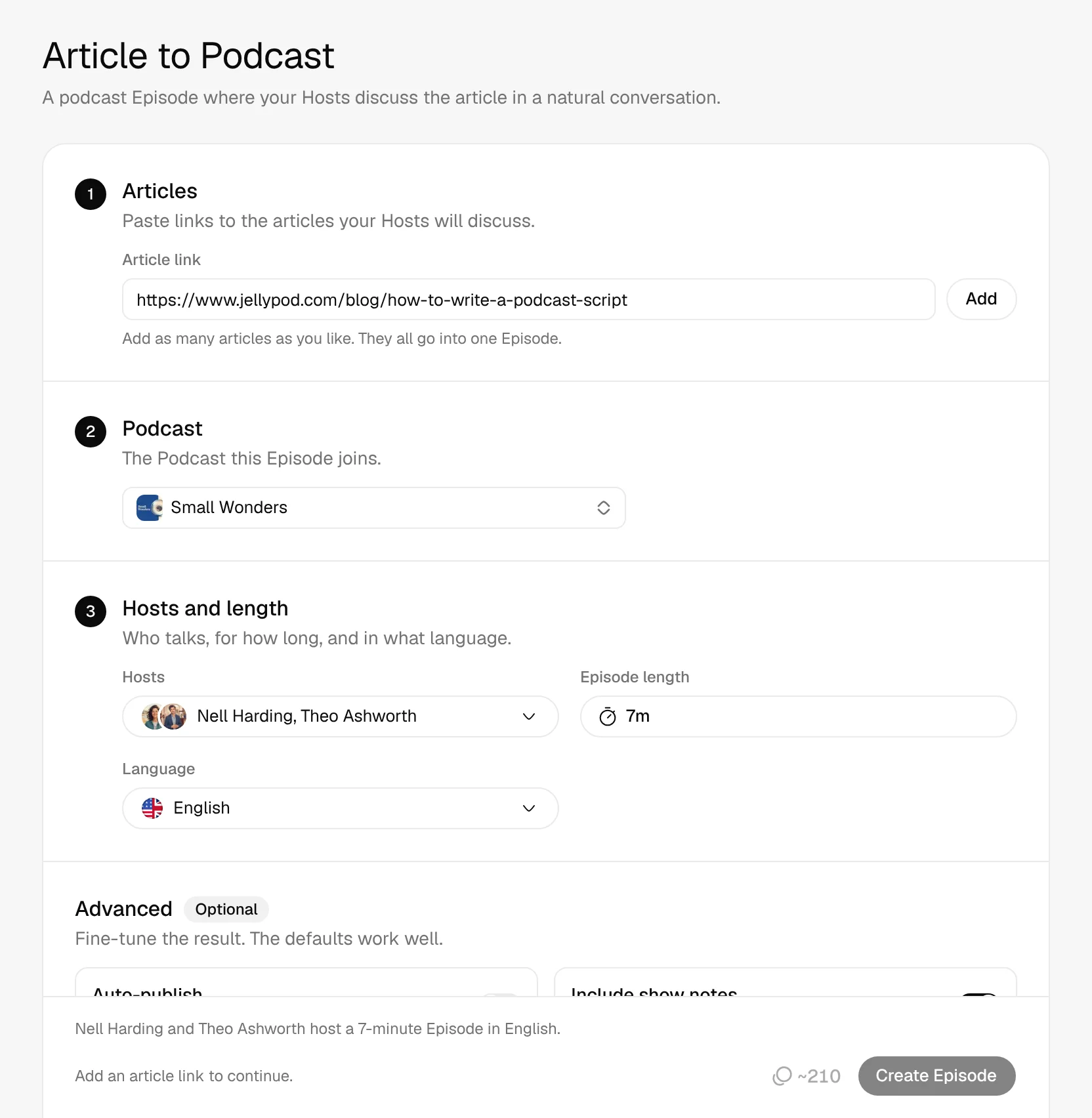
- Any Public Article
- One to Four Hosts
- 121 Languages
- Show Notes Included
Listen to one of our posts
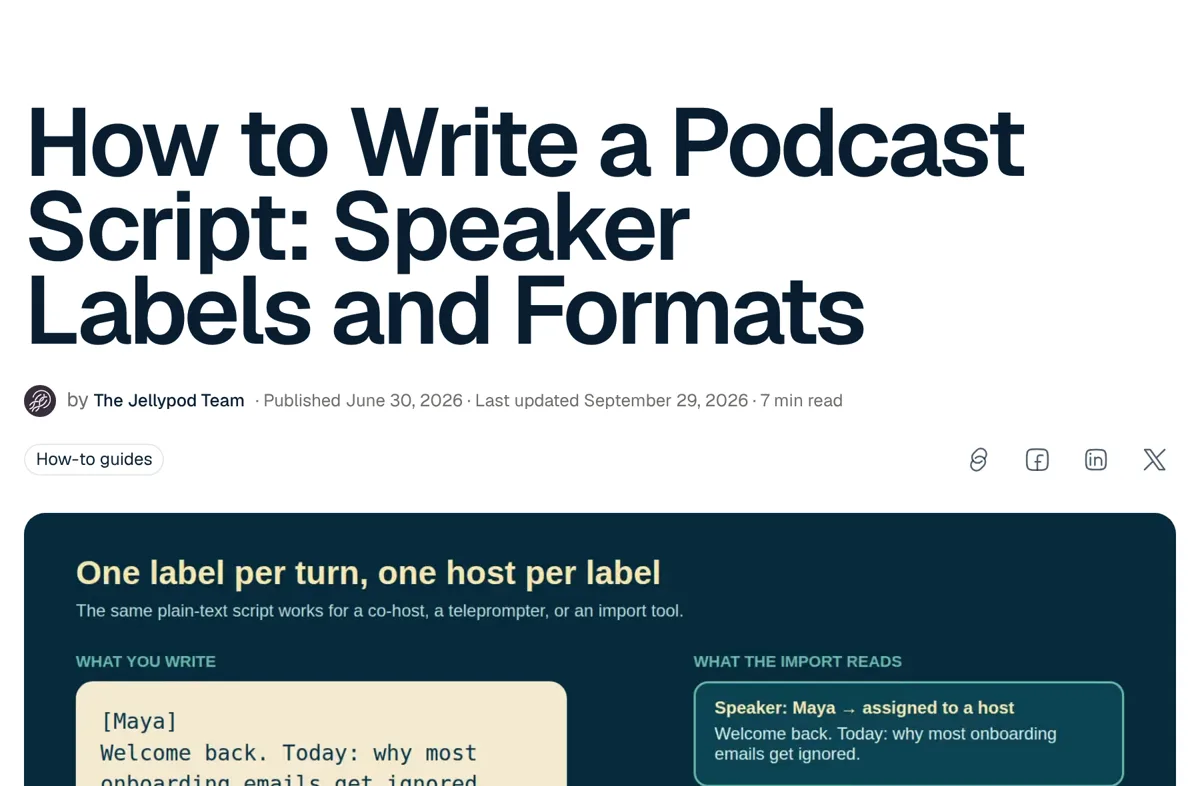
2Jellypod made
A 3:35 episode where Claire Brooks asks the practical questions and Marcus Hayes answers with examples from the post.
Real Jellypod output. The player has the first 75 seconds.
00:00/01:15
 Claire Brooks
 Marcus Hayes
A podcast script sounds like it should be complicated. What's the actual format the article recommends?
It's almost embarrassingly simple. You write a stack of speaker blocks.
How to turn a blog post into a podcast
- 1
Paste the link
Add every article the episode should cover.
- 2
Pick hosts and length
Choose one to four hosts, the length, and the language.
- 3
Publish
Jellypod writes and voices the episode. Publish to your feed.
Two hosts discuss your post
Two hosts discuss what the post argues and what a listener should do next.
- Combine several posts in one episode
- Set a focus for the hosts
Why Flat Rows Won’t Join
Welcome back to Small Wonders. A zipper is two rows of teeth that, by themselves, refuse to join.
Wait, laughs they just sit there? curious Then what does the joining?
The slider. The part that does the joining is the part we never look at.
Edit the script like a doc
Rewrite a line and only that line is re-voiced.
- Re-voice an edited line for free
- Every name said right
So what actually locks the teeth together?
The slider. Its angled sides act as inclined planes that press each tooth into the next.
Like a zipper merge on a motorway. laughs
Publish to every podcast app
Turn on auto-publish and each new episode goes straight to your feed.
- Show notes link back to the article
- Your own podcast website





Distribute on Spotify
This one-time setup integrates your show with Spotify. New episodes will automatically appear on your podcast when published.
- 1.Go to Spotify for Podcasters and sign into your Spotify account.
- 2.If you don’t see a place to submit your RSS feed, click on the upper-right icon and click “Add a new show”.
- 3.Click “Find an existing show”.
- 4.Copy and paste your RSS feed URL into the field:https://small-wonders.jellypod.com/rss
How Jellypod compares for blog posts
| Tool | What you get |
|---|---|
| Jellypod | Paste a public post URL, pick the hosts, edit the script, and publish the episode on your RSS feed. |
| NotebookLM | Makes an Audio Overview from your sources. The Google help page describes a download or a share link. |
| ElevenLabs | GenFM turns a document, article, or URL into a conversation you can edit, and you can swap voices. |
| Castmagic | Starts from a recording you link or upload, then writes a transcript, show notes, clips, and posts. |
4.7out of 5 on G2












Blog to Podcast FAQ
How do I turn a blog post into a podcast?
Can I combine several articles into one episode?
Can I turn a Google Doc into a podcast?
Can I use any blog URL as the source?
How many hosts can a blog episode have?
Can I publish the episode to Spotify and Apple Podcasts?
Do I need to record anything?
Last updated November 9, 2026
More workflows
All workflowsScript to Podcast
PodcastsA podcast episode voiced word for word by your hosts, ready to edit and publish.
How it worksPDF to Podcast
PodcastsA podcast episode where your hosts talk through the document’s key ideas together.
How it worksIdea to Podcast Series
PodcastsA series of 2 to 8 episodes on your topic. Review the plan first; each episode picks up where the last left off.
How it works
Make your first podcast or video
Turn any idea, document, or link into a podcast or video, in your own voice and 121 languages.