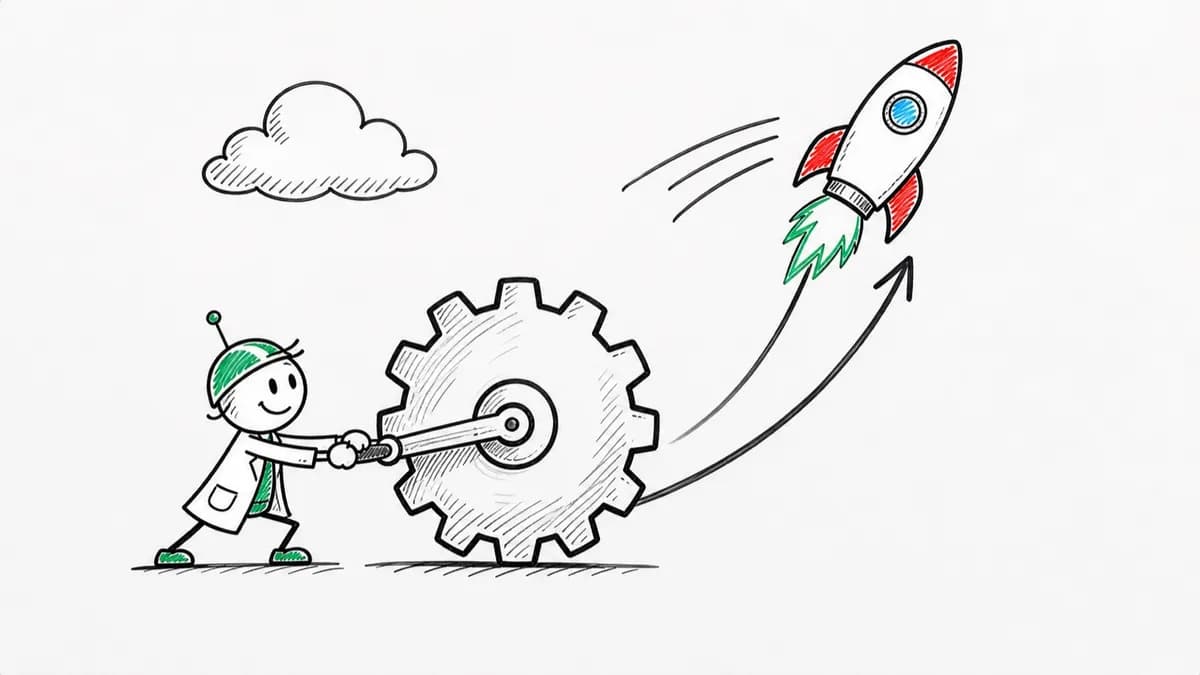
Whiteboard Explainer
Dry-erase marker scenes that draw in stroke by stroke, like a teacher sketching while talking.
See whiteboard explainer videosTrusted by 100K+ creators
Bring a PDF, deck, doc, or prompt. Get a narrated video drawn in any of 16 styles, with no camera or avatar.
Make a faceless video7-day free trial. Cancel anytime.
4.6out of 5 on G2












A faceless channel publishes videos where nobody appears on camera. The visuals have to match the words. Jellypod draws them from your script, so they do.
Want your own pages on screen? Use PDF to video. For vertical clips, make a short.
Step 01
Step 02
Step 03
Hover a style to watch a real render. Open it for a full example.
Dry-erase marker scenes that draw in stroke by stroke, like a teacher sketching while talking.
See whiteboard explainer videos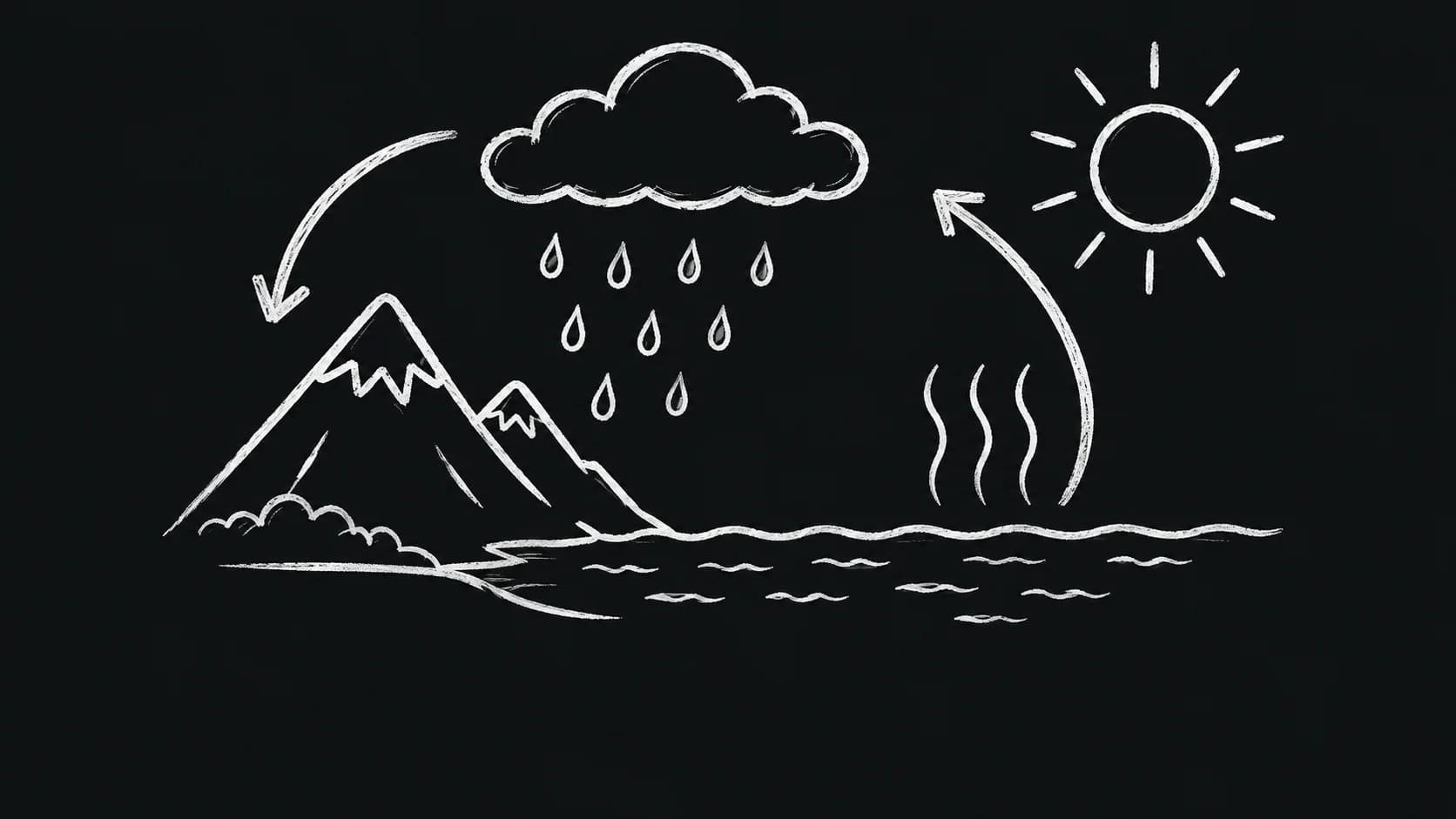
White chalk drawings on near-black, with subtle stroke texture and handwritten captions.
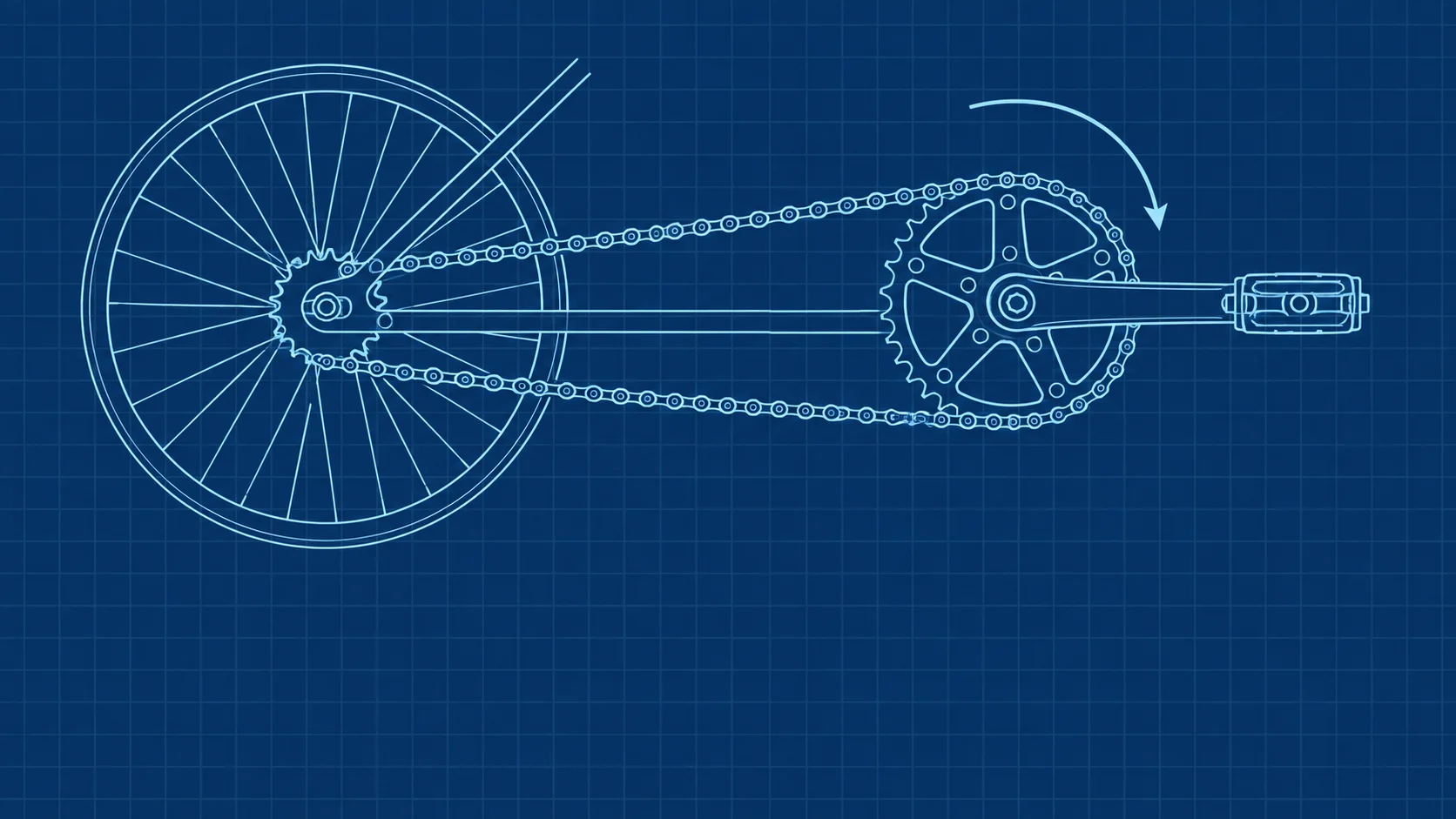
White and cyan schematic drawings on deep blue with a subtle stationary grid.
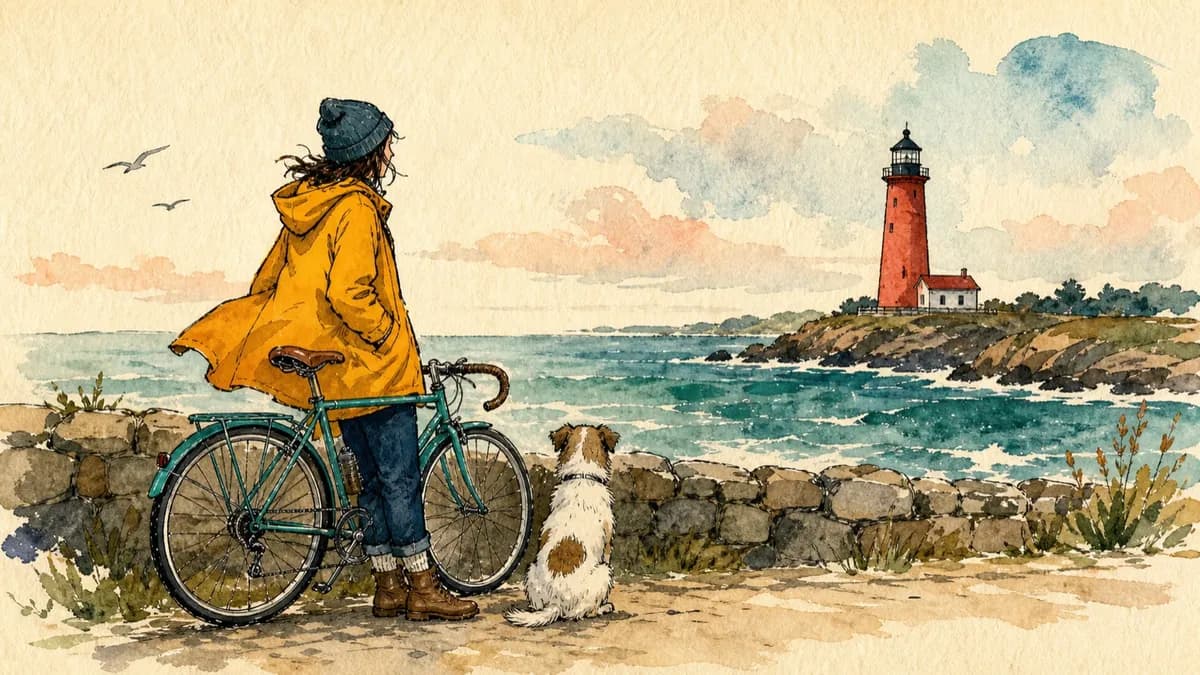
Bold editorial illustrations with thick ink outlines and loose watercolor fills on warm paper.
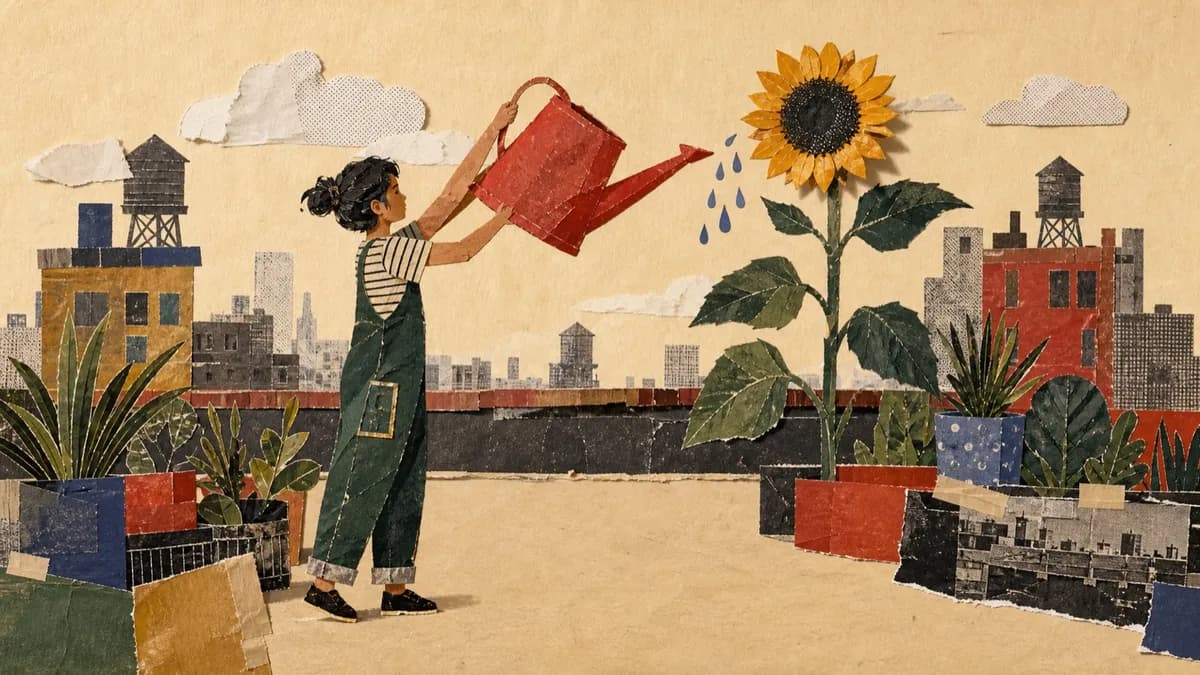
Layered cut-paper collages with archival photographs, screen-printed textures, and torn edges.
See paper cutout explainers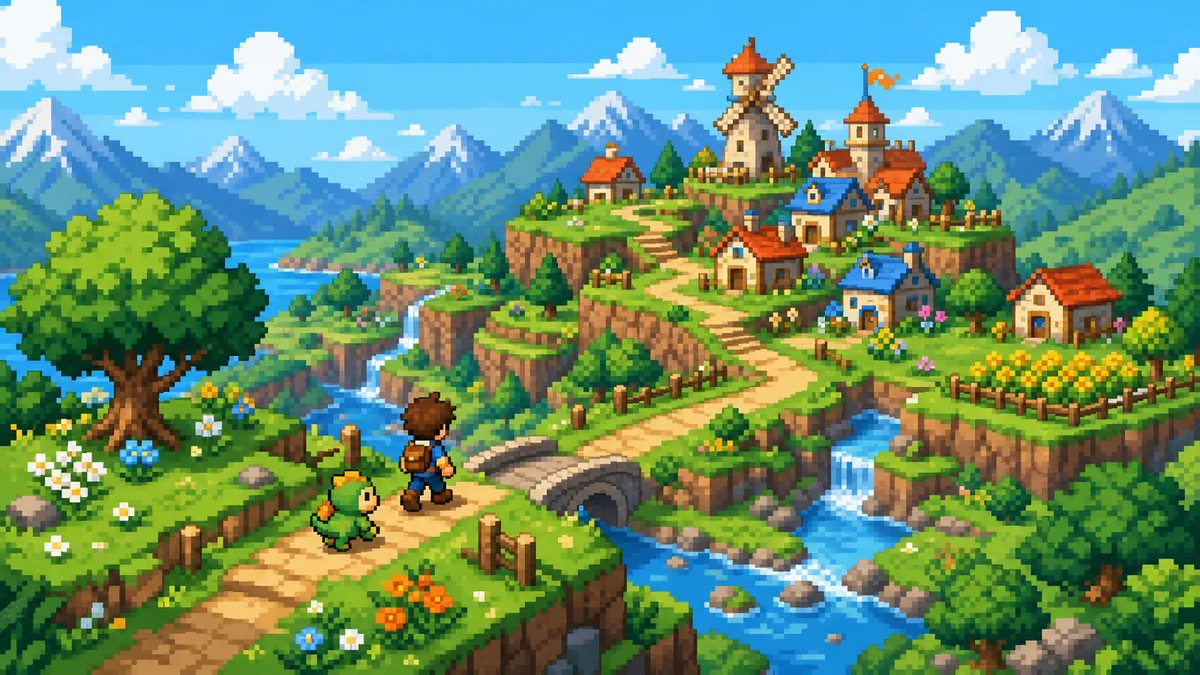
Bright adventure dioramas on a crisp square-pixel grid with short stepped character actions.
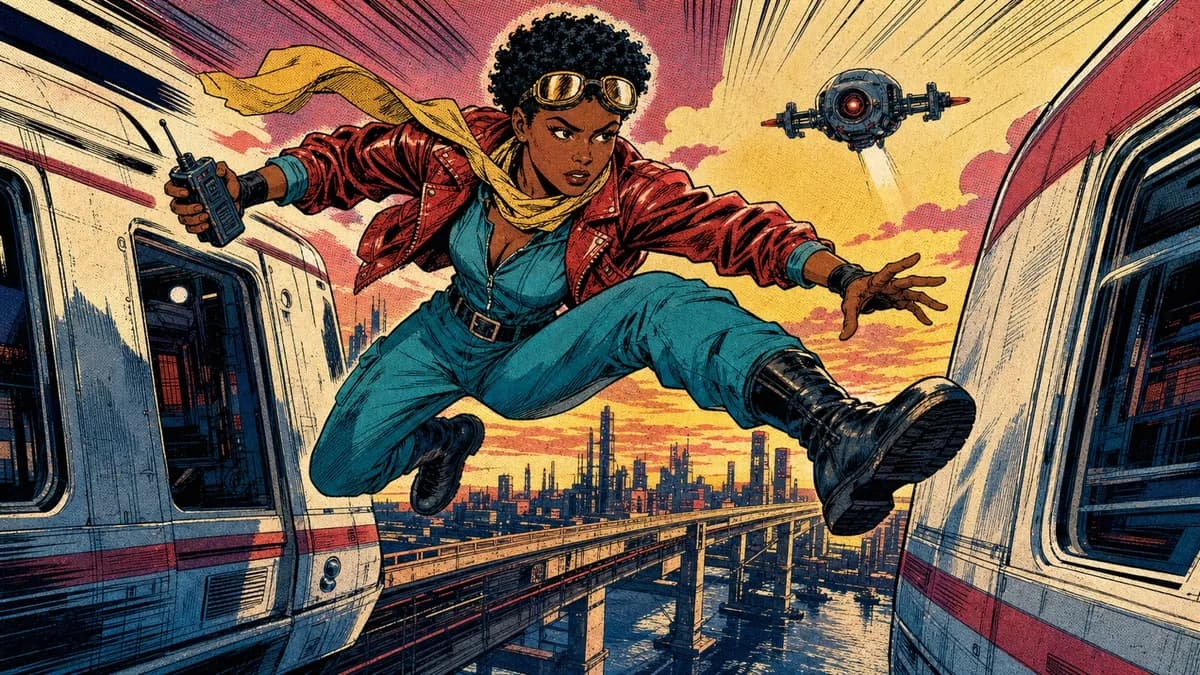
1980s newsstand panels with heavy black ink, flat CMYK color, and Ben-Day dots.
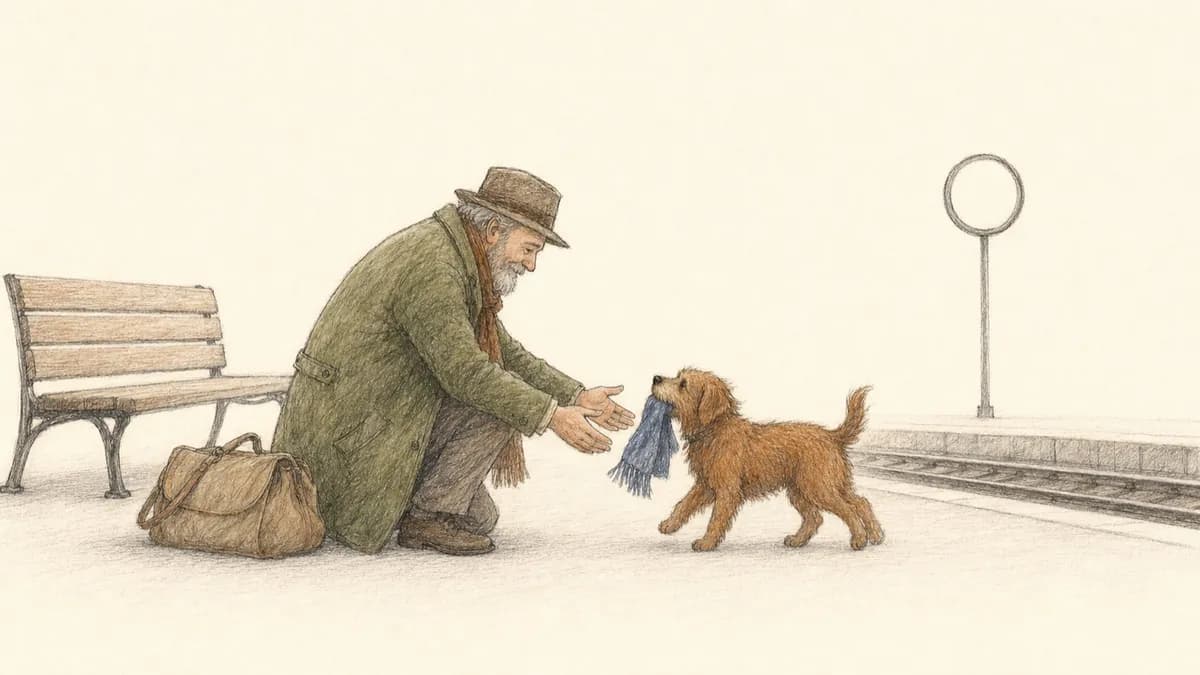
Quiet storybook scenes in fine pen and graphite with sparse colored-pencil fills.
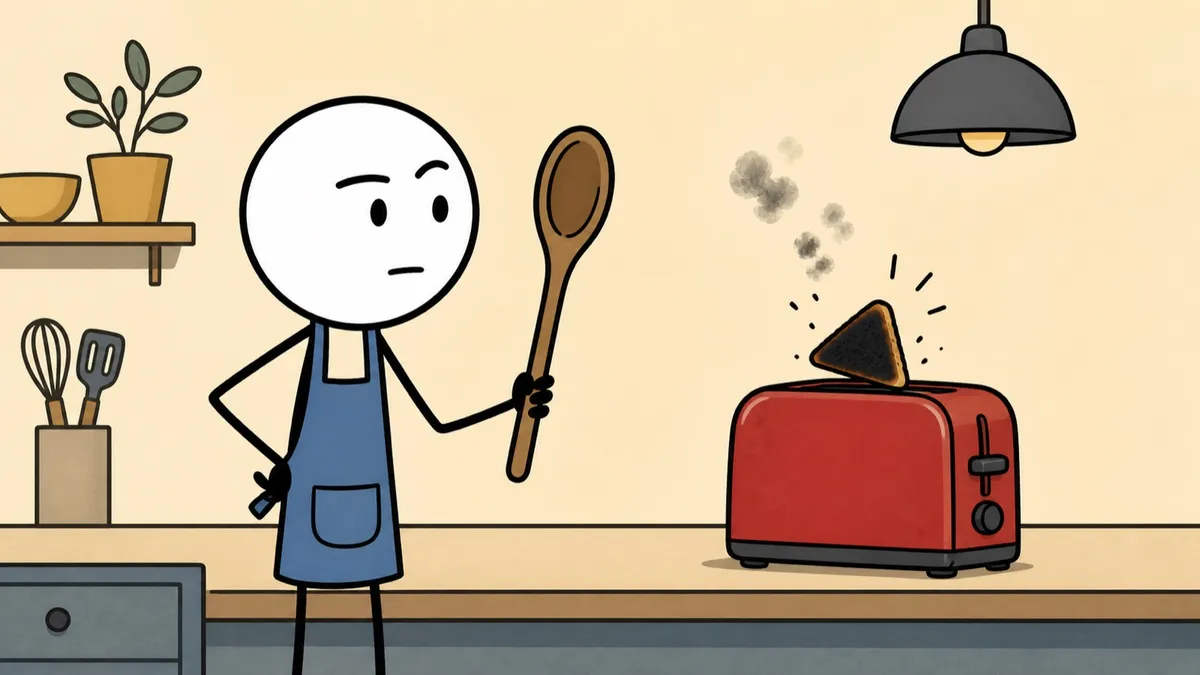
Deadpan stick-figure cartoons with thick black outlines and flat muted color.
See stickman animation videos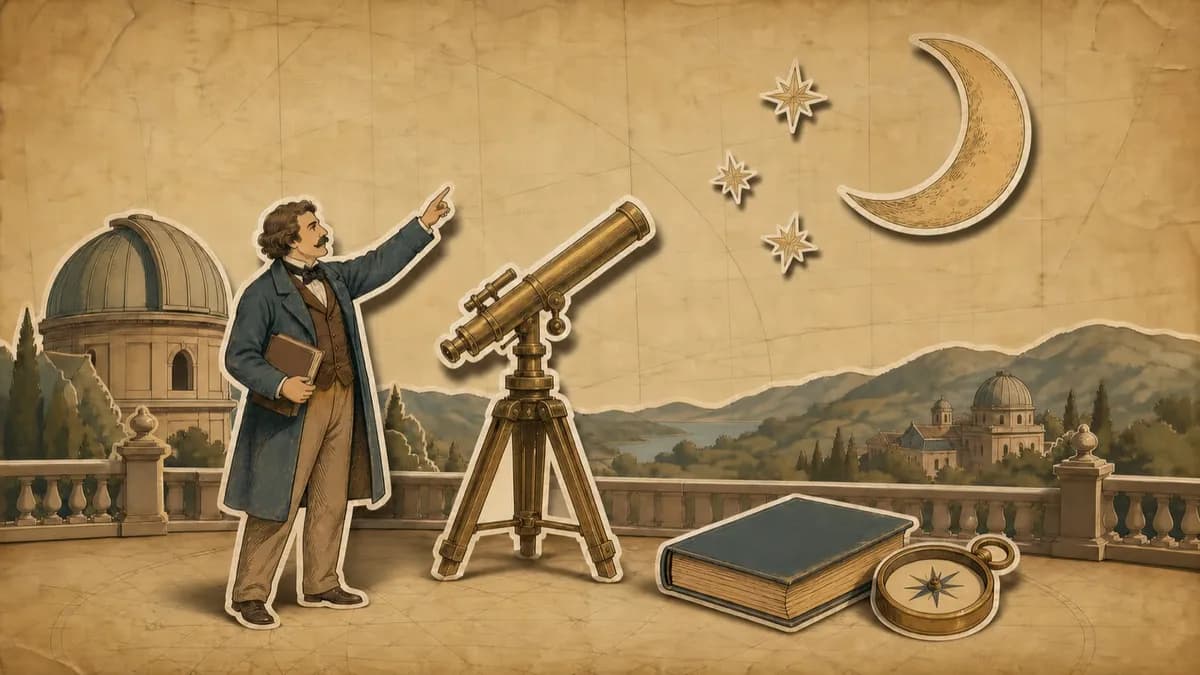
Hand-drawn paper cutouts on aged parchment with an earthy, documentary-style palette.
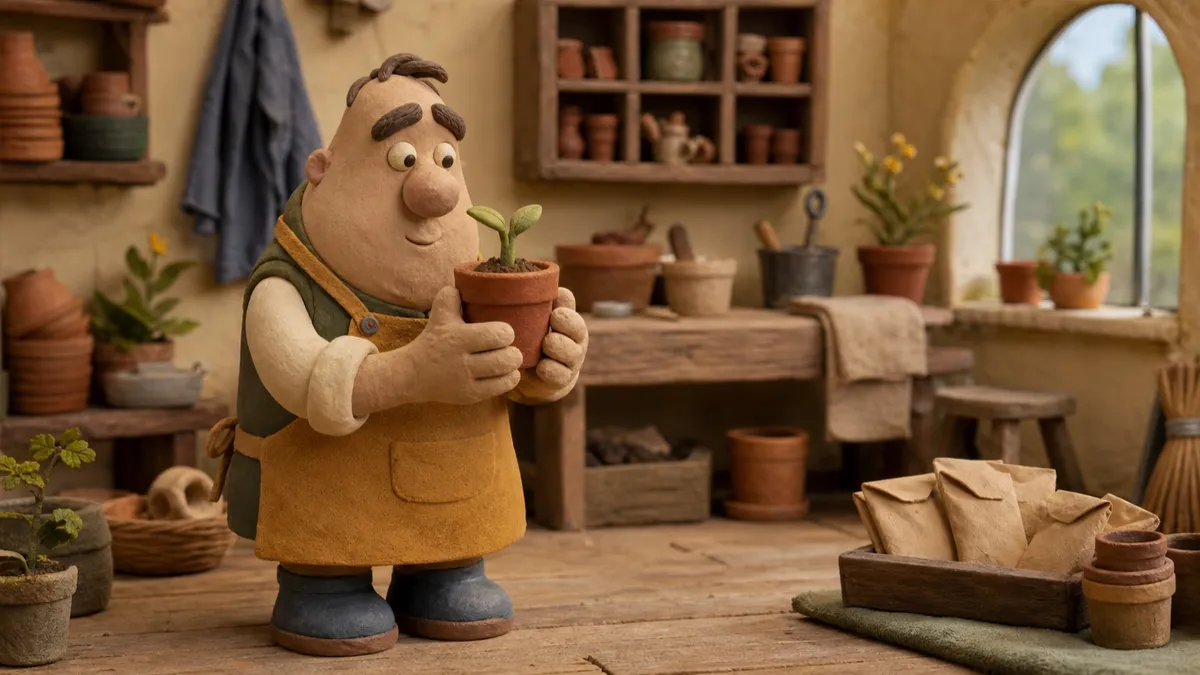
Plasticine caricatures performing in miniature sets with a stepped stop-motion cadence.
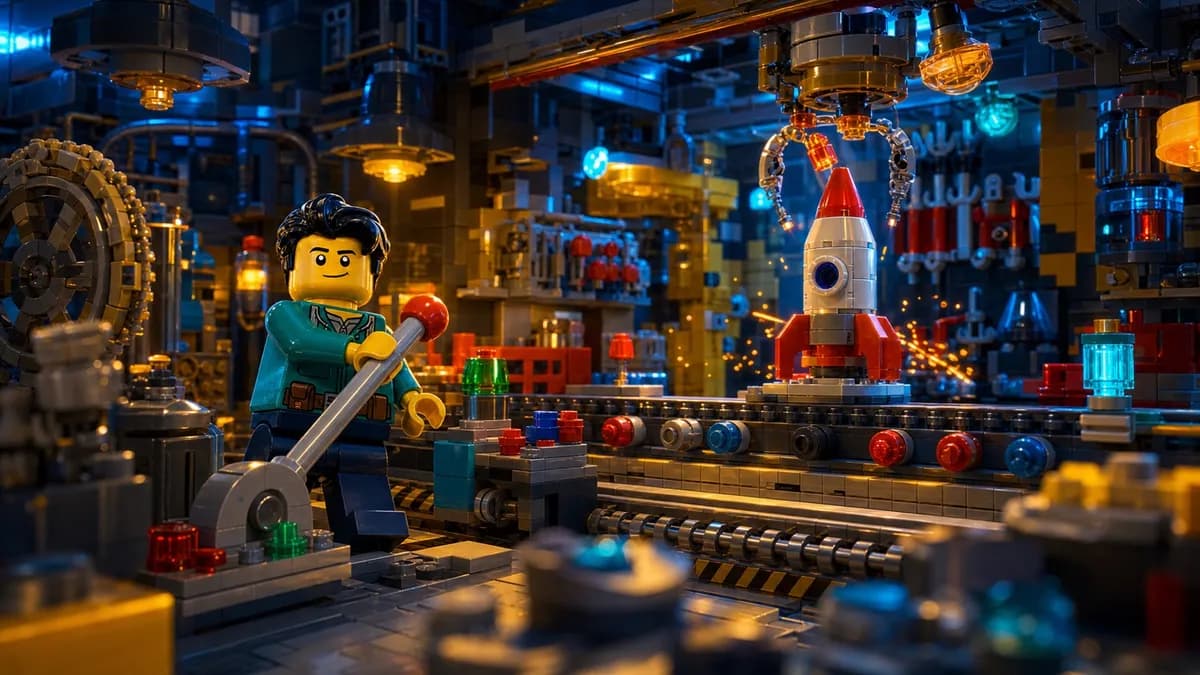
Cinematic dioramas built from interlocking toy bricks with feature-film lighting.
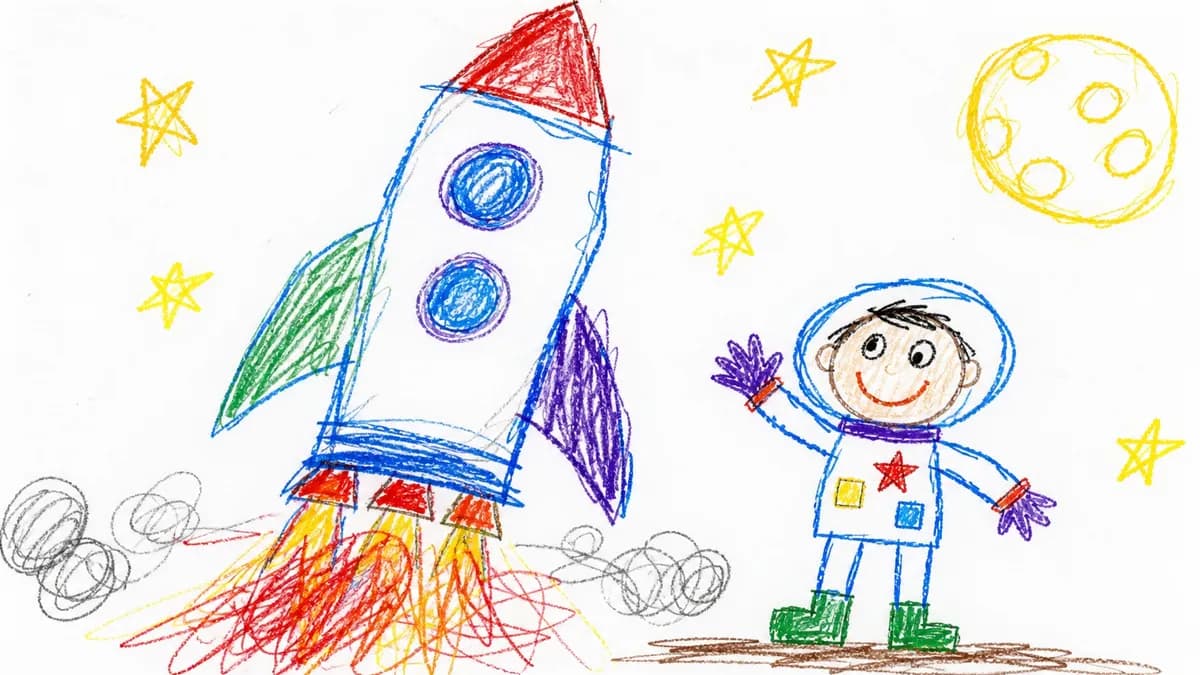
Deliberately clumsy child-drawn crayon pictures with wobbly lines and messy color.
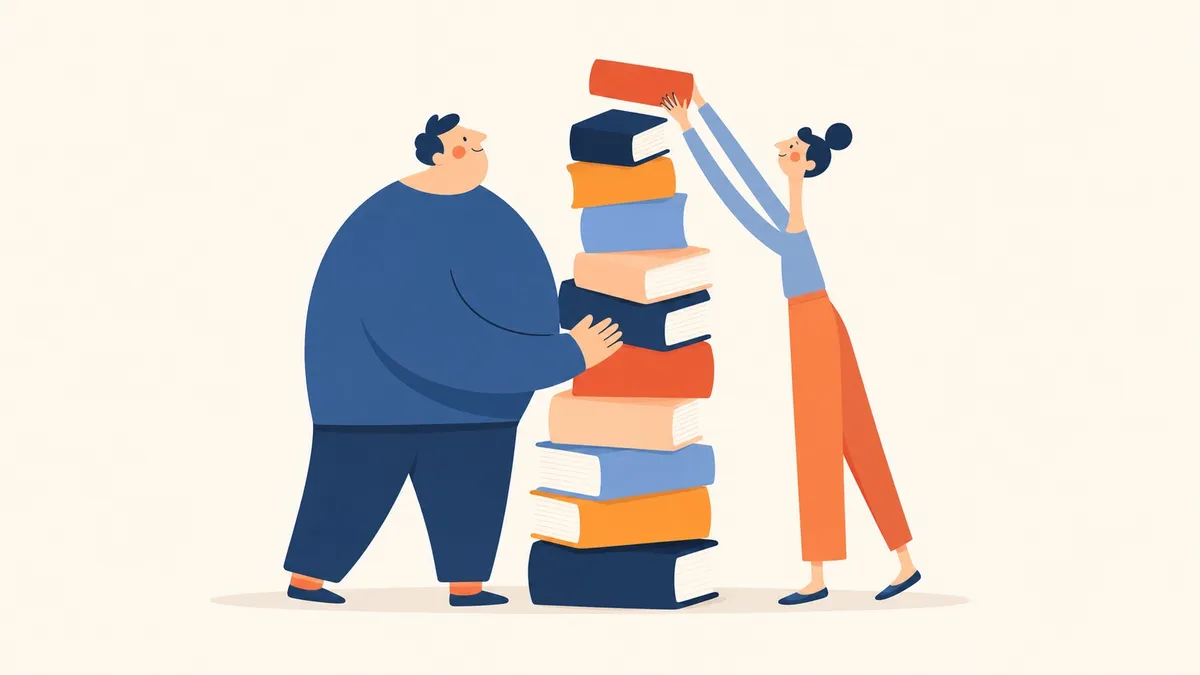
Warm picture-book scenes in bold rounded geometry with a navy, coral, and orange palette.
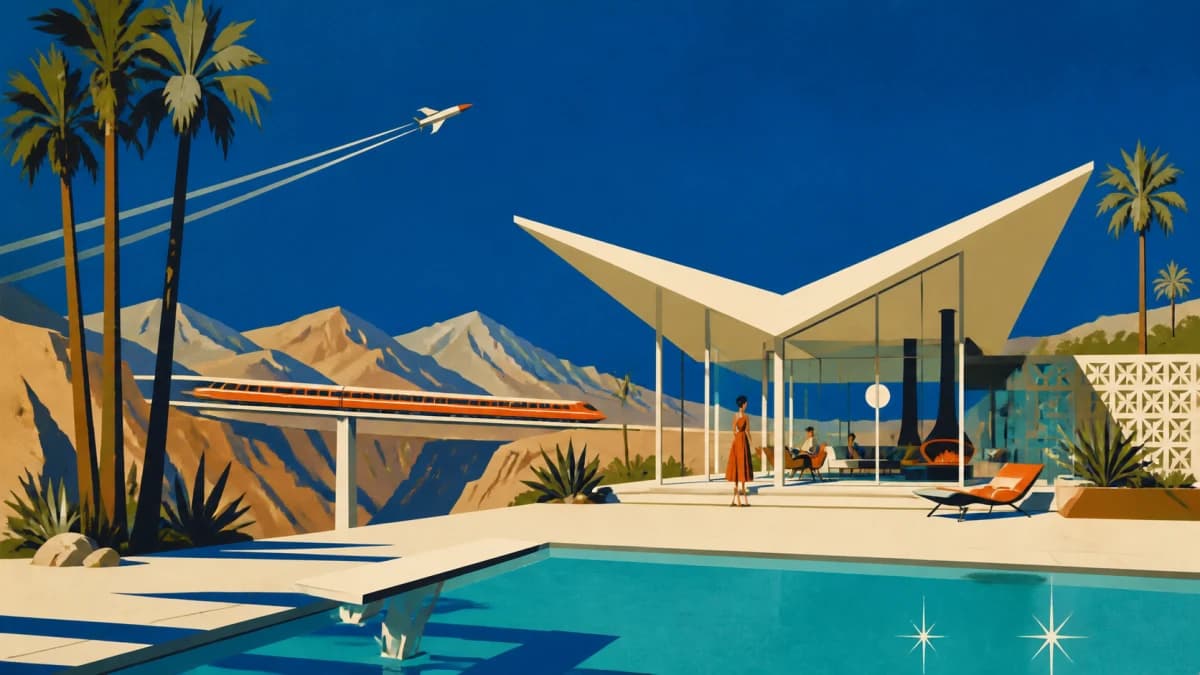
Flat mid-century scenes with cobalt skies, warm bone modernist forms, and burnt-orange accents.

Soft matte painted scenes with chunky brushwork, cool blues and teals, and warm cream light.
Stock libraries hand you drone shots and office b-roll that vaguely match a keyword. Jellypod draws each scene for what the narration says at that moment.
Jellypod puts no presenter on screen unless your script asks for one. Your character narrates off camera.
Each style has its own art direction, motion rules, and quality bar. Jellypod checks every generated image against it, so minute 20 looks like minute 1. See the full product on the AI video generator page.
If you are already investing in content marketing, Jellypod is a must-have to integrate into your strategy.
 Vadi EfeFounderBusylike
I've cloned my own voice with just a 60 second recording... They just work beautifully.
 Llew JurySEO Pioneer, VC, and Entrepreneur
The money is in producing fast, inexpensive content that can be transcribed and placed within blog posts to enhance findability and SEO.
 Lance BairdMarketingKaishan USA
Jellypod is the complete package to create a podcast for yourself or your company.
 Kegan RiversSVP of Marketing3 Rivers Energy Partners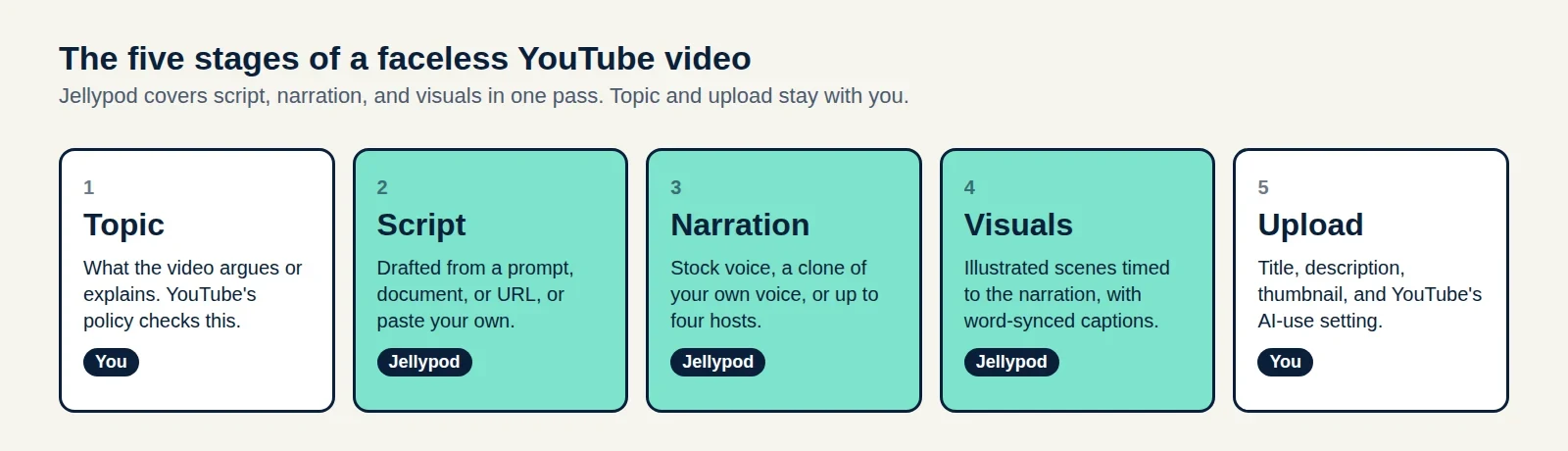
A five-stage production plan, the watch-hour math for 2027, and a three-case test for whether your AI voice needs a YouTube label.
Read moreUpload the audio you already have, pick a caption or waveform template or an illustrated style, and download a video for YouTube or social in minutes.
Read more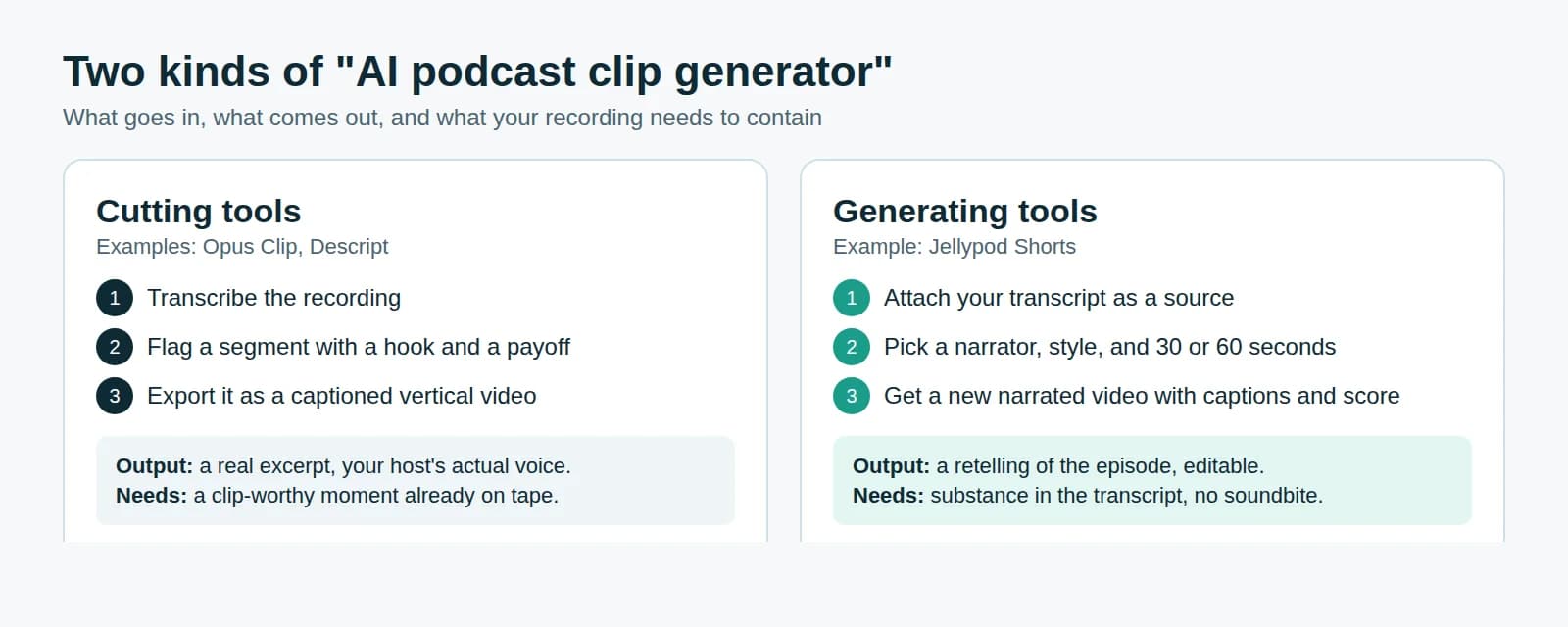
Know which kind of clip tool your episode needs, how long the clip should run, and how to keep it eligible for reach on Reels.
Read more7-day free trial. Cancel anytime.
The characters who narrate your videos can host an AI podcast of the same script, or narrate a short that promotes it.