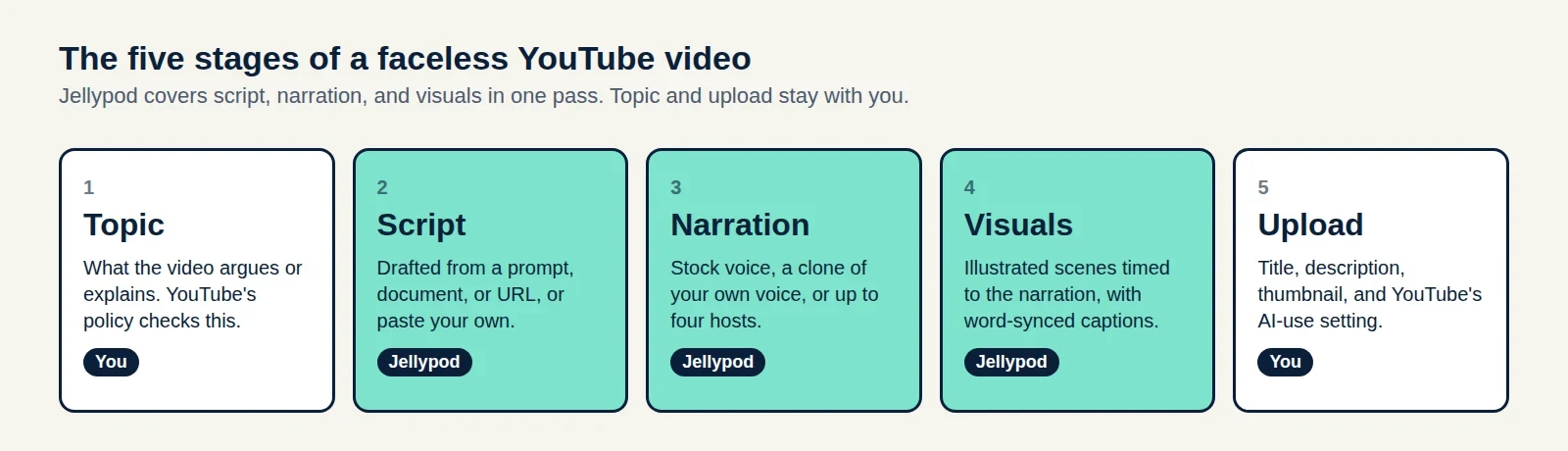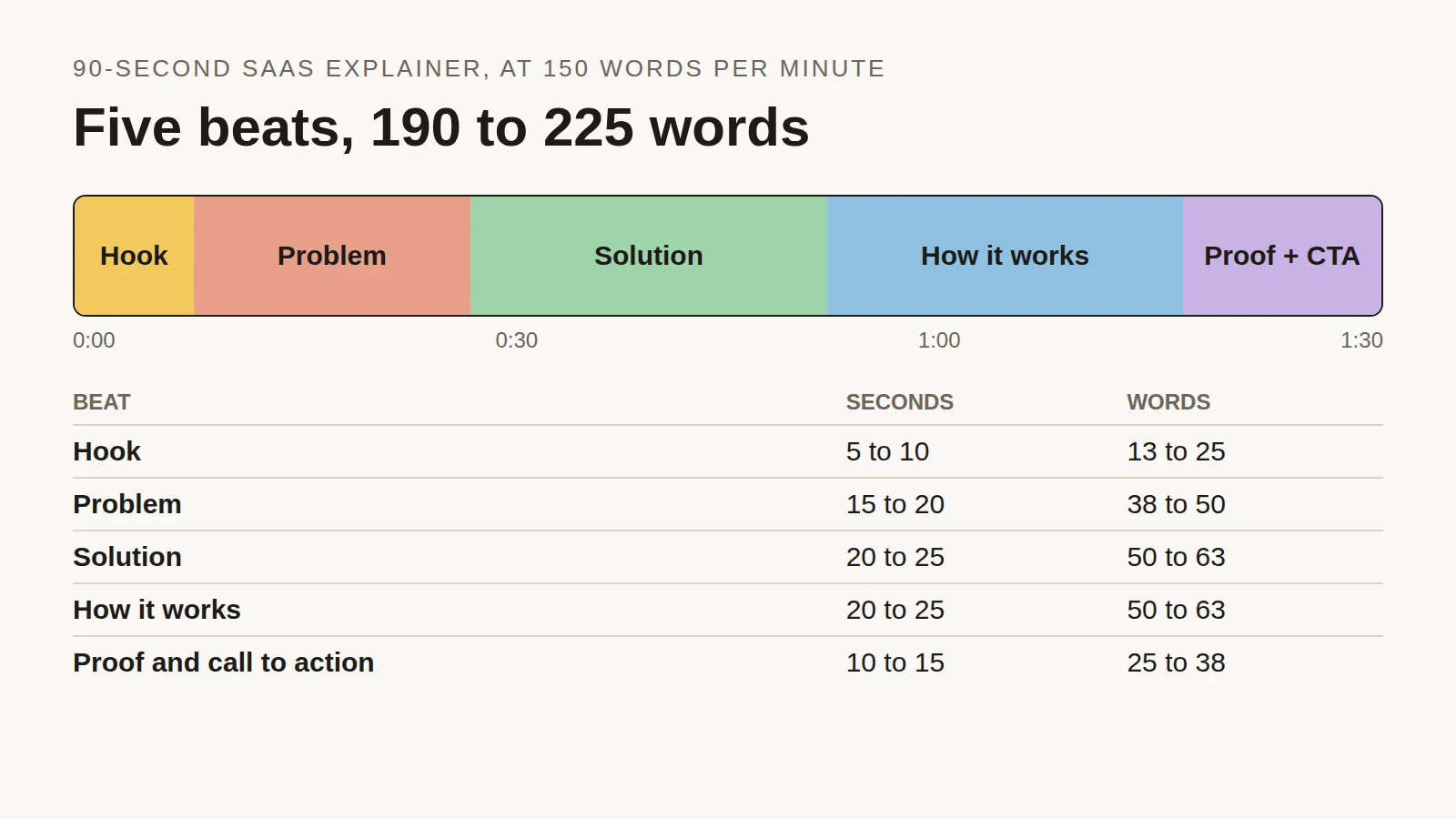
The ten ideas below each pair a niche with a Jellypod style and that style's sample. The steps and YouTube's rules are in how to make a faceless YouTube channel.
Faceless videos in Jellypod start from a prompt or a source. Jellypod writes, voices and draws them in one pass with word-synced captions, and you can re-voice any edited line at no credit cost, within a daily limit.
Key takeaways
- Pick one niche and one visual style, and keep both steady across the channel.
- Each idea pairs a channel concept with a real Jellypod sample in that style.
Skill tutorials
Teach one hands-on skill per video, the way a lesson walks through a fix. Whiteboard Explainer draws those steps in dry-erase marker on a clean white whiteboard.

Lesson channels
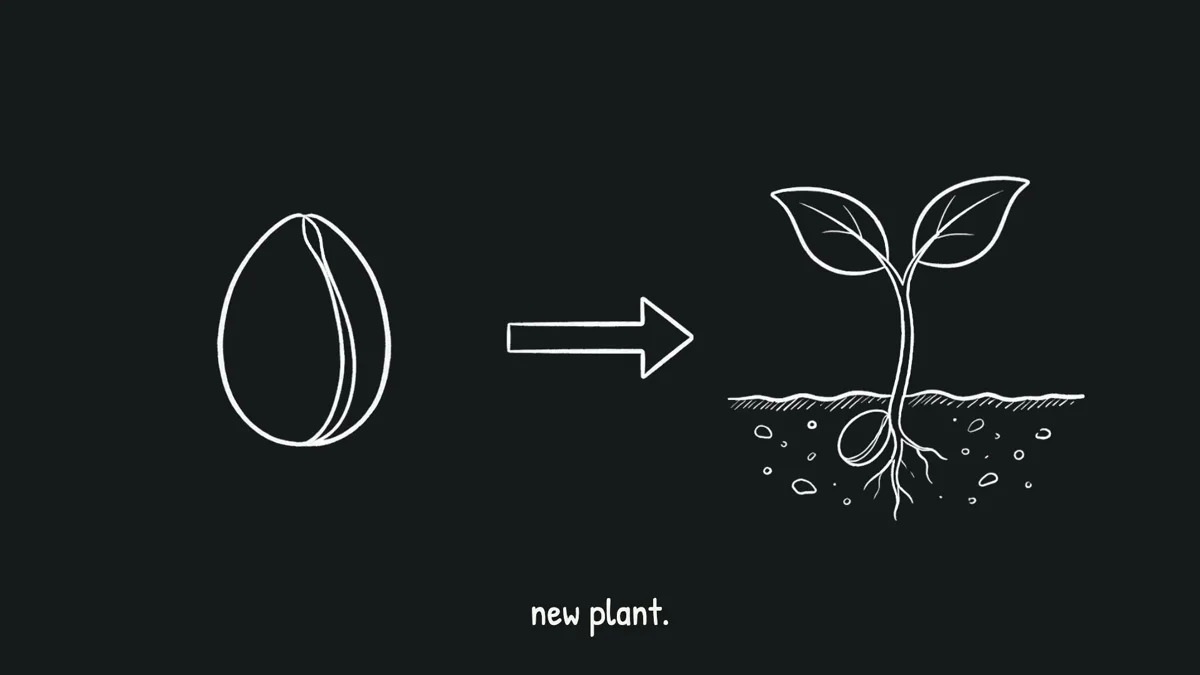
A lesson channel teaches one idea per video, the way a class moves through a topic. Chalkboard draws it in white chalk on a dark canvas.
Systems and diagrams
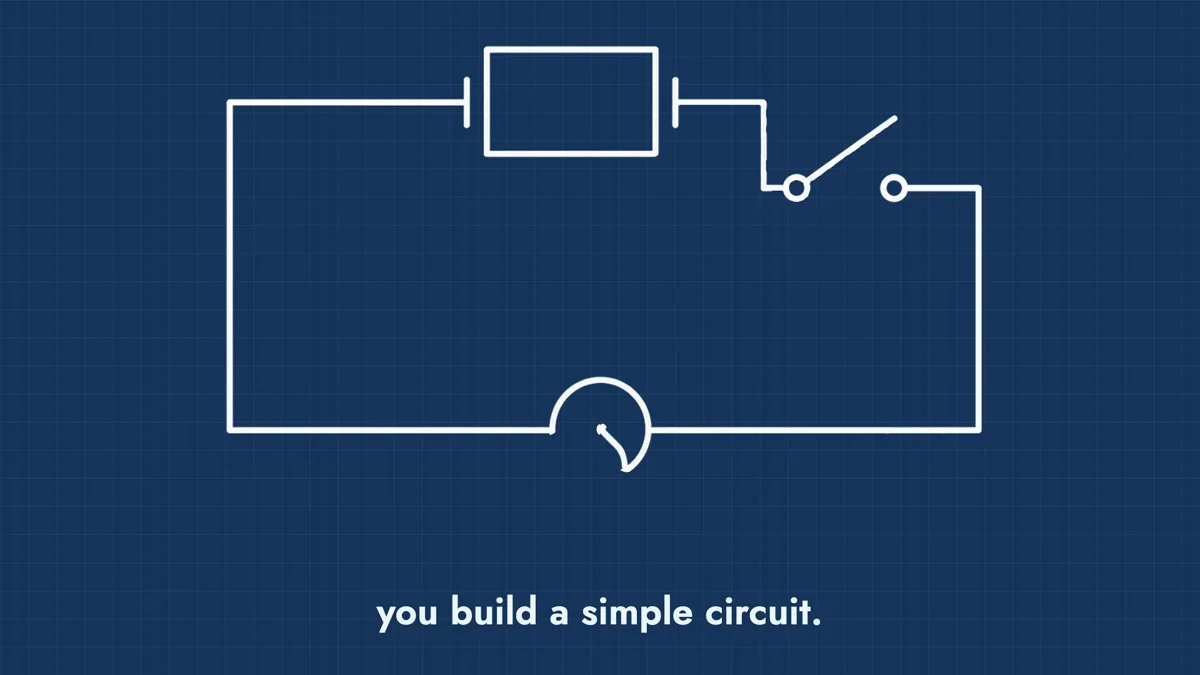
When the video explains a process, a machine, or how parts connect, Blueprint fits. It draws technical lines on a blue grid.
Habit explainers
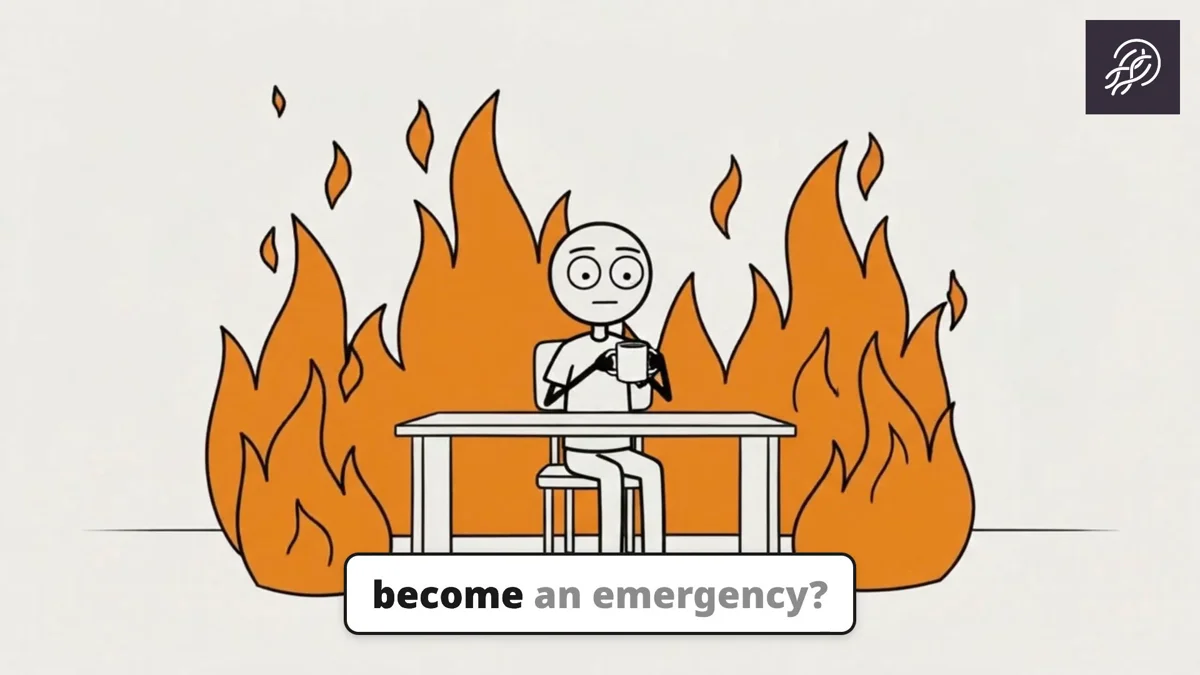
Take one work habit per video, like waiting until a task is an emergency. Stickman draws it with deadpan stick figures, bold ink, and muted color. See it on its own at stickman animation.
Exploration channels
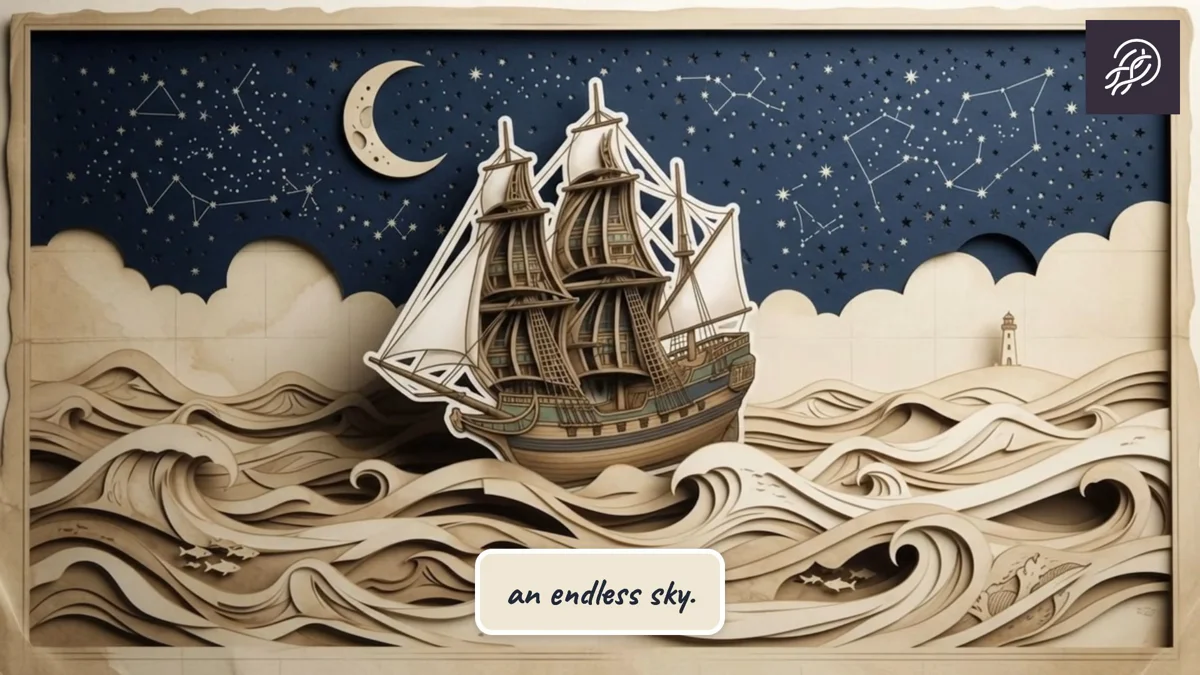
Follow one journey per video, from notes or a report you already have. Almanac places hand-drawn paper cutouts on aged parchment.
Story channels
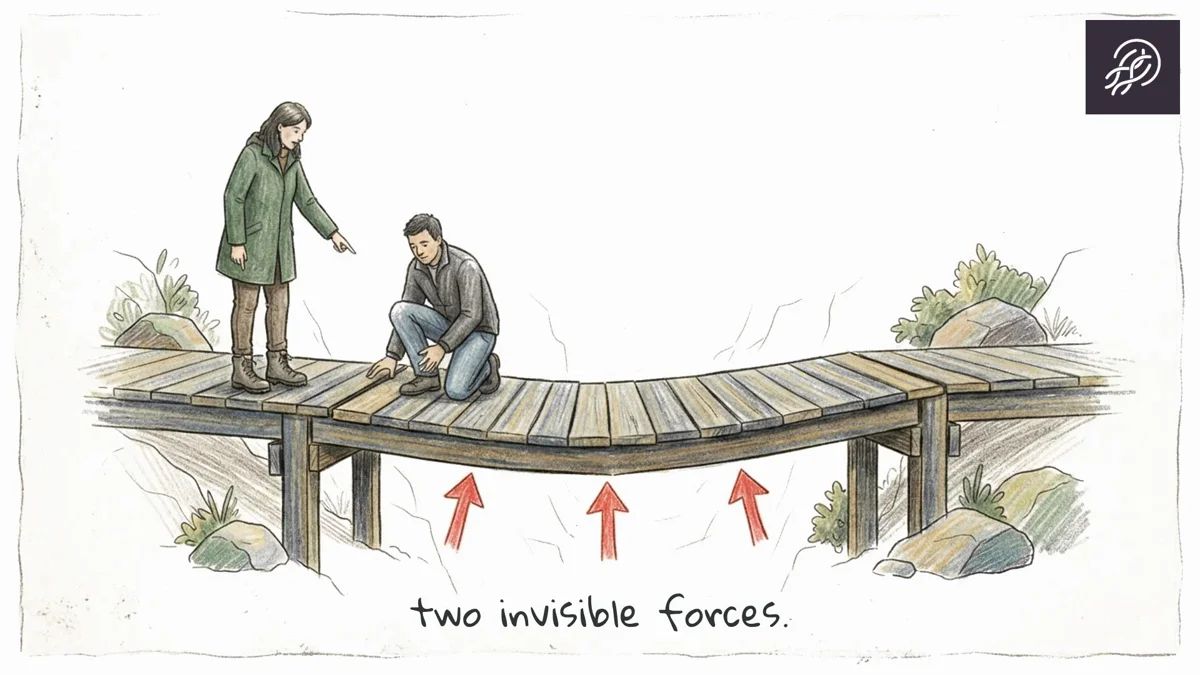
A story channel narrates one short tale per upload. Sketch draws quiet scenes in fine pen and pencil, with restrained color.
Illustrated essays
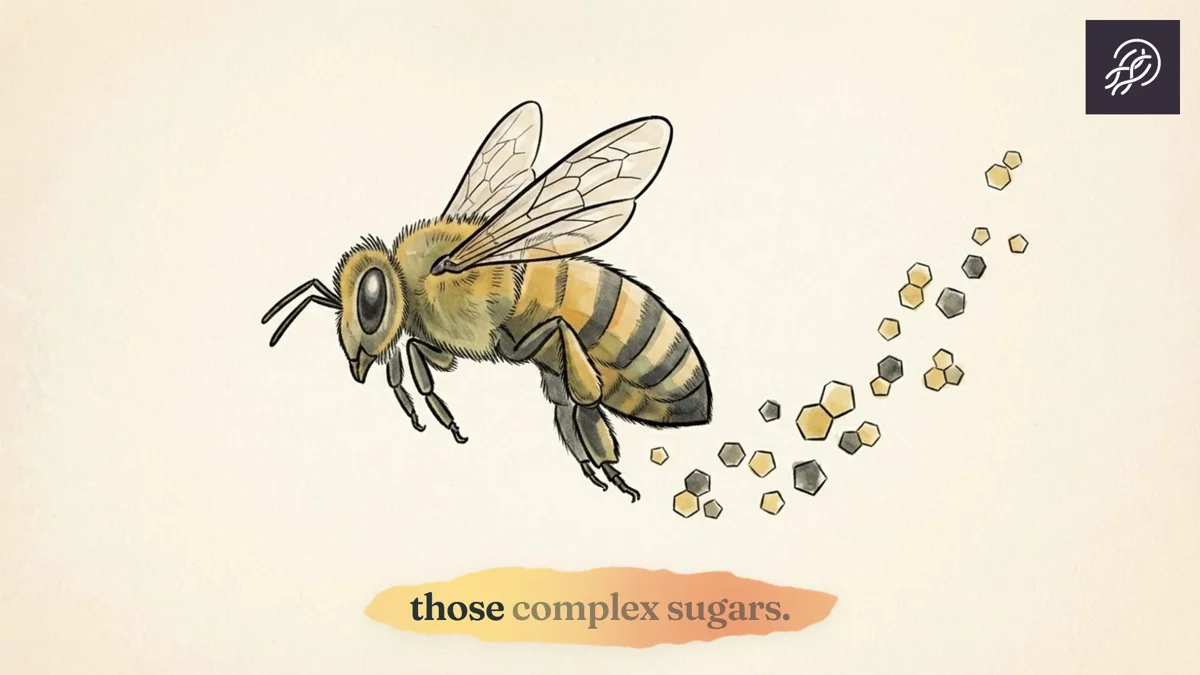
An essay channel makes one argument per video, with a claim and a conclusion. Watercolor paints it as hand-drawn ink with loose watercolor fills.
Comic series
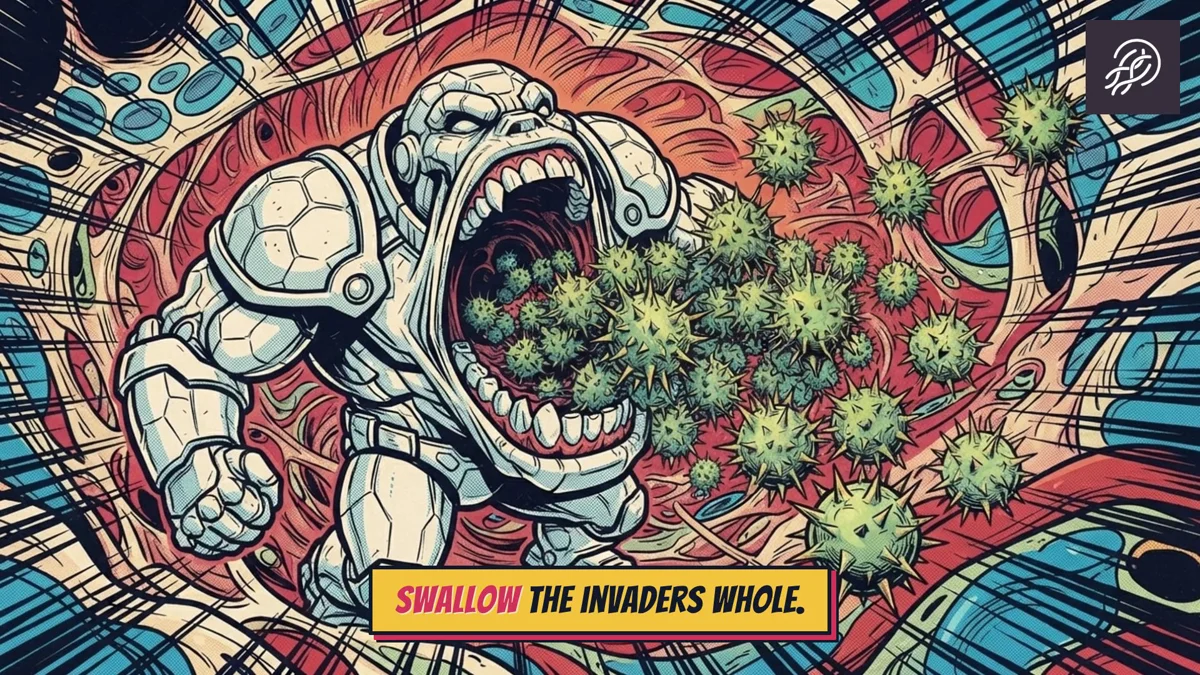
A comic channel gives each episode a character and a turn in the story. Retro Comics draws 1980s newsstand panels with bold ink and halftone color.
Food explainers
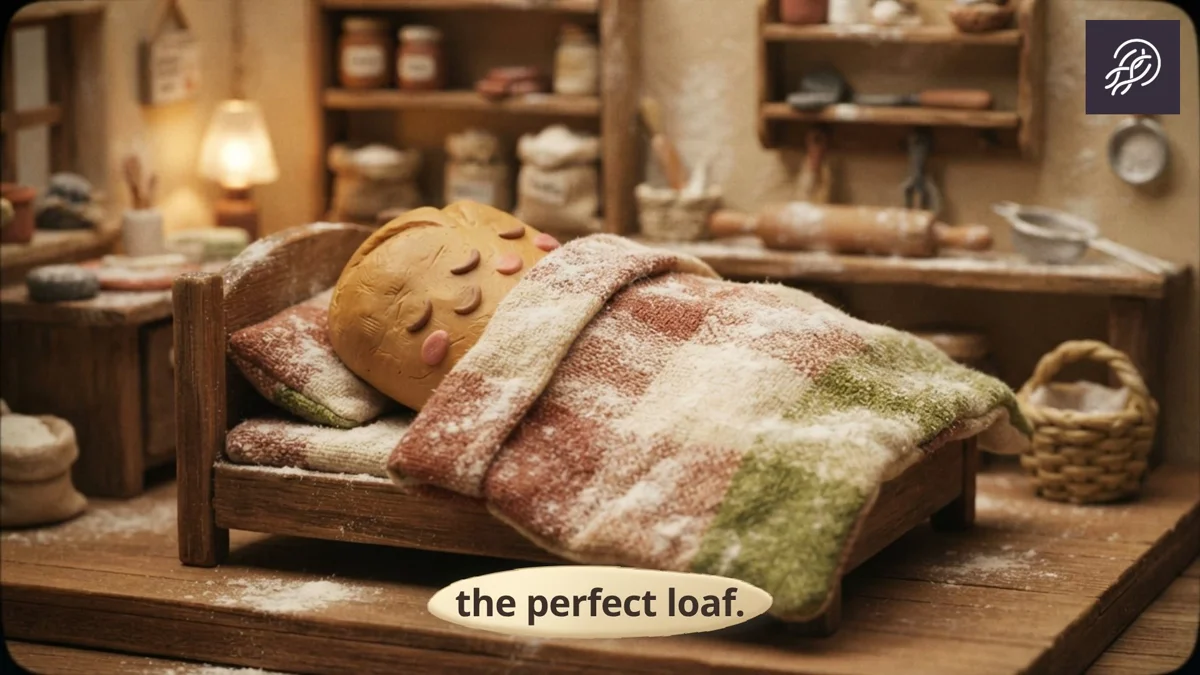
Explain one ingredient or bake per video, with the kitchen off camera. Claymation builds handcrafted plasticine puppets in a warm miniature set.
Build and process channels
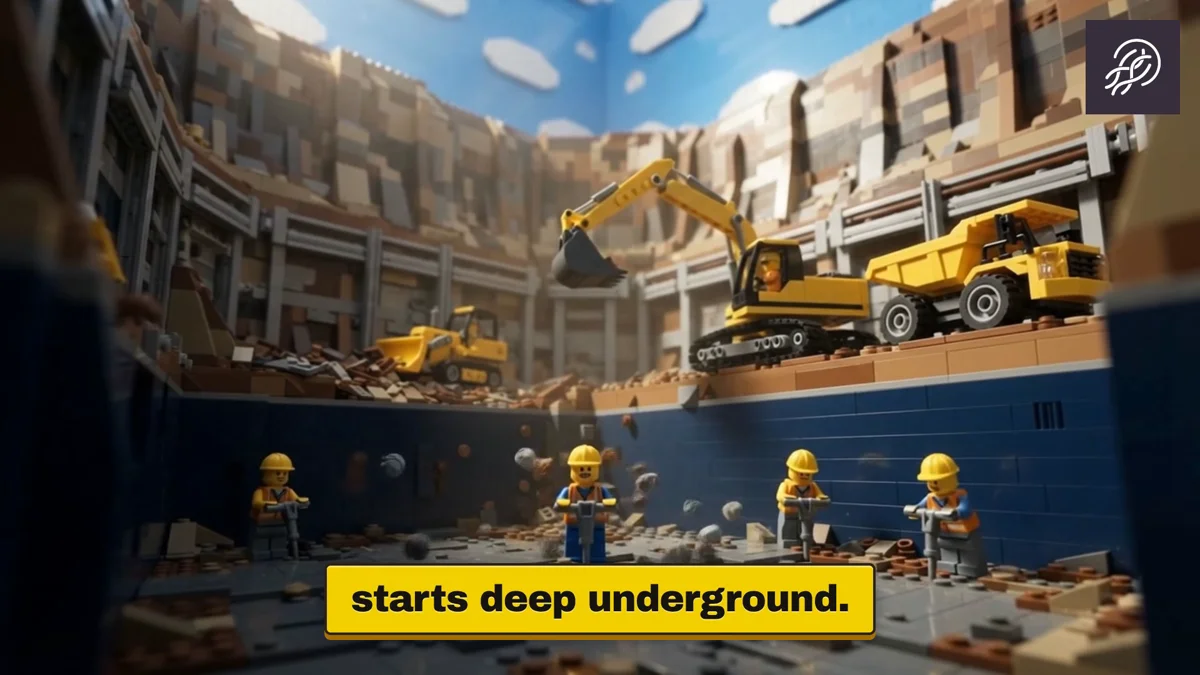
Show how something is assembled, one step at a time. Toy Bricks stages those steps as cinematic toy-brick dioramas.
Start from one idea
Open the faceless video generator, choose the style next to your niche, and generate. Free starts with 500 credits and no card and lets you create, edit and preview; rendering and downloading need the 7-day trial or a paid plan.