


Trusted by 100K+ creators
AI Stop Motion Video Generator
Turn a script or a topic into a full narrated toy-brick story you can edit and download.

4.6out of 5 on G2












A whole brick story from a script or a topic
This AI stop motion animation generator writes the narration from your script or topic, then stages the story as cinematic toy-brick dioramas with polished stop-motion energy. A separate voice narrates, and word-synced captions follow each line.
A story told in these scenes is a brickfilm, and brickfilms here run as a full video or a short. See every look on the explainer hub, or try Claymation for a second stop-motion look.
Pick Toy Bricks, then download the MP4
Step 01
Start from a script or a topic
Paste a script, type a topic, or upload a PDF, deck, or URL. Upload Script keeps your words, and a topic or a file becomes the narration.Step 02
Pick Toy Bricks and a narrator
Choose Toy Bricks for a video or a short, then pick the narrator. The style stays fixed once generation starts, so a different look means a new video.Step 03
Edit and download
Edit any line or scene, then download the MP4: a video of 3 to 25 minutes or a short of 30 seconds or 1 minute.
From one sentence to a finished scene
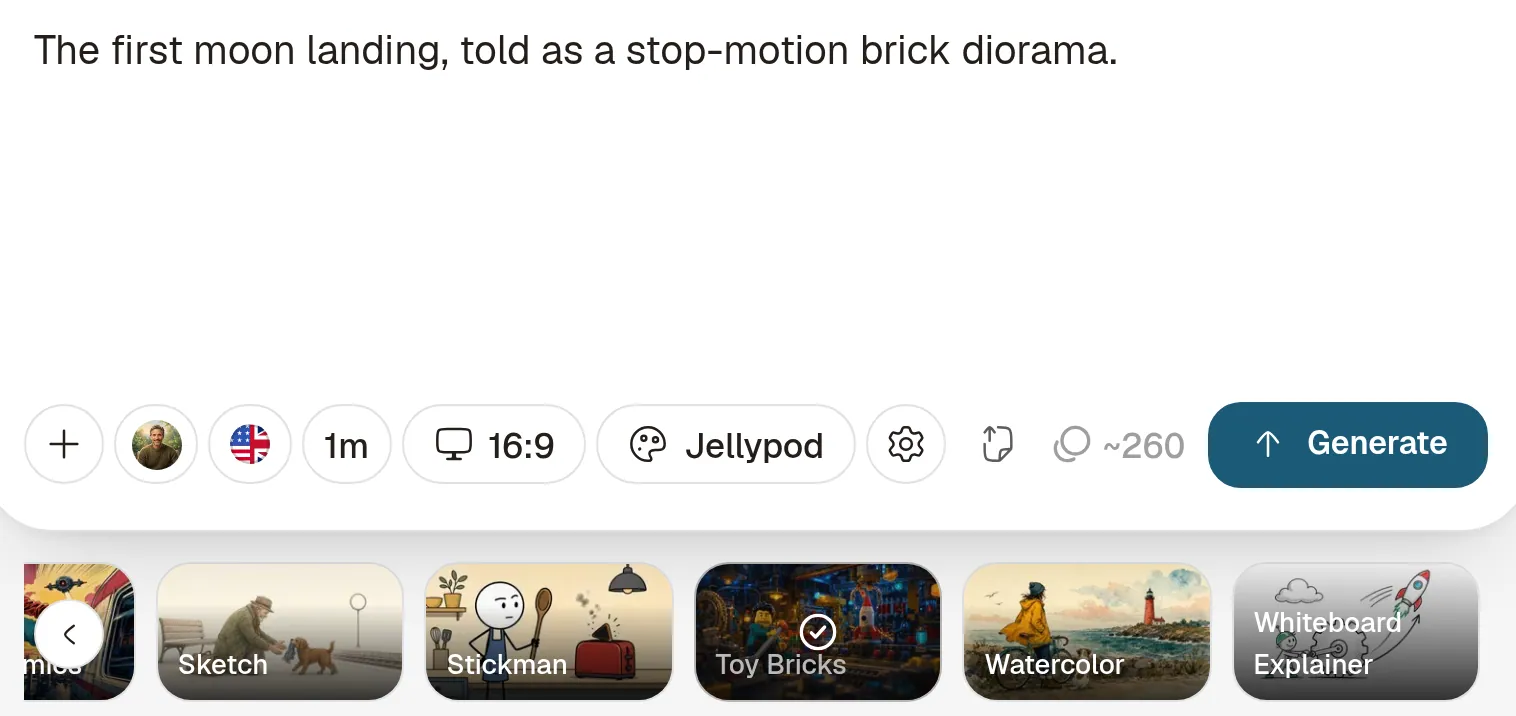







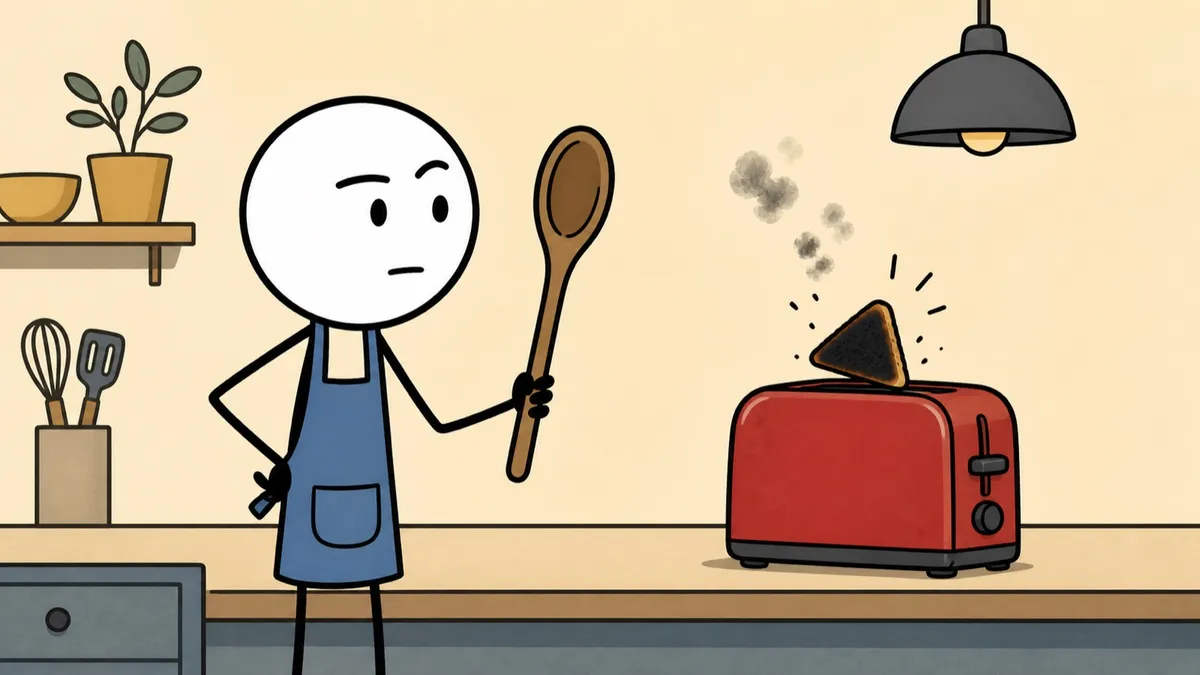
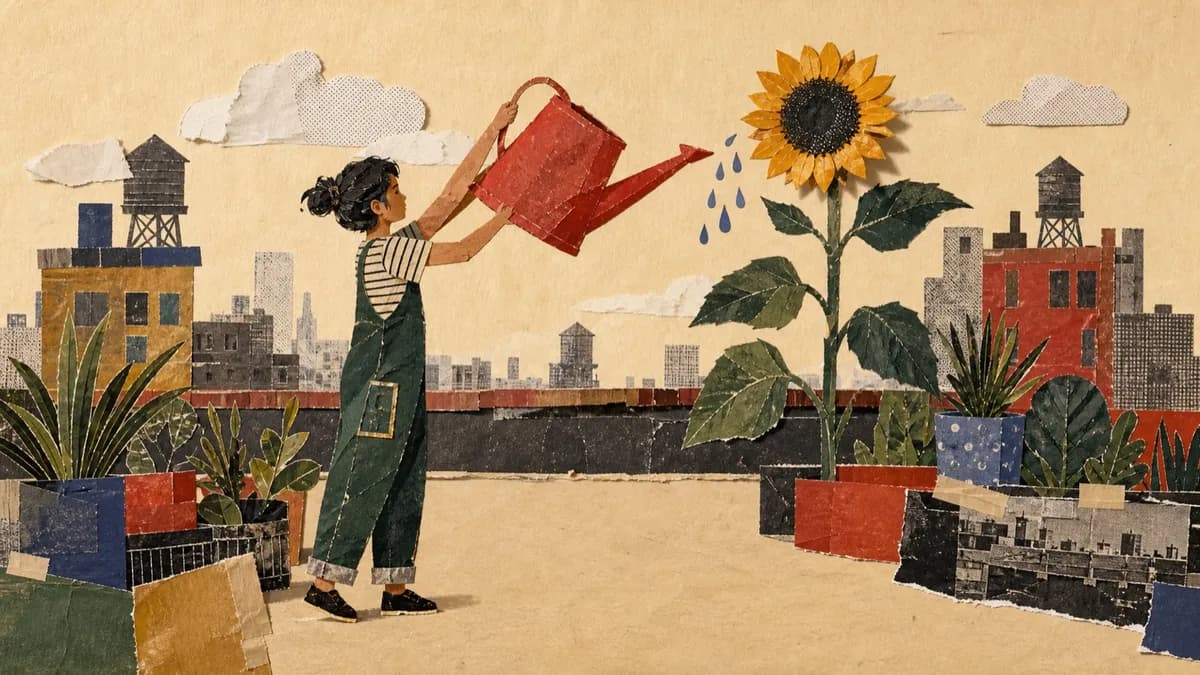
A brick scene makes the point physical
Each spoken line becomes a toy-brick scene, and Jellypod can animate shots to match the narration. Apply a brand kit and Toy Bricks uses its accent color.

The same brick story works as a short
A short runs 30 seconds or 1 minute and starts in portrait for TikTok, Reels, and YouTube Shorts, with word-synced captions and an instrumental score.
Stories from Busylike, Ohio State, and Kaishan USA
If you are already investing in content marketing, Jellypod is a must-have to integrate into your strategy.
 Vadi EfeFounderBusylike
It's not about replacing lectures. It's about reinforcing the arc of learning in the moments students actually have.
 Steve DeNunzioMBA ProfessorThe Ohio State University
The money is in producing fast, inexpensive content that can be transcribed and placed within blog posts to enhance findability and SEO.
 Lance BairdMarketingKaishan USA
Jellypod is the complete package to create a podcast for yourself or your company.
 Kegan RiversSVP of Marketing3 Rivers Energy Partners
Lessons, launches, and brick stories
Educators can turn a lesson into a narrated story the class can watch, scene by scene.
Marketers can explain a product or announce a launch as a toy-brick story, and make a short in the same look.
Creators can start from a script they already wrote and download a brickfilm with narration and captions.
FAQ
What is an AI stop motion video generator?
How do I make a stop-motion brick story?
What is a brickfilm?
Can I make full videos and short clips?
Can I edit the scenes after they generate?
Is there a free AI stop motion video generator?
Discover more explainer styles
Explore related
More from Jellypod

Toy Bricks Video Style
An eighth AI-generated video style: cinematic toy-brick dioramas with feature-film lighting and polished stop-motion energy.
Read more
What Is an Explainer Video? Types and Ideal Lengths
Pick the explainer type and running time that fit your job, with real length data from over 1,600 videos rendered in Jellypod.
Read more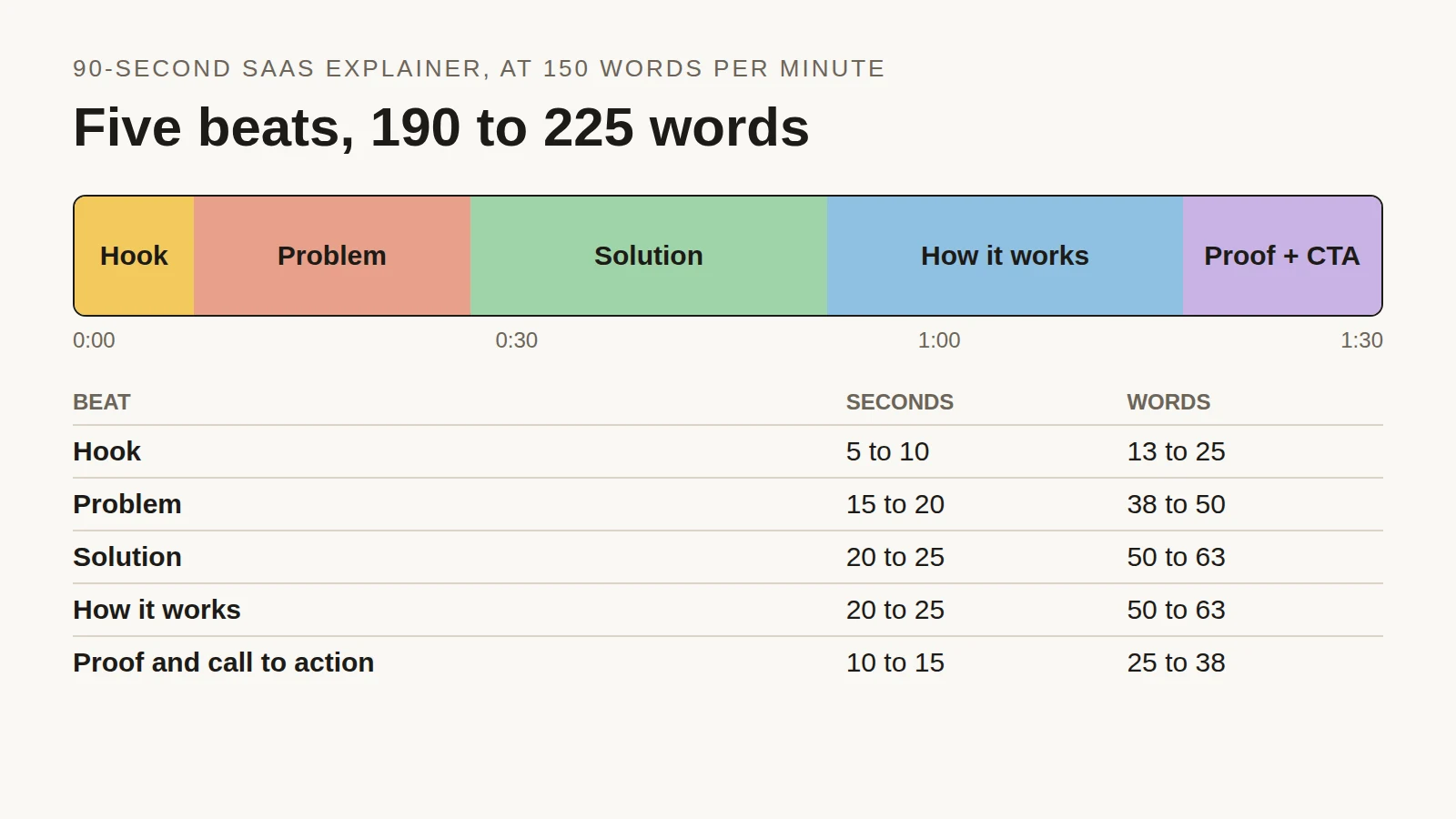
Explainer Video Script Template: Structure, Timing and a 90-Second Example
Time each beat of a 90-second SaaS explainer, see the script length people actually choose across 2,000+ Jellypod videos, and copy a finished example.
Read more
Stage the next story in toy bricks

Toy Bricks is one stop-motion look
Toy Bricks is one of 16 styles in Jellypod videos and shorts. The same studio makes AI podcasts and voiceovers with the same characters.