Tier list video maker with a researched ranking
Jellypod writes and voices a researched ranking in one pass, and the board fills in as each verdict is spoken.
4.6out of 5 on G2












A ranking that builds on screen
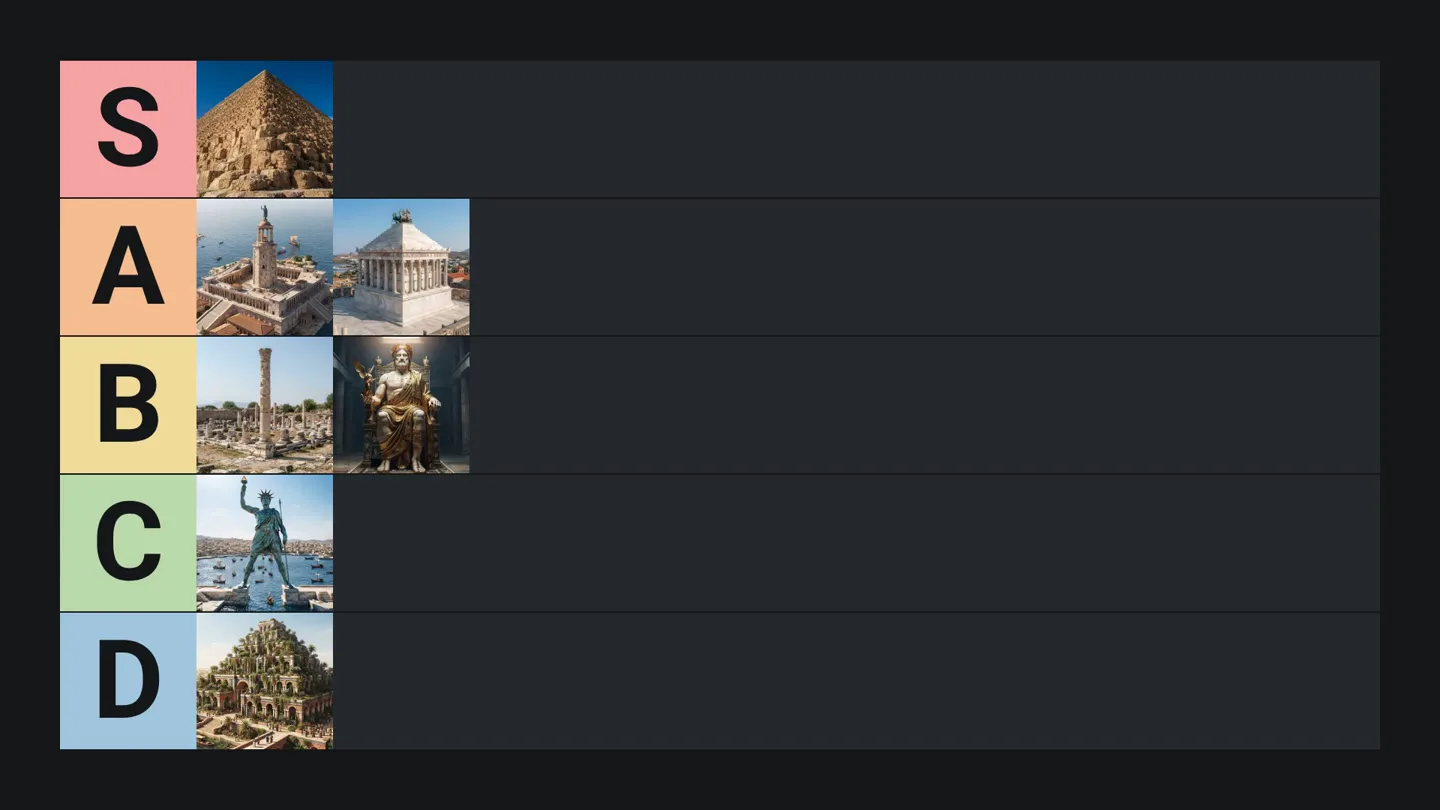
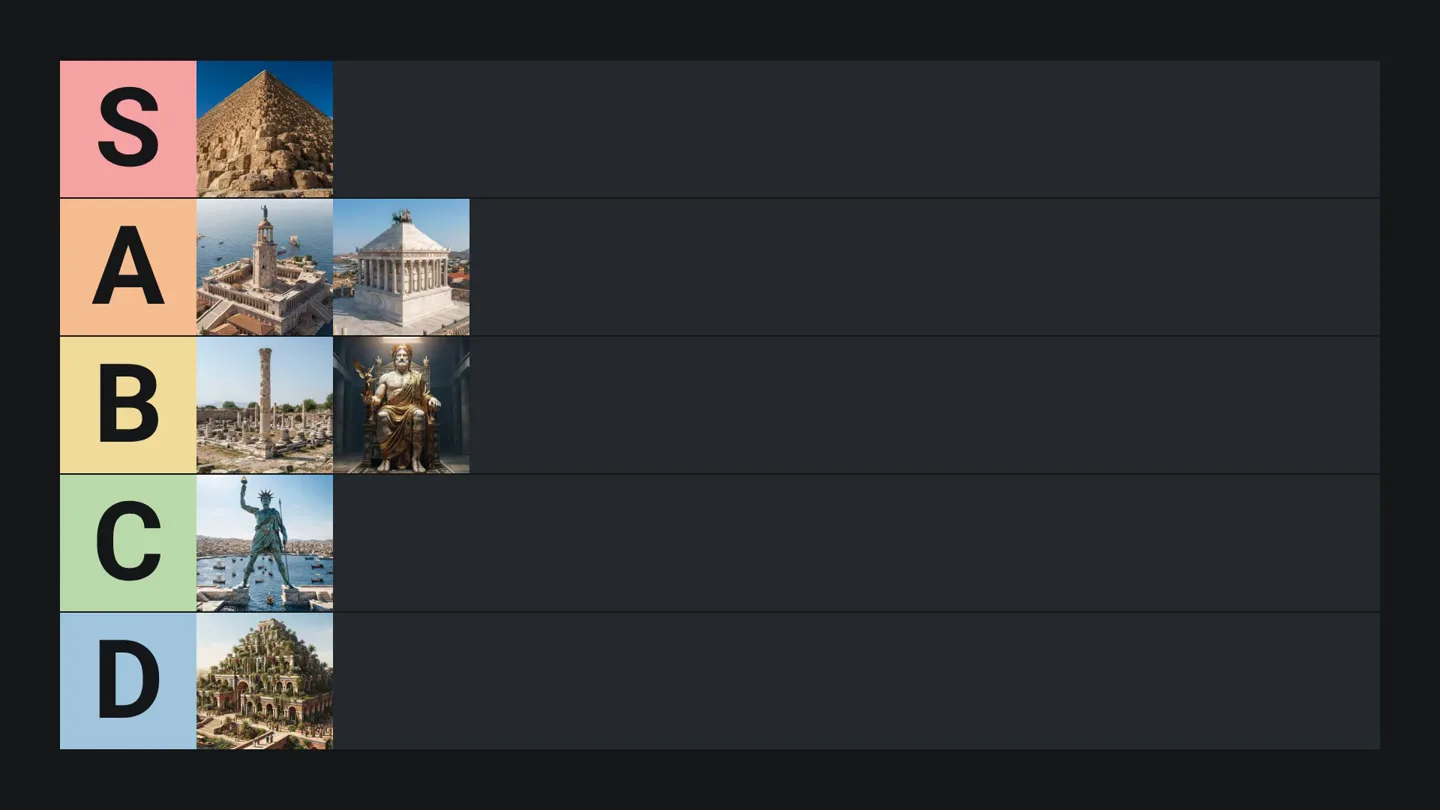
You get a researched ranking and pictures for every pick on an S, A, B, C, and D board.
How to make a tier list video
Step 01
Start from a topic
Type what to rank and what to judge, or add a file or a link. Jellypod writes and voices the video.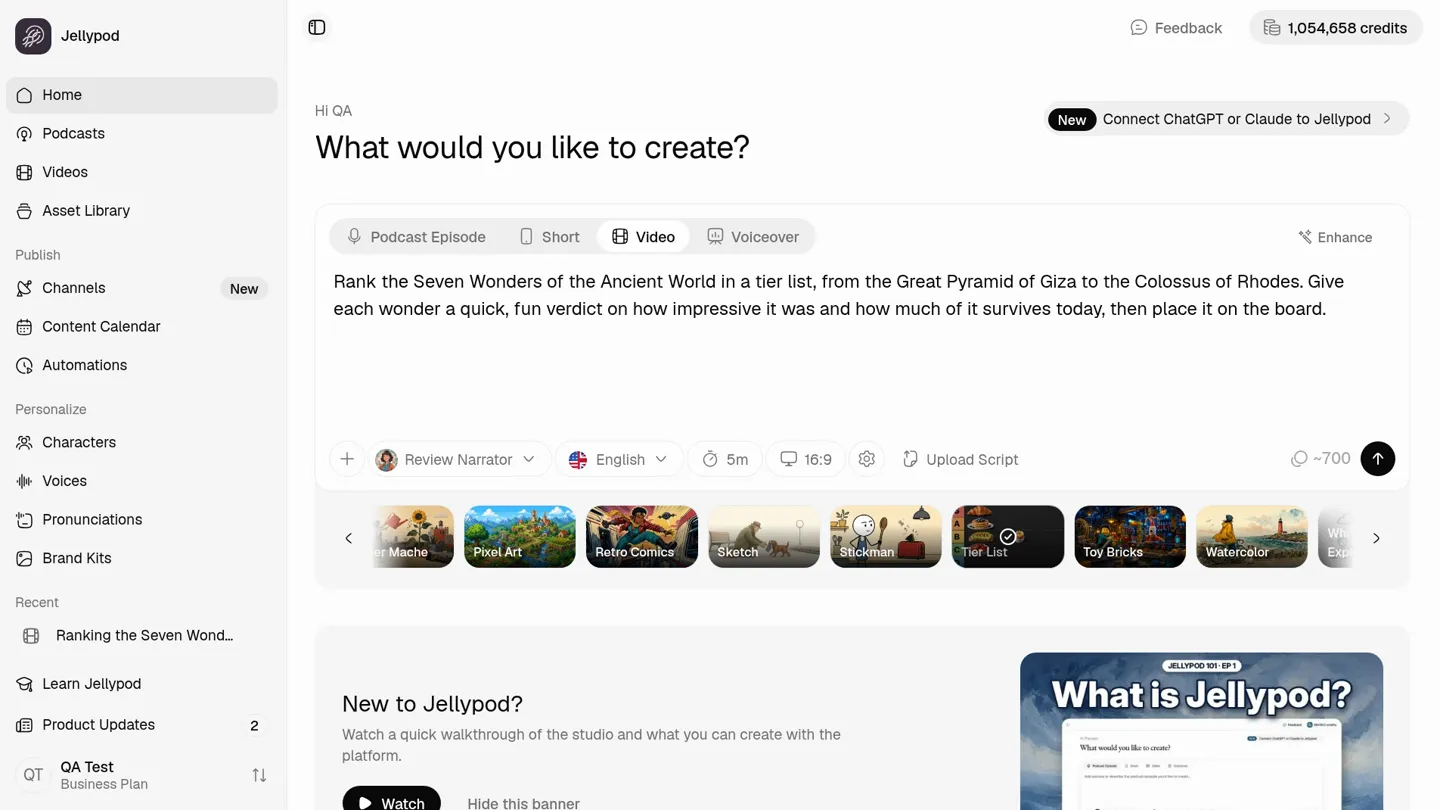
Step 02
Pick Tier List and a voice
Step 03
Edit and download
Edit any line and re-voice it free within a daily limit, or replace a picture, then download the MP4. Downloading needs the 7-day free trial or a paid plan.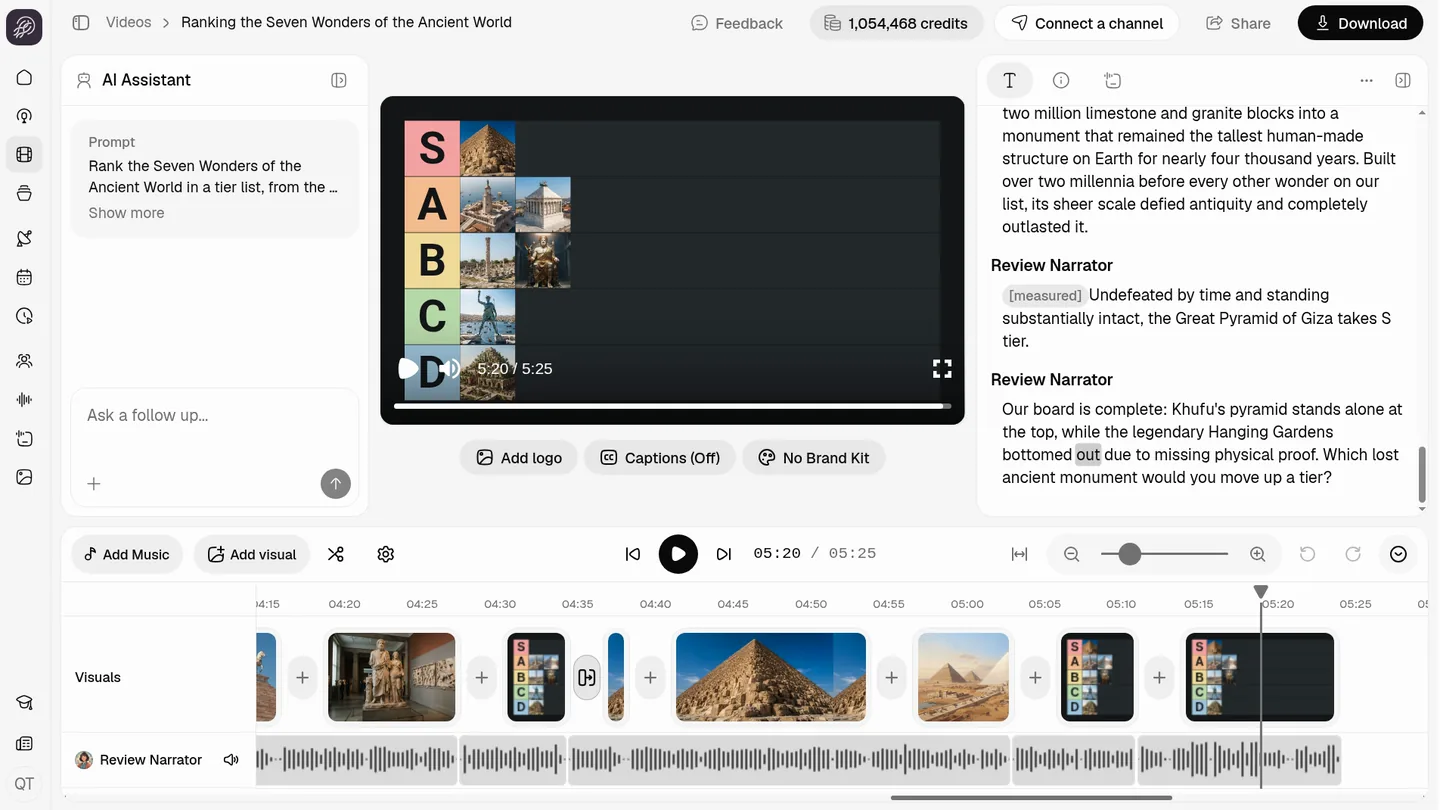
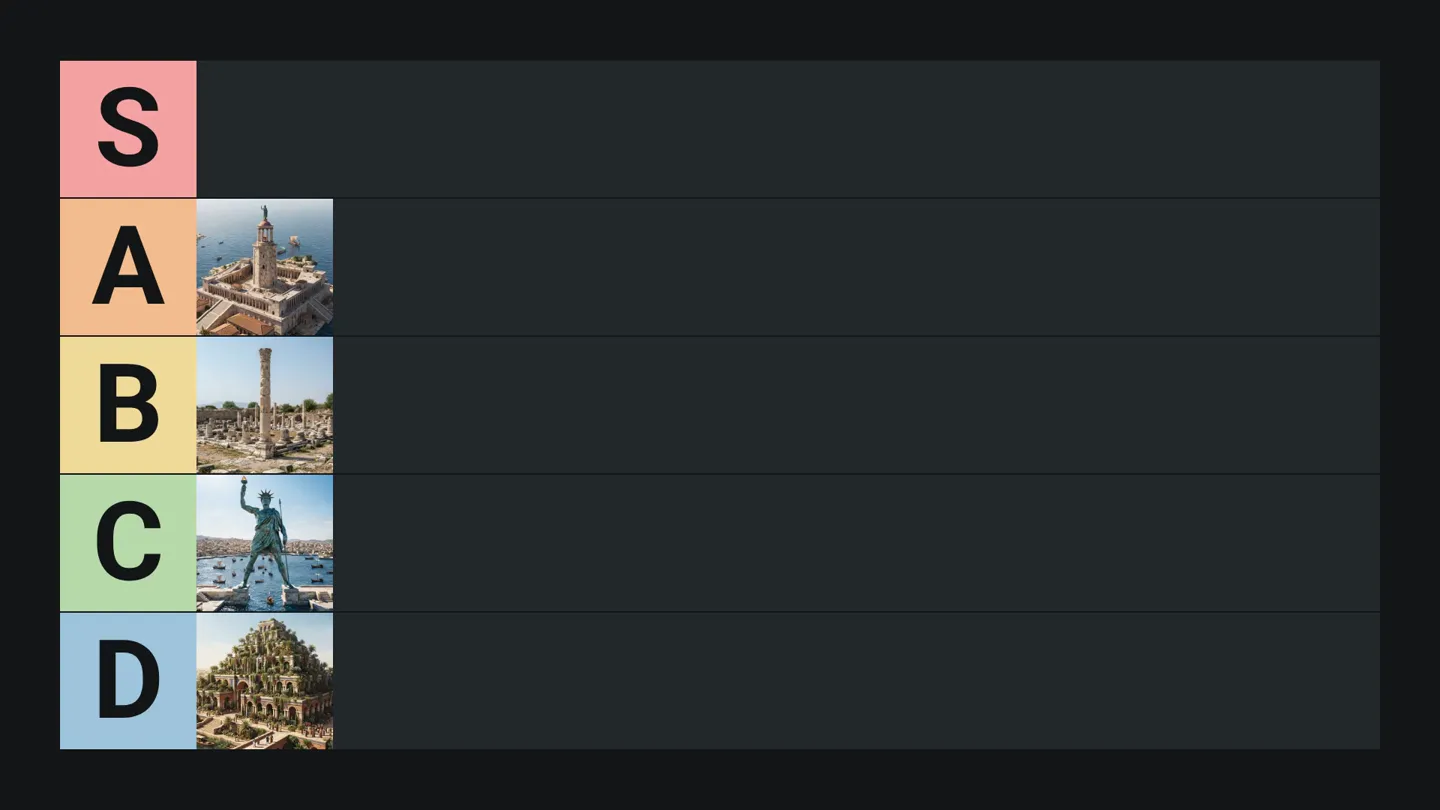
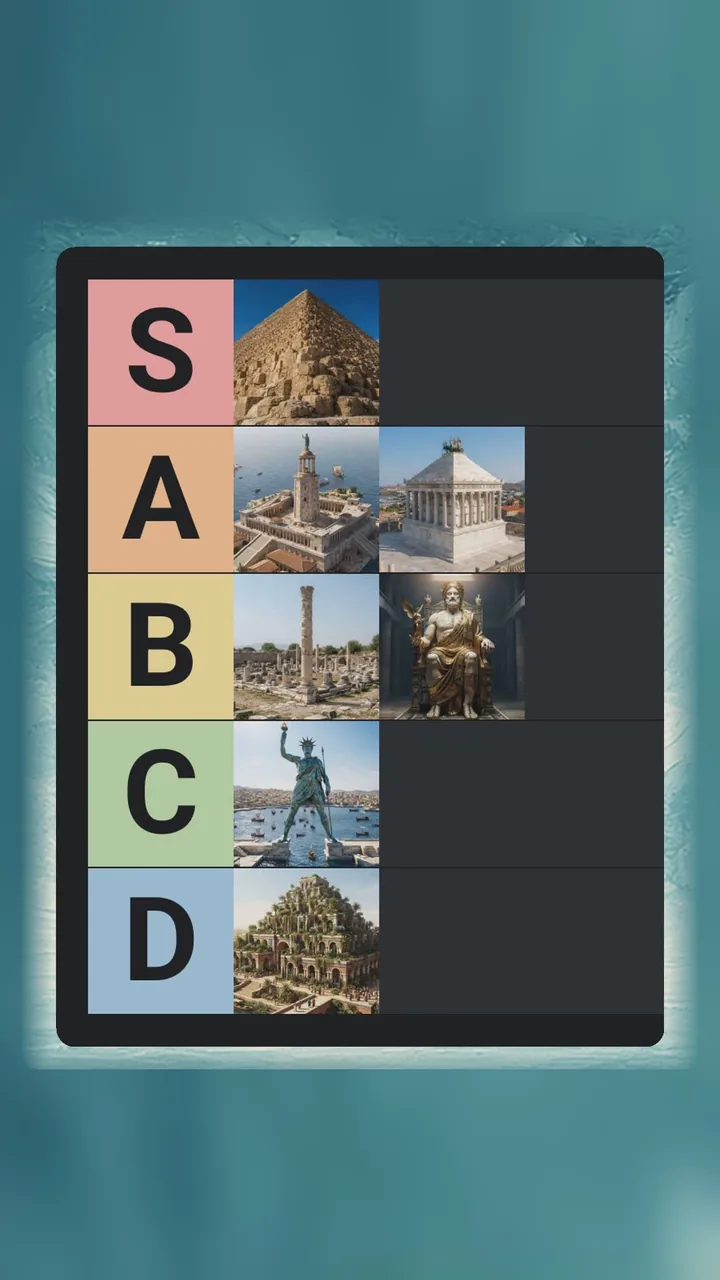
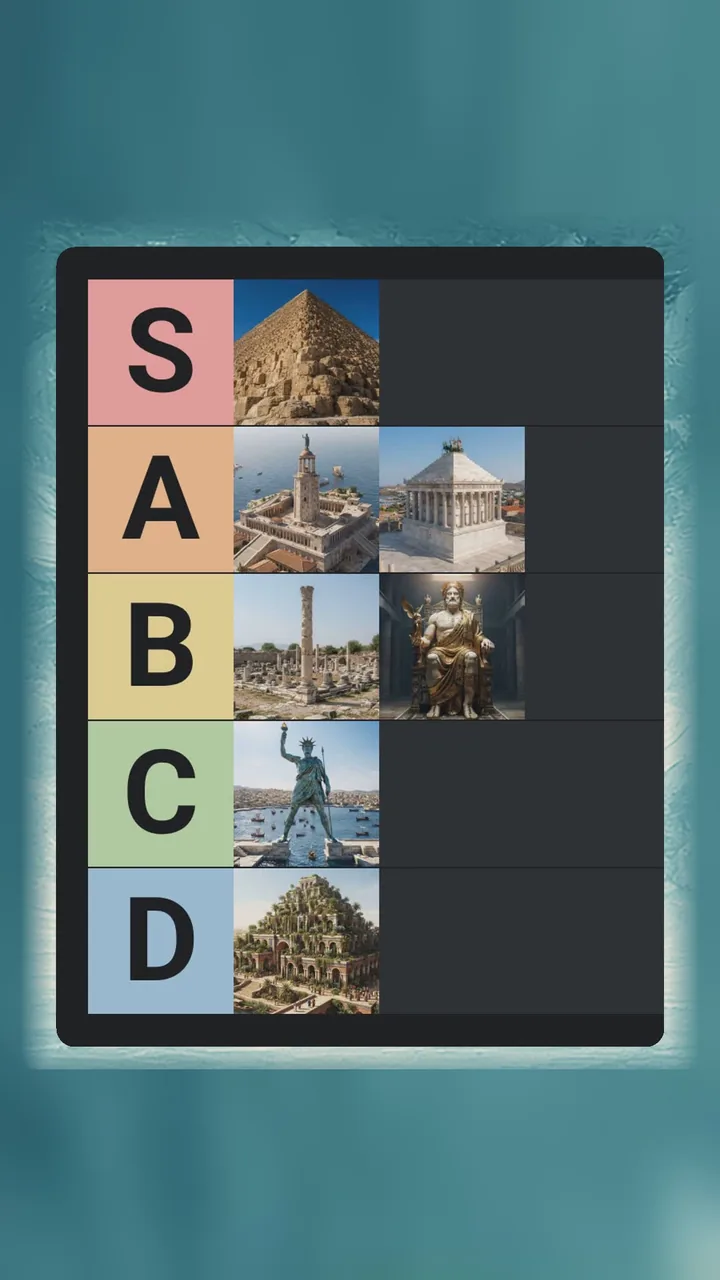
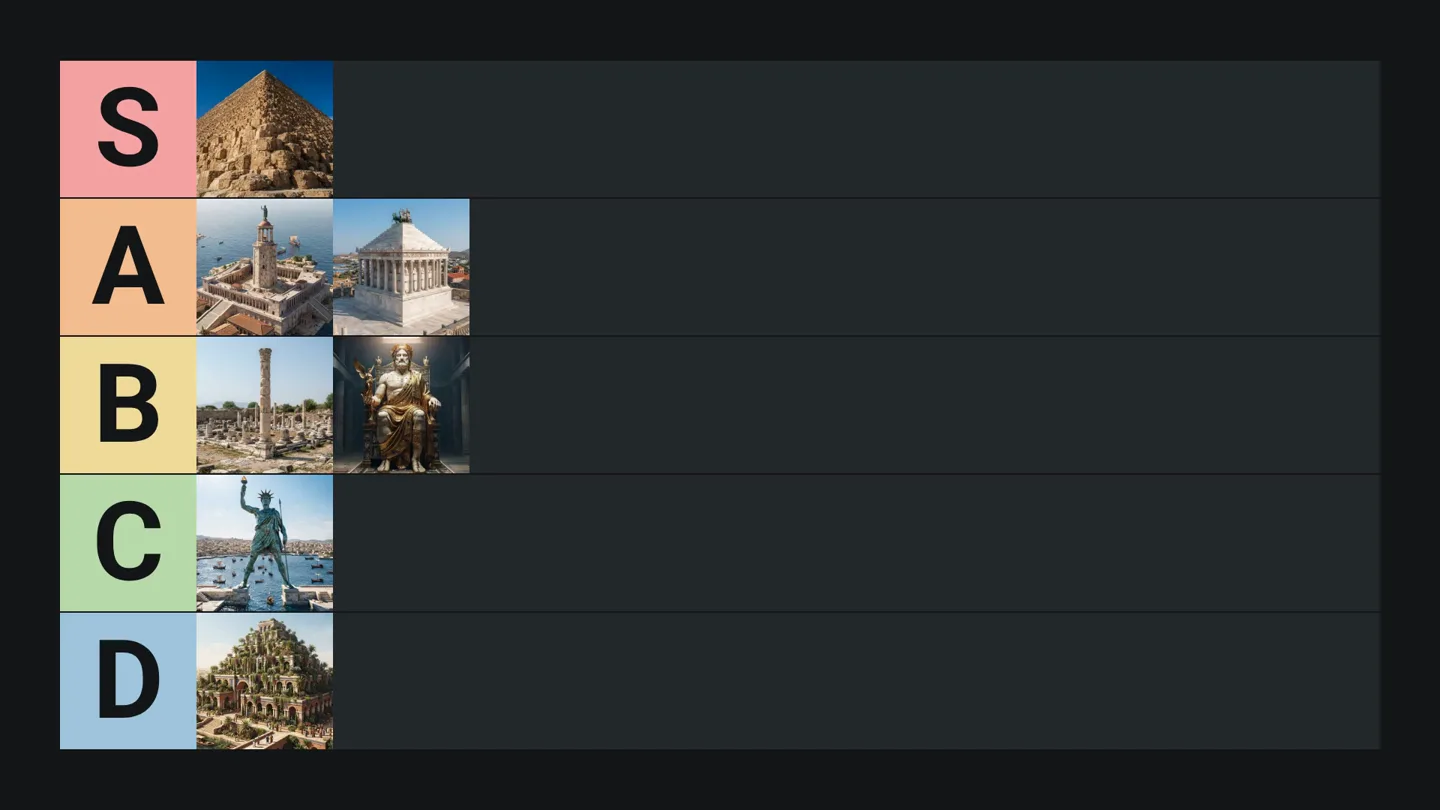
AI tier list maker: from a prompt to a researched ranking
Describe what to rank and what matters. Jellypod chooses the items, the tiers, and the order, then speaks a verdict that adds each one to the board.
Real photos where available for every pick, and the board fills in as each verdict is spoken.
FAQ
What is a tier list video maker?
What does the board show?
Can I make one for YouTube Shorts or TikTok?
Can I edit the narration and the pictures?
Can the Free plan download the video?
Discover more video styles
More from Jellypod

10 Faceless YouTube Channel Ideas With Samples
Ten faceless YouTube channel ideas, from skill tutorials to stories, essays and comics. Each pairs a niche with a Jellypod style and a sample.
Read more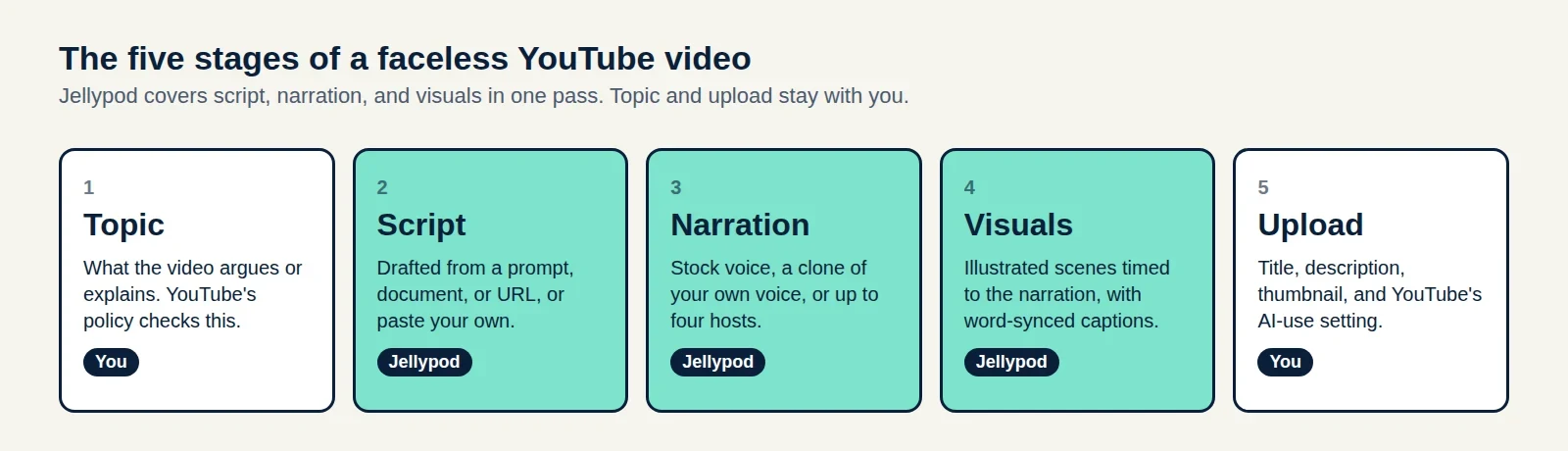
How to Make a Faceless YouTube Channel and Get Paid
A five-stage production plan, the watch-hour math for 2027, and a three-case test for whether your AI voice needs a YouTube label.
Read more
Explainer Video Script Template: Structure, Timing and a 90-Second Example
Time each beat of a 90-second SaaS explainer, see the script length people actually choose across 2,000+ Jellypod videos, and copy a finished example.
Read more
Generate a tier list video from a topic
One studio for the ranking and the narration
Tier List is one of 20 styles in Jellypod videos and shorts. The same studio makes AI podcasts and voiceovers with the same characters.