Code animation
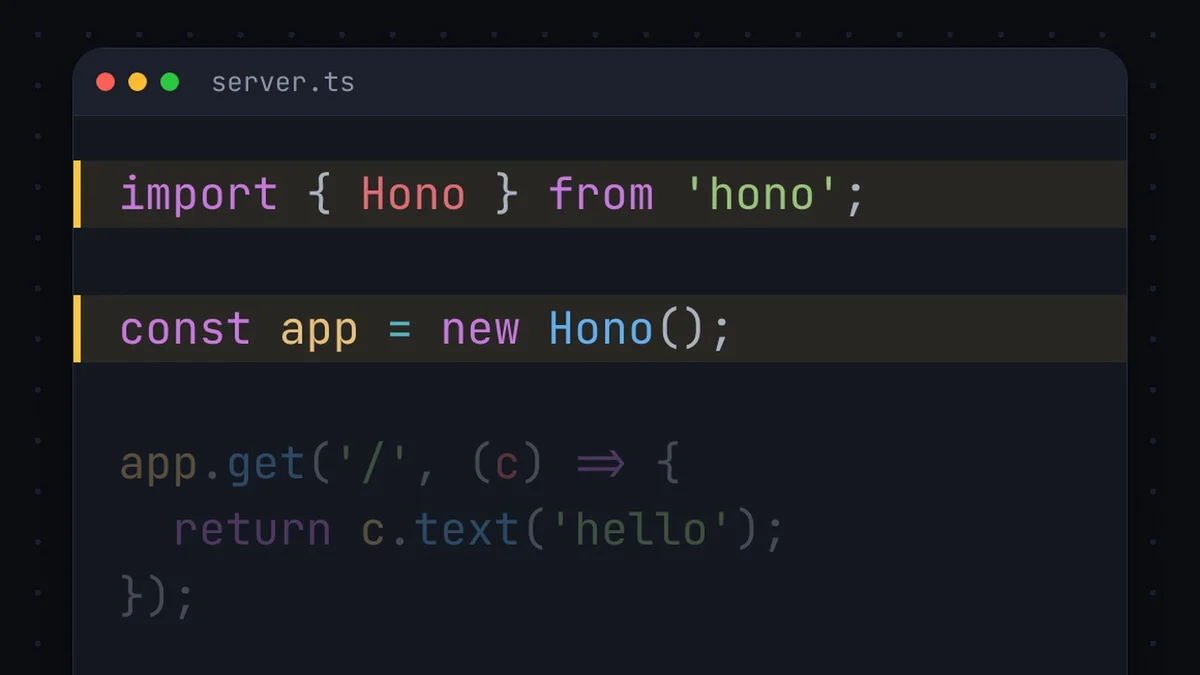
Code That Types Itself on Screen
Jellypod turns a coding topic into a fast narrated video, with code that types itself.
4.7out of 5 on G2











- Real Logos and Terminals
- Videos and Shorts
- Up to 25 Minutes
- 121 Languages
Take another look


What Jellypod does for you
Characters stay the same
A character who comes back keeps the same face and clothes in every scene.
The style is already set up
Colors, motion, and captions come ready, so you only bring the topic.
Checked before you see it
Jellypod watches the finished video and redoes any shot that breaks the style.
A new video every week
Set a schedule, and Jellypod makes the next video in the same style and voice.
What to make for developers
A tool in 100 seconds
Show the logo, type the code, and run it in a terminal.Tool comparisons
Compare two tools, with a funny reaction image for each point.Short tutorials
The code grows step by step while the narrator explains each line.
How to make a code animation
Step 01
Start from the topic
Name the tool you want to explain.Step 02
Pick the Code Rush style
Choose Code Rush and a narrator. Every named tool shows its real logo.Step 03
Fix any scene, then download
Redo a shot with a note, then download the MP4.
Frequently asked questions
What is a code animation?
A fast narrated video about a coding topic. Every one to three seconds something new appears, like code typing itself, a terminal, a diagram, or a photo.
Can I make a Fireship-style video?
Yes. The Code Rush style cuts fast, shows each tool’s real logo as it is named, and turns jokes into images.
How does the code appear?
The code types itself on screen and updates step by step as the narrator explains it.
Does it use real footage or AI images?
Real photos, footage, and logos come first, mostly from Wikimedia Commons, with credits kept. Jellypod generates an image only when nothing real fits. Choose Real media only to turn that off.
Why not make it with ChatGPT or Claude myself?
You would need a script, voices, matching images, captions, and a render. Jellypod makes all five from one prompt and checks the result against the style.
How long can a code animation be?
Presets run 3, 5, 7, 10, 15, 20, or 25 minutes, up to 15 minutes on Starter and Educator, 20 on Creator, and 25 on Business and Enterprise. A short runs 30 seconds or 1 minute.
Is there a free code animation?
Yes. Every new account starts on the Free plan with 500 credits. No credit card required. Paid plans include a 7-day free trial with 2,500 credits, and you can cancel anytime.