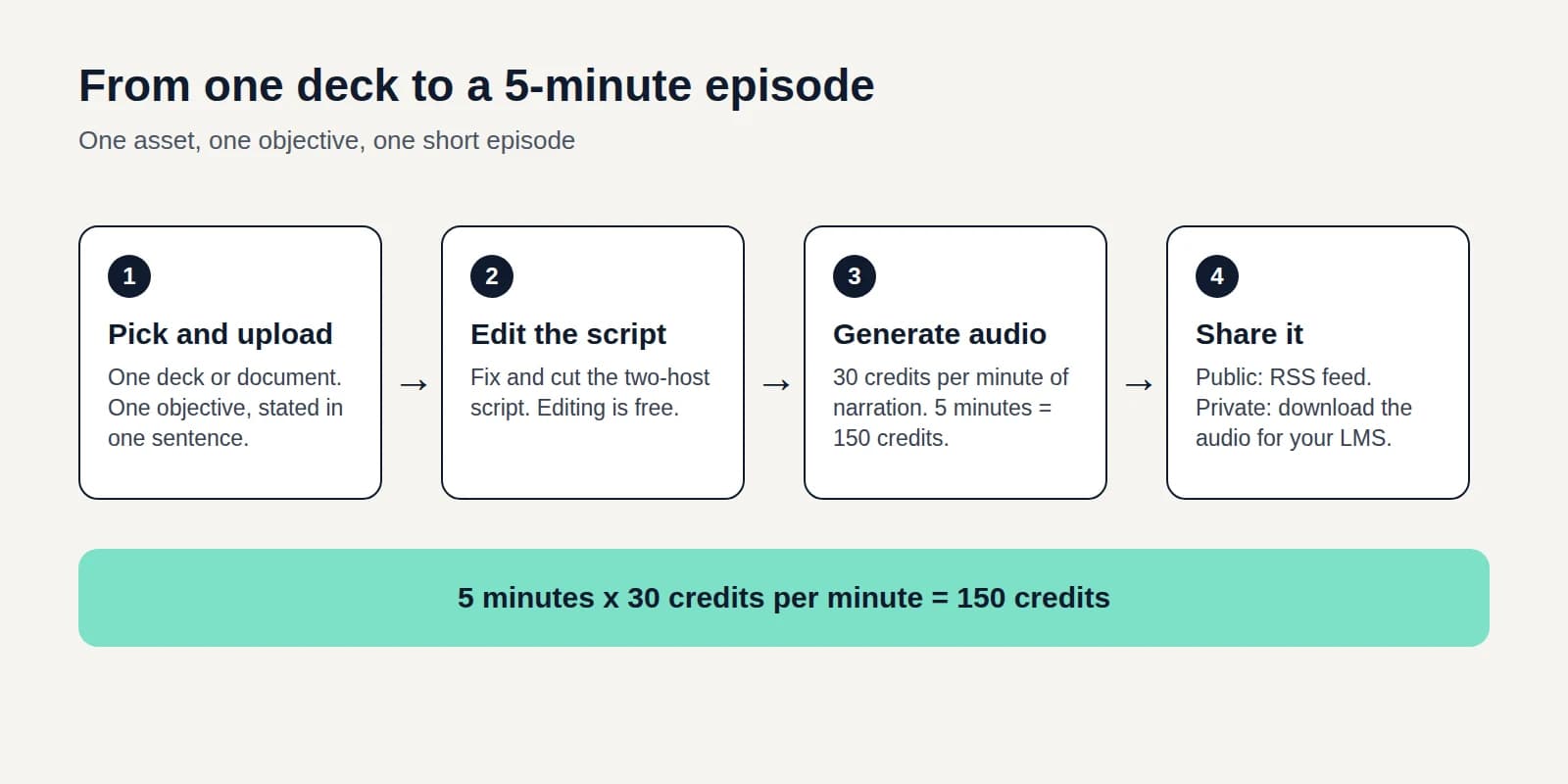
PPT to podcast turns a finished deck into an episode people can play and subscribe to.
What is a PPT to podcast?
A PPT to podcast turns the words on your slides into a two-host episode you can edit and publish to an RSS feed.
Why turn a deck into a podcast?
Listeners can hear the talk behind a deck without sitting through the slides. A feed you own keeps the episode available after the meeting.
How do you turn a PowerPoint into a podcast?
Export the deck to PDF from PowerPoint, Keynote, Google Slides, or OpenDocument, then upload it with PDF to podcast.
A PDF export keeps the slide text and drops the speaker notes. When those notes should drive the narration, upload the PowerPoint with PowerPoint to video.