Turn audio into a video for YouTube
Put a podcast, lecture, or interview on YouTube. A host re-voices it over drawn scenes.
Want a longer video? AI Video Generator
4.7out of 5 on G2












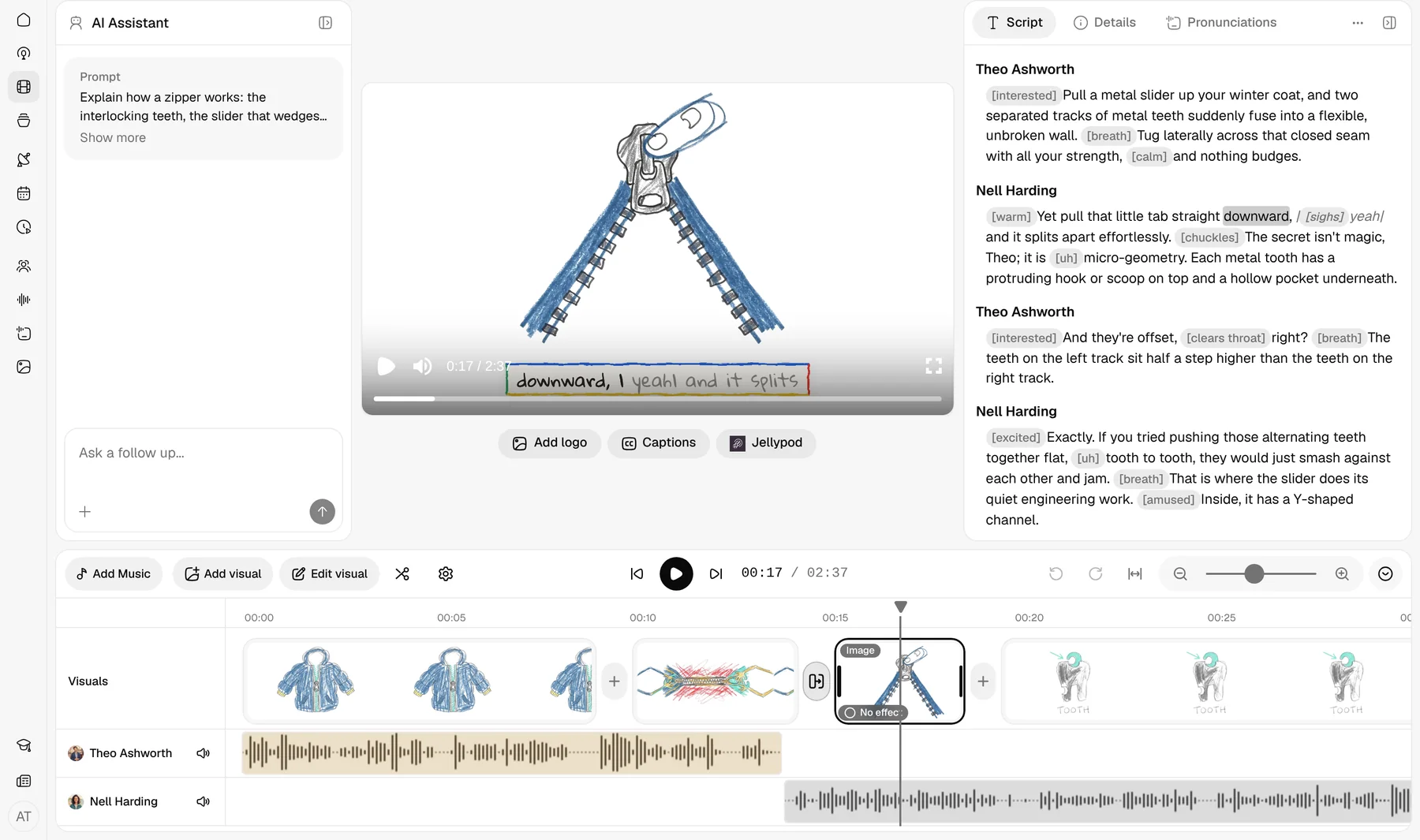
A picture for your audio
Jellypod transcribes the upload and a host re-voices it. The original recording is not kept.
Last updated October 25, 2026
Jellypod vs Podeo, Headliner, VEED, and others
| Tool | What you get |
|---|---|
| Jellypod | Transcribes the upload, a host re-voices it over drawn scenes, and you download an MP4. The original recording is not kept. |
| Podeo | Turns spoken-word podcast audio into a YouTube video with scenes, captions, and chapters. |
| Headliner | Makes full-length audiograms and podcast clips, with waveforms and captions. |
| VEED | The audio-to-video converter wraps the file in a video and starts with no picture. Animate from audio is for music. |
| Descript | Transcribes a recording and lets you edit the video by editing the transcript. |
| HeyGen | Syncs the uploaded speech to an AI avatar, with subtitles. |
How to turn a podcast or MP3 into a video
Step 01
Upload the recording
An MP3, M4A, or WAV of a podcast, training narration, or interview.Step 02
Choose a style
Jellypod transcribes it, a host re-voices it, and scenes are drawn for each point.Step 03
Post it to YouTube
Render in 1080p with captions, then post it.
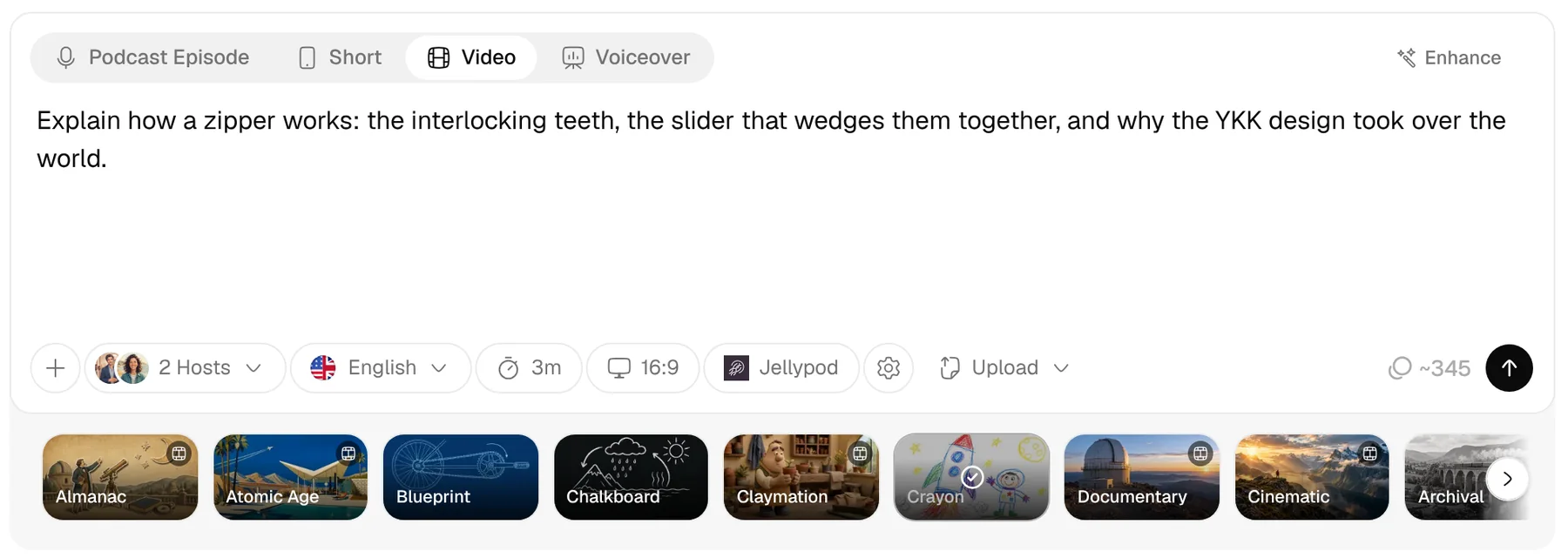
Pick from 21 visual styles
From Claymation to Whiteboard Explainer, the whole video keeps one look.
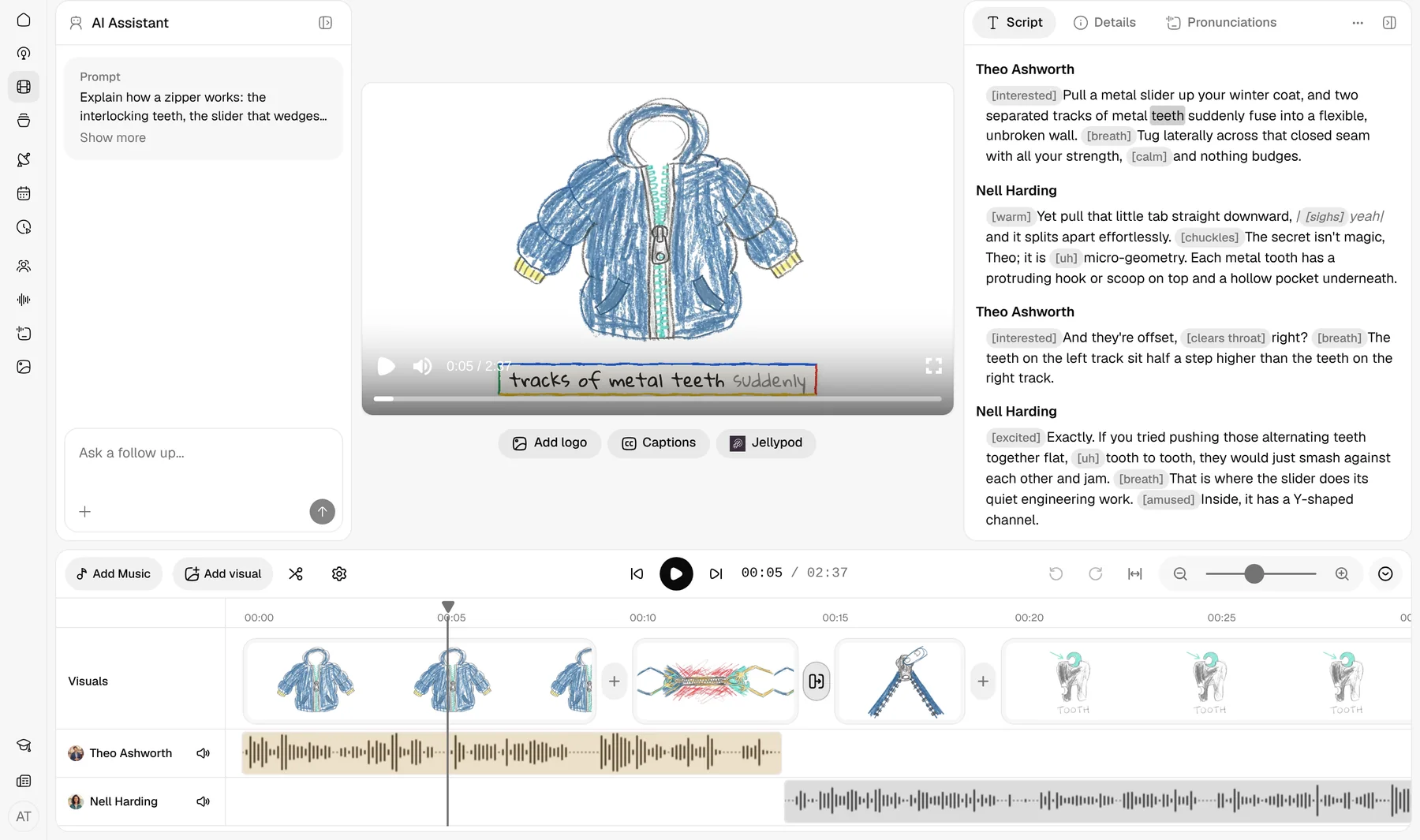
A scene for every point
Jellypod draws a scene for each point in the narration.
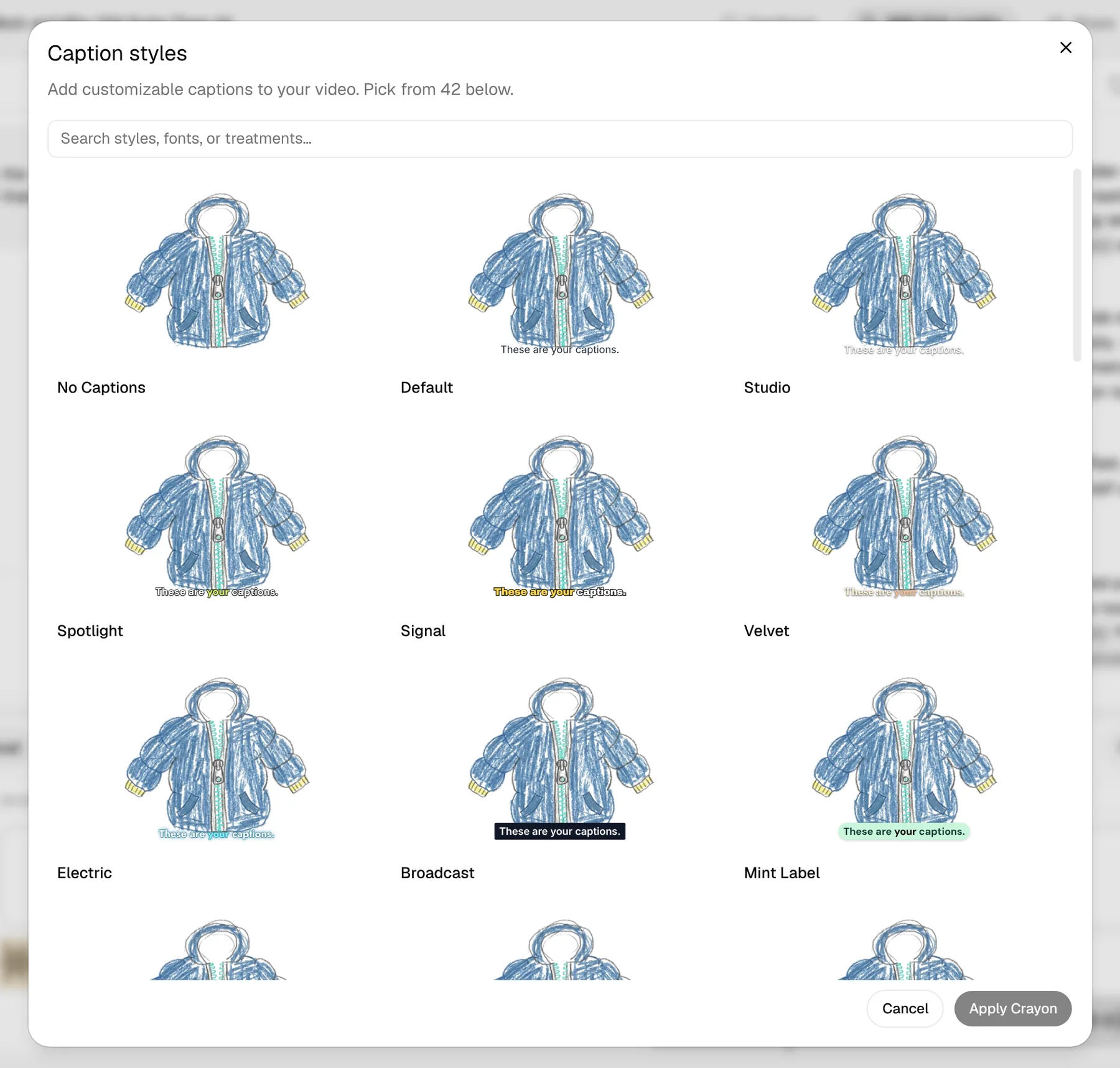
Captions that land word by word
Captions follow the narration word by word.
More features
Fix one scene in place
Regenerate one scene without re-rendering the video.
Who uses Audio to Video AI
Podcasters moving to YouTube
An episode, as a YouTube video a host narrates.Educators & recorded lectures
A recorded lecture, re-voiced over drawn scenes.Faceless YouTube channels
A recording, a host, and a style you pick.
FAQ
Can I convert an MP3 to an MP4?
Yes. Upload the MP3. Jellypod transcribes it, a host re-voices it over drawn scenes, and you download the MP4.
What is the difference between this and an audiogram?
An audiogram plays an episode's own audio over its cover and a waveform, and it's made from an episode already in Jellypod. This tool transcribes your upload, and a host narrates what it covers over drawn scenes.
Can I turn a podcast episode into a video?
Yes, for an episode made in Jellypod. The steps are on podcast to video. An upload on this page is re-voiced by a host.
What visual styles are available?
There are 21, including Claymation, Watercolor, and Whiteboard Explainer. You pick one, and the video keeps that look.
How long can the video be?
Presets run 3, 5, 7, 10, 15, 20, or 25 minutes, up to the plan cap: 15 minutes on Starter and Educator, 20 on Creator, and 25 on Business and Enterprise.
Can I turn a podcast into a YouTube video?
Download the MP4 and upload it. The RSS feed sends YouTube the audio and cover art only.
How do I make a YouTube video from audio with illustrated scenes?
Upload an MP3, M4A, or WAV. Jellypod transcribes it and a host voices new narration over drawn scenes.
Can I change a line after it's narrated?
After the narration is voiced, edit any line and re-voice it, or regenerate one scene.
Related
- Podcast to Video
- URL to Video AI
- Script to Video AI
- Podcast Cover Art Generator
- AI Podcast Generator
- Notes to Podcast
- Blog to Podcast
- PDF to Podcast
- Whiteboard Animation Maker
- PowerPoint to Video
- PDF to Video
- AI Dialogue Generator
- AI Video Generator
- AI Shorts Generator
- Microdramas
- AI Voiceovers
- AI Voice Library
- Voice Cloning
- Built-in Hosting
- Free for Educators
- How to Make a Faceless YouTube Channel and Get Paid
- Conversation Video Template
- Choose a Caption Style
Finish the full video in Jellypod
Sign up
Start free with 500 credits. No credit card required. Paid plans include a 7-day free trial.
Ready to post in 1080p
Download the 1080p MP4.